

Portable Hole
Modby Fuzs
Where did the walls go?
Type
Mod
CurseForge Downloads
1,785,638
CurseForge ID
682568
Modrinth Downloads
282,129
Modrinth ID
jckrUoUe
Last Updated
Jul 27, 2026
Description




📖 About:
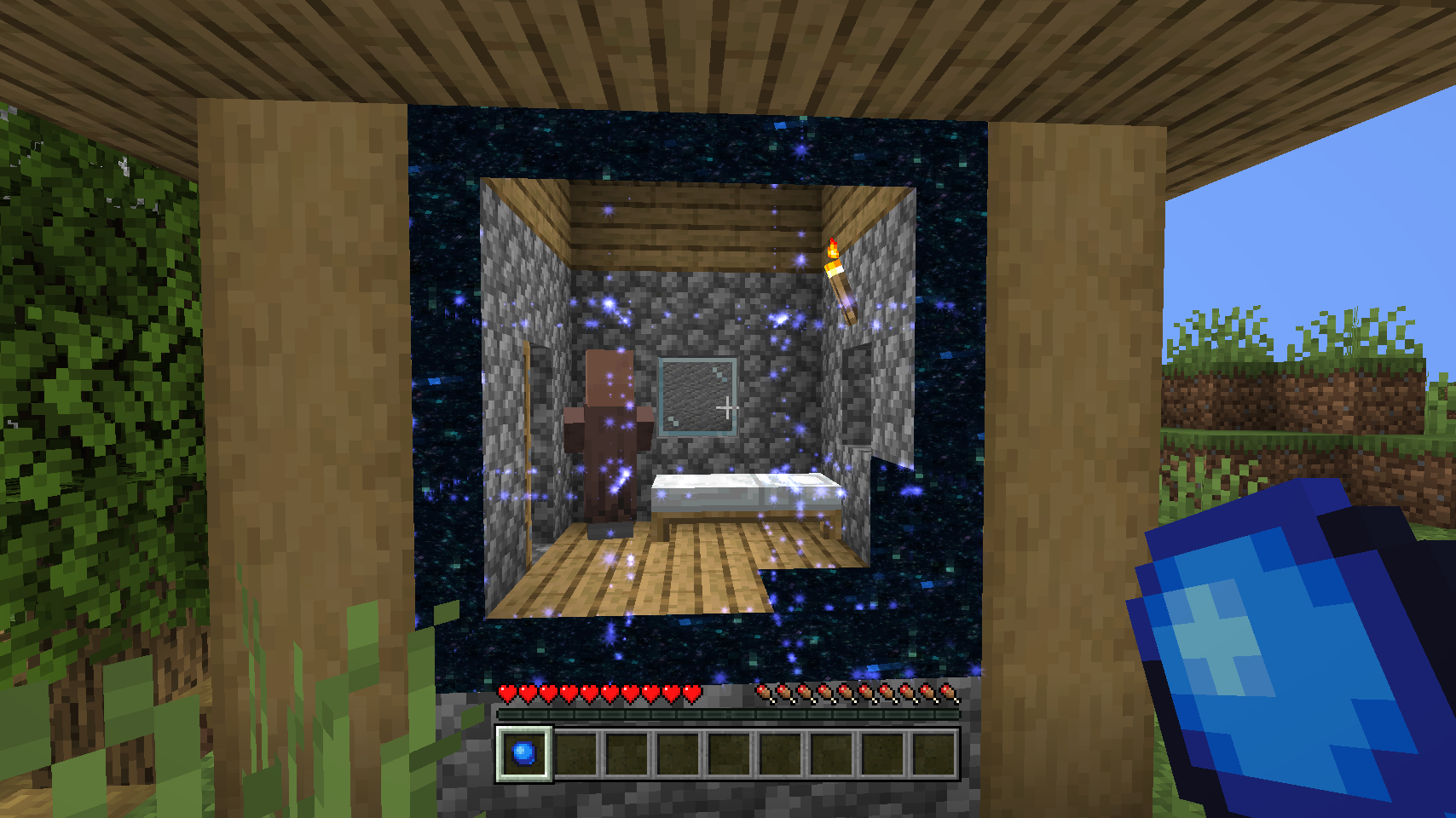
Portable Hole adds one single item you can only find in strongholds: An arcane tool that temporarely makes blocks vanish in a 3x3 tunnel. Only a few seconds later those blocks will reappear just as they were. So don't be distracted by the fancy looks and be quick when going through the hole.
📷 Media:
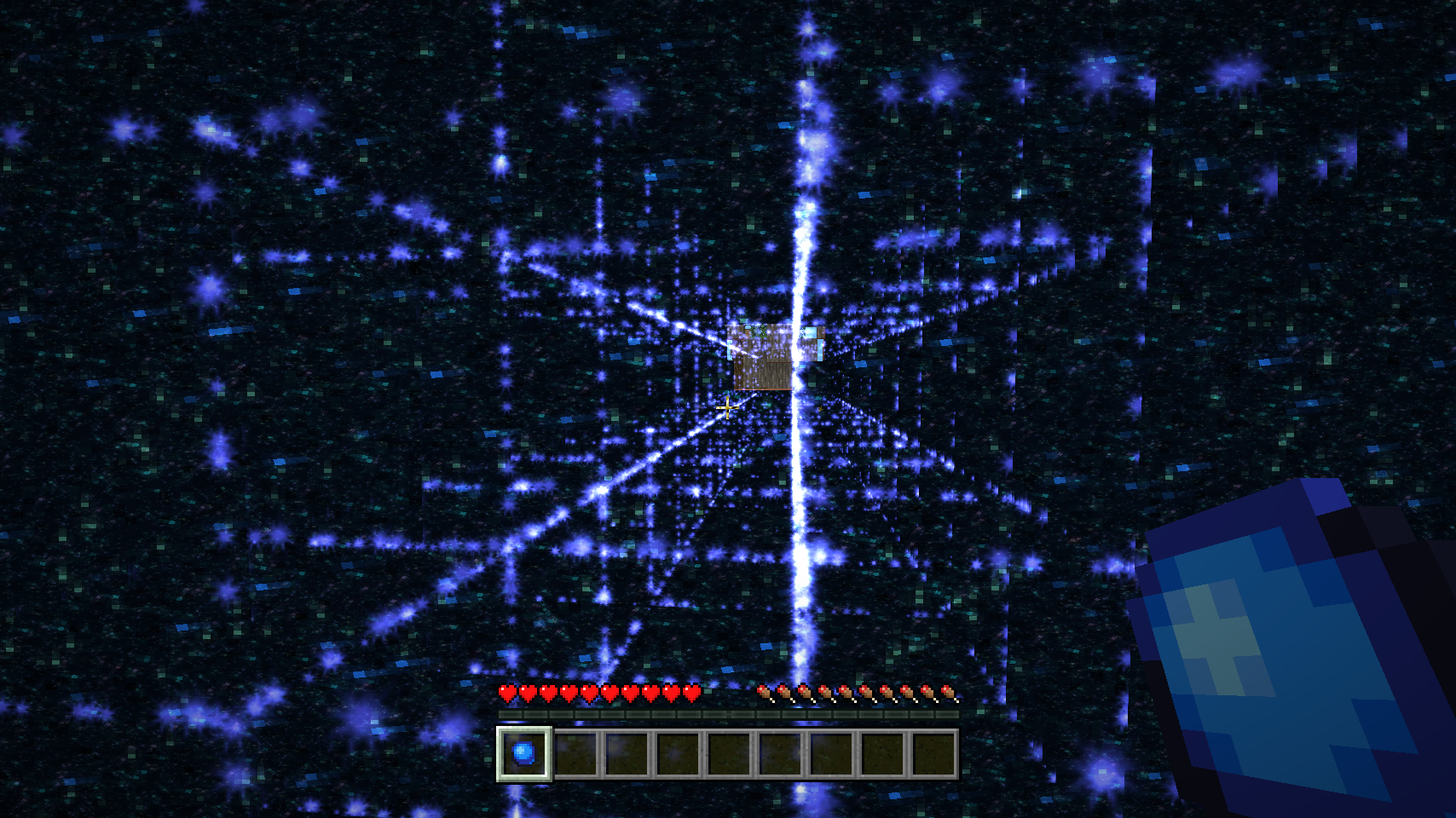
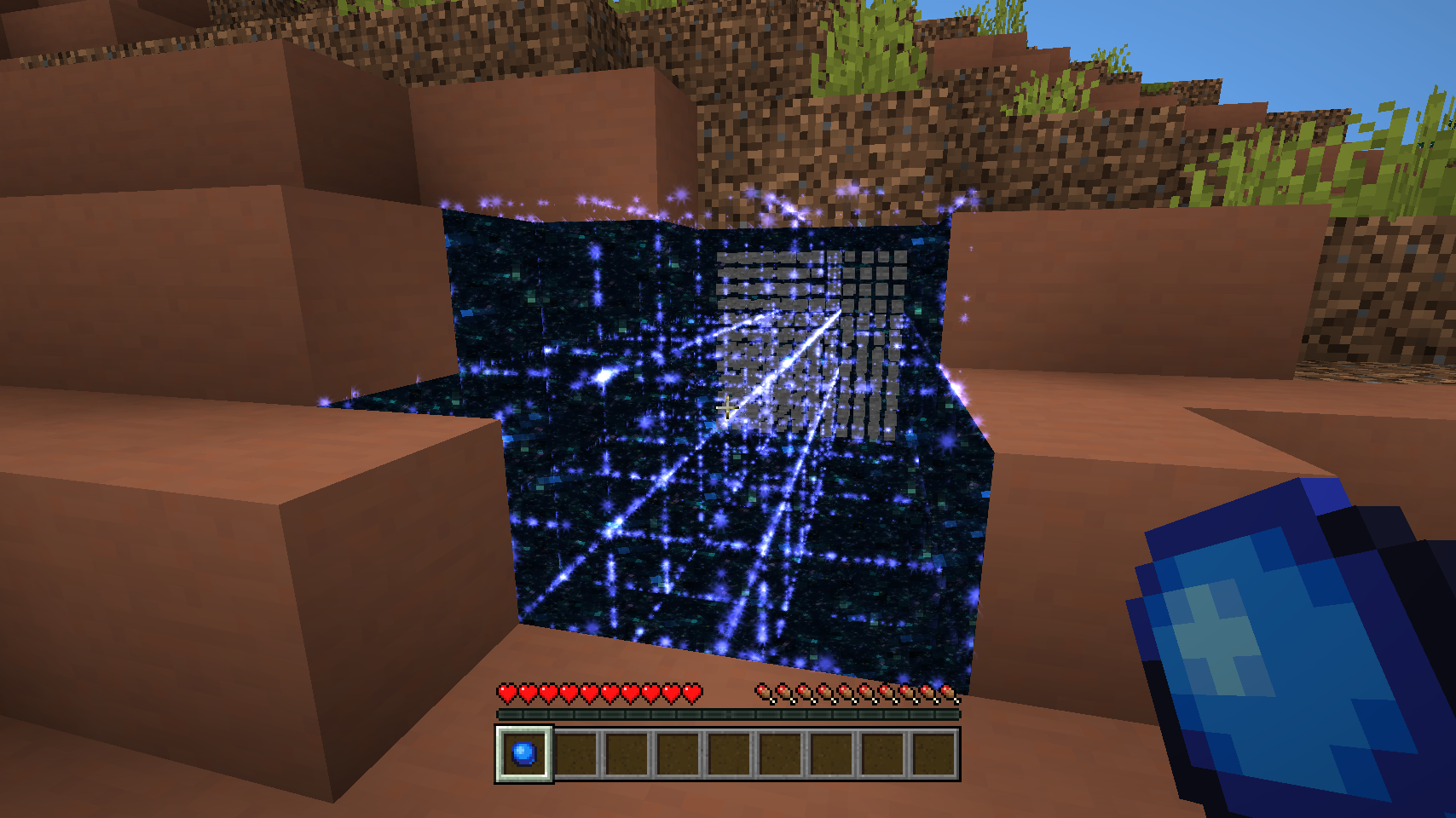 A temporary hole providing a quick exit
Be quick, temporary holes only stay open for a few seconds
A temporary hole providing a quick exit
Be quick, temporary holes only stay open for a few seconds
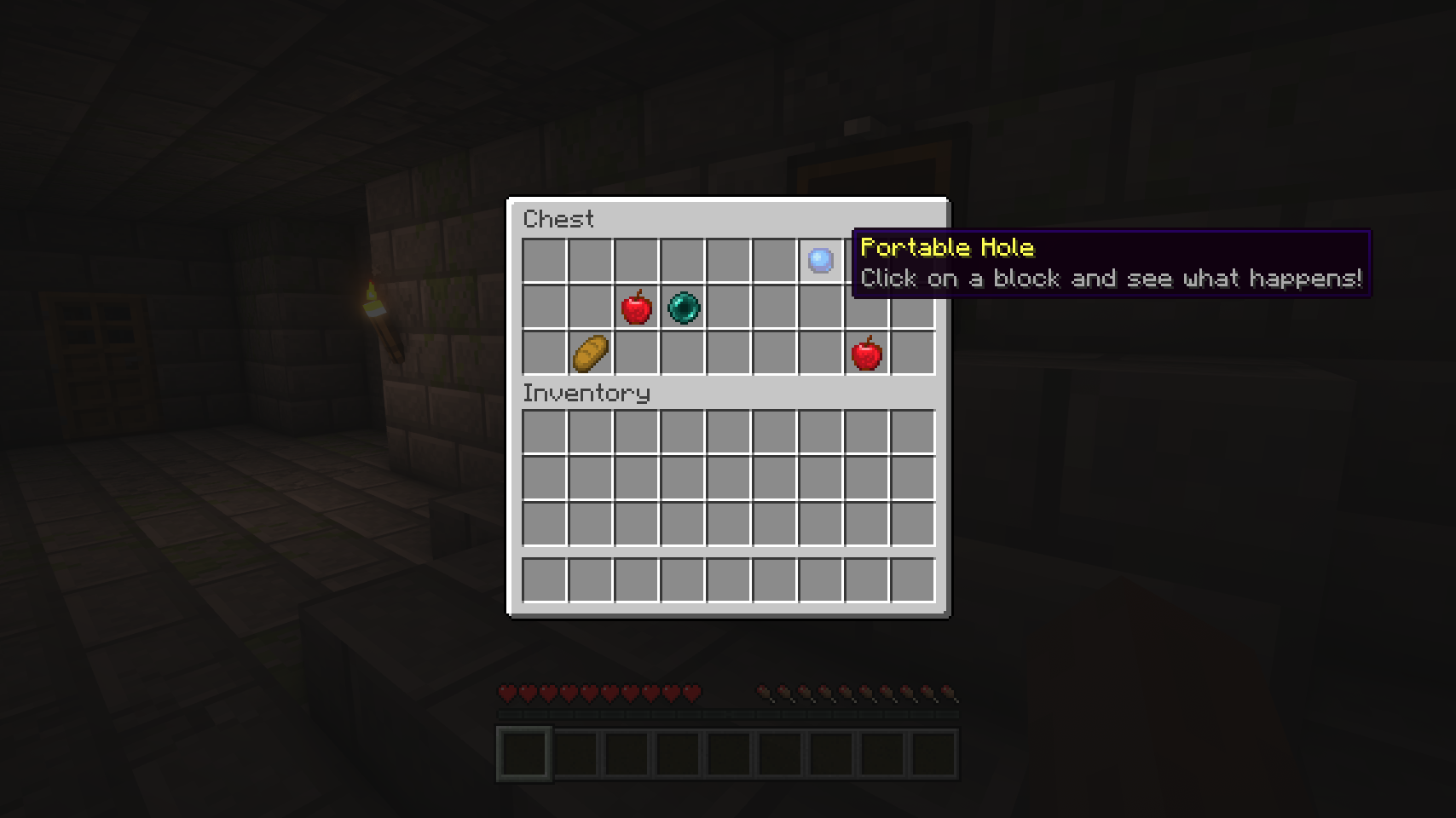
 The Portables Hole item is found in stronghold chests (20% chance)
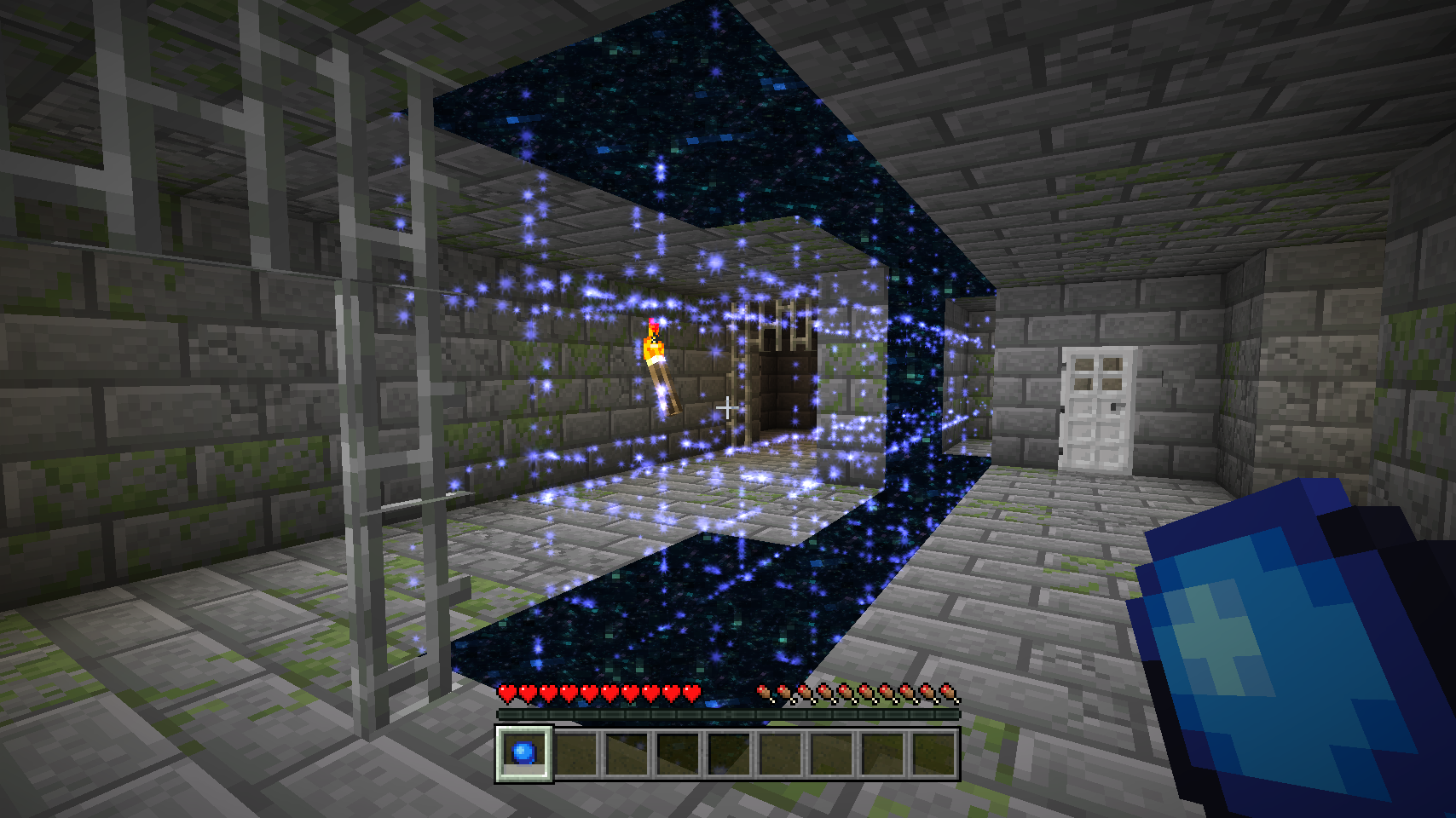
Where did the wall go?
The Portables Hole item is found in stronghold chests (20% chance)
Where did the wall go?
 Hello there!
💡 FAQ:
Q: The portal texture is not showing for me!
A: The portal texture is incompatible with shaders, you'll have to rely on the fancy spark particles only.
Q: How do I configure this mod?
A: Mods can have three different kinds of configs depending on the kind of settings they provide: Client, Common, and Server.
Client and Common configs are found in /.minecraft/config/, named as <modId>-client.toml and <modId>-common.toml, respectively.
Server configs though are applied per world, therefore you'll find those in /.minecraft/saves/<world>/serverconfig/<modId>-server.toml for local singeplayer worlds, and in /<world>/serverconfig/<modId>-server.toml for you Minecraft server. Changes made to a server config only apply to that one world. Setting default values in server configs for all newly created worlds is possible by copying the modified server config to /.minecraft/defaultconfigs/.
In a local singleplayer world you can quickly find config files by running the /config showfile <modid> command and by choosing CLIENT, COMMON or SERVER. Then click the file name (ending with .toml) that appears in chat to open the file in a text editor. After saving the file, the config will automatically reload in-game after a couple of seconds, so no game restart required.
On some mod loaders editing configs is also supported in-game via the Mods menu option. On some Minecraft versions you can also install my Config Menus for Forge mod for editing configs directly in-game.
🏆 Credits:
Developing Portable Hole was helped and inspired by:
- Azanor and their Thaumcraft 3 mod which Portable Hole is based on entirely
- Vazkii and their Botania mod where the fancy spark particles in this mod come from
- Finalbossblues for their amazing icons available over on itch.io











Compatibility
Mod Loaders
Game Versions
Screenshots
Similar Mods

Let Me Despawn
Improves performance by tweaking mob despawn rules. Say bye to pesky unintentional persistent mobs.
Upgraded Core
Contains the shared code to use in my other mods.

Incubation
Lays down a dozen of egg-related features!

Armor Toughness Bar
Small mod that adds a toughness bar
![Pufferfish's Attributes [Fabric & Forge & NeoForge]](https://media.forgecdn.net/avatars/967/863/638468036464421080.png)
Pufferfish's Attributes [Fabric & Forge & NeoForge]
Adds more attributes to the game.

Fullscreen Windowed (Borderless) for Minecraft
Allows minecraft to run in fullscreen windowed mode
Included in Modpacks
 Exosphere 2
 Fantasy Skies
 The Solar Apocalypse
 Be QUIET {HORROR}
 crazy craft even more updated
 Beyond Fantasy - A Magic RPG Modpack
 Stacia 2 Expert
![Journey to Dawn [RU]](https://media.forgecdn.net/avatars/1090/287/638633759947254347.png) Journey to Dawn [RU]
Journey to Dawn [RU]
 TJP - Endless Sky
 Revelations 3 - just Tech N' building!
 ELEV8
ELEV8
 CozyCraft Adventures
 Craft Mizyen
 KRILLKRAFT
 Exosphere 2 + Create (Aeronautics)
 Pokengineers – Create to Catch
 UnstableCraft SMP
 Venture INC.
 IOOMNI 8
 FTB Presents Architect's Exodus
 Unchanging SMP