

Health Bars
Modby Fuzs
See every mob's health in style. In the HUD and in-world. Clean, colorful, and customizable!
Type
Mod
CurseForge Downloads
185,634
CurseForge ID
1367734
Last Updated
Sep 8, 2026
Description
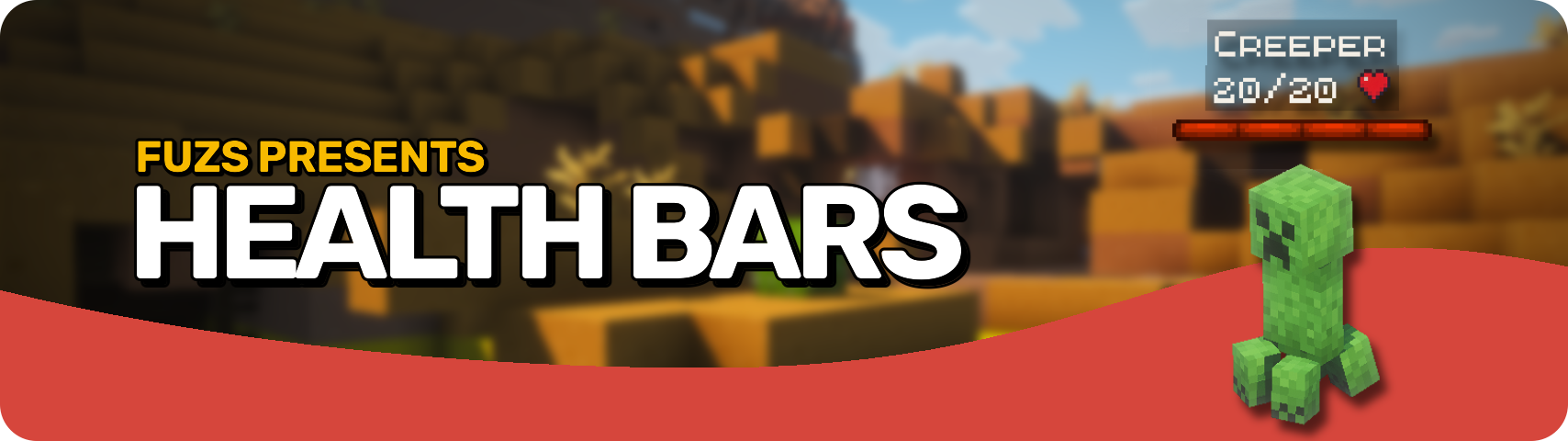








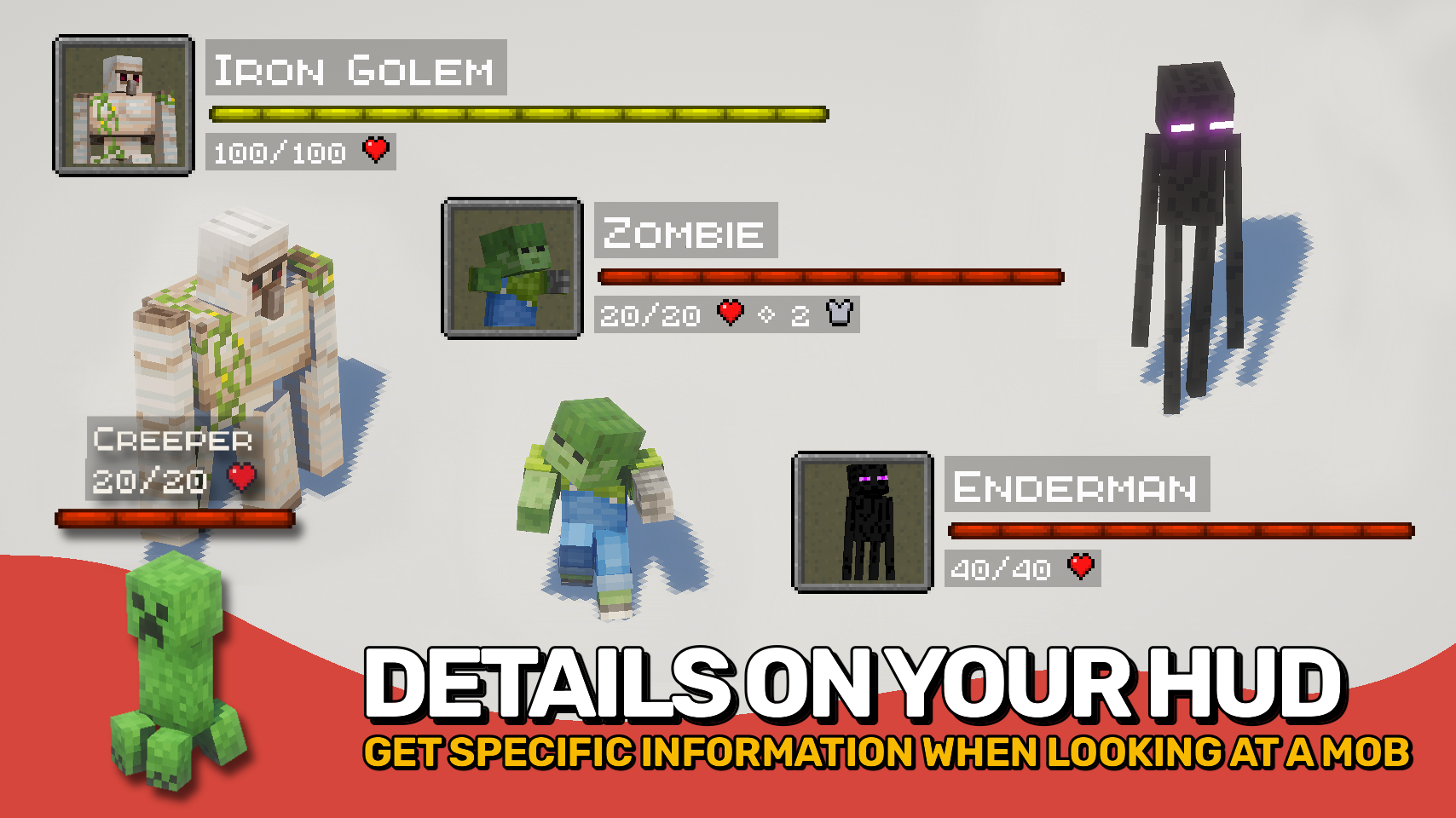
Health Bars adds smooth, colorful health displays that make it easy to track the condition of every mob around you. A clear, animated bar shows each mob's name, health, armor, and damage taken right on your screen, helping you stay informed during combat and exploration. ❤️
The mod also supports in-world health bars that appear directly above entities, providing quick visual feedback. From passive animals to powerful bosses, important information is always easy to read at a glance. 👁️
With extensive customization options, flexible display modes, and support for all kinds of mobs, this mod can be tailored to fit almost any UI style or gameplay experience. ⚙️

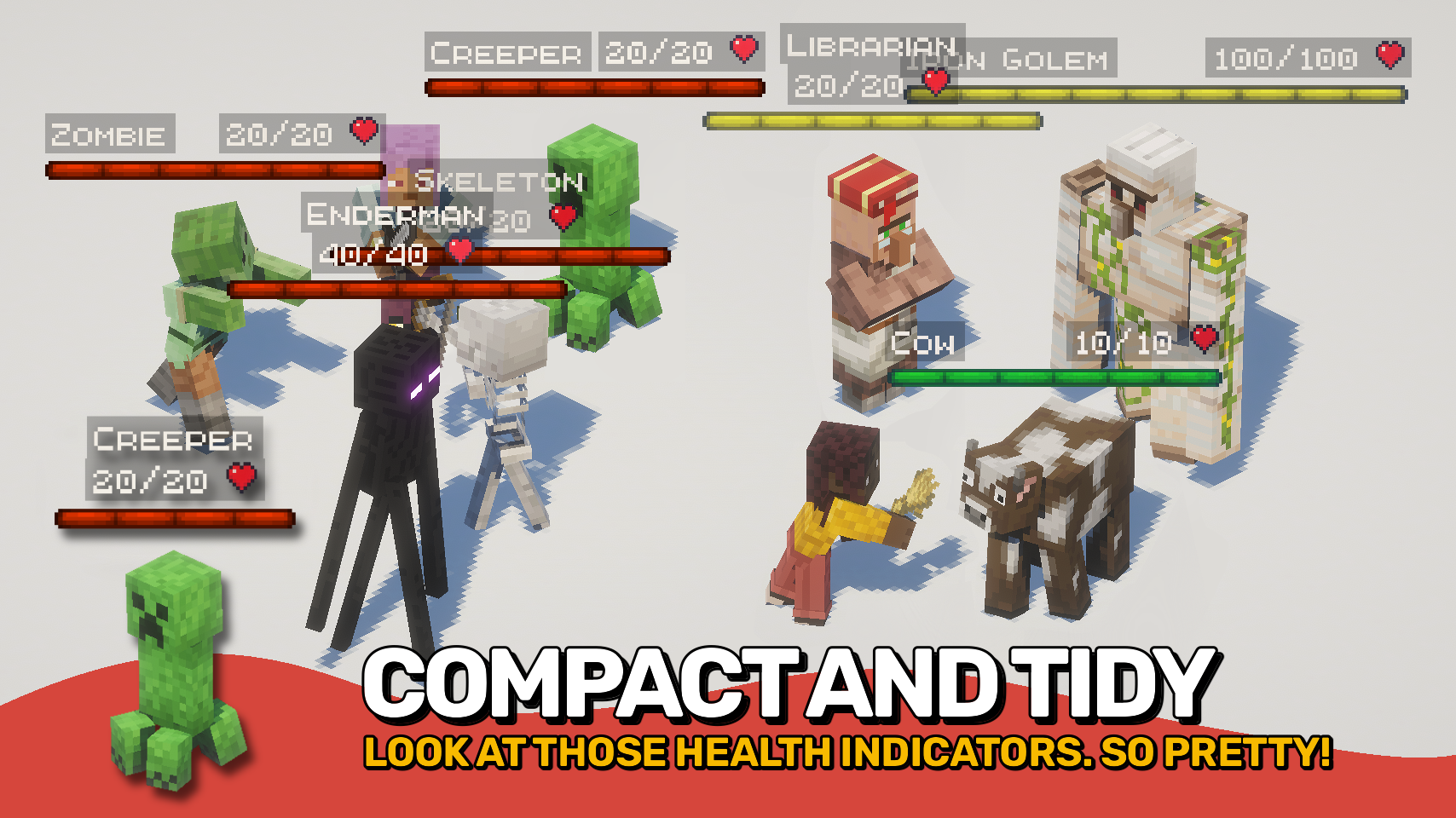
- ❤️ HUD Health Bars: See mob name, health, armor, and damage values in a compact on-screen display.
- 👁️ In-World Bars: Show health bars directly above entities while exploring and fighting.
- 💥 Damage Numbers: Watch damage and healing values appear in real time.
- 🐺 Flexible Entity Support: Choose exactly which entities should display health bars.
- 🎨 Beautiful & Clear: Smooth animations and colorful visuals make information easy to read at a glance.
- 🌈 Custom Colors: Assign unique colors to monsters, animals, bosses, aquatic mobs, and more.
- 🪄 Distance Scaling: Scale bars based on proximity or mob health for better readability.
- ⚙️ Highly Configurable: Customize appearance, positioning, scaling, colors, and behavior to fit your preferred UI.
- ⌨️ Quick Toggle Keybind: Enable or disable all bars at any time with a configurable keybind.


⏩ INSTALLATION REQUIRED ON CLIENT
⏩ REQUIRES PUZZLES LIB TO BE INSTALLED (FABRIC & NEOFORGE)
⏩ REQUIRES FABRIC API TO BE INSTALLED (FABRIC)
⏩ REQUIRES FORGE CONFIG API PORT TO BE INSTALLED (FABRIC)

If available for a mod, configuration is possible directly from in-game using the mod menu (requires Mod Menu by Prospector to be installed on Fabric).
For manual configuration using an external text editor all files are found at .minecraft/config, named as MOD_ID-client.toml, MOD_ID-common.toml, or MOD_ID-server.toml, depending on the type of config. Not all types might exist for a mod, if any at all.

🌟 Big thanks to ToroCraft for their timeless ToroHealth Damage Indicators mod, which served as the main inspiration for this project. As a solid foundation, it made it possible for this mod to grow far beyond with exciting new features.
🌟 Several configuration options and customization ideas were inspired by Vazkii's excellent Neat mod.







Recommended Gear
AffiliateHardware and extras that pair well with this mod.

As an Amazon Associate I earn from qualifying purchases.
Similar Mods

Nyf's Genetics
Genetically Modify Minecraft Mobs!

Cynosure
A Giant Multiplatform Kotlin-only* Library mod with events, utilities and abstractions

Create: Shimmer
provide compat between create and the twilight forest

Hide Names
Hide name tags above other players
![Easy Magic [Legacy Fabric]](https://media.forgecdn.net/avatars/456/168/637726072689269370.png)
Easy Magic [Legacy Fabric]
Enchanting tables as they always should have been! Items stay after closing, and easy re-rolls.
AutoModpack
Enjoy a seamless modpack installation process and effortless updates with a user-friendly solution that simplifies manag...
Included in Modpacks (17)
![Medieval MC [NEOFORGE] MMC5](https://media.forgecdn.net/avatars/1082/990/638623555662498179.png) Medieval MC [NEOFORGE] MMC5
Medieval MC [NEOFORGE] MMC5
 Cobblemon Freedom Frontiers
 Ascension of Ages
 Create Echoes of the Great Derailment
 Better Than Adventure-Forge
 Stormdal Cobblemon journey's 2
 DLCraft!
 Fritz's RPG
 Maid Service
 Totheron
 BuddelTech
 Mint Flavored
 Cozymon Adventure
 WrightCraft
 NewPath - Echoes of the Wild
 Martinj Realistico
 Optimized Magic RPG