

Respawning Animals
Modby Fuzs
Animals no longer stay in the world forever, instead they spawn and disappear like monsters.
Type
Mod
CurseForge Downloads
1,316,441
CurseForge ID
322765
Modrinth Downloads
593,772
Modrinth ID
WnwcSeWc
Last Updated
Sep 10, 2026
Description
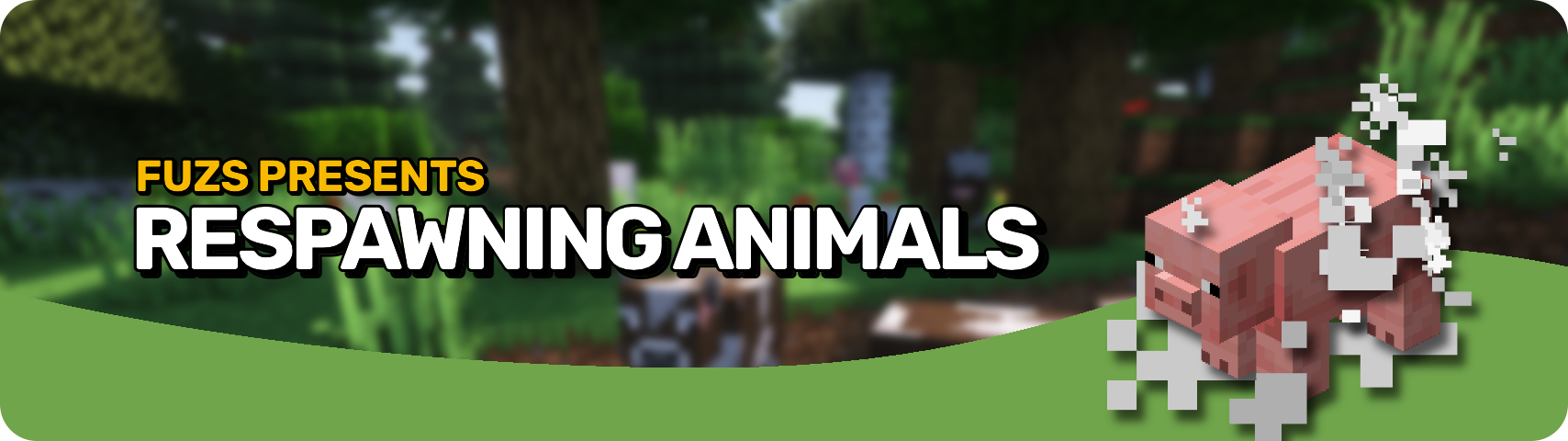








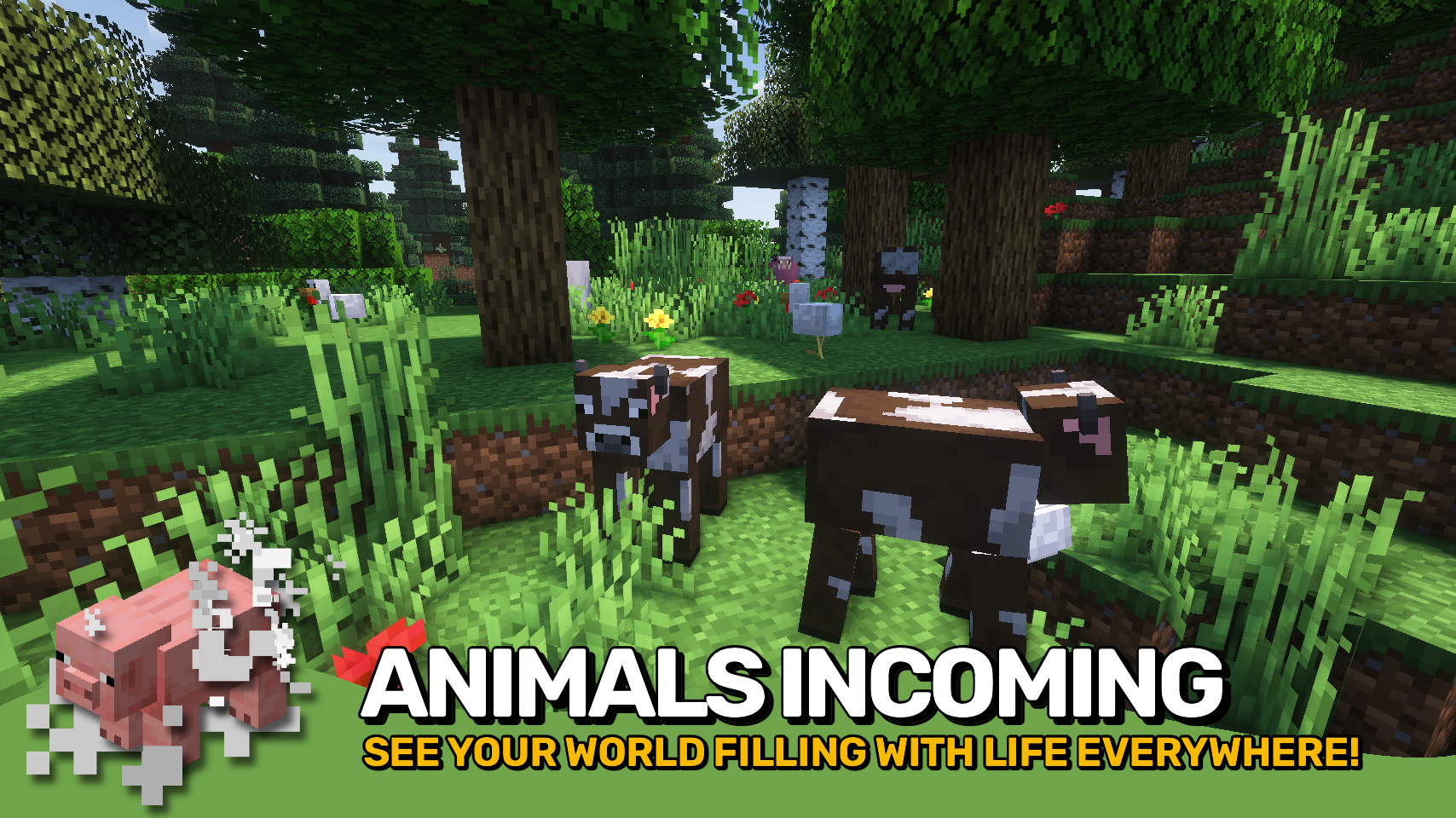
Respawnable Animals changes the spawning mechanics for all animals to be similar to Bedrock Edition: Animals will now vanish and appear again whereever you go, they no longer stay in the world forever from being spawned in during world generation. And just like Bedrock Edition; animals that have e.g. been bred or tamed will of course stay with you!

▶️ All animals are now able to despawn and respawn as they please. They will no longer only be spawned once upon world generation. In addition to no longer being punished for killing too many animals in an area, this also enables interesting mechanics such as passive mob farms.
▶️ To prevent a few game mechanics from breaking, animals now automatically gain persistence (a vanilla mechanic preventing any mob from despawning) when: ridden by the player, named with a name tag, bred or born as a result of breeding, and when tamed by the player.
▶️ In case the changes to animal spawning mechanics break the behavior of another mod, a blacklist for individual animals can be found in the config file.
▶️ The mod behavior is controllable on a per world basis via the use of the custom persistentAnimals game rule. When the game rule is set to false this mod will take effect, which is the case for every world created with Respawnable Animals installed. For old existing worlds make sure to manually run the /gamerule persistentAnimals false command once to allow the mod to work.


⏩ INSTALLATION REQUIRED ON SERVER
⏩ REQUIRES PUZZLES LIB TO BE INSTALLED (FABRIC & NEOFORGE)
⏩ REQUIRES FABRIC API TO BE INSTALLED (FABRIC)
⏩ REQUIRES FORGE CONFIG API PORT TO BE INSTALLED (FABRIC)

If available for a mod, configuration is possible directly from in-game using the mod menu (requires Mod Menu by Prospector to be installed on Fabric). Please note that on older Minecraft versions installing Forge Config Screens is also a requirement.
For manual configuration using an external text editor all files are found at .minecraft/config, named as MOD_ID-client.toml, MOD_ID-common.toml, or MOD_ID-server.toml, depending on the type of config. Not all types might exist for a mod, if any at all.

🌟 Thanks to B3spectacled for inspiring the idea behind this project with their Custom Spawns mod.




Compatibility
Mod Loaders
Game Versions
Recommended Gear
AffiliateHardware and extras that pair well with this mod.

As an Amazon Associate I earn from qualifying purchases.
Screenshots
Similar Mods

MC Dungeons Armors
Bringing the armors of Minecraft Dungeons to Minecraft
Long NBT Killer
Prevent minecraft from crashing while encountering deep nbt tags

YUNG's Better Desert Temples (Fabric)
A complete redesign of Minecraft's desert temples!

RandomTweaks
A bunch of miscellaneous, vanilla-compatible tweaks for Minecraft, such as player head drops, sound system reloading and...

Jewelry (RPG Series)
💍 Find precious gems deep down, and craft them into powerful jewelry!
AAA Particles
Effekseer loader on minecraft 1.18+
Included in Modpacks (84)
Most downloaded Sensible MC
 Guild Adventures
 Fabri's Frontiers
 Mastering Magic | A Magic World with Quests!
 Mystic's Monstrosity
 Create Comes Alive (Create + MCA)
 Bedrock Reloaded
 Create Aeronautica
 Military Industrial Complex
 HeroCraft - RPG Adventure
 Angel Tale : Shadows of Apollyon
 Cottage Craft
 Minecraft - Fantasy Alive
 Digimon Two World Conspiracy
 Axiom's Adventure Tech Experience
 Soulheart Cobblemon
 VORTEX Foundations
![AdventureCrafts [Fabric]](https://cdn.modrinth.com/data/3sgW6WJF/06f5ccb1c14b4dfcb00d0c7efcb1f1d248a09448_96.webp) AdventureCrafts [Fabric]
AdventureCrafts [Fabric]
 The Journey SMP Season Of True Survival
 HLStuff - Adventure & Exploration