
HorizonLOD
Modby Userr_67
Because squinting at a grey void and calling it "far lands" isn't immersive.
Description
Level of Detail — Minecraft
🌄 HorizonLOD
Render your world further than ever — without killing your FPS.
HorizonLOD adds a dynamic Level of Detail system that renders distant terrain at reduced complexity — letting you push your view distance far beyond what vanilla can handle, while keeping your framerate intact. See the mountain range. See the ocean. See everything.
✨ Features
| 🗺️ Far Terrain Rendering
Distant chunks are rendered as simplified LOD meshes — your world stretches to the horizon instead of fading into a fog wall. |
📈 Massive FPS Gains
Rendering far terrain at full detail is what destroys framerates. LOD complexity scaling means you get the view without paying the full price. |
| 🎞️ Smooth LOD Transitions
No jarring pop-in. No detail cliffs. Terrain blends naturally between LOD levels as you move through the world. |
🎨 Shader Compatible
Works alongside your shader packs and visual mods. The distant landscape still looks the part. |
| ⚙️ Built for Heavy Modpacks
Designed to hold up in demanding environments. Large worlds, many mods, high render distances — this is what it was built for. |
🔧 Works With Your Perf Mods
Plays nicely with Sodium, Lithium, and the rest of your optimization stack. Stack it — don't replace it. |
⚠️ Sodium Version Compatibility
HorizonLOD requires a specific version of Sodium. Using the wrong version will cause crashes or broken rendering. Always check the compatibility list on this page before installing.
💡 Get the Most Out of It
| 🌍 Explore more — the further you've been, the better distant terrain looks. | 📏 Best above 16 chunks — that's where vanilla falls apart and HorizonLOD shines. |
🤝 Companion Mod
Want terrain rendered before you've even explored it?
HorizonLOD Autogen pre-generates chunks in the background and feeds them directly into HorizonLOD — so your horizon is always full, even in places you've never visited.
⛏️ HorizonLOD Autogen on CurseForge📦 Installation
- Check the compatibility list to find the correct Sodium version for your game version.
- Install the matching Sodium version.
- Grab the HorizonLOD
.jarfrom the Files tab above. - Drop it into
.minecraft/mods/ - Launch. Look at the horizon. Actually see it.
HORIZONLOD
See further. Play smoother. 🏔️
Recommended Gear
AffiliateHardware and extras that pair well with this mod.
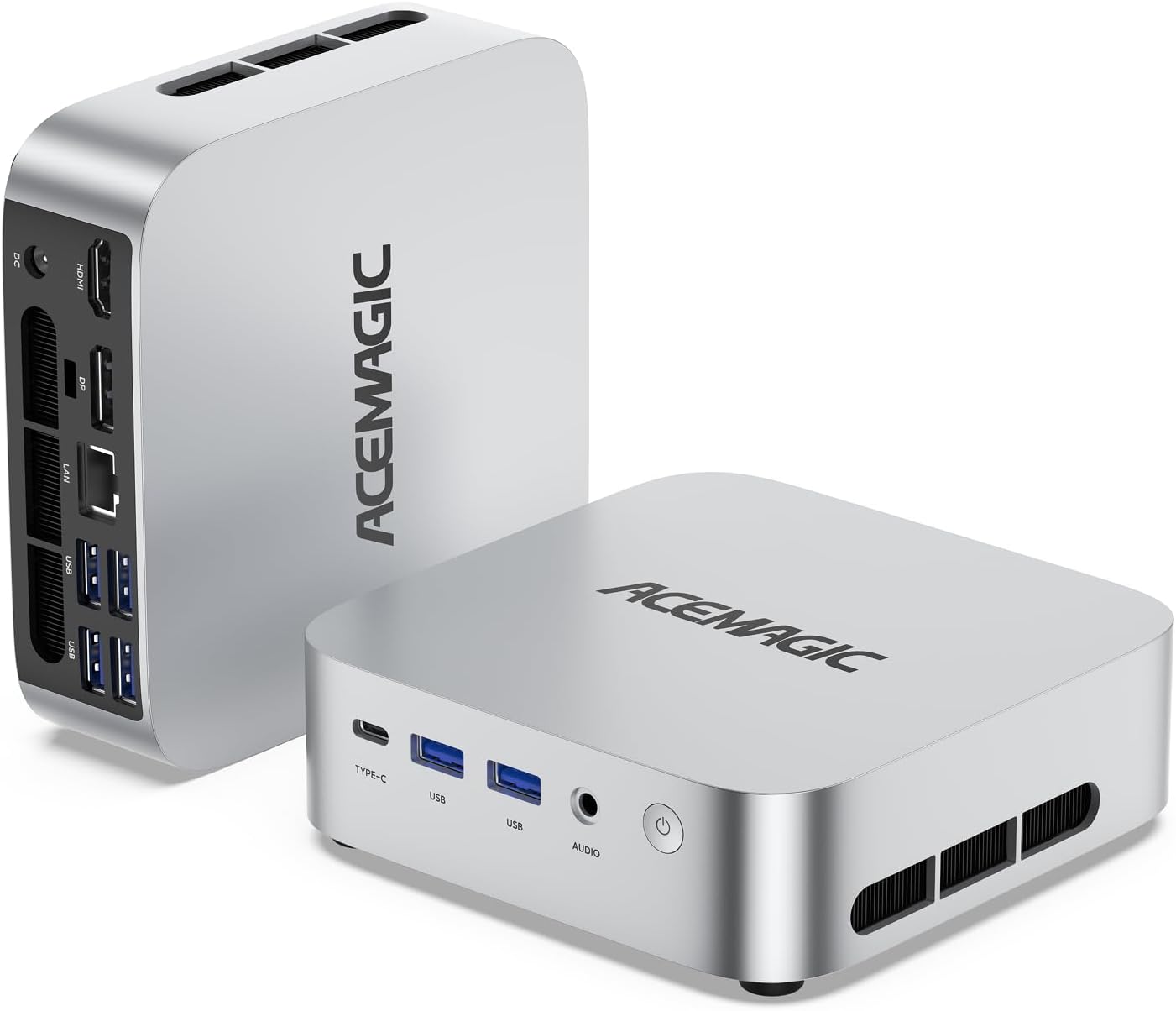
Mini PC for Self-Hosting
A low-power box that can sit in a cupboard and run a modded server around the clock.
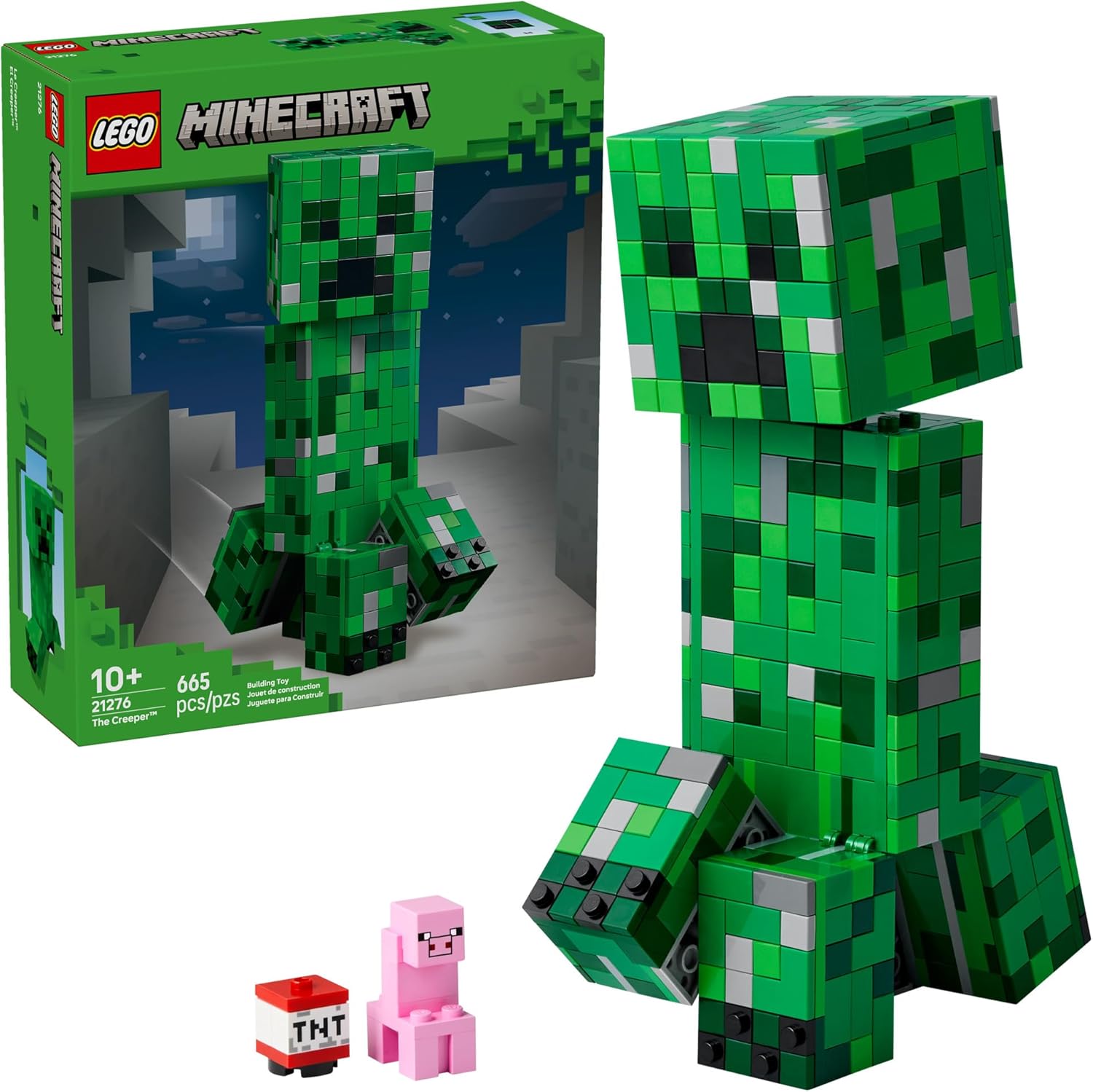
LEGO Minecraft Set
Official sets that translate the building side of the game off-screen.

Minecraft Enderman Character Plush
Enderman plush toys, and a reliable gift for a younger player.
As an Amazon Associate I earn from qualifying purchases.
Screenshots
Similar Mods
Imaginary
Add your custom pictures into Minecraft (deprecated)

PNC: Extra PCBs
A simple PNC add-on that adds more PCBs

Trash Can (Fabric)
This mod adds a craftable Trash Can

Create: Station Decor
An Create based addon that adds trainstation themed decorations!

CBC Neo Warfare
A complete port of CBC: Modern Warfare to 1.21.1! Compatible with Create Aeronautics/sable.
Discontinuous Beacon Beams
Stops beacon beams from rendering though clear glass in their paths. Configurable.