

More Enchantments
Modby ninjabunny_1
Adds more enchantments to the game (including elytra enchantments)
Type
Mod
CurseForge Downloads
921,635
CurseForge ID
447835
Last Updated
Jul 28, 2026
Description

This mods adds enchantments providing different benefits. This includes diverse enchantments for your elytra. You can apply these like vanilla enchantments

Armoring: Increases defense points given by armor
Steeliness: Increases armor toughness given by armor

Agility: Increases movement speed
Leaping: Increases jump height and decreases fall speed
Sturdiness: Increases knockback resistance

Furor: Increases swing speed

Range: Increases reach distance for tools

Compression: Adds a chance when mining coal ore to get the equivalent diamond resource
Chrysopoeia: Adds a chance when mining iron ore to get the equivalent golden resource
Metallurgy: Mined metal ores are automatically smelted
Wisdom: Increases the amount of experience gained from mining

Gliding: Increases flight efficiency
Ender Gliding: Increases flight efficiency in the End
Ascending: Allows you to press your Action Key (by default G) to lift up from ground
Descending: Landing with an elytra is safer
Winging: Falling automatically activates your elytra
Iron Wings: Grants defense points
Leaden Wings:Grants defense points while not flying
Beat Of Wings: Allows you to press your Action Key (by default G) to flap while in mid-air
Gust Of Wind: Allows you to press your Action Key (by default G) to increase your flight speed while in mid-air

Indestructibility: Makes items unable to lose durability (Untradeable Treasure)
Reparation: Slowly repairs items over time
Restoration: Prevents an item from breaking when broken, but removes one level of the enchantment (Treasure)
Mod Support:
Fully supports the mods JEI Enchantment Info, Enchantment Descriptions and CoFH Core
I recommend the use of mods like Overloaded Armor Bar and Armor Toughness Bar to improve the way you can see the effect of Armoring and Steeliness.
If you use other mods that affect the same properties as this one (a lot of mods), I recommend the usage of Attribute Fix to ensure that you don´t have unstacking effects of different mods.
If you want your mod to have with this enchantments compatible ores, you have to add them to these tags (You can also do this per data pack, if the mod doesn't support this one):
Metallurgy: forge:ores/metal
Compression: forge:ores/coal
Chrysopoeia: forge:ores/iron
Language Support (temporarily discontinued):
This mod once supported:
English (en_us) (V. 1.0.0)
German (de_de) (V.1.1.1)
Russian (ru_ru) - Thanks to @coringplay for the translation (V. 1.1.1 - 1.2.0; 1.2.1)
Spanish (es_es) - Thanks to @Zeedif for the translation (V. 1.2.1)
Japanese (jp_ja) - Thanks to @ネオジム for the translation (V. 1.2.2)
Portuguese (pt_br) - Thanks to @Kazuya79H for the translation (V. 1.2.2)
Some of the translations aren't complete.
Config File (discontinued):
Disclaimer: The config file has been discontinued since version 1.4.0 because of issues with the used plugin and version. You can still configure the mod you just have to use the version 1.3.1. All applied changes will also effect newer versions of the mod used afterwards but you can't change and balance newer enchantments added by newer versions of the mod.
The Config File Option, added in 1.3.1, has to be manually enabled. Before doing so the Config File wont exist and the game will use the values from its code.
Enabling:
To enable it you have to run the command /resetconfig. This will create a Config File with the default values used by the game in the /config folder in your games directory. After doing so, you have to wait a little bit to ensure that the Config File was properly created. After that you have to run the command /reloadconfig to apply the Config File to your current world. If not done properly this will do nothing or in the worst case scenario make unable to use any feature of this mod.
Changing:
The Config File will be saved as a .json-File. The usual methods to change its values work like with a .toml-File, although some mods that allow you to use the Config Button Ingame won´t work. You can change any of the values, but keep sure not to change any identifiers or the syntax. After having applied your changes, save the file, if you haven´t done that already. Go ingame and apply the changes to your world by typing the command /reloadconfig. Now your changes are implemented
Fixing:
If you have broken this mod by doing so, just do everything described in "Enabling" step by step to completely reset the Config File and reload its new values.
Balance Changes:
If you have ideas for improving the default values, please message me or write a comment
This mod is for Minecraft Forge. There are files fo versions 1.16.3 - 1.16.5, 1.19.2, 1.19.4 and 1.20.1.
If you know any Bugs, your game crashed because of this mod or you have any suggestions or improvements, please message me, write a comment or use the linked GitHub Bug Tracker
If you are interested in my other mods, try out 💵 Moar Villagers, ⚗️ Effect Enchantments and 🟢 New Xp Ore
Similar Mods

Vampires Need Umbrellas
An addon for Vampirism! 🧛♂️🌂
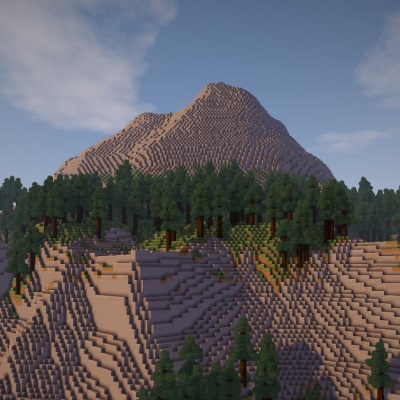
Biome Bundle
A custom overworld replacement made with Open Terrain Generator (OTG)

Fadeless
Remove fade out animations in Minecraft (1.20+)

Satin Free Wakes
Satin free version of the Wakes mod. Which adds splashes and wakes while traveling on water. 3x fps of normal version

Aether Continuation
An expansion to the Aether Legacy mod.
Fast Furnace minus Replacement
FastFurnace but without Registry Replacement
Included in Modpacks
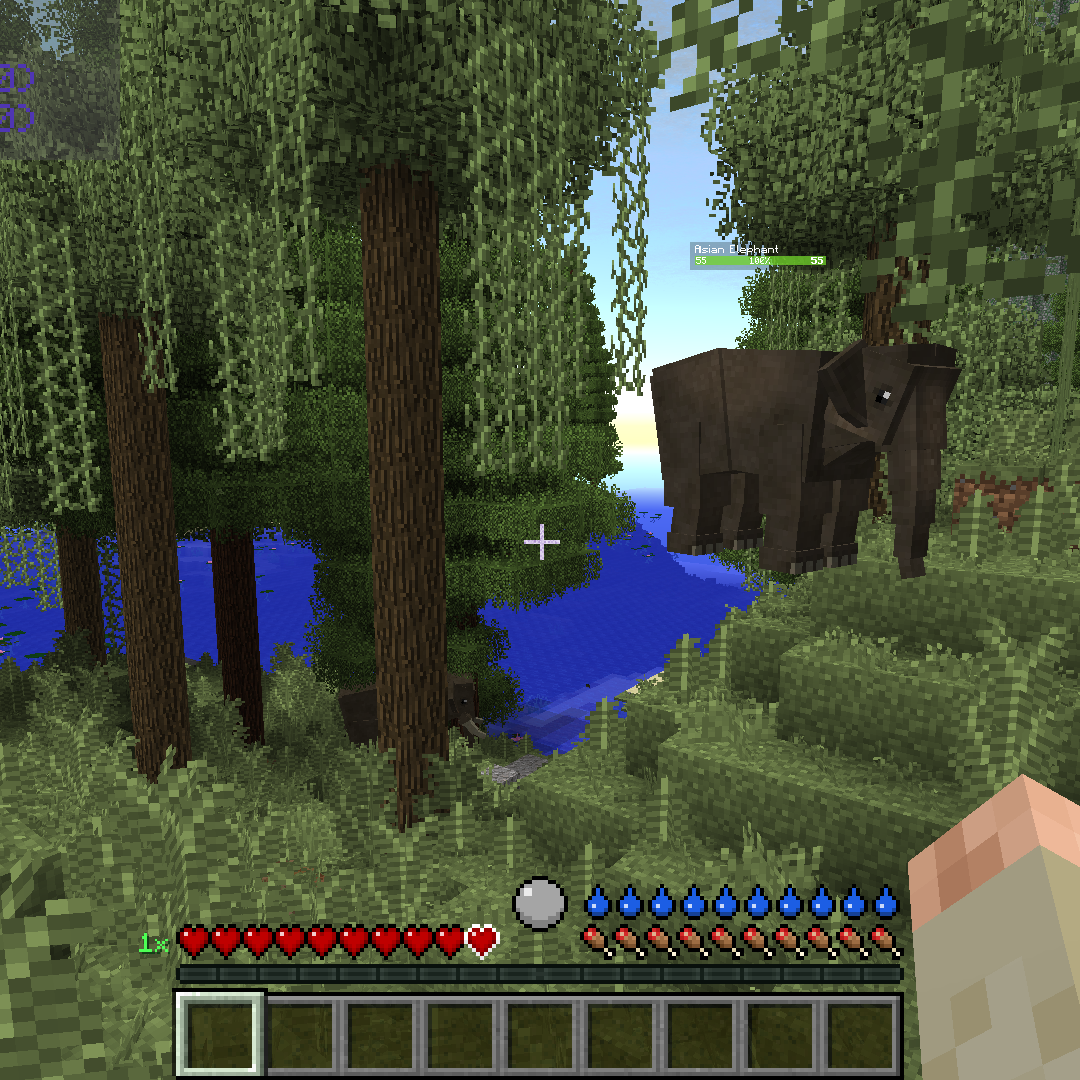 Enhanced RL Craft
 Sky Alchemist
 OmniCraft Evolved
 Brutal Legend Extreme
 Fated Lands
 Tensura: Myriad Rebirth
 brassy's epic RPG
 Super Horror Pack
 Diddycraft: Toe Ticklers
 horrifying weather
 sword skills
 Unicorn RL Craft
 HLStuff - Adventure & Exploration
 Tensura Cardinal Awakening
 Zylla's MineColonie: Medieval Crafting & Creation
 Revitrix
 mine & slash
 Project Heroes
 Doctor Who, Reborn!
 Zombies Disasters
 Badger Colonies
 Gold Edition
 Extreme zombie survival (better zombie ai)
 Last Ascension