Description
# Energy Shaders [Java]
[](https://modrinth.com/shader/energy-shaders-java)
[](https://www.curseforge.com/minecraft/shaders/energy-shaders-java)
[](https://discord.gg/shVe3cR)
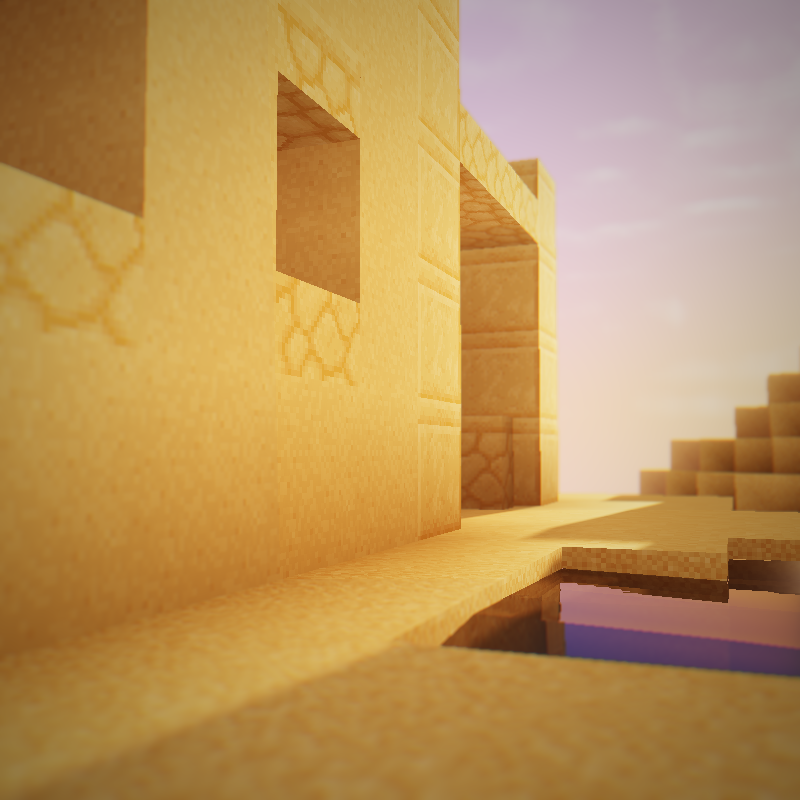
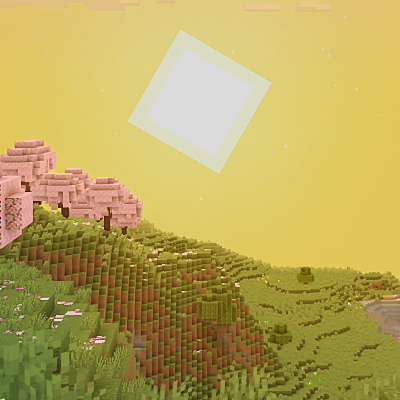
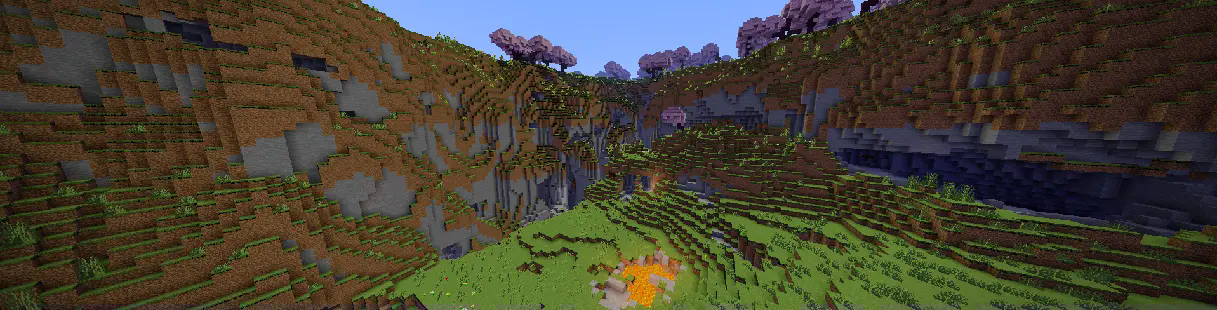
Energy Shaders is a shaderpack/resourcepack that provides a more colorful vanilla expierience. Without requiring
any mods or a frame rate drop.
If you like this pack consider supporting the development by buying me a coffee:
[](https://ko-fi.com/T6T41BS1C9)
### Features
It is best to take a look at the [gallery](https://modrinth.com/shader/energy-shaders-java/gallery) or to
try the shaderpack out. Here is a list of some features:
- Custom lightning (different for day, night and in caves)
- Custom fog (different for day, night and in caves)
- Custom Nether
- Custom End
- Custom torch light (different for day, night and in caves)
- Vignette effect
### Enabling the resourcepack
You can simply enable it as resourcepack (Copy the `.zip` into the `resourcepack` directory).
If you are using Sodium before minecraft 26.2, the [Sodium Core Shader Support](https://modrinth.com/mod/sodium-core-shader-support) mod is required.
The pack does not work with Optifine!
### Video
### Customization (Since v. 2.8.0)
Energy Shaders also offers a lot of customization. Since this is a vanilla shader-pack, these settings have to be
manually edited.
#### Getting started with customizing energy shaders
First download the [settings template](https://github.com/lni-dev/MinecraftShaders/raw/refs/heads/master/ES%20Java%20Settings/versions/1/ES%20Java%20Settings.zip).
Then copy the downloaded zip file to your resourcepacks directory. You can find it by pressing `Open Pack Folder` in
Minecraft's Resourcepack selection screen. Next extract the zip file and delete it, so that only the extracted
directory `ES Settings Java` remains. You can rename the directory to your liking.
Now edit `ES Settings Java/pack.mcmeta` with a text editor of your choosing and change `YOUR_NAME` to your name or your alias.
Next you should test if everything works. Activate `Energy Shaders \[Java]` and the ES Settings Java pack you just created. Make
sure the `ES Settings Java` pack is above `Energy Shaders \[Java]`. Open a world and Minecraft should not crash. Keep the
Now you can start to actually change some settings. Open `ES Settings Java/assets/minecraft/shaders/include/es-settings.glsl`
in your favorite text editor.
In there you will find a lot of lines starting with `// #define`. These are the settings, which can be changed. All Settings
must be enabled first (**by removing the `//`**) before its value can be changed. Some settings do not have a value. These simply enable or disable
a feature.
After changing a setting go back in game and press `F3 + T`, which will reload all resourcepacks. Thus, applying your changes.
##### Example 1
The line
```glsl
// #define DISABLE_SHADOW
```
can be changed to
```glsl
#define DISABLE_SHADOW
```
which will disable shadows cast by blocks, trees, etc.
NOTE: The `//` must be removed as seen above!
##### Example 2
The line
```glsl
// #define SATURATION 1.2
```
can be changed to
```glsl
#define SATURATION 0.0
```
which will make the game look grayscale.
NOTE: The `//` must be removed as seen above!
If you want to switch back to the default value simple add the `//` again:
```glsl
//#define SATURATION 0.0
```
##### How do I know which setting does what?
Some settings are explained in the `es-settings.glsl`. Some may be hard to explain, and you just have to try around
and find out. Generally, if a setting contains a `VEC3(...)`, it is a setting with three values (red, green, blue).
Of course, you can always ask for help in my discord server: https://discord.gg/shVe3cR
##### Why are the settings in a different pack and not just contained in Energy Shaders directly
Actually, the settings are contained in Energy Shaders too! But it is much more convenient if the settings are in an
additional pack, because you can update Energy Shaders without losing your settings!
### Feedback
Feel free to leave any feedback on my [Discord server](https://discord.com/invite/AMvbguJFB9). Please respect,
that vanilla Minecraft is very limited.