Labelling Containers
Modby Infinituum17
A mod used to set icons and label chests, shulker boxes, barrels and other containers without the need of signs.
Type
Mod
CurseForge Downloads
221,100
CurseForge ID
Modrinth Downloads
86,548
Modrinth ID
Last Updated
Nov 6, 2026
Description

A mod that makes easy labelling chests, shulker boxes, barrels and other containers without the use of signs.
Check out my Discord Server to suggest features and add compatibility with other mods!
How to use
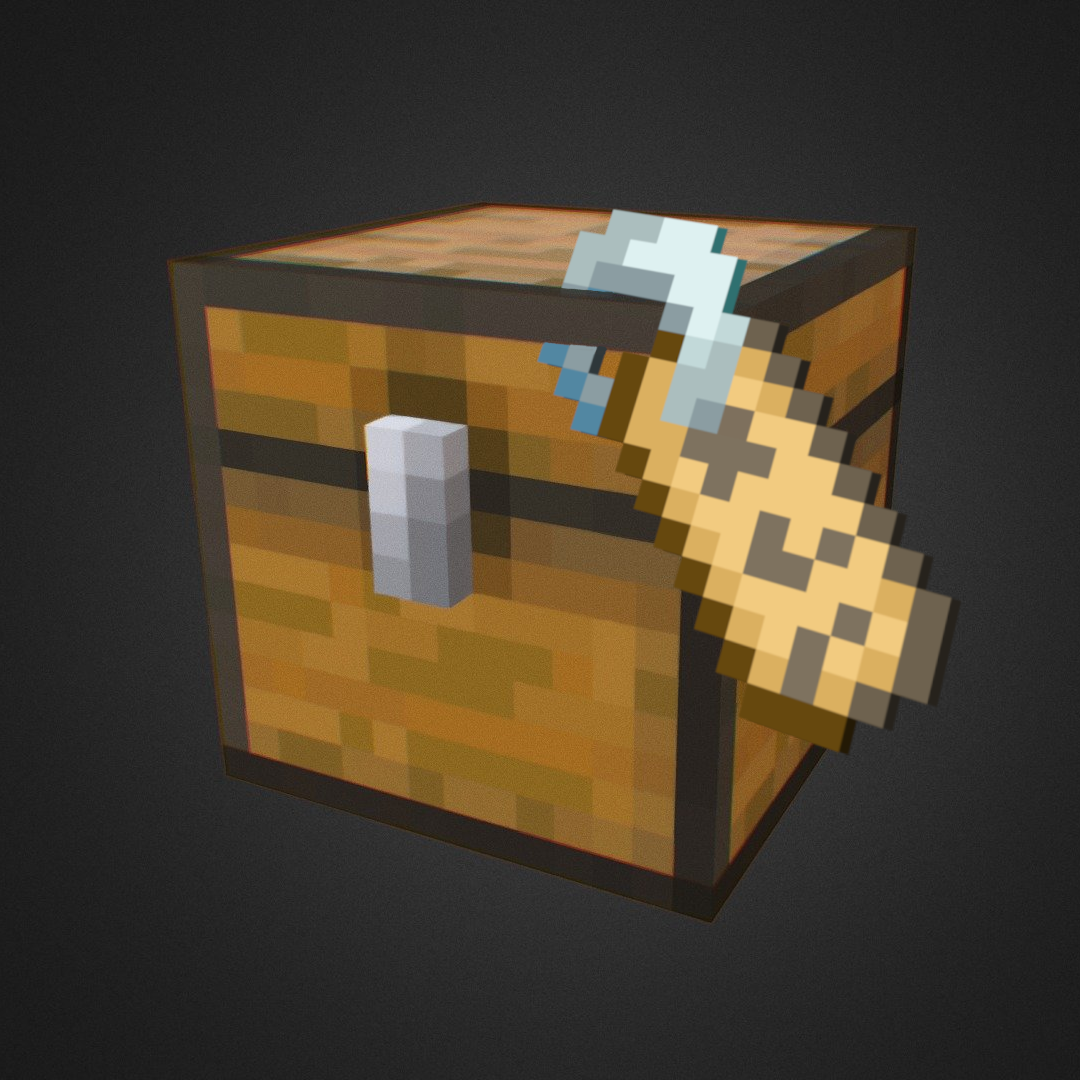
This mod adds a Label printer which is an item that can set a label and an icon to a container.
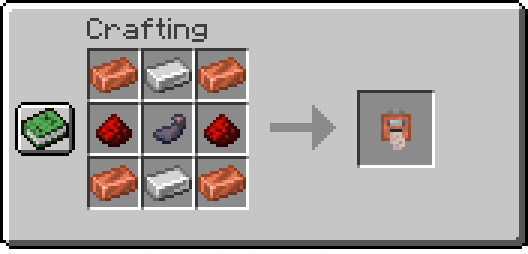
Printing labels:
To use the Label Printer, right-click while holding it, and it'll open a menu where you can set your icon and label. Finally, have paper in your inventory and shift-right-click a chest or compatible container to set them.
Copying labels from existing ones:
When holding the Label Printer, shift-right-click to switch to Copy mode. Then shift-right-click on a container that has a label already set to copy its icon and text.
Commands
/labelposition
Sets the current player's HUD position. Available positions are:
center-right(default)center-leftlefttoptop-left
Examples:
- Set the current HUD position to
left:
/labelposition left/setlabel
Requires admin permissions. Sets the label / icon of the selected container.
Examples:
- Setting the label of a block at x y z coordinates:
/setlabel x y z label I'm a dirt chest!- Setting the icon of a block at x y z coordinates:
/setlabel x y z icon minecraft:dirt/labelconfig
Requires admin permissions. Adds/removes blocks that can be labeled from the config.
NOTE: All blocks that have a Block Entity associated with them can be labeled.
To check if a block can be added to the config and used correctly try shift-right-clicking on it with the Label Printer item, and if it displays something like "You can't tag this block", that block can be added to the config
Examples:
- Add the Bell block to the config:
/labelconfig add-item minecraft:bell- Add the Bell block to the config (while having the block in player's hand):
/labelconfig add-hand- Remove the Bell block from the config:
/labelconfig remove-item minecraft:bell- Remove the Bell block from the config (while having the block in player's hand):
/labelconfig remove-handRecommended Gear
AffiliateHardware and extras that pair well with this mod.

As an Amazon Associate I earn from qualifying purchases.
Screenshots
Similar Mods

Structural Statues
Adds a Bunch of new Stone Statues that you can find in the Overworld
Save Your Pets
Wounded pets do not die immediately and can be healed
Equivalent Integrations
An addon for ProjectE that brings greater automation

ClearDespawn
Make items blink when they're about to despawn
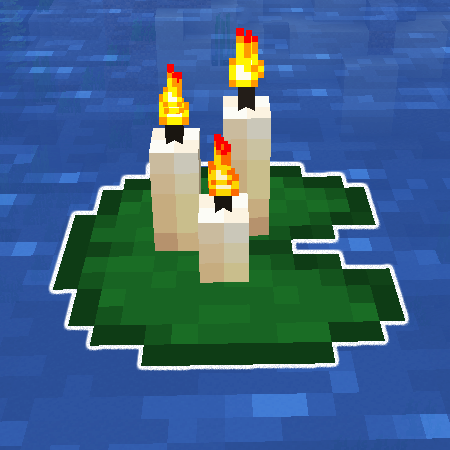
Better Lily Pads
Allows placing torches, candles and any other blocks on to lilypads

Farmer's Delight Compat
Remove duplicate items and blocks with the goal of integrating Farmer's Delight and other similar mods so they work as i...