Coordinate Manager
ModCapture, organize, and manage coordinates with more controls.
Type
Mod
Modrinth Downloads
40,574
Modrinth ID
Oxn8vgIu
Last Updated
Sep 19, 2026
Description
Coordinate Manager
A Fabric-based Minecraft mod for capturing, organizing, and managing coordinates.
Features
- Capture Modes:
- Instant: Save coordinate immediately without prompts.
- Pop-up: Show a dialog to set a name and adjust coordinate values before saving.
- Capture Cooldown: Prevent spam by setting a cooldown (below 250ms disables it).
- Coordinate Thumbnail: Save a thumbnail of your current view when capturing a coordinate (disabled by default).
- Precise Coordinates: Saves coordinate values as decimals for accuracy (disabled by default).
- Auto-Copy on Capture: Automatically copies the saved coordinates to the clipboard when capturing a coordinate (disabled by default).
- System-Aware Copy: Formats copied coordinates according to the system's locale settings (disabled by default).
- Coordinate History Screen: View, copy, edit, and manage saved coordinates in-game.
- Copy Coordinates: Copy any coordinate entry to clipboard for easy sharing.
- Set Favorited Coordinates: Protect favorited coordinates from accidental deletion.
- Search Functionality: Find saved coordinates by name or coordinate values.
- Bulk Actions:
- Favorite: Toggle favorite status for multiple entries.
- Delete: Remove multiple selected coordinates at once.
- Delete Options:
- Delete Individual Coordinates: Remove specific entries.
- Clear World/Server Coordinates: Delete all unfavorited coordinates from the current world or server.
Keybindings
Customizable via the in-game controls menu.
- Capture Coordinate: [F9] Save the current position.
- Open History: [F10] Open coordinate history screen.
Configuration
Configurable via Cloth Config API with Mod Menu.
Setting Description Default Capture Mode Determines whether coordinates are saved instantly or with a pop-up for editing. Instant Enable Thumbnail Captures a thumbnail when saving a coordinate. Disabled Auto-Copy on Capture Automatically copies the saved coordinates to the clipboard upon capture. Disabled System-Aware Copy Formats copied coordinates according to the system's locale settings. Disabled Capture Cooldown Adds a delay between captures to prevent spam (set below 250ms to disable). 250ms Precise Coordinate Saves coordinates with decimal accuracy for better precision. DisabledCompatibility
Mod Loaders
Game Versions
Recommended Gear
AffiliateHardware and extras that pair well with this mod.

As an Amazon Associate I earn from qualifying purchases.
Screenshots
Similar Mods
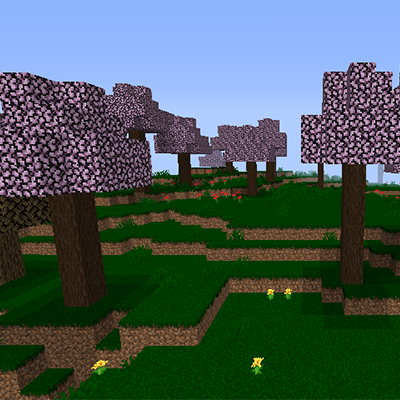
Ancient Japan
Ancient Japan in Minecraft!
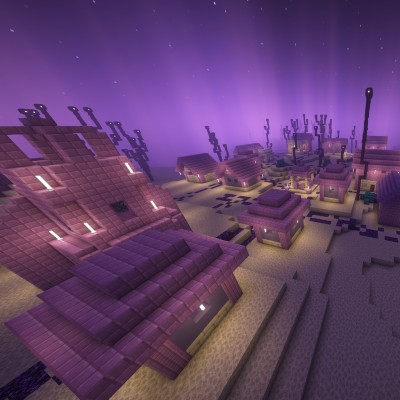
Ender Villages
I have added a new type of village with new villagers in the end with new trades new professions and new structures
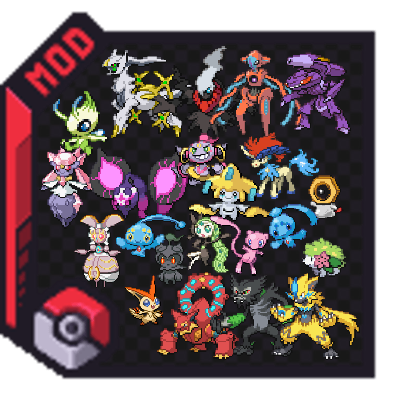
Cobblemon Mythical Collection
Adds all mythical pokemon to natural spawn
![[Immersive Vehicles/IV/MTS] ZD Military Vehicles Pack (Renewed)](https://media.forgecdn.net/avatars/668/7/638062887230532651.png)
[Immersive Vehicles/IV/MTS] ZD Military Vehicles Pack (Renewed)
Military Vehicles Pack that containing aircraft,helicopters, and their armament,etc

Avaritia Endless
Endless greed · fake

Fireplace Lib (Fabric/Quilt)
A library of common functionality used by my mods, in one place for easier maintenance and faster updates.