Tooltip Creator
Modby gholdzenn
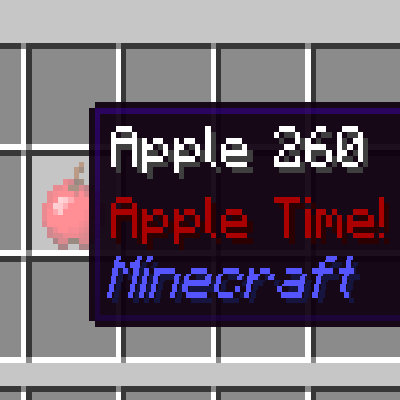
Create tooltips with just one simple config file!
Type
Mod
CurseForge Downloads
260,374
CurseForge ID
Modrinth Downloads
1,240
Modrinth ID
Last Updated
Sep 19, 2026
Description
How it works:
Install Tooltip Creator. Put the mod into your mods folder. Run Minecraft then exit, then go into config and then TooltipCreator.cfg there you will find an example:
minecraft:diamond:tooltip:§b:Shiny and valuable.
Change the modid (minecraft) to whatever mod you want as long as you have it installed (obviously)
Change the item to whatever you want (obviously)
Change the color code to your liking, color codes can be found here. https://minecraft.fandom.com/wiki/Formatting_codes
(YOU CAN ALSO USE WORDS TO SET COLORS, BUT CODES ARE RECOMMENDED)
QnA
Q: Can I include this in my modpack? A: Yes! This mod was made to mainly help modpack creators.
Q: Can I upload this somewhere else? A: No, you cannot upload this anywhere else.
Q: WHY 1.6.4? A: 1.6.4 is a very underrated version that I wish would get more mods. Don't worry I am porting forward.
Q: Why does my config file say it's for a different version? A: That's just the last major change to the code. It is still for the version you downloaded.
If you have any more questions feel free to comment/message me. Thanks!
Compatibility
Mod Loaders
Game Versions
Recommended Gear
AffiliateHardware and extras that pair well with this mod.

As an Amazon Associate I earn from qualifying purchases.
Similar Mods

Audio Extension for FancyMenu v2 [Fabric]
Add audio elements to FancyMenu layouts.

Ma Essentials
Useful commands, homes, kits, warps, server utilities and more...
Mooshroom Tweaks
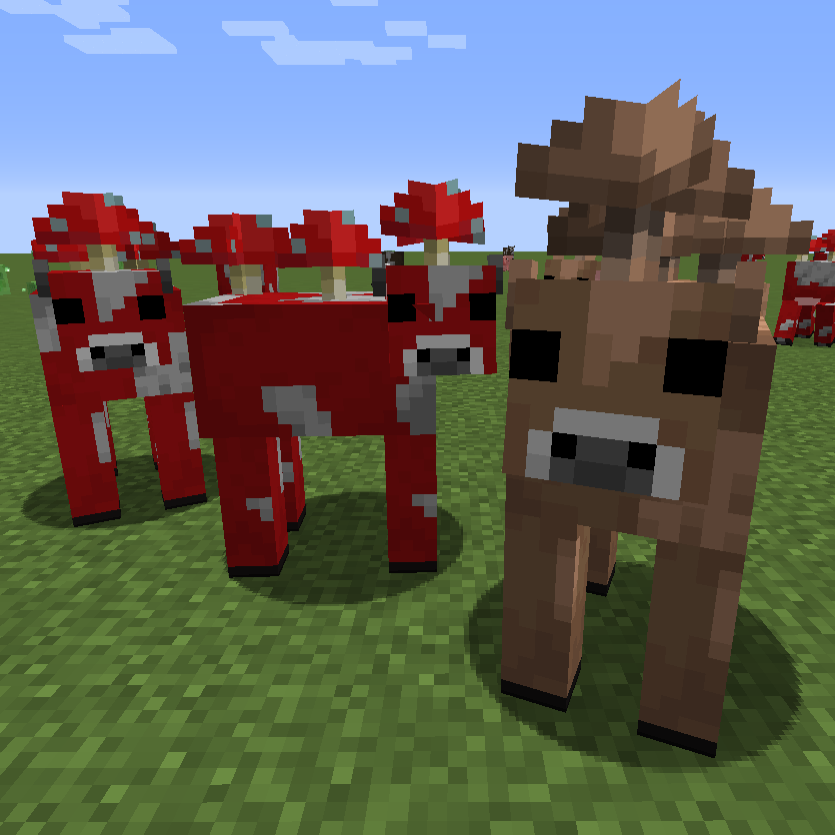
🐮🍄 Allows both red and brown mooshrooms to spawn naturally in their biome.

All the Mods: Tweaks
Various Tweaks for All the Mods
Woodwalkers
Transform into a mob!

Simple Discord Link Bot
A simple to use discord-minecraft/vice versa chat link bot with advanced features
