

Diagonal Fences
Modby Fuzs
Fences connecting diagonally? Wait. That's illegal.
Type
Mod
CurseForge Downloads
51,672,227
CurseForge ID
Modrinth Downloads
11,644,265
Modrinth ID
Last Updated
Nov 6, 2026
Description




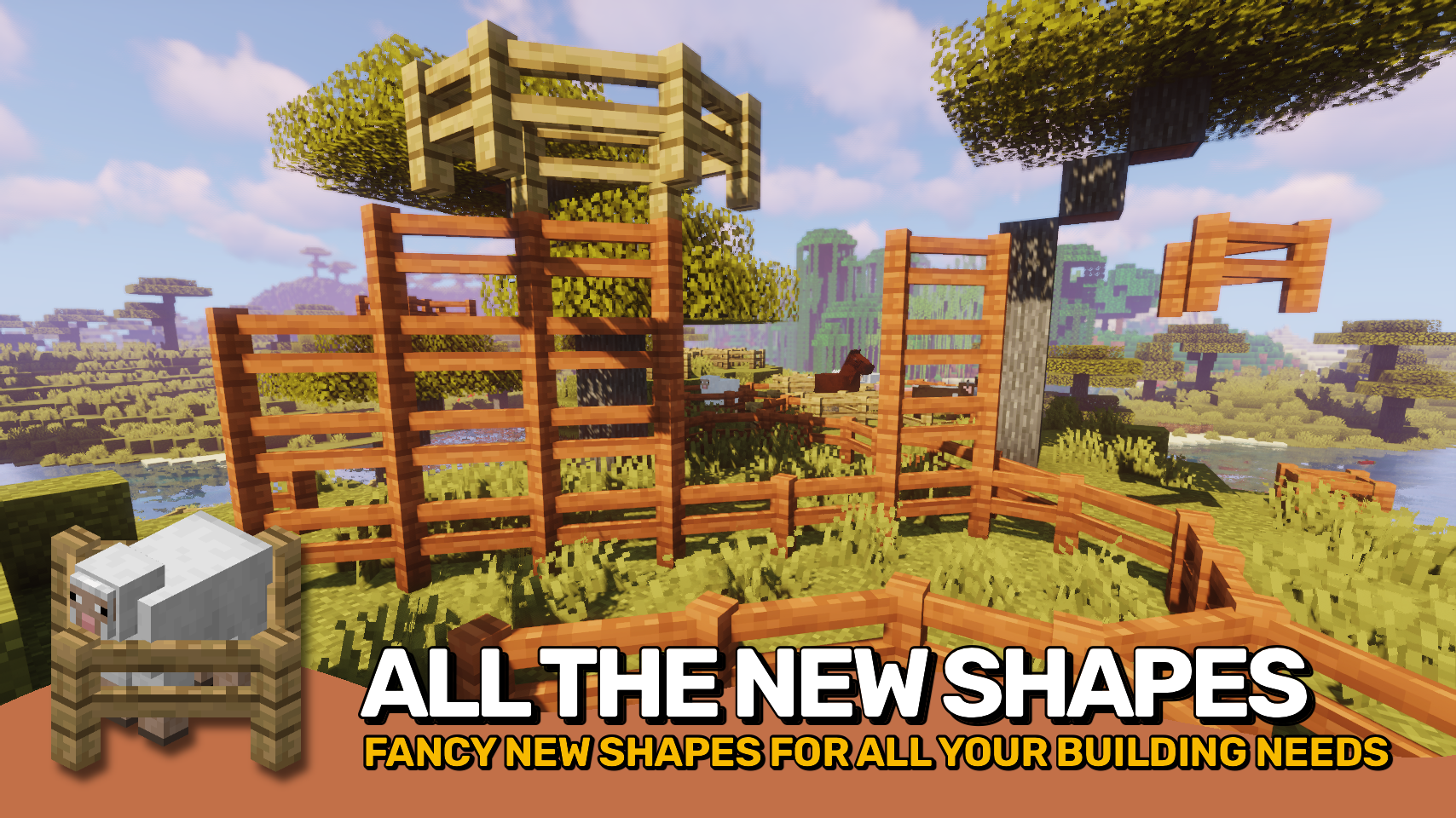
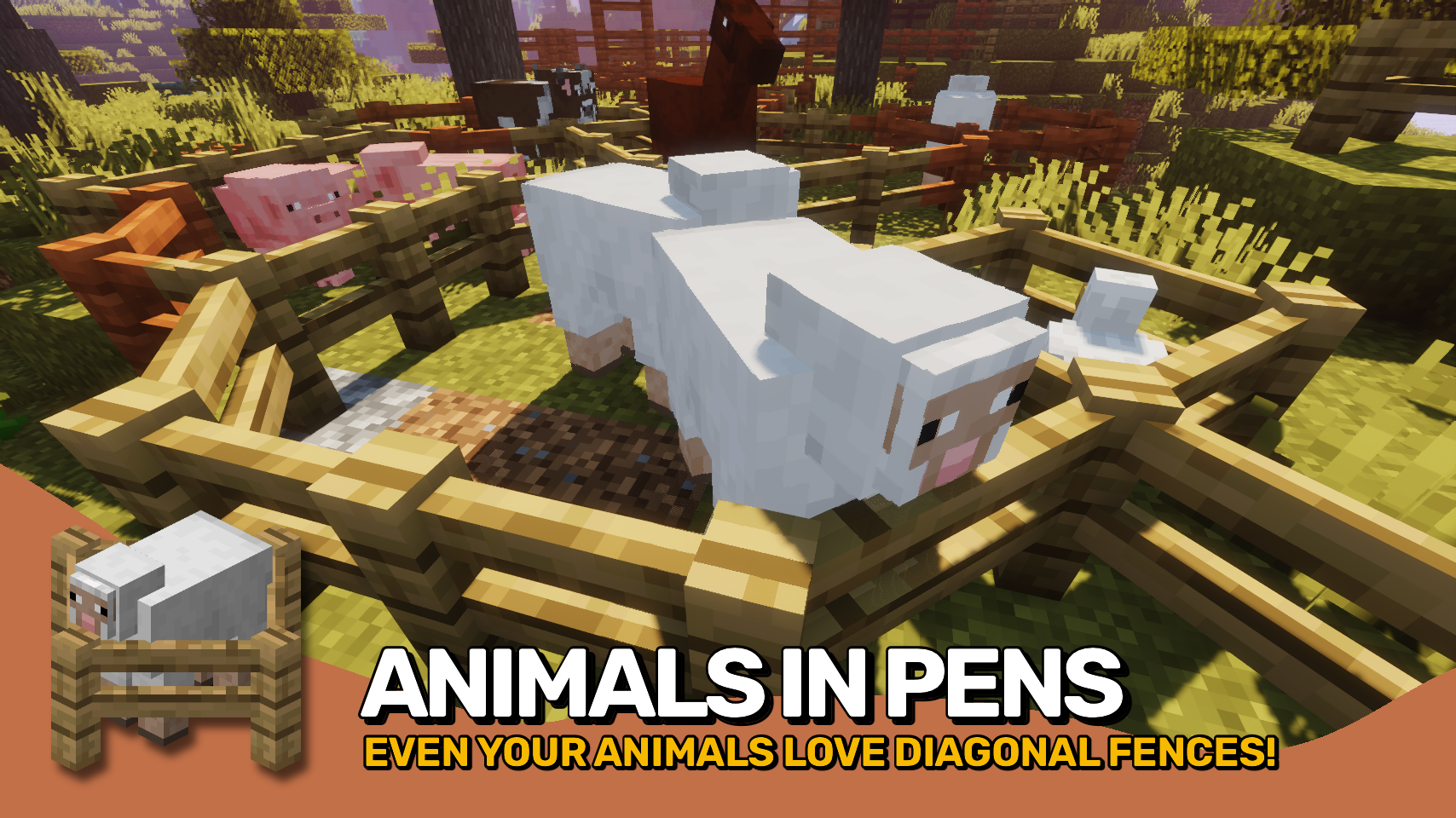
Diagonal Fences allows fences to connect diagonally, making builds feel more natural and flexible. 🧱 It behaves exactly as you would expect, adding smoother connections without changing the core feel of fences.
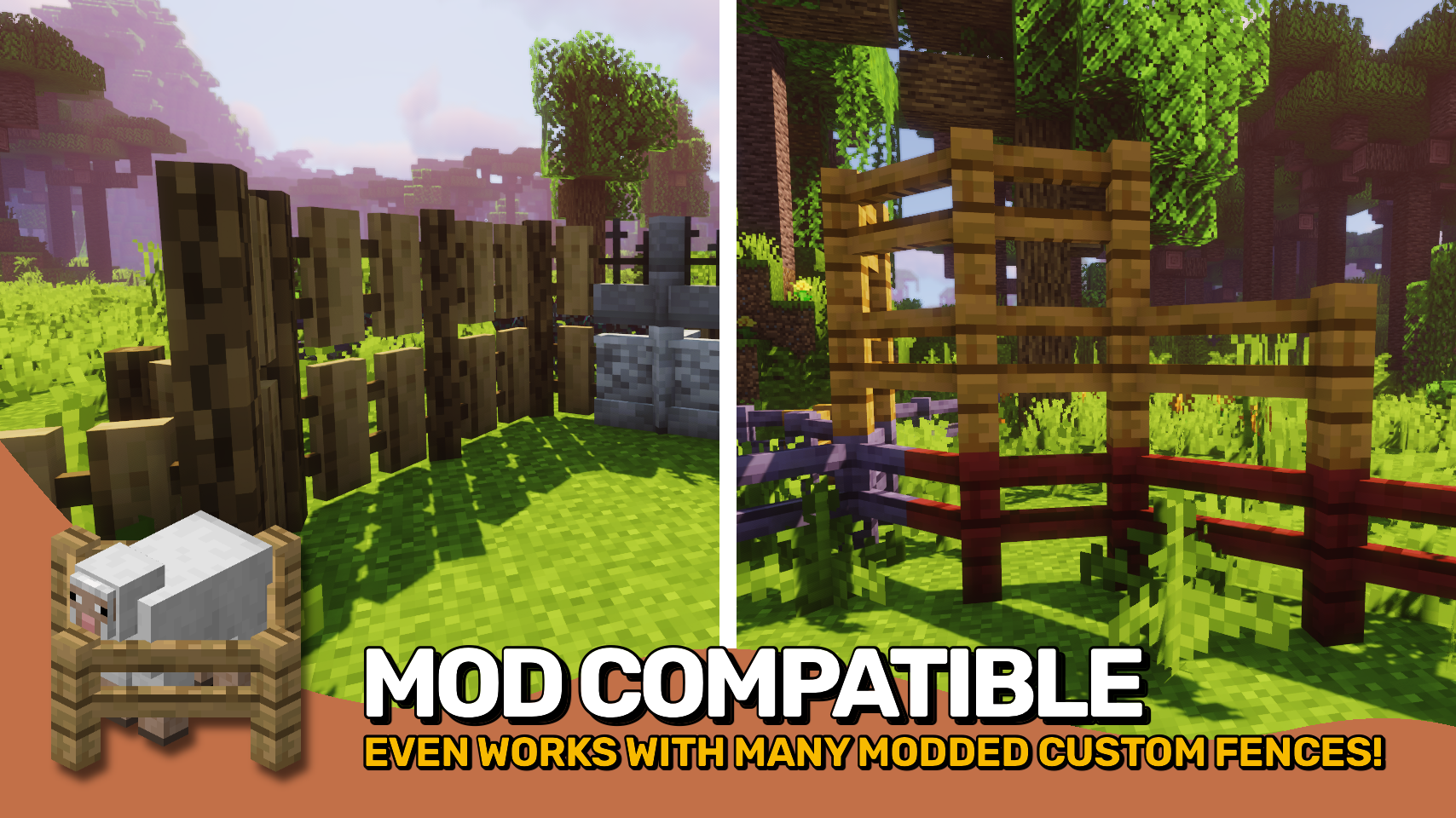
Blocks added by other mods are supported dynamically whenever possible, and any unintended behavior can be controlled using the diagonalfences:non_diagonal_fences block tag. ⚙️ It also works seamlessly with most resource packs without extra setup.
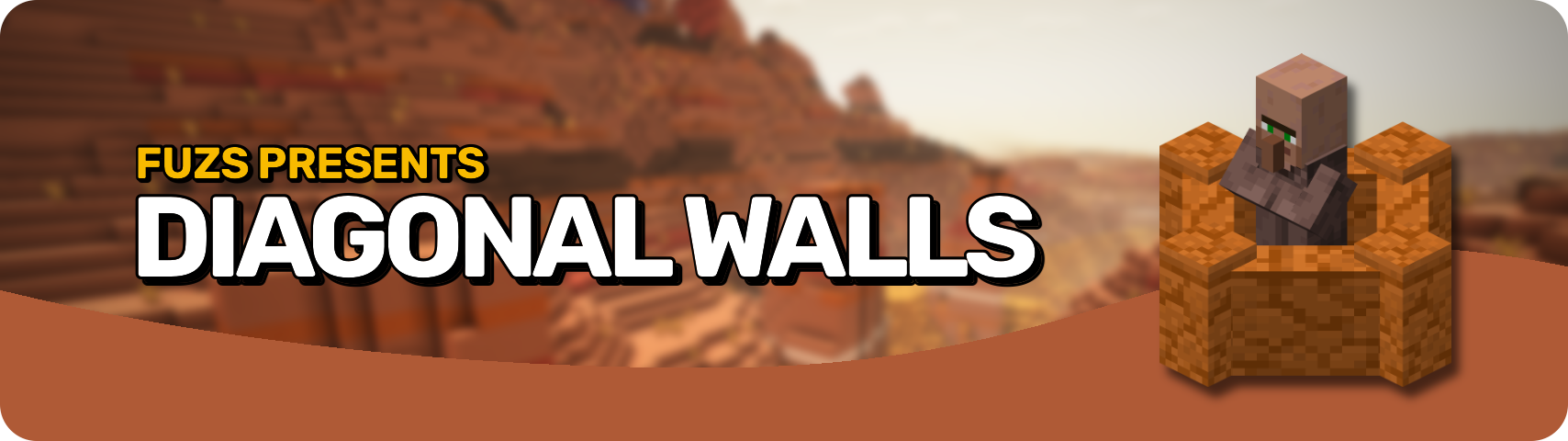
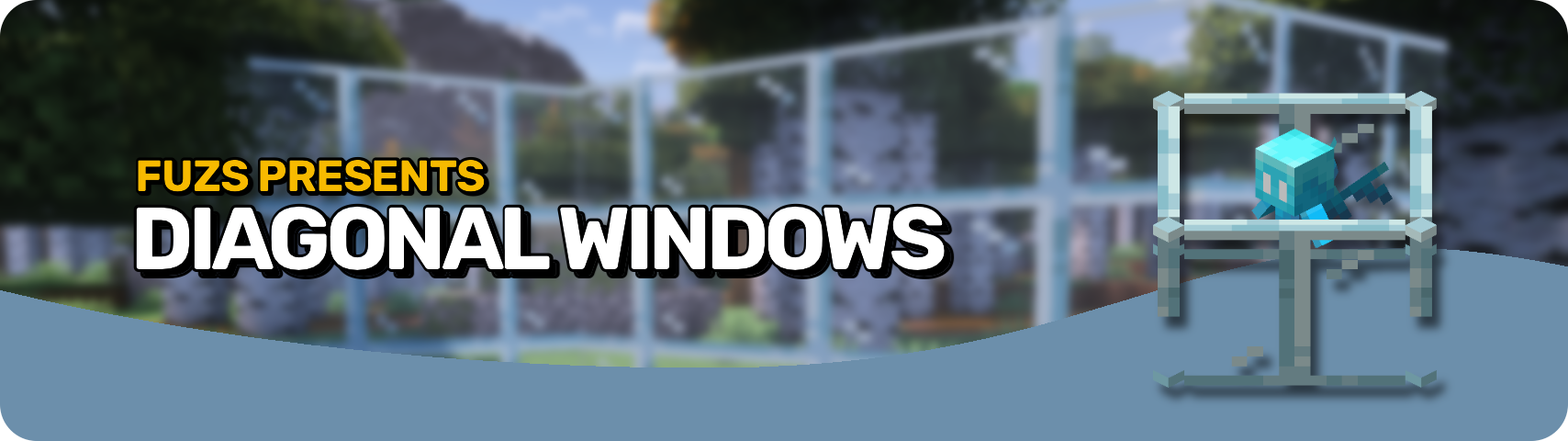
Part of the Diagonal Blocks family, alongside Diagonal Windows and Diagonal Walls. ✨ More ways to make your builds feel smoother, cleaner, and more natural.


⏩ INSTALLATION REQUIRED ON CLIENT & REQUIRED ON SERVER
⏩ REQUIRES PUZZLES LIB TO BE INSTALLED (FABRIC & NEOFORGE)
⏩ REQUIRES FABRIC API TO BE INSTALLED (FABRIC)
⏩ REQUIRES FORGE CONFIG API PORT TO BE INSTALLED (FABRIC)

If available for a mod, configuration is possible directly from in-game using the mod menu (requires Mod Menu by Prospector to be installed on Fabric).
For manual configuration using an external text editor all files are found at .minecraft/config, named as MOD_ID-client.toml, MOD_ID-common.toml, or MOD_ID-server.toml, depending on the type of config. Not all types might exist for a mod, if any at all.

🌟 Thanks to TheWeatherPony for the original idea with their Fence Overhaul mod.
🌟 Thanks to Magneticflux for some of the diagonal hitbox code from their Diagonal Panes mod.
🌟 Thanks a lot to XFactHD for porting Diagonal Fences to 1.18, contributing the diagonal model code and helping out during development in general!
 |
 |
|
 |
 |
|
 |
 |
|
 |
 |
|
 |
 |
|

© 2026 @heyitsfuzs. All rights reserved. This page was last edited on 11 September 2026, at 06:44 (UTC).
Compatibility
Mod Loaders
Game Versions
Recommended Gear
AffiliateHardware and extras that pair well with this mod.

As an Amazon Associate I earn from qualifying purchases.
Screenshots
Similar Mods

Cloth Config API (Fabric/Forge/NeoForge)
Config Screen API for Minecraft

Mouse Tweaks
Enhances inventory management by adding various functions to the mouse buttons.

Fabric API
Core API library for the Fabric toolchain

AppleSkin
Adds some useful information about food/hunger to the HUD

GeckoLib
A 3D animation library for entities, blocks, items, armor, and more!

Architectury API
An intermediary api aimed to ease developing multiplatform mods.
Included in Modpacks (909)
Most downloaded Better MC [FORGE] - BMC4
 Better MC [FABRIC] BMC1
 Better MC [FABRIC] BMC2
 Better MC [FORGE] BMC1
 Better MC [NEOFORGE] BMC5
 Better MC [FORGE] BMC3
 Better MC [FORGE] BMC2
 BigChadGuys Plus (w/ Cobblemon!)
 Better Adventures+
 Better MC [FABRIC] BMC3
 Isle of Berk (Claws of Berk)
 Society: Sunlit Valley
 Enigmatica 6 - E6 - 1.16.5
 Demon Slayers Unleashed
 VerityCraft - A Realistic Horror Experience
 M-Tech
 Prehistoric World - Dinosaurs, Adventure & Quests | NEW PREHISTORY UPDATE!
 Biohazard: Project Genesis - The Ultimate Apocalypse
 New Game - An Improved Experience | 1.21 UPDATE!
 BigChadGuys and the Holy Grail