Astrocraft: Realistic Night Skies
Modby pymsrps
Configurable astronomy mod that adds real life stars and planets to the night sky, with changes to the sun / moon, eclipses and shooting stars
Type
Mod
CurseForge Downloads
483,951
CurseForge ID
1010757
Last Updated
Jul 27, 2026
Description
A configurable astronomy mod that adds a realistic night sky with real life stars, planets and much more. This mod is for those who want to explore the stars while playing minecraft.
Summary of Features
- Real life stars and constellations
- Galaxies and Nebulae
- Planets, moons, asteroids and comets
- Shooting Stars and Meteor Showers
- Zoomable spyglass, usable as a telescope
- Realistic / Seasonal sun and moon positions
- Rare astronomical events (Eclipses, and more)
- Fully Customizable, custom solar systems supported
Real Life Stars and Constellations
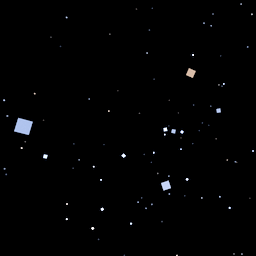
Astrocraft replaces Minecraft's randomly generated stars, with those from real life. Stars come in a range of magnitudes and colors, with bright red stars like Betelgeuse or Arcturus, or more blueish stars like Rigel.
Most stars are so dim, you need a spylass to see them. Zooming in on the Milky Way on a moonless night, you can see thousands of little stars.
As the night progresses, stars revolve around a point in the north sky, marked by Polaris and the Little Dipper.
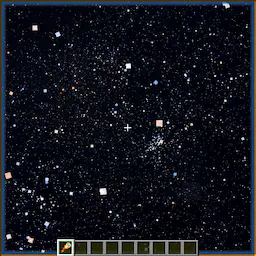
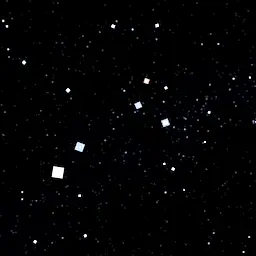
Galaxies, Clusters and Nebulae
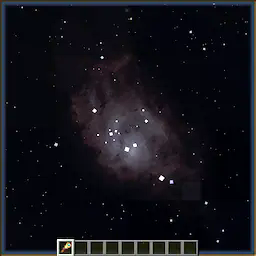
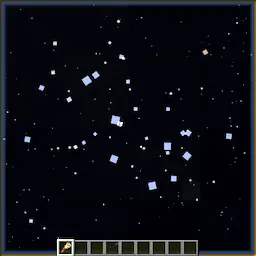
Astrocraft also adds different types of deepsky objects, including:
- Open and Globular Clusters, like the Pleiades (M45).
- Nebulae like the Orion Nebula (M42), or Ring Nebula (M57)
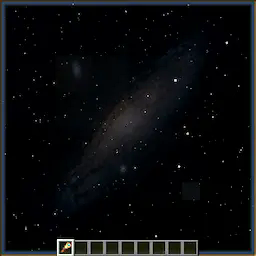
- Galaxies like Andromeda (M31) or Whirlpool (M51)
- A subtle Milky Way skybox
For these objects, you need dark skies and high altitude to see well.
Shooting Stars and Meteor Showers
Occasionally, you can see streaks of light across the sky. Most meteors belong to a meteor shower, where they radiate from a specific point in the sky. The perseids for example, occur in summer, and radiate from around Perseus or Cassiopeia. Some meteor showers can produce Meteor Storms.
Zoomable Spyglass
Use your mouse's scroll wheel, to zoom in or out, up to 500x magnification. The spyglass works like a telescope, it lets you see objects that are otherwise too dim.
It works best at high altitudes such as on a mountain top, and when the sky is fully dark, not lit by the moon.
Planets and the Solar System
Astrocraft by default, adds every planet, along with many other solar system objects. Planets appear similar to bright stars, but often vividly colored to stand out. Unlike stars, these objects move as the days go by, in realistic keplerian orbits. Positions of these planets in the sky are calculated from their orbital parameters (fully configurable), while also taking into account earth's own orbit. Planets also vary in magnitude (brightness), being brightest at opposition.
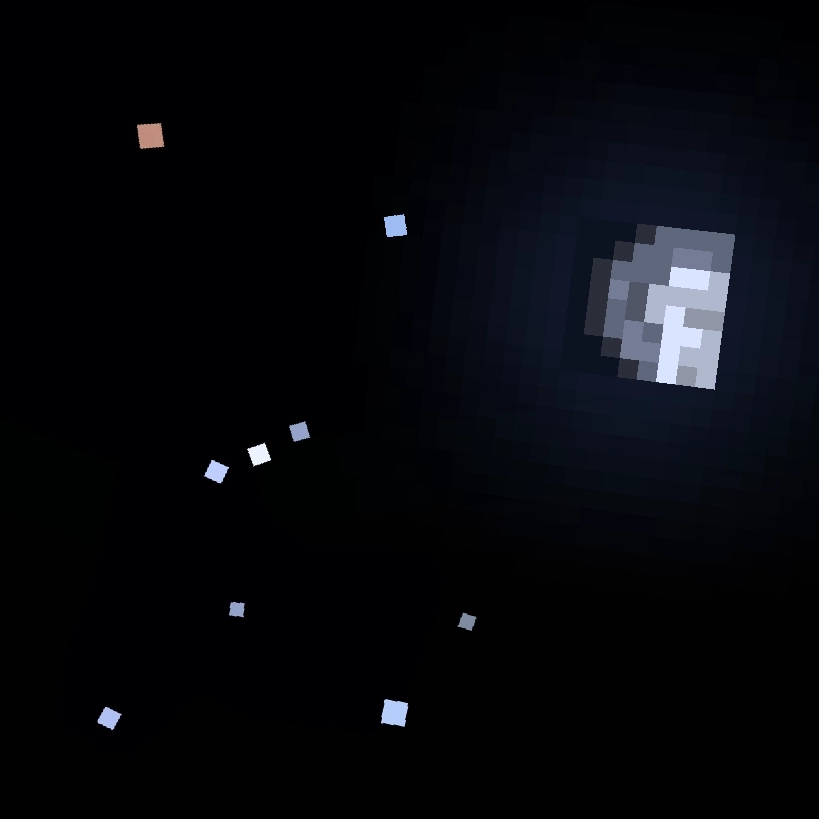
Zooming in to a planet, it starts to looks less like a star, and more like the vanilla MC moon. Planets have different textures, Jupiter having bands, Venus being mostly featureless. Inferior planets (Venus and Mercury), also show phases like the moon, based on the direction of the sun.
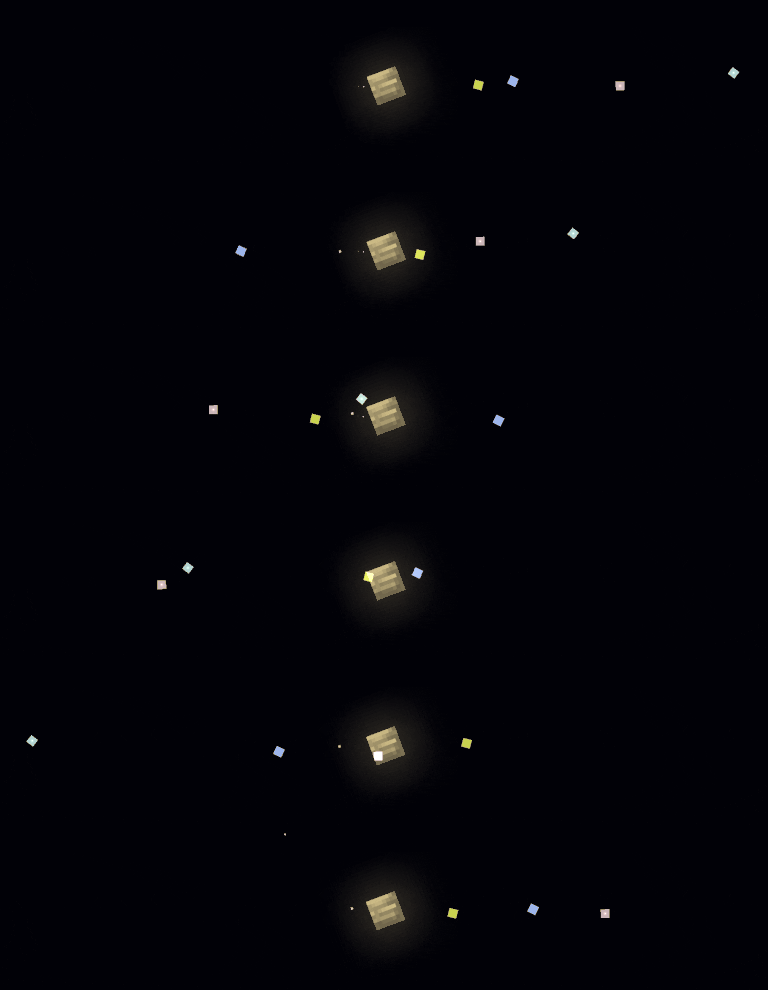
Some planets are orbited by moons, for example: Jupiter and the Galilean moons. Moons often have short orbital periods, meaning you can see them move over a single night.
Below is a table of the major planets (except Earth), with descriptions of their ingame appearances:
Planet Brightness In-game Color Notes Mercury Dim - Bright White Always within ~25° of the sun Venus Very Bright White Always within 45° of the sun, very bright Mars Dim - Bright Red Bright when in opposition, otherwise dim Jupiter Bright Yellow Four bright moons visible using a spyglass Saturn Dim Green Has rings that are visible with enough zoom Uranus Very Dim Cyan Usually requires a spyglass to view Neptune Very Dim Blue Difficult to view, even with a spyglass Pluto Very Dim Pink Gray Like a very dim asteroid, binary with CharonThere are also over 100 asteroids (or dwarf planets), usually orbiting the sun around the asteroid belt. These appear like dim stars, usually requiring a spyglass to see. Subsequent observations may show them slowly moving through the star background.
Comets, which have visible tails and sometimes become very bright as they approach the sun. They have high eccentricity orbits.
Realistic / Seasonal Sun and Moon
Throughout the year, the sun moves relative to the stars, traveling through the zodiac. This determines which stars can be seen at a given time.
Unlike in vanilla minecraft, where the sun, moon and stars all pass overhead, they will now be tilted by the latitude set in the configuration (30°N by default). Additionally, the sun's angle also changes seasonally throughout the year. This causes the day and night to change in length, longer days in summer, longer nights in winter. Setting latitude to 90° or -90° in the configuration will simulate polar day / night.
If you have either serene seasons or fabric seasons installed, Astrocraft automatically syncs to their season cycles.
The Moon
This mod adds moonlight, which lights up the night during a full moon, however may outshine certain objects in the sky. At a new moon, or when the moon is down, the night can be very dark, but it is best for astronomy.
The vanilla MC moon, regardless of phase, is permanently fixed opposite the sun. In Astrocraft, the moon moves independently of the sun. As a result, it is often still up during the day.
Eclipses
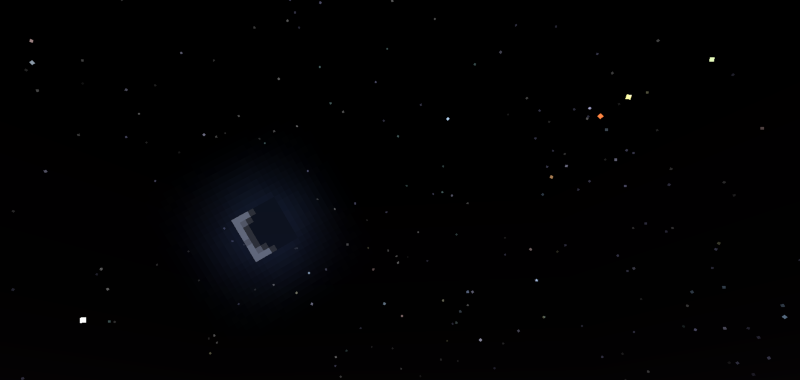
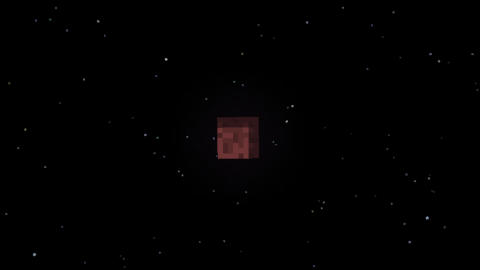
A rare astronomical event, the Lunar Eclipse, occurs when a full moon coincides with the moon crossing the ecliptic. A shadow engulfs the moon and turns it red and dark, dimming moonlight for only a few minutes.
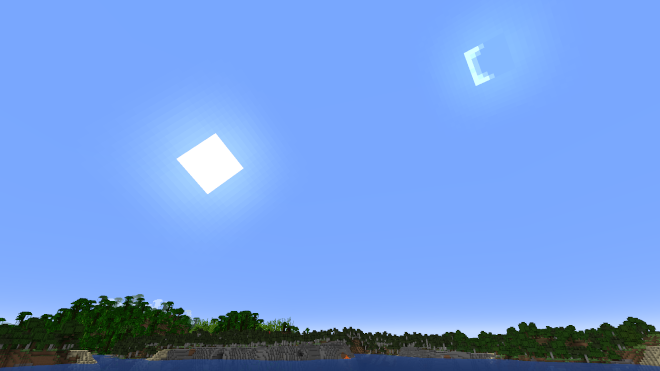
During a new moon, the moon can partially or fully cover the sun, completely blocking out the sunlight. This causes the sky to go dark and stars to come out, just like the night. Other astronomical objects, such as Mercury and Venus can also eclipse the sun, they look like small sunspots.
Customization
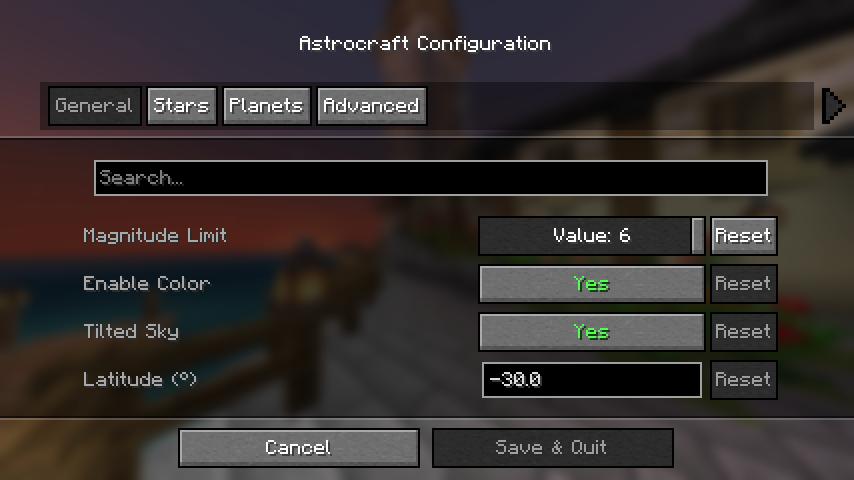
If you have mod menu installed you can open the configuration menu, otherwise edit the config file at: "config/astrocraft.json".
Here you can toggle stars or planets off, disable star color, add your own stars and much more. The main option affecting performance is "Magnitude Limit", reduce this if you need to.
Multiplayer Compatibility
Other players on multiplayer worlds with Astrocraft installed will see the same stars and planets as you. However, this won't be the case if you change certain settings, such as "year length" or planets' orbits. Keep this in mind, if you are viewing the night sky with friends.
Constellations
Astrocraft can help you see constellations in the stars by drawing them in the sky. Enable the "Show Constellations" option under the "Overlays" category. It will now show you which stars make up each constellation.
Planets
In the "Planet" category of the menu, you will find a list of all the planets added by the mod. Here you can edit the appearance and orbit of any planet, including earth. Each planet has a list of moons, these can be edited the same way as any planet. You can also add new planets and moons in the config.
Earth is not the only planet you can observe the solar system from, Set "Observing Location" to any planet, moon, asteroid, or even nearby stars. This affects the position of the stars and other planets in the sky. It also allows you to get a close up view of nearby celestial bodies (like Jupiter from Europa).
Compatibility
- BadOptimizations: This can be fixed by setting "enable_sky_angle_caching_in_worldrenderer" to "false" in the BadOptimizations config file at "config/badoptimizations.txt".
- AdditionZ: Disable "North Star".
- Shaders may have visual issues
- fabricSkyboxes
Use Sinytra Connector if you want to use with forge or neoforge.
If the mod breaks after updating, try resetting everything in the config, or delete the config file. Don't report shader issues.
Screenshots
Similar Mods
World Preview
Allows you to preview a map / seed in the new world screen
Weapon Throw
Throw your Axes or Swords!

Shulker's Faithful Factories
Adds new mechanics and structures to make more resources farmable using Vanilla redstone mechanics
![SDM UI Lib [Forge/Fabric]](https://media.forgecdn.net/avatars/1072/176/638608020011330454.png)
SDM UI Lib [Forge/Fabric]
A simple library that will simplify the creation of GUI
MMV - Moog's Missing Villages
This is a mod which adds in the missing jungle and swamp villages in a vanilla friendly way and style
HydroGel
A simple Minecraft mod to add a single, solid block to hydrate farmland.