

DefaultSettings Fabric/Quilt
Modby PT400C
Keep your game's local settings in case of an update to your modpack
Description

DefaultSettings Fabric


Never lose local settings when updating your modpack!
This client mod offers the ability of creating and using modpacks which ship custom settings, entries in the server list or even custom keybindings without having them overwriting your local settings every time the modpack updates. Looking for DefaultSettings for Minecraft Forge? Go this way!
You've got any questions? Join our new Discord!

Installing the mod:
It's fairly easy to install DefaultSettings, all what you have got to do is place the mod's jar file in your FabricMC installation's "mods" folder.
But how does it work?
Our mod adds the /defaultsettings (/ds) command. If you're a modpack creator and want to ship certain configuration files to your user, this one will be your lifeline. You might know that everytime you change your modpack (like add mods or edit a keybind) all the local settings your users have made will be erased e.i. overridden by your own settings once they update their modpack. This includes FPS settings, Optifine settings, music settings and MANY more.
In order to give users the ability to keep those local settings but also receive updates you make to the pack, it's crucial to use our /defaultsettings command and NOT include any files like options.txt, servers.dat or similar when exporting your modpack.
Luckily using the command is incredibly simple. Once you think you're ready to export your modpack (or update it), you have to use /defaultsettings save. This will manage most of your configuration files (like keybinds, general game options, optifine options, resourcepack order and your server list). They will be shipped to new modpack users but not overridden when users update their packs. Only if you actively change any of those (let's say the resourcepack order), that can be directly shipped to all users. "Can" means that it does not have to be done. Not using the -of argument of our command will allow you to do exactly that. But don't worry, if that sounds complicated it will soon be explained to you if you test out the command in-game :)
Privacy Policy:
We do not collect any type of data! Besides that, our mod indeed uses Minecraft's logs. This means that especially errors are dumped into the logs - but sensitive data never is.
Modpacks:
You're certainly allowed to use and distribute this mod in private & public modpacks.
Copyright Jomcraft Network 2025 ~ Last change October 2025
Recommended Gear
AffiliateHardware and extras that pair well with this mod.

Mini PC for Self-Hosting
A low-power box that can sit in a cupboard and run a modded server around the clock.

Minecraft Enderman Character Plush
Enderman plush toys, and a reliable gift for a younger player.
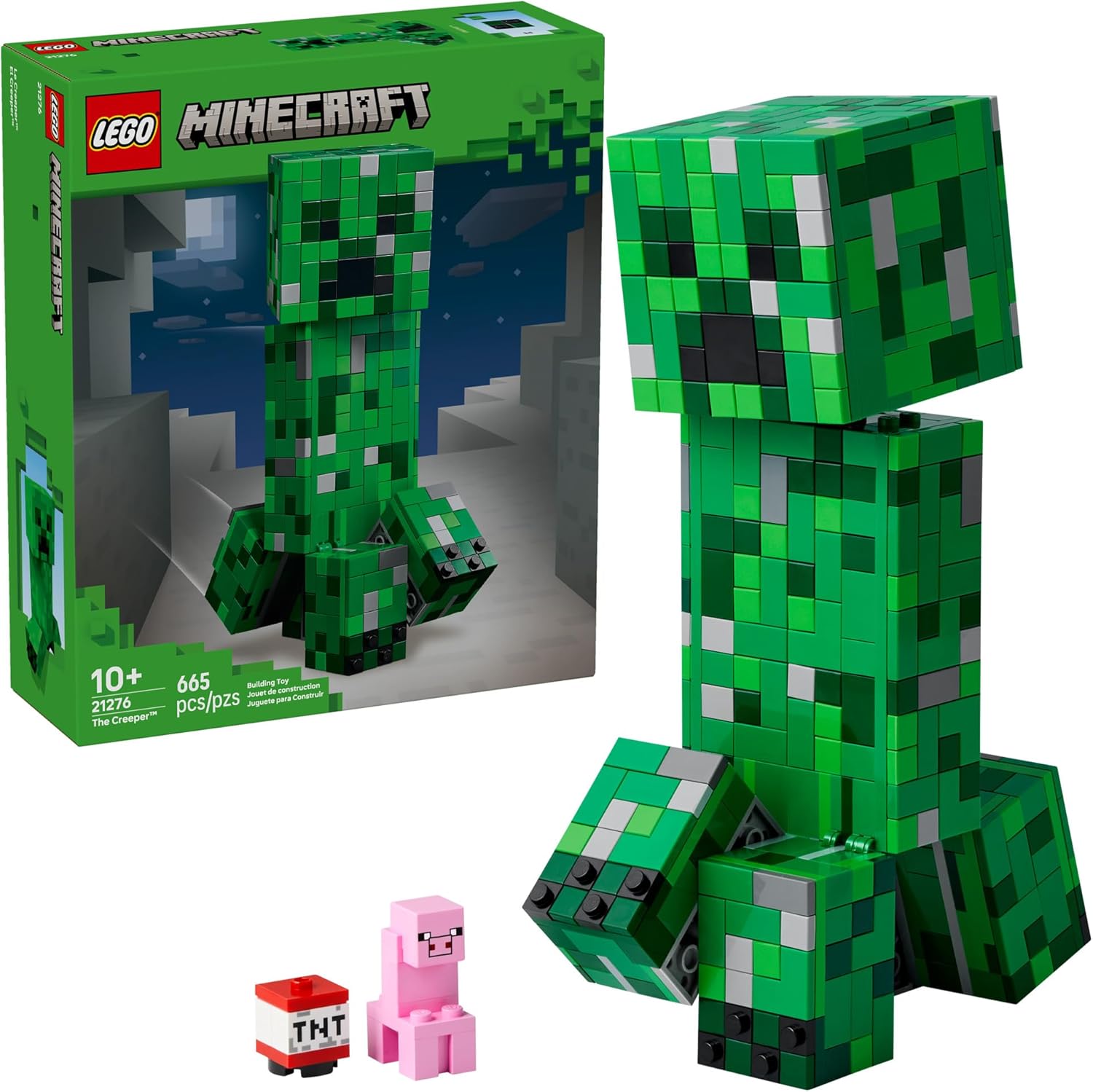
LEGO Minecraft Set
Official sets that translate the building side of the game off-screen.
As an Amazon Associate I earn from qualifying purchases.
Screenshots
Similar Mods
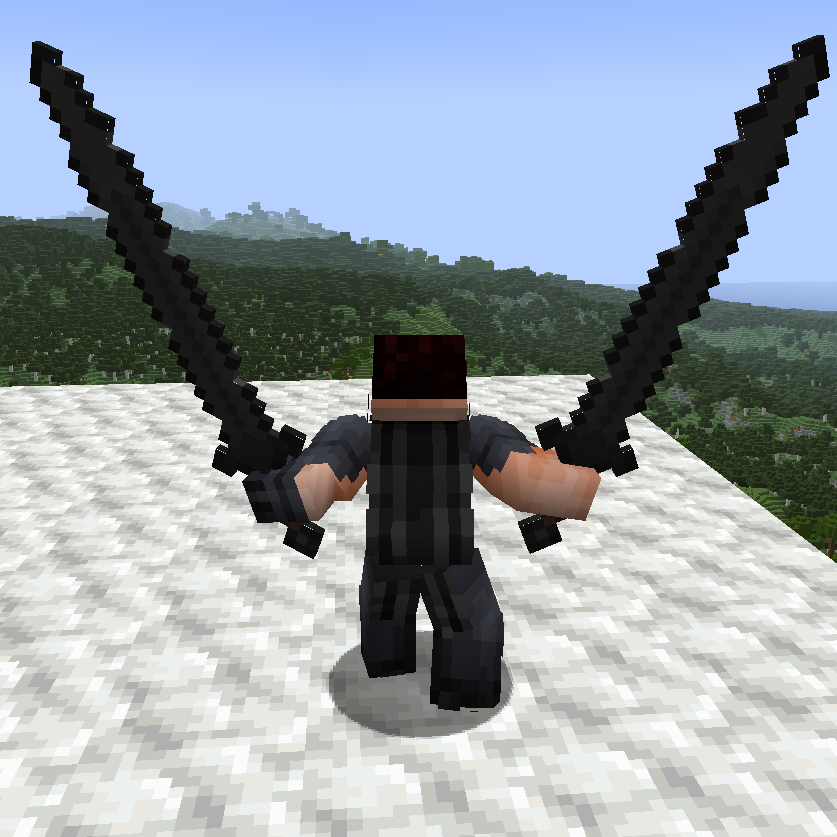
Epicfight - Dual GreatSword
Allow you to dualwield greatsword in epicfight mod.
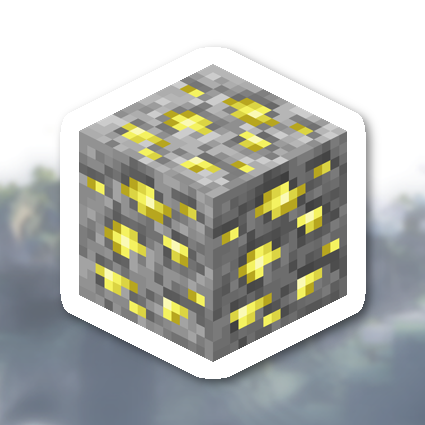
Aether Addon: Emissivity
An addon for The Aether, adding emissivity to various textures.
[Cobblemon] BadgeBox
A simple mod that adds a box to put badges
Enderman Evolution
An early-game Enderman-focused mod
Unique Enchantments Base
The Unique Enchantments Base Library

Better With Minecolonies
Recipes that allow you to get hard to acquire blocks with slightly less difficulty. Great for level 2 schematics that wa...
