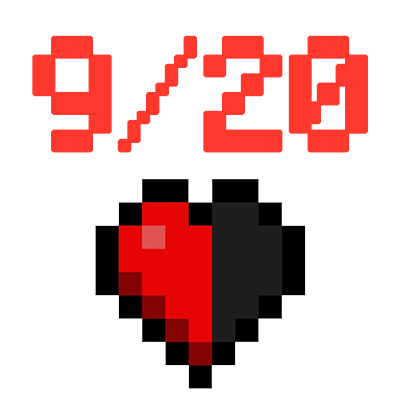
DetailedHP
Modby Keksuccino
Show your current HP and food as number in the HUD.
Description


Dependencies
- Konkrete
About
DetailedHP is a client-side Forge mod that shows your current HP and food as number instead of just the normal bars.
It is compatible with mods that change the max health of the player and it can be fully customized by changing it's position, size, color, prefix and suffix!
NOTE:
DetailedHP is a mod request by Discord user SenZ0!


How to Customize DetailedHP
The config file to customize the mod is located at .minecraft/config/detailedhp/config.txt.
To apply changes made to the config, just pause the game (press ESC) and the config will be reloaded!
NOTE:
All values without "food" or "_food" at the end of its name are for the health overlay.
Position
You can change the position of the number by adjusting the posx, posy, orientation, posx_food, posy_food and orientation_food values.
The orientation sets the origin point from where its position is calculated.
Supported orientation values are: top-left, mid-left, bottom-left, top-centered, mid-centered, bottom-centered, top-right, mid-right, bottom-right
Color
The basecolor and basecolor_food values can be used to set the base color of the text to whatever HEX color value you like.
If you want to use default Minecraft formatting codes, you can use the prefix / prefix_food and suffix / suffix_food values.
Scale
The number is too big or too small? Just use the scale and scale_food values and set them to the text scale you like the most!
These values are multipliers. A scale of 0.5 will be half of the normal text size and 2.0 will double the size.
Prefix and Suffix
These things aren't only to format your number! You can use the prefix / prefix_food and suffix / suffix_food values to add any text to the start and end of the normal number.
Disable Max Health or Food
If you don't want to see the max health or food (the number after the slash), just disable it by setting showmaxhealth and/or showmaxfood to false.
Hide Health or Food
You want to completely hide one or both (?) of the overlays? Just set enablehealth and/or enablefood to false and you will never see them again!..until you set it to true again, of curse!
Copyright
DetailedHP
Copyright © 2021 Keksuccino. All rights reserved.
Server Needed?
You need a Minecraft server to play with your friends but it's just too much work to setup one on your own?
No problem, just rent an ready-to-use server and start playing in a snap!
Just click on the image below and use the code keksuccino to get 25% off your first month!
Recommended Gear
AffiliateHardware and extras that pair well with this mod.

LEGO Minecraft Set
Official sets that translate the building side of the game off-screen.

Minecraft Enderman Character Plush
Enderman plush toys, and a reliable gift for a younger player.
As an Amazon Associate I earn from qualifying purchases.
Similar Mods
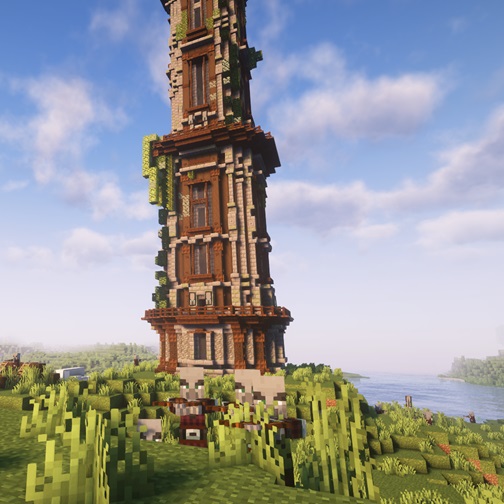
Improved Pillager Outpost
The "Improved Pillager Outpost" Datapack revamps the standard Minecraft Pillager Outpost into a challenging, multi-level...
JinxedLib
JinxedLib is a library designed to provide tools for multi-loader and mod pack developers.

Music Player
Play music from many sources like youtube, soundcloud or radio livestreams
Tetra's Delight
Make knives work with Tetra!
Cataclysm: Spellbooks
An addon for Iron's Spells and Spellbooks and L_Ender's Cataclysm

Knaves' Needs
Additional swords for Simply Swords.