Divine General Mahoraga and His Wheel
Modby Galad
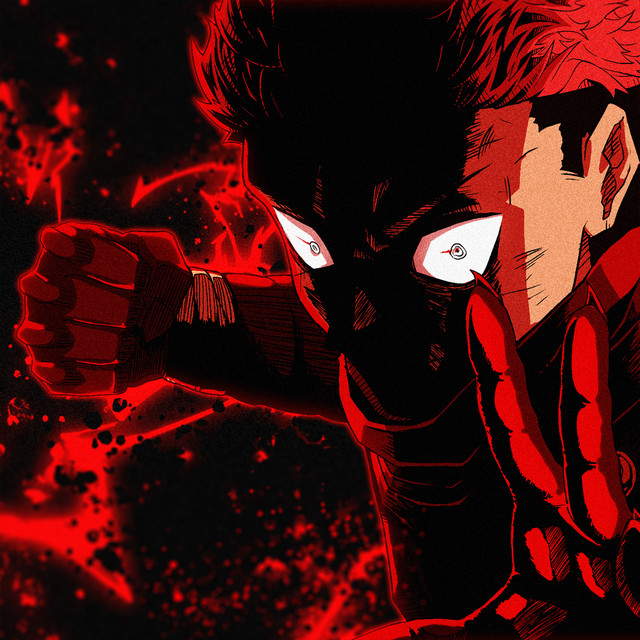
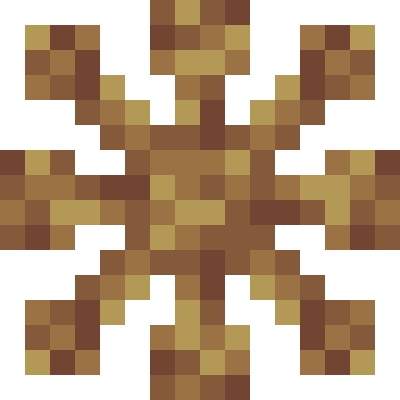
This mod adds Divine General Mahoraga and his Wheel of Adaptation from JJK anime
Type
Mod
CurseForge Downloads
31,218
CurseForge ID
1435587
Last Updated
Jul 27, 2026
Description
This mod adds Divine General Mahoraga and his Wheel of Adaptation from JJK anime
Here is a complete guide on the entire mod:
1. Obtaining the Wheel
The Components: You'll need the Altar of the General & Sword of Extermination.
You can find these items inside the Tomb of the General structure in the nether in the Basalt Deltas biome. It will be located in the upper room of the structure
After you obtain these 2 items, place down the Altar and right click it with the Sword of Extermination. A cutscene of the ritual will play out and directly after it you can start fighting Mahoraga. If you defeart Mahoraga, he will drop hsi Wheel of Adaptation.
2. Wearing the Wheel
Once you have the Mahoraga Wheel, you have two options:
• Helmet Slot: You can wear it on your head like a helmet.
• Curios Slot: If you have the Curios API mod installed, you can put it in a Wheel slot. If you place it in the Wheel slot, then you will adapt normally but won't receieve any of the buffs from the adaptations.
3. Summoning Ally Mahoraga
Once you defeat Mahoraga and wear his wheel, you will be able to press Right-Alt keybind (on default keybinds) in order to summon him. First summon would play out the cutscene, then after he is summoned you can store him in the shadows by pressing the keybind again. You can store him and then make him appear again by pressing the keybind. Once Mahoraga is stored and he has taken damage prior to you storing him, then he will start healing while in the shadows
Mahoraga's Modes:
While Mahoraga is summoned you can switch between 2 modes, Guardian and Assist.
If Guardian is active then Mahoraga will instantly attack all nearby hostile mobs.
if Assist is active then Mahoraga will only attack mobs you attack.
How Adaptation Works
1. Take Damage: When you get hit by something (an arrow, fire, a zombie, magic, etc.), the wheel starts spinning.
2. The Progress: You'll see a bar above your health showing the adaptation progress (e.g., [|||||.....] 50% (Fire)).
3. Full Adaptation: Once the bar hits 100%, you are fully adapted and will no longer receive any damage from that source.
Sword of Extermination
At first glance this might seem like a normal sword, however when you hold RMB (right click) the sword will glow and deal much more damage to undead mobs and curses
Cursed Fate compatability
If you are playing with the Cursed Fate mod, then you will be able to adapt to every Cursed Technique from the mod.
Examples:
• Bypass Infinity: You start adapting once a player nearby activates Infinity. Once fully adapted, you will disable Infinity of the other player with every melee attack.
• Domain Expansion: If you get trapped in a Domain (like Unlimited Void or Malevolent Shrine), the wheel will start adapting to the domain. Once adapted, you will no longer need to worry about the sure-hit effect of that domain.
Commands & Config
I've added some commands to help you manage things, especially for server admins.
• /showadaptations - Prints a list in chat of everything you are currently adapted to.
• /clearAdaptations [player] - Resets the wheel. Useful if you want to start fresh or test things. WARNING: If no player name is added, it will clear the adaptations of ALL the players
• /enableAdaptations <player> <true/false> - Admins can use this to stop a specific player's wheel from working temporarily or to manually select a player after disbaling adaptations using the gamerule .
• /removeSpecificAdaptation <adaptation_name> - Allow the user to clear a single adaptation per command run. Useful if you dont want to clear all adaptations but only 1 of them
• /mahoragawheelmod mahoragaStats <stat> <value> - Allows an admin to edit the stats for the Mahoraga boss, it will only take effect when you summon Mahoraga after running the command
• /mahoragawheelmod mahoragaAllyStats <stat> <value> - Allows an admin to edit the stats for the tamed Mahoraga, it will only take effect when you summon tamed Mahoraga after running the command
Configs:
• You can edit the names of the Adapted moves from your config folder.
• wheelScale (Default: 1): Change the size of the wheel
Changing the Rules
You can change the mod's settings using a command (these are hidden from the normal /gamerule list to keep things cleaner).
Usage: /mahoragawheelmod gamerule <rule> <value>
• maxAdaptations (Default: 10)
• adaptationTimeTicks (Default: 10000): How much time does it take the player to adapt.
• mahoragaAdaptationTimeTicks (Default: 2000): How much time does it take the player to adapt.
• disableAdaptations (Default: false): Turn off the entire adaptation globally if you need to.
• clearAdaptationsOnDeath (Default: true)
• damageReductionLimit (Default: 100): Allows you to change the maximum damage reduction
• enableDestruction (Default: True): Decide if you want mahoraga's moves to break terrain or not
• shadowHealPerSecond (Default: 2): How much HP Mahoraga heals per second while stored in the shadows
Screenshots
Similar Mods
Convenient mobGriefing
Gives more control over the mob_griefing game rule by splitting it into four rules with additional overrides for individ...
YDM's Scorpions
This mod adds scorpions to the game.

Korean Chat Patch
Convenient Korean Patch Mod
Charset Tweaks
Tweaking the sandbox alphabet

Computality
ComputerCraft for 1.11+
Entity LagFix / Lag Fix
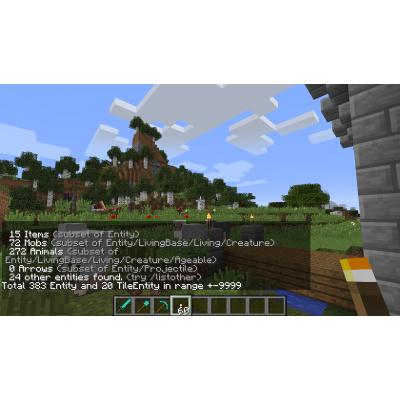
Removes lag by removing too many entities such as from dropped items, arrows, explosions etc... An op tool to count or...