RPG Backpacks
Modby yigitguven
Adds backpacks with different storage capacities for carrying more items.
Type
Mod
CurseForge Downloads
299,309
CurseForge ID
Modrinth Downloads
9,885
Modrinth ID
Last Updated
Oct 24, 2026
Description
RPG Backpacks




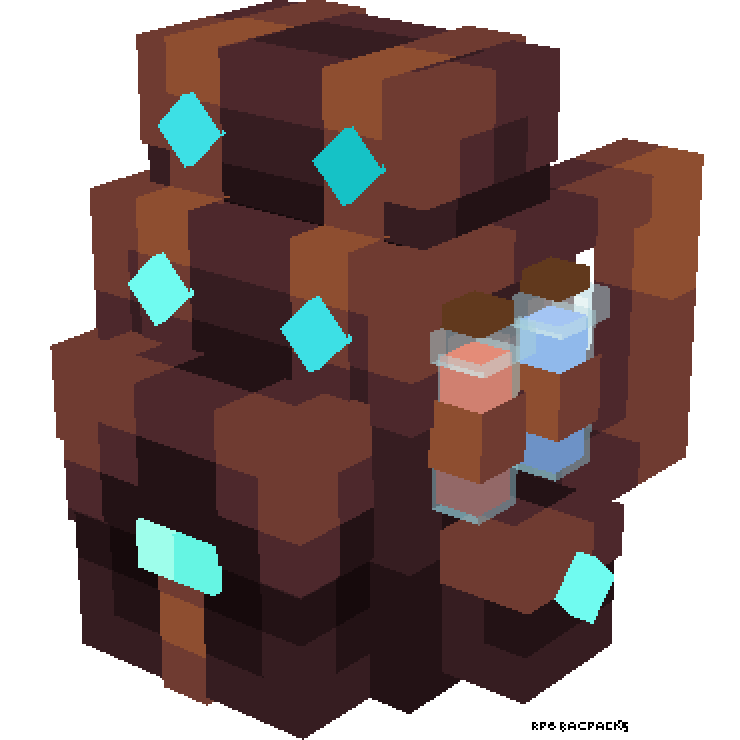
RPG Backpacks adds wearable backpacks with different storage capacities to your Minecraft adventures. Carry more items, organize your inventory, and look stylish while exploring the world!
✨ Features
- Tiered Backpacks:
- Leather Backpack: 18 Slots (2 Rows)
- Iron Backpack: 27 Slots (3 Rows)
- Golden Backpack: 36 Slots (4 Rows)
- Diamond Backpack: 45 Slots (5 Rows)
- Netherite Backpack: 54 Slots (6 Rows) & Fire Resistant!
- Wearable: Equip backpacks in your Chestplate slot or Curios Back slot (if installed).
- 3D Models: Custom, detailed 3D models when worn on your back.
- Easy Access: Open your backpack with a keybind (Default:
B). - Convenient Tooltips: Hover over a backpack to see a preview of its contents without opening it.
📥 Installation
- Download Minecraft.
- Install modloader.
- Download the latest version of RPG Backpacks from Modrinth or CurseForge.
- (Optional but Recommended) Install Curios API to wear backpacks without replacing your armor.
- Place the
.jarfile in yourmodsfolder. - Launch the game and enjoy!
🎮 Usage
🛠️ Crafting Recipes
| Item | Ingredients | Recipe Type |
|---|---|---|
| Leather Backpack | 8x Leather + 1x Chest | Crafting Table (Surround) |
| Iron Backpack | 8x Iron Ingots + 1x Leather Backpack | Crafting Table (Surround) |
| Golden Backpack | 8x Gold Ingots + 1x Iron Backpack | Crafting Table (Surround) |
| Diamond Backpack | 8x Diamonds + 1x Golden Backpack | Crafting Table (Surround) |
| Netherite Backpack | 1x Netherite Ingot + 1x Diamond Backpack + 1x Netherite Upgrade Smithing Template | Smithing Table |
[!TIP] Inventory Preservation: When upgrading a backpack, all contents are automatically transferred to the new tier!
🎒 How to Use
- Equipping: Place the backpack in your Chestplate slot or the Curios back slot.
- Opening:
- Right-click while holding the backpack in your hand.
- Press
B(configurable in controls) while the backpack is equipped. Reference priority: Worn > Main Hand > Off Hand.
- Preview: Hover over any backpack in your inventory to see a list of its contents.
🐛 Issues & Support
Found a bug? Have a suggestion?
- Report issues on GitHub.
- Join our Discord Community for support.
- Check the Wiki for detailed guides.
🔗 Links
- Author: Yigit Guven
- GitHub: yigit-guven/RPG-Backpacks
- Modrinth: rpg-backpacks
- CurseForge: RPG Backpacks
📜 License
This project is licensed under the GNU General Public License v3.0. See the LICENSE file for details.
Compatibility
Mod Loaders
Game Versions
Recommended Gear
AffiliateHardware and extras that pair well with this mod.

LEGO Minecraft Set
Official sets that translate the building side of the game off-screen.

Minecraft Enderman Character Plush
Enderman plush toys, and a reliable gift for a younger player.
As an Amazon Associate I earn from qualifying purchases.
Similar Mods
Held Item Tooltips
See item enchantments, potion effects, shulker box contents and much more directly above your hotbar.
Dietary Statistics
Adds a new attribute called Food Max, which will allow you to eat more...
Lost Radar
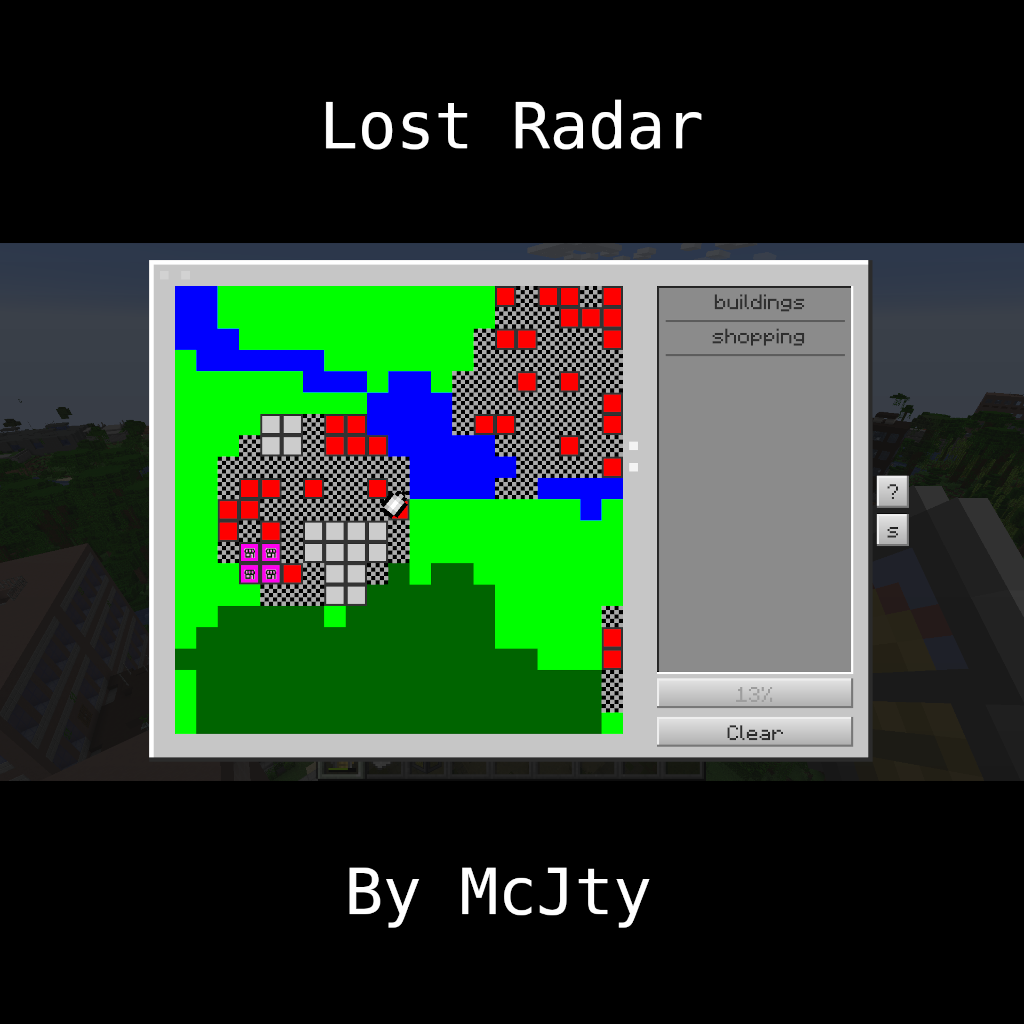
Lost Radar is a companion mod for Lost Cities that adds an item that can be used to find and discover buildings

Universal Mod Core
Core Library for version agnostic Minecraft Mods
Advanced XRay (Fabric Edition)
A simple but advanced XRay mod that allows you to find all of your most loved blocks. Now for Fabric as well!

Selfexpression
A mod that will add clothes suitable for any skin!