

Diagonal Walls
Modby Fuzs
The missing diagonal blocks are here! After all these years. Finally, you have them all.
Type
Mod
CurseForge Downloads
23,919,307
CurseForge ID
Modrinth Downloads
4,292,374
Modrinth ID
Last Updated
Nov 6, 2026
Description




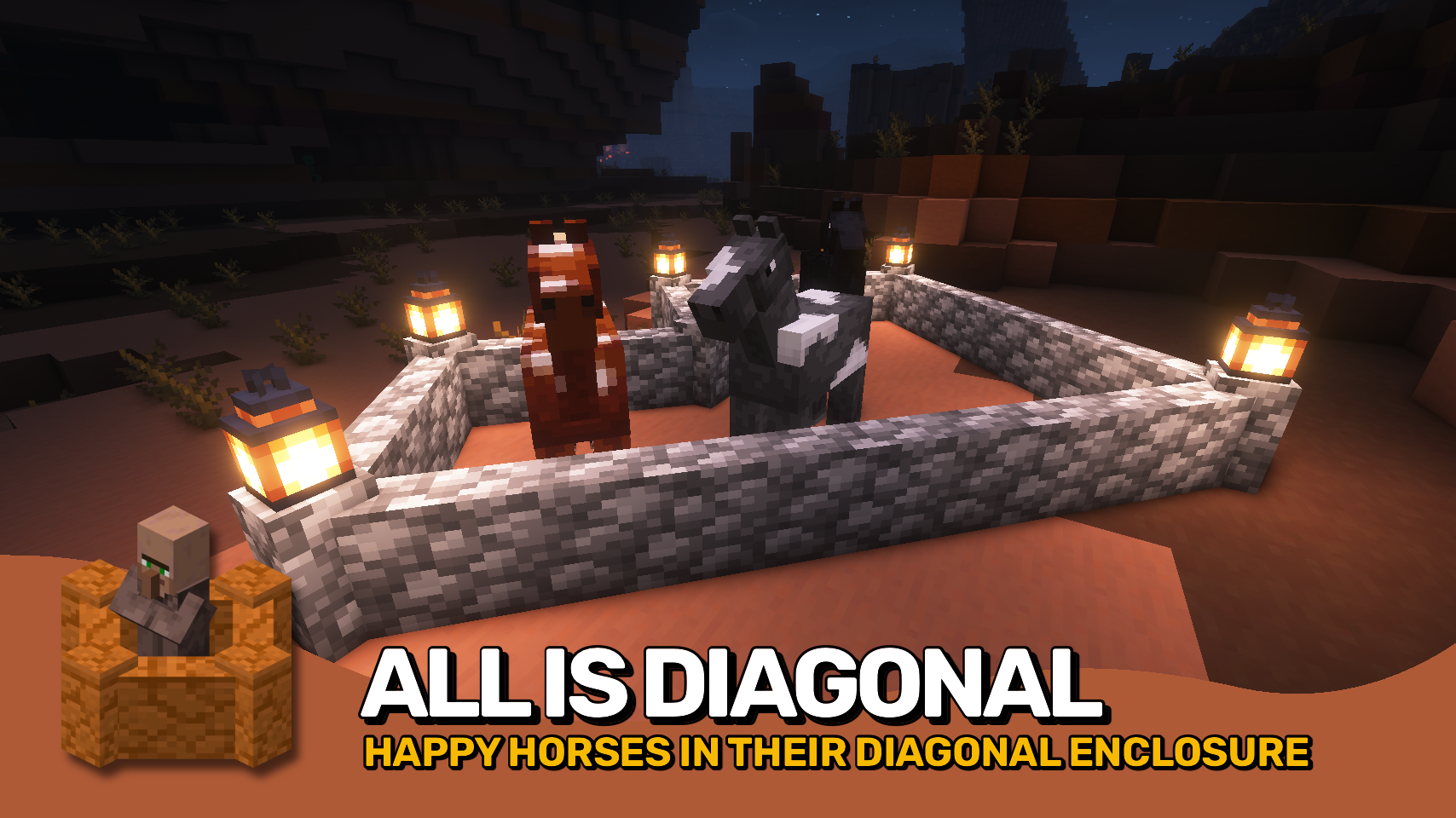
Diagonal Walls completes the Diagonal Blocks family, allowing walls to connect diagonally for more natural shapes and more freedom in your builds. 🧱 Castles, ruins, and city walls can now be designed without being locked to rigid angles.
Please note that for technical reasons, installing this mod removes vertical wall connections. Walls will no longer connect upwards and will show gaps when stacked, similar to Minecraft 1.15.2 and earlier. This behavior is not a bug, and restoring vertical connections is not technically feasible and is therefore not planned.
Blocks added by other mods are supported dynamically whenever possible, and any unintended behavior can be controlled using the diagonalwalls:non_diagonal_walls block tag. ⚙️ It also works seamlessly with most resource packs without extra setup.
Part of the Diagonal Blocks family, alongside Diagonal Fences and Diagonal Windows, expanding diagonal building in multiple directions. ✨


⏩ INSTALLATION REQUIRED ON CLIENT & REQUIRED ON SERVER
⏩ REQUIRES PUZZLES LIB TO BE INSTALLED (FABRIC & NEOFORGE)
⏩ REQUIRES FABRIC API TO BE INSTALLED (FABRIC)
⏩ REQUIRES FORGE CONFIG API PORT TO BE INSTALLED (FABRIC)

If available for a mod, configuration is possible directly from in-game using the mod menu (requires Mod Menu by Prospector to be installed on Fabric).
For manual configuration using an external text editor all files are found at .minecraft/config, named as MOD_ID-client.toml, MOD_ID-common.toml, or MOD_ID-server.toml, depending on the type of config. Not all types might exist for a mod, if any at all.

🌟 Thanks a lot to XFactHD for contributing the diagonal model transformation code and helping out during development in general!
 |
 |
|
 |
 |
|
 |
 |
|
 |
 |
|
 |
 |
|

© 2026 @heyitsfuzs. All rights reserved. This page was last edited on 11 September 2026, at 06:44 (UTC).
Compatibility
Mod Loaders
Game Versions
Recommended Gear
AffiliateHardware and extras that pair well with this mod.

Mini PC for Self-Hosting
A low-power box that can sit in a cupboard and run a modded server around the clock.

LEGO Minecraft Set
Official sets that translate the building side of the game off-screen.

Minecraft Enderman Character Plush
Enderman plush toys, and a reliable gift for a younger player.
As an Amazon Associate I earn from qualifying purchases.
Screenshots
Similar Mods

Comforts
Adds sleeping bags and hammocks for, respectively, portability and turning day to night, without setting new spawns. Com...
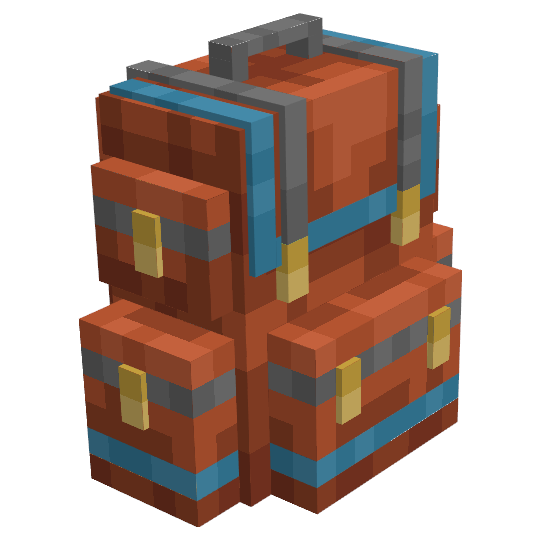
Sophisticated Backpacks
Yet another backpack mod this time with backpack you can place in world, color in different color combinations, upgrade...

Biomes O' Plenty
Adds 50+ unique biomes to enhance your world, with new trees, flowers, and more!
Farmer's Delight
A cozy expansion to farming and cooking!

YetAnotherConfigLib
A builder-based configuration library for Minecraft.

Kotlin for Forge
Adds a Kotlin language loader and provides some optional utilities.
Included in Modpacks (568)
Most downloaded Better MC [FORGE] - BMC4
 Better MC [NEOFORGE] BMC5
 Homestead - A Cozy Survival Experience
 BigChadGuys Plus (w/ Cobblemon!)
 Better Adventures+
 Better MC [FABRIC] BMC3
 Society: Sunlit Valley
 VerityCraft - A Realistic Horror Experience
 Prehistoric World - Dinosaurs, Adventure & Quests | NEW PREHISTORY UPDATE!
 Biohazard: Project Genesis - The Ultimate Apocalypse
 New Game - An Improved Experience | 1.21 UPDATE!
 Homestead
 Age of Fate
 Essentials Mods [FORGE] - 1.21 RELEASE!
 New Simple Mods - Easy to Understand | 1.21 UPDATE!
 Prehistoric World
 Monumental Experience
 More Animals [FORGE] - 1.21 UPDATE!
 Jurassic World Reborn II
 MineField Mods