
AZOTH Cobblemon Minimap Icons
Resource PackPokémon from Cobblemon: Iconified for JourneyMap and Xaero's Minimap!
Type
Resource Pack
Modrinth Downloads
16,663
Modrinth ID
qYjawZd1
Last Updated
Sep 10, 2026
Description
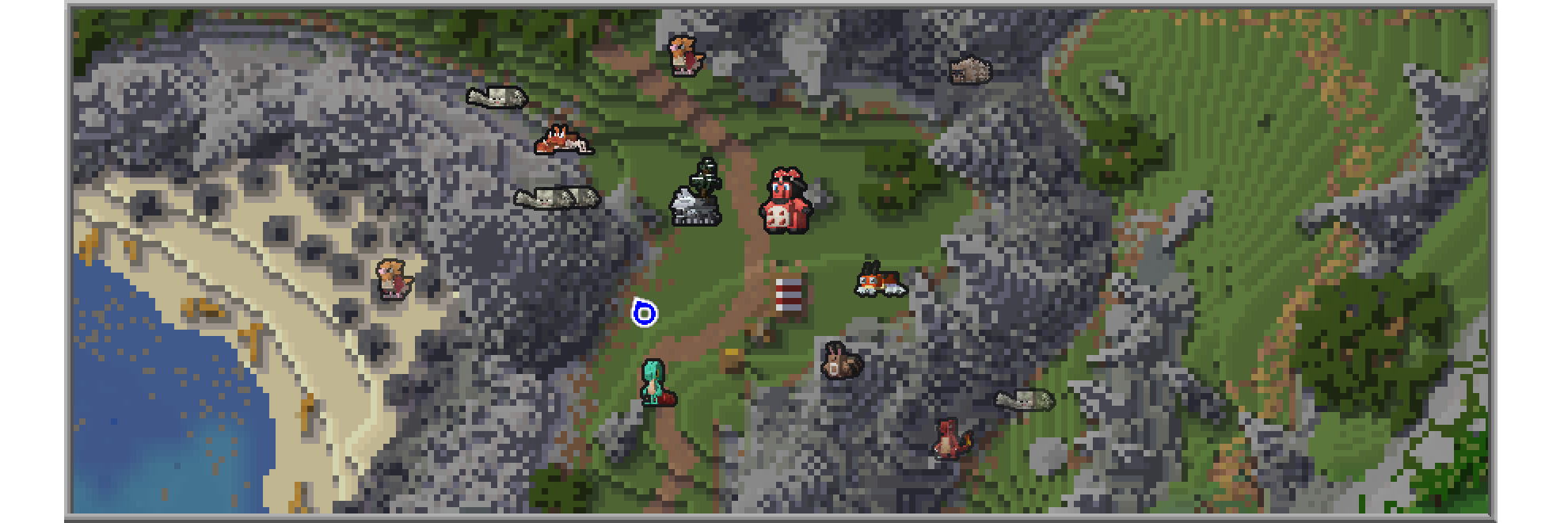
Journeymap Guide
Enable Pokémon Icons
- Open the in-game menu and go to Journeymap Settings (J key by default).
- Click Options from the button list on the lower part of your screen.
- Select Minimap Preset or Full Map Preset depending on your preferences.
- Set Mob Display → Outlined Icons.
- Adjust Entity Icon Size as desired.
Xaero’s Minimap Guide
Enable Pokémon Icons
- Open the in-game menu and go to Xaero's Minimap Settings (Y key by default).
- Select Entity Radar Settings.
- Change Display Icons to Always.
- Adjust Entity Icon Scale as desired.
Compatibility
Mod Loaders
Game Versions
Recommended Gear
AffiliateHardware and extras that pair well with this resource pack.

As an Amazon Associate I earn from qualifying purchases.
Screenshots
Similar Resource Packs

FA Extensions - Bray's Chest GUI Fix
This is a temporary patch pack to fix vanilla chest models in the GUI slot when using Fresh Animation Extensions in newe...

Low Fire TXF
Less intrusive fire

Ore Highlighter
Minecraft Ore outline / Ore Highlighter

Better Explosion Sounds
Changes the original explosion sounds to improved and more realistic ones.

Egyptian Mythology Mash-up
Will you survive the perils of the Pyramids? Journey through the Valley of the Kings, dodge deadly traps and explore the...

Drodi's Villagers
Drodi’s Villagers tries to combine aesthetics and utility to make Villagers more visually interesting


