

Hysk-LongHotbar
ModLongHotbar The dual-column side-by-side quick bar enables you to quickly access more items in your backpack and offers a flexible item exchange mechanism.
Type
Mod
Modrinth Downloads
37,840
Modrinth ID
JtgORGSF
Last Updated
Oct 10, 2026
Description
LongHotbar
LongHotbar is a Fabric client-side mod for Minecraft 1.21.11 that adds a side-by-side multi hotbar system, allowing you to quickly access more inventory rows with flexible swapping mechanics.
Note: TRIPLE and QUAD modes require mod version 2.0.0+.
- Author: YkinLing
- AI Assistant: Deepseek
- QQ Group: 783492491 (for source code)


(QUAD mode requires 2.0.0+)
✨ Features
-
Multi‑Bar Hotbar
Supports DUAL, TRIPLE, and QUAD side‑by‑side hotbars, each with 9 slots.- DUAL mode: left bar = main hotbar (slots 0-8), right bar = a configurable inventory row (row 1/2/3).
- TRIPLE/QUAD mode: all bars display different inventory rows; you can swap bars and reorder them using R key or mouse scroll.
-
Smart Item Swapping
Use R key (configurable) to swap items between the main hotbar and an extended inventory row (DUAL mode) or between bars (TRIPLE/QUAD mode).
Supports tap and hold actions with separate behaviors (full row, single item, exclude main hand, etc.). -
Offhand Slot Icon
Automatically shows your offhand item next to the left hotbar (offset adjustable). -
Vanilla Style Mode
Press = to instantly revert to the vanilla single‑bar look (swapping still works); press again to restore the multi‑bar display. -
Scroll Wheel Auto‑Swap
When you scroll past the leftmost slot (0) while scrolling left, or past the rightmost slot (8) while scrolling right, the mod automatically swaps full rows and toggles left/right positions (DUAL mode) or changes the focused bar (TRIPLE/QUAD mode). -
Double‑Tap Number Keys
Quickly double‑tap a number key (1-9) to swap the item in that slot with the same column position in the extended row/bar. -
Ctrl+Number Shortcuts (2.0.0+)
Hold the configured modifier key (default Left Ctrl) and press 1-4 to quickly switch modes:- Ctrl+1: toggle Vanilla Style Mode
- Ctrl+2: switch to DUAL mode
- Ctrl+3: switch to TRIPLE mode
- Ctrl+4: switch to QUAD mode
-
Fully Configurable
All features can be fine‑tuned via Mod Menu or the config file.
🎮 Default Key Bindings
Key Action R Tap: swap according to configuration; Hold: full row swap (and optionally toggle left/right positions) = Tap: toggle Vanilla Style Mode; Hold: cycle the swap row (DUAL mode) or rotate backpack rows (TRIPLE/QUAD) 1~9 Double‑tap: swap the item with the same column in the extended bar Ctrl+1~4 Quick mode switching (requires 2.0.0+, default modifier Left Ctrl)💡 Long‑press delay is 200 ms by default (configurable).
⚙️ Configuration Options
Configure via Mod Menu (recommended) or manually edit config/longhotbar.json5.
Option Description Default Completely Disable Mod Completely disables the mod: no multi‑bar, no swapping, = key won’t work. Must be re‑enabled via config file or Mod Menu. false Vanilla Style Mode Reverts to the vanilla single‑bar appearance (swapping still works). false Hotbar Mode Choose DUAL, TRIPLE, or QUAD. TRIPLE/QUAD require 2.0.0+. DUAL Hotbar Spacing Pixel gap between bars (can be negative). -1 Offhand Offset Horizontal offset of the offhand icon from the left edge of the left hotbar (pixels). -30 Single Item Swap Mode (Tap only) When ON: Tap R swaps only the main hand item. When OFF: Tap R swaps the entire row. false Invert Swap Behavior (Tap only) When ON: Tap R = full row swap only (no position toggle), Hold R = full row swap + toggle position. When OFF: opposite. false Tap swaps the other 8 items When ON: tapping R swaps the 8 items in the hotbar other than the currently selected slot (main hand item stays). Overrides the two options above. false Swap Row Which inventory row to swap with the main hotbar in DUAL mode: 1 = top row (9-17), 2 = middle row (18-26), 3 = bottom row (27-35). 3 Reverse swap row cycle order When ON, long‑pressing = cycles the swap row from bottom to top (3→2→1→3) instead of top to bottom. false Long press delay (ms) Milliseconds you must hold a key to trigger a long press action (range 180–1000). 200 Play Swap Sound Effect Plays a pickup sound when swapping via keys (R, =, double‑tap). Does not play for scroll wheel auto‑swap. true Enable Ctrl+Number Shortcuts Whether to allow modifier key + number quick mode switching (requires 2.0.0+). true Shortcut Modifier Key Modifier key used with numbers 1-4 (Left Ctrl, Right Ctrl, Left Alt, Right Alt, Left Shift, Right Shift). LEFT_CONTROL Swap = Key Short/Long Press Functions When ON: short press = cycle swap row, long press = toggle Vanilla Style Mode. When OFF: opposite. true🛠️ Usage Examples
Basic Gameplay
- After loading the mod, you’ll see side‑by‑side hotbars at the bottom.
- In DUAL mode: the right bar shows the bottom inventory row (slots 27-35) by default. Long‑press = to switch to a different row.
- Press a number key to select a slot on the left bar; double‑tap it to swap that item with the same slot on the right bar.
- Press R (tap or hold, depending on your config) to quickly swap the entire row with the right bar.
- When you have the leftmost slot (0) selected and scroll left, or the rightmost slot (8) selected and scroll right, the mod automatically swaps the full row and toggles left/right positions (DUAL mode) or changes the focused bar (TRIPLE/QUAD mode).
Advanced Tips
- Single‑item quick swap: Enable Single Item Swap Mode, then tap R to swap your main hand item with the corresponding slot on the right bar.
- Keep your main hand item: Enable Tap swaps the other 8 items. Tapping R will swap all other hotbar slots while leaving the currently selected slot untouched – great for quick inventory organisation.
- Reorder bars in TRIPLE/QUAD mode: Use R key (short press = next bar, long press = previous bar) or scroll wheel (at edges) to change which inventory row appears in which bar. The mod physically moves items between rows accordingly.
🔧 Compatibility
- Minecraft version: 1.21.11
- Mod loader: Fabric
- Dependencies: Fabric API, Cloth Config API
- Optional: Mod Menu (provides a GUI configuration screen)
📝 Notes
- This mod works client‑side only; it does not need to be installed on a server.
- If you experience rendering overlaps or offsets, adjust the Hotbar Spacing and Offhand Offset options.
- When Completely Disable Mod is enabled, the = key will not work. You must re‑enable the mod via the config file or Mod Menu.
- TRIPLE and QUAD modes require mod version 2.0.0+. Earlier versions only support DUAL mode.
📄 License
BSD 2-Clause License
Compatibility
Mod Loaders
Game Versions
Recommended Gear
AffiliateHardware and extras that pair well with this mod.

As an Amazon Associate I earn from qualifying purchases.
Screenshots
Similar Mods

Create Aeronautics: Shield Generator | Force field | Create Big Cannons Compat
Shield generator for sable objects and dome shield for ground bases, deflects fast projectiles with force field (Dune in...

ToLaserBlade (Forge/NeoForge)
A sword with a laser blade

Cobblemon: Extra Structures
A Cobblemon addon adding more structures and ways to obtain legendary Pokémons.
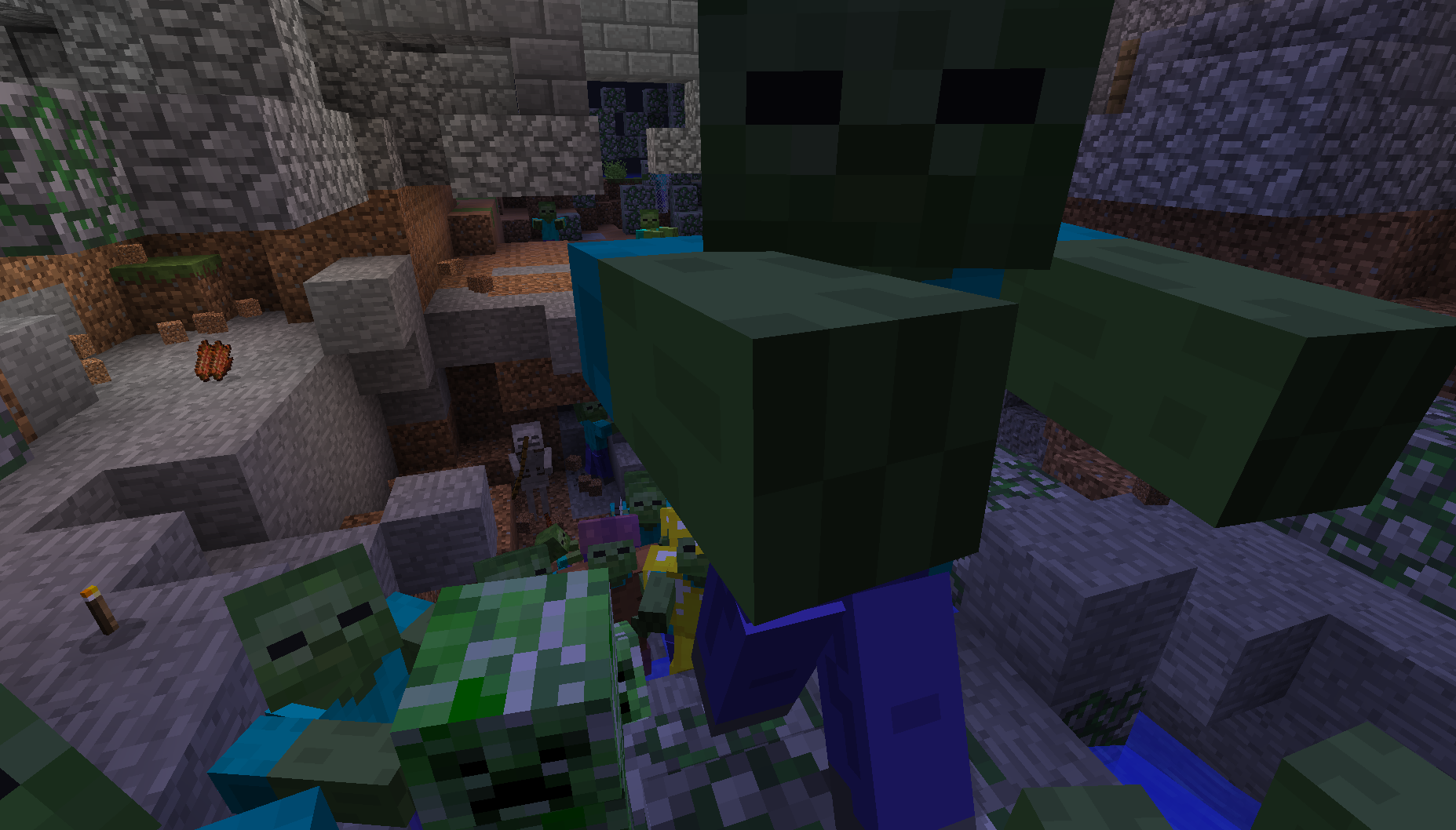
Monster Swarm
Aggressive monsters, digging through walls, swarming from far away.

Sniff's Weapons
Adds some new weapons and armor to minecraft!

Fermion!
Fermion is a mod that allows you to hide items from creative mode tabs, customize tab icons + many new item tooltips. th...