

Lechat's shaders
ShaderA beautiful shader meant to run on both potatoes and NASA PC's
Type
Shader
Modrinth Downloads
15,521
Modrinth ID
ZufFM6Vj
Last Updated
Jul 8, 2026
Description
Lechat's Shader Pack
A performance-focused Minecraft shader pack with multiple quality profiles, dynamic lighting, and customizable water effects. Designed for flexibility across a wide range of hardware configurations.
Please note that the project is in beta version, graphics may not be what you expect, and some bugs can remain !
Feel free to contact me on Discord (@lechat_v2) if you encounter any bugs !
Overview
This shader pack delivers a balanced visual experience with five distinct performance profiles. From minimal-impact POTATO mode for low-end systems to feature-rich ULTRA mode for high-end setups, each profile is carefully tuned to provide optimal visuals without sacrificing playability.
Key highlights include profile-based fog and water systems, dynamic day/night lighting cycles, and extensive customization through the shaders.properties configuration file.
Features
Technical Features
- Multiple Performance Profiles: Five preset configurations (POTATO, LOW, MEDIUM, HIGH, ULTRA) tailored to different hardware capabilities
- Profile-Based Fog Settings: Each profile has optimized fog parameters, with POTATO mode offering a clean no-fog aesthetic
- Profile-Based Water Features: Adjustable wave height and reflection intensity scaled per profile
- Customizable Settings: Fine-tune your experience via the shaders.properties configuration file
- Optimized Codebase: Fixed syntax errors and optimized lighting calculations for stable performance
- Balanced Brightness: Consistent lighting levels across all performance profiles
Visual Features
- Dynamic Lighting: Realistic day/night cycles with smooth transitions
- Water Effects: Animated waves with adjustable height and reflective surfaces
- Atmospheric Effects: Configurable atmospheric scattering per profile
- Underwater Rendering: Fixed underwater view with improved visibility
- Tone Mapping: Realistic color grading for natural-looking scenes
- Clean Aesthetic: Bloom disabled intentionally for a crisp, uncluttered look
Performance Profiles
Profile Description Best For POTATO Minimal effects, no fog, basic water, maximum performance Low-end PCs, laptops, integrated graphics LOW Light effects, light fog, basic waves Entry-level GPUs, older hardware MEDIUM Standard effects, moderate fog, standard waves Mid-range systems, balanced performance HIGH Enhanced effects, normal fog, high waves with refraction High-end GPUs, detailed visuals ULTRA Maximum effects, reduced fog for clarity, extreme waves, all features Top-tier hardware, screenshot-quality visualsProfile Details
POTATO
- Disabled fog for maximum visibility and performance
- Basic water rendering without wave animation
- Minimal post-processing overhead
- Ideal for achieving high frame rates on limited hardware
LOW
- Light atmospheric fog for depth
- Simple wave animations
- Reduced effect complexity
- Good balance for budget GPUs
MEDIUM
- Standard atmospheric scattering
- Moderate wave height and reflection
- Full feature set at reduced intensity
- Recommended for most modern systems
HIGH
- Enhanced atmospheric effects
- High wave height with water refraction
- Improved reflection quality
- Suitable for dedicated gaming GPUs
ULTRA
- Maximum visual fidelity
- Reduced fog density for crystal-clear long-distance views
- Extreme wave height (2.0x) with full reflection intensity (1.0)
- All advanced features enabled
- Requires high-end graphics hardware
Water Effects
The shader pack features a sophisticated water rendering system with profile-scaled parameters:
Wave Height Scaling
- POTATO: 0.5x (minimal animation)
- LOW: 0.6x (basic movement)
- MEDIUM: 1.0x (standard waves)
- HIGH: 1.5x (pronounced waves)
- ULTRA: 2.0x (extreme wave height)
Reflection Intensity
- Adjustable from 0.3 (subtle) to 1.0 (maximum reflectivity)
- Profile-tuned for optimal visual balance
- Dynamic based on viewing angle and lighting conditions
Additional Water Features
- Underwater View Fixes: Improved visibility and color correction when submerged
- Smooth Transitions: Seamless blending between above and below water
- Surface Reflections: Environment mapping for realistic water surfaces
- Refraction Effects: Light bending at water surfaces (HIGH and ULTRA profiles)
Installation
- Download the shader pack ZIP file
- Place the ZIP file in your Minecraft shaderpacks folder:
- Windows: %appdata%/.minecraft/shaderpacks/
- macOS: ~/Library/Application Support/minecraft/shaderpacks/
- Linux: ~/.minecraft/shaderpacks/
- Launch Minecraft with OptiFine or Iris/Oculus installed
- Navigate to Options > Video Settings > Shaders
- Select the shader pack from the list
- Click Done to apply
Requirements
- Minecraft 1.16.5 or newer (recommended)
- OptiFine HD U G5 or newer, OR
- Iris Shaders / Oculus (for Fabric/Forge mod loaders)
- OpenGL 4.0 compatible graphics card (minimum)
Configuration
In-Game Settings
Access shader settings through: Options > Video Settings > Shaders > Shader Options
Select your desired performance profile from the dropdown menu. Changes apply immediately without requiring a game restart.
Advanced Configuration
For advanced users, edit the shaders.properties file located in the shader pack directory:
shaderpacks/ Lechats-Shaders/ shaders/ shaders.properties <-- Edit this fileKey Configuration Options
Setting Description Range WAVE_HEIGHT Controls water wave amplitude 0.5 - 2.0 REFLECTION_INTENSITY Water surface reflectivity 0.3 - 1.0 FOG_DENSITY Atmospheric fog thickness 0.0 - 1.0 TONEMAP_TYPE Color grading algorithm VariousTips for Best Performance
- Start with the POTATO or LOW profile and increase settings gradually
- Monitor your frame rate using the F3 debug screen
- Reduce render distance before lowering shader quality
- Close background applications for improved performance
- Update your graphics drivers to the latest version
Troubleshooting
Low Frame Rates
- Switch to a lower performance profile
- Reduce Minecraft render distance
- Disable V-Sync in video settings
Visual Artifacts
- Ensure your graphics drivers are up to date
- Try switching between OptiFine and Iris/Oculus
- Reset shader settings to defaults
Water Not Rendering Correctly
- Verify you are using a compatible Minecraft version
- Check that your GPU supports the required OpenGL version
- Try resetting the shader pack configuration
License
This shader pack is provided as-is for personal use in Minecraft. Redistribution or modification should respect the original licensing terms of any included code libraries.
Compatibility
Mod Loaders
Game Versions
Screenshots
Similar Shaders
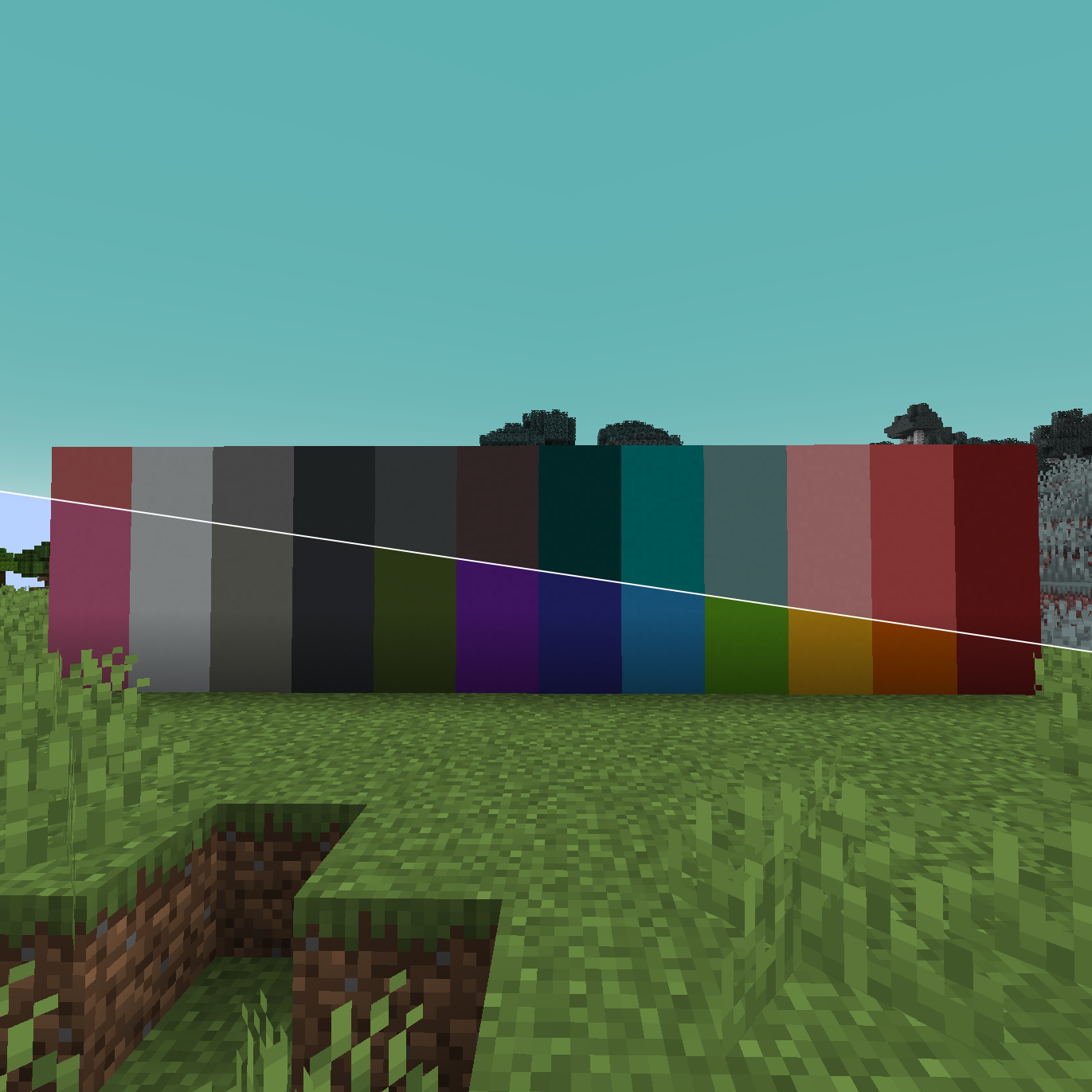
Tritanopia color blindness shader colorblindness
An Optifine shader to simulate Tritanopia color blindness / colorblindness
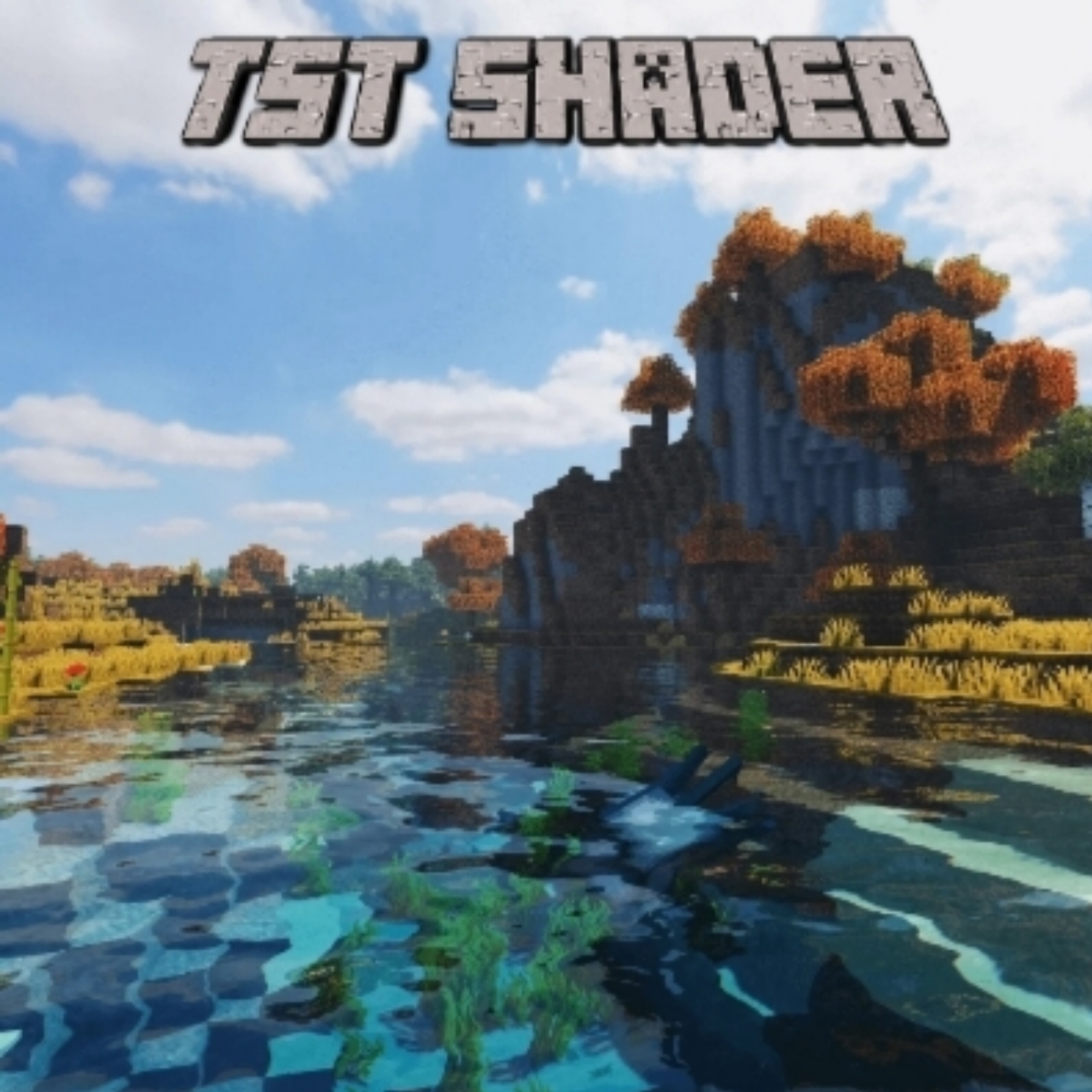
project-1134291
It enhances everything from realistic lighting and dynamic shadows to lifelike water reflections and atmospheric weather...
Trailer Shaders
Make your game look like a Minecraft trailer — but with higher FPS.

Clarity
Clarity removes all shadows and fog wich makes you see clearly everywhere and can be used for mining or travelling at ni...
i hate shadows
Fullbright shader, banished every shadow.👋 You’re welcome.
FOOTAGE
A Body Camera / VHS DERCODE edit Based off of Derivative shaders, Including tons of Realistic Lighting, DLSS, Flashlight...
