

Librarian Trade Finder
ModA fabric mod that helps you find the enchantments you need from a Librarian Villager.
Description
Librarian Trade Finder
A fabric mod that helps you find the enchantments you need from a Librarian Villager.
Installation
Download the jar from modrinth.
If you are playing on a server using an old minecraft version consider using ViaFabric to use the latest client version.

Or clone the repository and run ./gradlew build.
The compiled jar should be under build/libs/.
Usage
- Encase the villager in a 1x1 area.
- Place down a Lectern in front of the villager.
- (Optional) Set Keybindings (Open Config Screen [Default:
C], Start/Stop Search [Default:O], Select Lectern [Default:I]) - Look at the Lectern and either press keybinding to Select (Default:
I) or execute/tradefinder select. - Put enough lecterns in your off-hand and an axe in your main-hand. The faster the axe can break the lectern, the faster the mod will be able to search.
- Open Config Screen with the keybinding (Default:
C) or execute/tradefinder config. - On the left side, select the enchantments you want to search for, by simply clicking on them. Then enter the maximum price and level you want to search for.
- Configure the other settings on the right to your liking.
- Either press the Button
Start Search, exit the config screen and press the keybinding to start the search (Default:O) or execute/tradefinder start. - If you want to stop the search before you found the enchantment, execute
/tradefinder stopor press the keybinding (Default:O).
Usage Demo Video
<iframe width="560" height="315" src="https://www.youtube.com/embed/yM-0zCL1qAw" title="YouTube video player" frameborder="0" allow="accelerometer; autoplay; clipboard-write; encrypted-media; gyroscope; picture-in-picture; web-share" allowfullscreen></iframe>1.19.4 and below
click to view
Common Steps
- Encase the villager in a 1x1 area.
- Place down a Lectern in front of the villager.
- Look at the Lectern and execute
/tradefinder select. - Put enough lecterns in your off-hand and an axe in your main-hand. The faster the axe can break the lectern, the faster the mod will be able to search.
Continuation Single Search
- Execute
/tradefinder searchSingle <enchantment> <maxPrice>to start searching for you preferred enchantment. As soon as the mod found it, it will stop the search and message you. - If you want to stop the search before you found the enchantment, execute
/tradefinder stop.
Continuation List Search
- Execute
/tradefinder configor open the config gui using modmenu. - Switch to 'List Enchantments' Tab. Then select all the enchantments you want to search for.
- Execute
/tradefinder searchListto start searching for the list. As soon as the mod found any enchantment you selected, it will stop the search and message you. - If you want to stop the search before you found a enchantment, execute
/tradefinder stop.
Demo
<iframe width="560" height="315" src="https://www.youtube.com/embed/PoGWZZdTRLc" title="YouTube video player" frameborder="0" allow="accelerometer; autoplay; clipboard-write; encrypted-media; gyroscope; picture-in-picture; web-share" allowfullscreen></iframe>Common Issues
- The error: "You are not looking at a lectern."
- Make sure you are looking at the lectern and not the villager.
- The lectern doesn't get broken.
- Some anti-cheats can prevent breaking the lectern or interacting with the villager if you are not looking at it.
- My Lecterns are disappearing.
- Sometimes the lecterns dropped, can get behind the lectern or somewhere else. Stop the mod, break the lectern, and try to find all the items. Then start the search again.
If you have any further issues, create an issue on my github or message me on Discord @greenman999.
Compatibility
Mod Loaders
Game Versions
Recommended Gear
AffiliateHardware and extras that pair well with this mod.

As an Amazon Associate I earn from qualifying purchases.
Screenshots
Similar Mods
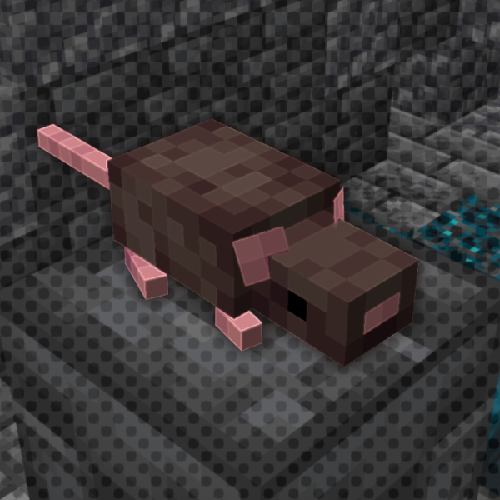
RAT's Mischief
Adds rats to Minecraft: smart, versatile and adorable pets!
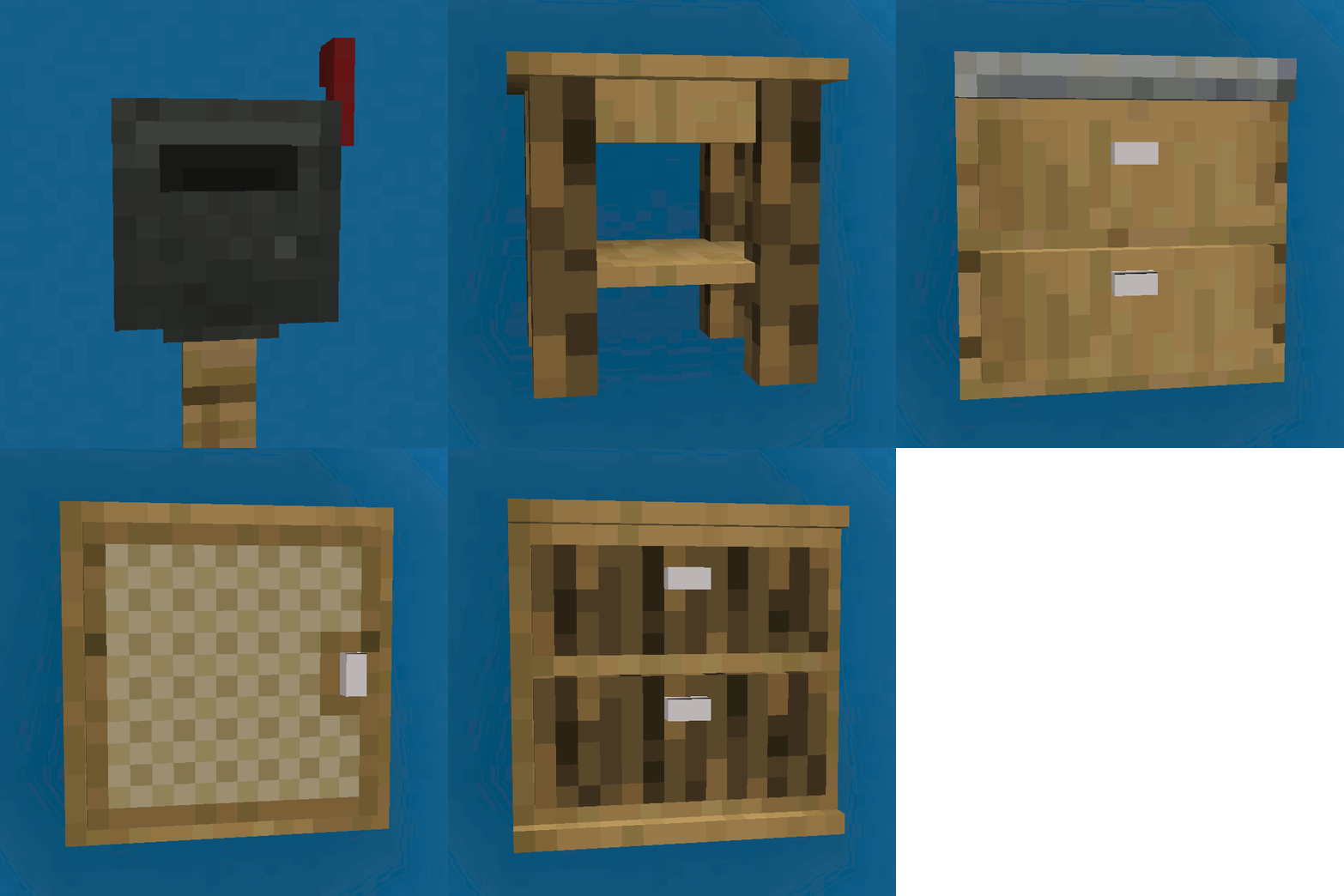
Furnish
Fancy furniture for Minecraft!

Extended Crafting: Nomifactory Edition
Bigger crafting tables and more!

Wizardry Golems
An Electroblob's Wizardry add-on, featuring Extra Golems
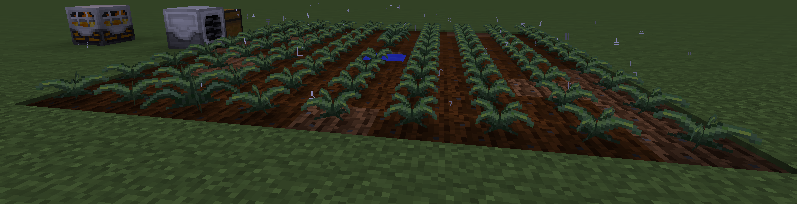
Magical Crops Compat - Minefactory Reloaded
Magical Crops Combat - Minefactory Reloaded

Ocean Recovery
The Ocean has been taken by Plastic! You must Recover it!


