

Web Chat
ModClient side mod that gives you access to minecraft chat through the browser.
Type
Mod
Modrinth Downloads
9,608
Modrinth ID
zxB8528D
Last Updated
Oct 10, 2026
Description
Web chat is a client only mod that gives you access to the Minecraft chat of your running game window. This allows you to chat with other players while having minecraft in the background. Great for things like semi-afk farming and similar things!
Features
- Access chat through any web browser.
- Chat history is stored and available when you are on a server and open chat in a browser.
- Tab completion of usernames.
- Tab icon notification for new messages when the browser isn't focused.
- Fully client side, works on any server.
- Ping support for your username & configurable keywords.
- Support for /tell, /msg, /w and /me commands.
- Full support for Minecraft's text formatting (colors, bold, italic, translation, etc.)
- Support for official click and hover interactions (opening URLs, achievement details, etc.)

Availability
- Minecraft version:
- 26.3 supported by Web Chat v1.10.0
- 26.2 supported by Web Chat v1.9.0-1.9.1
- 26.1 supported by Web Chat v1.7.0-v1.8.0
- 1.21.11 supported by Web Chat v1.5.0-v1.6.0
- 1.21.8 supported by Web Chat v1.4.0
- 1.21.1 - 1.21.4 are supported up to Web Chat v1.3.0 and not further.
- Mod loader: Fabric only
There are no plans to support other mod loaders.
Usage
Requirements
- Fabric API (required)
- YACL (required)
- Mod Menu (optional, needed for configuration)
Installation
- Install the mod from Modrinth or grab the latest release from GitHub.
- Start minecraft.
- Join a server.
- Go to localhost:8080 on the same computer, or use your computer's local IP address (like 192.168.1.x:8080) from other devices on your network.
- Start chatting.
Settings
Message settings
- Ping on Username - This will ping the browser window any time a player's username appears in the chat.
- Extra Ping keywords - This will ping the browser window any time one of these words appear in the chat.
Network settings
- HTTP Port - Port number used to serve the web interface. 8080 by default.
- Open Chat to LAN - Open the web chat to your local network so other devices (like your phone) can connect. Enabled by default. When disabled, the chat binds to localhost only and is reachable from this computer alone. While enabled, a QR code button is shown in the player list that lets you quickly open the chat on your phone by scanning your computer's local network address.
Security & Privacy
This mod turns minecraft into a small web server on your computer that's only accessible (using localhost or your local IP) on your home network. This means that you can access Web Chat on a different device on your network, but not over the internet. No data is sent over the internet beyond your normal Minecraft traffic.
Important: This mod is designed for local use only. Do not expose the web chat port to the internet. If you need remote access, setup a VPN (such as Tailscale).
Compatibility
Mod Loaders
Game Versions
Recommended Gear
AffiliateHardware and extras that pair well with this mod.

As an Amazon Associate I earn from qualifying purchases.
Screenshots
Similar Mods

Lock & Block Security
Adds fun and creative security features to protect your stuff
RenderPlayerAPI
This project is minecraft 'RenderPlayerAPI' Mod.
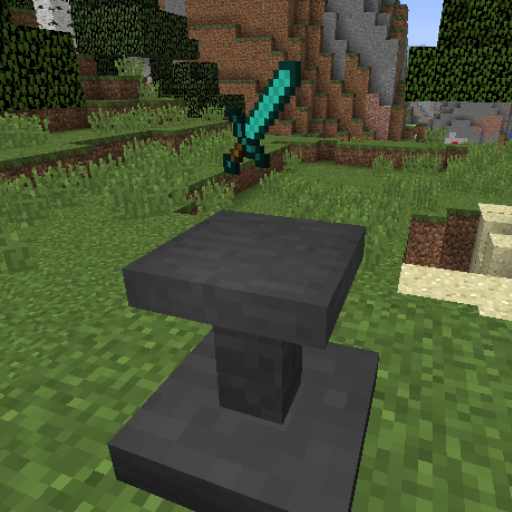
Theo's Pedestals
Adds a single block for displaying your collectables.
Aquifers Be Gone
Removes all aquifers

Harvest Festival Legacy
Harvest Festival 1.12.2 port
Mod Sound Volume Options
allow the volume of sounds added by mods to be changed for each mod