![[DRD] Dynamic Render Distance logo](https://media.forgecdn.net/avatars/1664/842/639059994119215512.png)
[DRD] Dynamic Render Distance
Modby Bahanos
Automatically adjusts render distance based on FPS. Flash-free, Bobby compatible, configurable via Mod Menu
Type
Mod
CurseForge Downloads
6,880
CurseForge ID
Modrinth Downloads
6,022
Modrinth ID
Last Updated
Oct 10, 2026
Description
Compatibility
Mod Loaders
Game Versions
Recommended Gear
AffiliateHardware and extras that pair well with this mod.

As an Amazon Associate I earn from qualifying purchases.
Similar Mods

Rival Trespassers
Fight survivalist minibosses in structures - just like you!

ShieldedZombies
Zombies have a small chance of spawning with a shield, and they can use it to block attacks and projectiles.
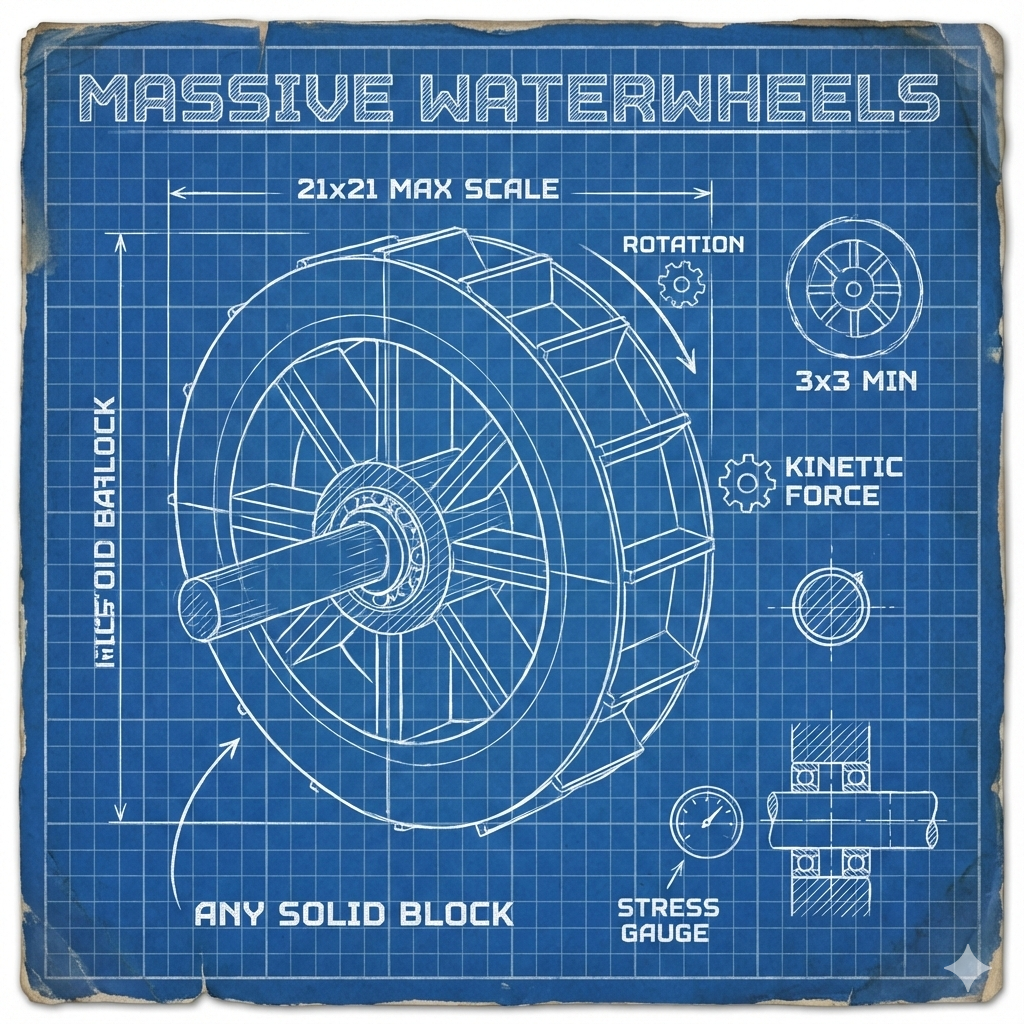
Create: Water wheel bearing
Build massive rotating waterwheels for kinetic power generation! Custom waterwheels of any size using any solid blocks....

FormicAPI
API and utility classes common to mods of the Ant Colony

Create More: Pipe Bombs in Packages
The gift that leaves a lasting impression... on the terrain.

Hardmode Mining - Rarer Ores
Copper, Iron, Gold, and Diamond ore deposits are nerfed for an added challenge.