CreatureChat™
Modby jonoomph
The Minecraft mod that allows entities to respond naturally using AI!
Type
Mod
CurseForge Downloads
198,241
CurseForge ID
1012118
Last Updated
Oct 3, 2026
Description
Chat with any mob in Minecraft! All creatures can talk & react using AI!

Features
- AI-Driven Chats: Using ChatGPT or open-source AI models, each conversation is unique and engaging!
- Behaviors: Creatures can make decisions on their own and Follow, Flee, Attack, Protect, and more!
- Reactions: Creatures automatically react to being damaged or receiving items from players.
- Friendship: Track your relationships from friends to foes.
- Multi-Player: Share the experience; conversations sync across server & players.
- Memory: Creatures remember your past interactions, making each chat more personal.
Create meaningful conversations and enduring friendships? A betrayal perhaps?
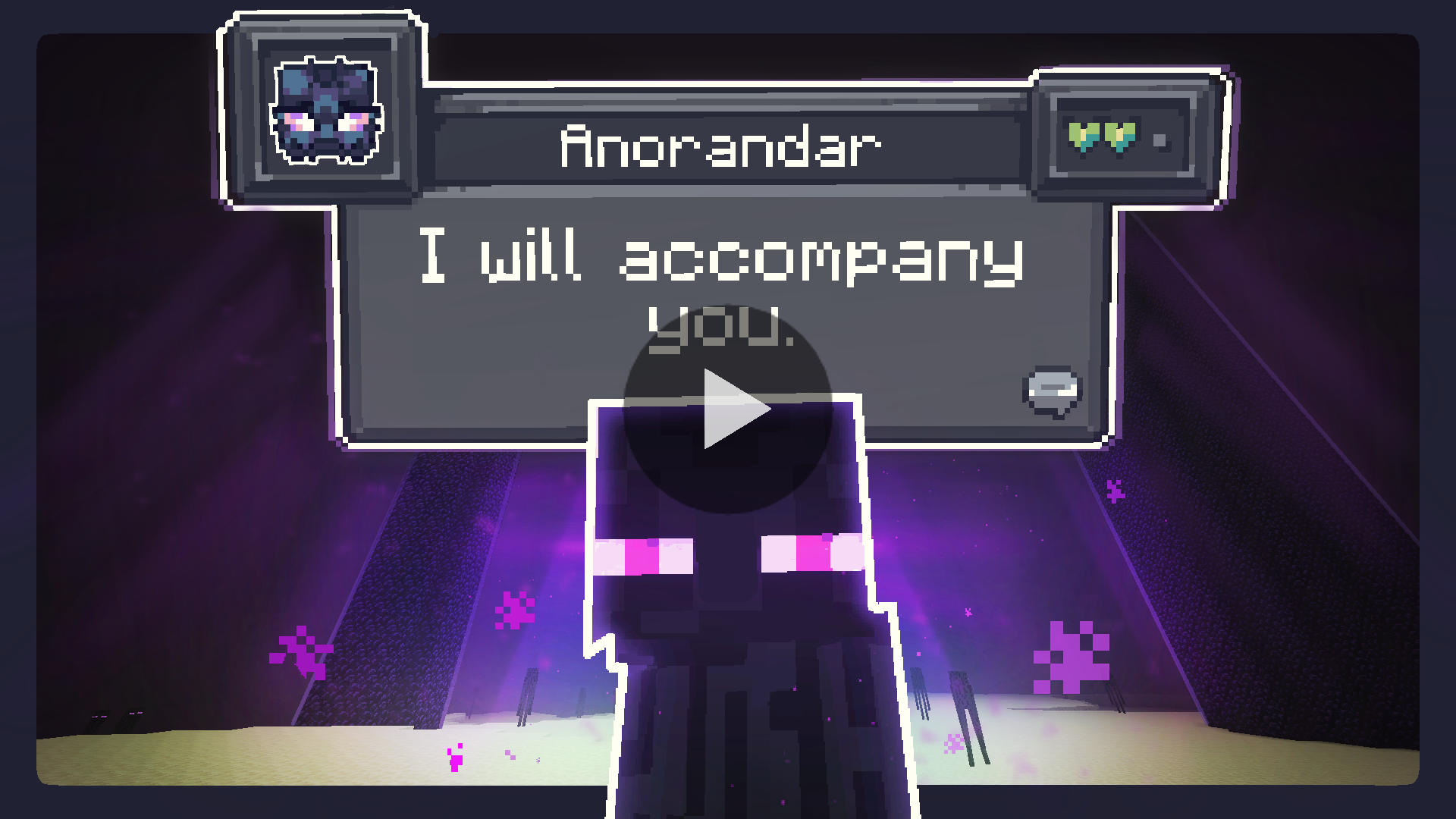
Installation Instructions
Fabric (Recommended)
- Install Fabric Loader & API: Follow the instructions here
- Install CreatureChat Mod: Download and copy creaturechat-*.jar and fabric-api-*.jar into .minecraft/mods
- Launch Minecraft with the Fabric profile
- Configure AI: A LLM (large language model) is required for generating text (AI options listed below)
OR
Forge (with Sinytra Connector)
- Install Forge: Download Forge Installer, run it, select "Install client"
- Install Forgified Fabric API: Download Forgified Fabric API and copy the *.jar into .minecraft/mods
- Install Sinytra Connector: Download Sinytra Connector and copy the *.jar into .minecraft/mods. NOTE: only supports Minecraft 1.20.1.
- Install CreatureChat Mod: Download and copy creaturechat-*.jar into .minecraft/mods
- Launch Minecraft with the Forge profile
- Configure AI: A LLM (large language model) is required for generating text (AI options listed below)
AI Options
CreatureChat™ requires an AI / LLM (large language model) to generate text (characters and chat). There are many different options for connecting an LLM.
- Free & Local: Use open-source and free-to-use LLMs without any API fees. [Difficulty: Hard]
- Bring Your Own Key: Use your own API key from providers like OpenAI or Groq. [Difficulty: Medium]
Free & Local
CreatureChat™ fully supports free and open-source LLMs. To get started:
- An HTTP endpoint compatible with the OpenAI Chat Completion JSON syntax is required.
- Download & install: Ollama
- Run: ollama pull llama3 in your terminal
- Download & install LiteLLM: pip install 'litellm' 'litellm[proxy]'
- Start local server: litellm --model ollama/llama3 --port 4000
- Set the API key & model in-game:
- /creaturechat url set "YOUR-LOCAL-IP-HERE:4000/v1/chat/completions"
- /creaturechat model set "ollama/llama3"
- /creaturechat timeout set 0
- Additional help can be found in the #free-and-local channel on our Discord.
Bring Your Own Key
For those already using a third-party API (e.g., OpenAI, Groq):
- Integrate your own API key for seamless connectivity.
- Costs depend on the provider’s usage-based pricing model.
- By default, CreatureChat uses the OpenAI endpoint and gpt-3.5-turbo model, known for its balance of low cost and fast performance.
- Be aware that OpenAI’s developer API does not include free usage. Please review the OpenAI pricing for detailed information.
- To create an OpenAI API key, visit https://platform.openai.com/api-keys, and use the + Create new secret key button.
- Set the API key & model in-game:
- /creaturechat key set YOUR-SECRET-KEY-HERE
- /creaturechat model set gpt-3.5-turbo
Support CreatureChat by joining our Discord!
More info is available on our Discord.
In-game Commands / Configuration
- REQUIRED: /creaturechat key set key
- Sets the OpenAI API key. This is required for making requests to the LLM.
- OPTIONAL: /creaturechat url set "url"
- Sets the URL of the API used to make LLM requests.
- OPTIONAL: /creaturechat model set model
- Sets the model used for generating responses in chats. Defaults to gpt-3.5-turbo.
- OPTIONAL: /creaturechat timeout set seconds
- Sets the timeout (in seconds) for API HTTP requests. Defaults to 10 seconds.
- OPTIONAL: /creaturechat whitelist entityType | all | clear - Show chat bubbles
- Shows chat bubbles for the specified entity type or all entities, or clears the whitelist.
- OPTIONAL: /creaturechat blacklist entityType | all | clear - Hide chat bubbles
- Hides chat bubbles for the specified entity type or all entities, or clears the blacklist.
- OPTIONAL: /story set "story-text"
- Sets a custom story (included in character creation and chat prompts).
- OPTIONAL: /story display | clear
- Display or clear the current story.
Configuration Scope (default | server):
- OPTIONAL: Specify the configuration scope at the end of each command to determine where settings should be applied:
- Default Configuration (--config default): Applies the configuration universally, unless overridden by a server-specific configuration.
- Server-Specific Configuration (--config server): Applies the configuration only to the server where the command is executed.
- If the --config option is not specified, the default configuration scope is assumed.
License
- Source code: GNU GPL v3
- Non-code assets: CC-BY-NC-SA-4.0

Legal Notices
- CreatureChat™ is an independent project and is not endorsed by Mojang AB, Microsoft Corp., or OpenAI. Minecraft® is a trademark of Mojang AB. ChatGPT® is a trademark of OpenAI OpCo, LLC. All trademarks appear here for identification only.
- CreatureChat™ is a trademark of owlmaddie LLC (registration pending). Factual nominative references such as “Fork of CreatureChat” that do not imply endorsement are allowed; all other uses of the name or logo require prior permission.
Contact & Resources
- Join us on Discord
- Documentation (Source Code)
- Follow Us: YouTube | Twitter | TikTok
Recommended Gear
AffiliateHardware and extras that pair well with this mod.

As an Amazon Associate I earn from qualifying purchases.
Screenshots
Similar Mods
RLFoliage
BetterFoliage fork to improve performance, memory usage, and rendering issues.
Thaumic Grid
Compatibility RS & Thaumcraft

UnlimitedPeripheralWorks
Peripheral mod, that provides a lot extra features without any block and item!
Ride Every Thing
Players can ride on any mob, including blocks, entities, and other players.
Too Many Entities
Hide extra entities in order to reduce lag, especially with mob farms. The mobs still exist in the world, they are just...

Better Advanced Tooltips
Adds tag, component and other tooltips to items in F3+H mode