

Protomod
ModBecome a protogen!
Type
Mod
Modrinth Downloads
423
Modrinth ID
KgK1lF0Z
Last Updated
Aug 15, 2026
Description
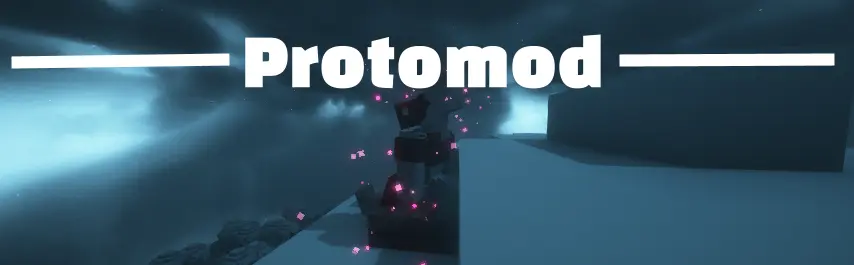 Protomod is the only Minecraft mod that allows you to transform into your own unique protogen, completely on the client.
Features
- Turn into your own fursona at the click of a button, and turn back to your normal Minecraft skin with another click!
- Completely client-sided and will work on any server
- Consistant, quick updates to the latest version of Minecraft
- Garunteed compatibility with all of your favorite mods
- Support for BOTH Fabric and Neoforge
- Custom animations
- The ability for users to change their protogen's texture easily
Turning into a Protogen (and back into a human)
Unlike Minecraft, this mod allows you to switch your skin in-game through our config screen. If you view your options screen, you'll see a little button next to your mods button:
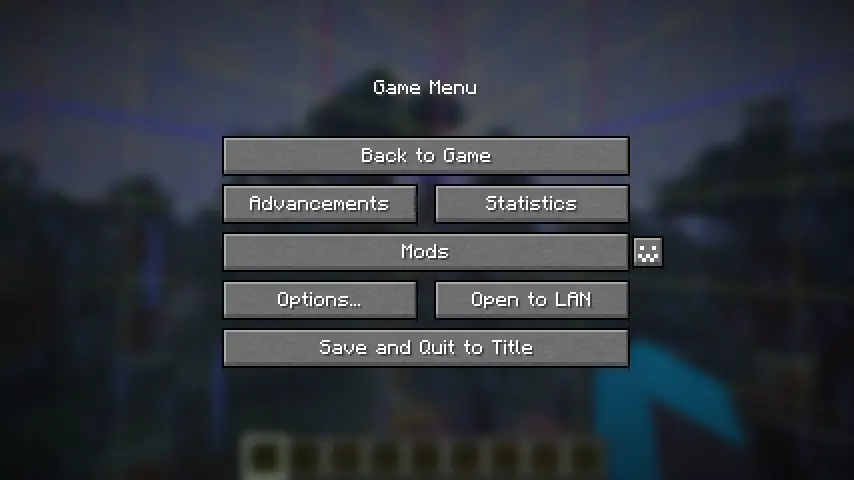
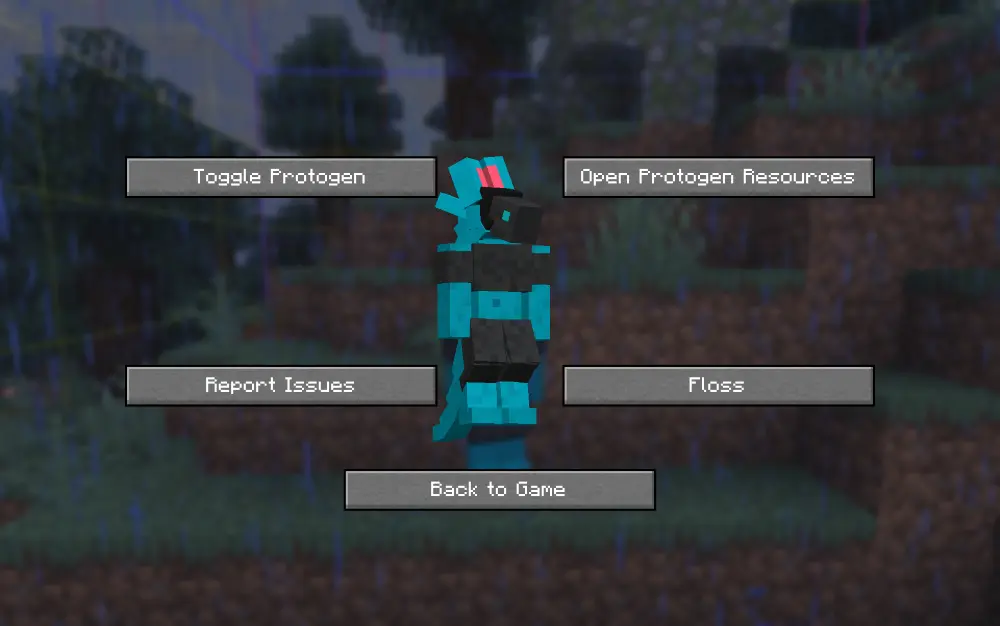
Click it to open the config menu, where you can access a variety of options, including toggling off your protogen.
Making your Own Protogen
By default, the skin of my own fursona, Ice, is coded into the mod. You can override this easily.
In order to do this, you can download the file protogen.bbmodel on my GitHub. From there, use Blockbench to re-color the protogen. The web app will work as well!
All of the modeling (so the shapes and objects that make up the protogen) are done for you, all you need to do is color it. An example protogen (the default one used in the mod) is available for download right here.

Once you have your texture, save it somewhere on your computer. Open up the config screen and click 'Open Protogen Resources.' Paste your texture there and rename it to 'protogen.png', and you should be good to go! Reload your resources.
Make sure that .png is the file extension and not part of the file's name.
Works on ANY server!
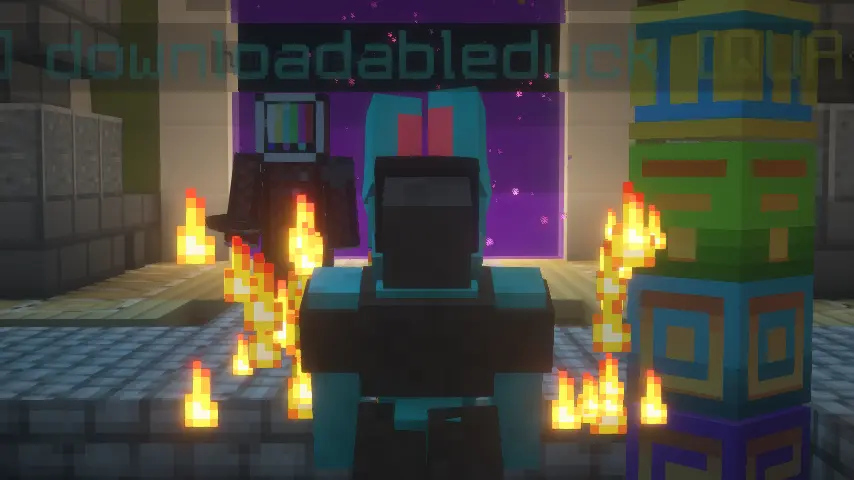
Only you will be a protogen when interacting with others. We hope to make this toggleable in the future.
Restrictions
- Your armor will not show up in the third person.
- Your items will not show up in the third person.
- Your hand in first person will still be the same as your default Minecraft skin.
Credits
- Thank you to Endles13 on Sketchfab for the original model, which this is based off of! (I had to manually transform it myself, but a lot of the cubes were just copy/pased.)
- Thank you to MemberCat Studios for open-sourcing the code of their ModelShifter mod! I never would have figured out how to change the model of the player without them.
Requirements
On Fabric, this mod requires the Fabric API, Mod Menu, and Geckolib. On Neoforge, this mod requires Geckolib.
Animations
Compatibility
Mod Loaders
Game Versions
Recommended Gear
AffiliateHardware and extras that pair well with this mod.

As an Amazon Associate I earn from qualifying purchases.
Screenshots
Similar Mods
HoloBuilder - Schematic loader
Client-side schematic hologram builder with Fabric and NeoForge support.
Old Splash Texts (OST)
Pretty simple mod that brings back the old splash texts.

Smart Tree Feller Enhanced
Fast and smart tree felling with full drops and rewards.
PakcagedFaa
PackagedAuto ForbiddenArcanus support
project-1117013
Adds compatibility between Netherific and Farmer's Delight. Vanilla style.

Cobblemon PokeHunt
A server-side mod that adds hunts for Cobblemon!