Description
# Kinetic Minecart
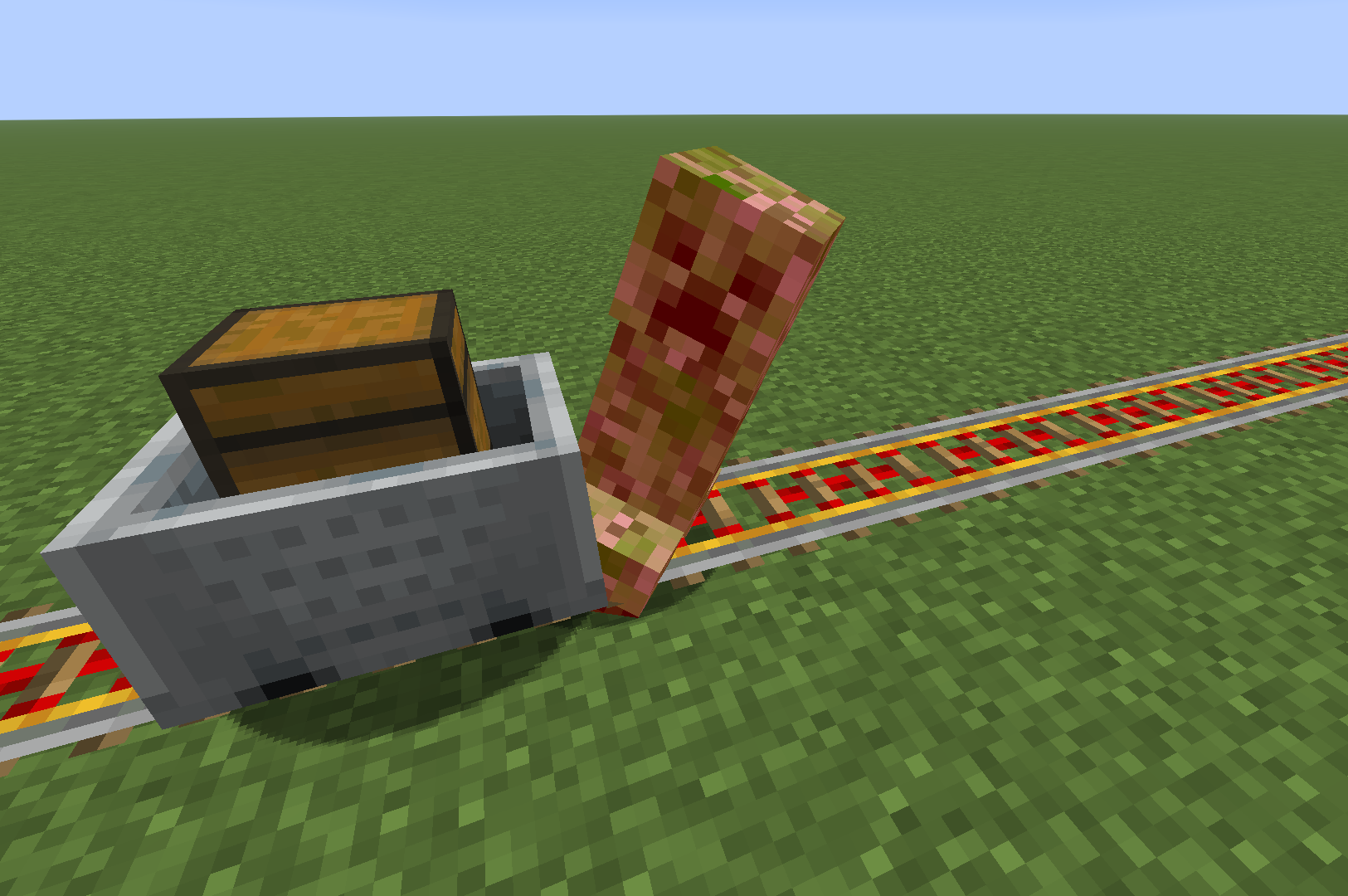
This mod increases damage to moving minecarts; the faster they move, the higher the damage, with virtually no damage limit!
## Loaders
[](https://fabricmc.net)
[](https://neoforged.net)
[](https://files.minecraftforge.net/)
## Environments


## Compatibility
### Fabric
[Fabric API](https://modrinth.com/mod/fabric-api)
[Cloth Config API](https://modrinth.com/mod/cloth-config)
[Mod Menu](https://modrinth.com/mod/ModMenu)
| Server Mod | Relation | Description |
| :---------------- | :------------ | :--- |
| Fabric API | **Required** | - |
| Cloth Config API | Optional | Custom Configuration Features |
| Client Mod | Relation | Description |
| :---------------- | :------------ | :--- |
| Fabric API | **Required** | - |
| Cloth Config API | Optional | Configuration Controller |
| Mod Menu | Optional | Configuration Entry |
### NeoForge / Forge
[Cloth Config API](https://modrinth.com/mod/cloth-config)
| Server Mod | Relation | Description |
| :---------------- | :------------ | :--- |
| Cloth Config API | Optional | Custom Configuration Features |
| Client Mod | Relation | Description |
| :---------------- | :------------ | :--- |
| Cloth Config API | Optional | Configuration Controller |
## Progress
Check out the latest development progress here. [Development Progress](https://www.windysky.top/docs/minecraft-java-edition/kinetic-minecart/version)
## Gallery
## Features
- The damage dealt by minecarts is related to their **Speed**:
```
Speed >= 6 -> Damage = Speed cubed;
Speed > 2 and < 6 -> Damage = Speed squared;
Target has Vehicle -> Damage = Speed;
Speed <= 2 -> Damage = 0;
```
- After being hit by a minecart, the entity is propelled approximately the same distance as its speed.
- It offers custom configuration options, including customizing the collision effects of the minecart.
## Configuration
Configuration files that will be generated after installing `Cloth Config API`:
- `.../config/kinetic-minecart.json`
### Singleplayer Mode


- You can edit the exclusion list, click on an item to name or delete it, and the inspection tool will attempt to proofread your input. (Sometimes, when you create a new item, the new text box may not appear; you may see an empty one, but this does not affect selection or input.)

### Multiplayer Mode
- In **Multiplayer Mode**, you **Cannot** change the configuration via the menu; instead, the server administrator needs to modify the 'kinetic-minecart.json' file. Below is an example:
```
kinetic-minecart.json
[enabled] Value: true/false, Default: true
[selectedApplicaionMode] Value: "Collide"/"Radius", Default: "Collide"
[intRadius] Range: 3 - 10, Default: 5
[enabledDamage] Value: true/false, Default: true
[selectedDamageMode] Value: "TieredDamage"/"DirectlyKill", Default: "TieredDamage"
[enabledKnock] Value: true/false, Default: true
[excludePlayer] Value: true/false, Default: false
[excludePet] Value: true/false, Default: false
[excludePassenger] Value: true/false, Default: true
[excludeNamedEntity] Value: true/false, Default: false
[excludeItemEntity] Value: true/false, Default: false
[enabledExclusionList] Value: true/false, Default: false
[exclusionList]
Value: [
":",
":",
...
":"
]
Example: [
"minecraft:creeper",
"minecraft:cat",
"minecraft:fox",
"minecraft:pig",
"minecraft:wolf",
"minecraft:zombie"
]
Default: []
```