

Modpack Core Essentials
ModChange game window title and icon. Add a welcome message to the screen when you first start the game. Very light. Easy to customize. Zero bloat.
Description

A lightweight, client-side utility mod built for modpack creators.
Modpack Core Essentials gives modpack authors a clean set of tools to customize modpack without any performance overhead.
✨ Features ✨
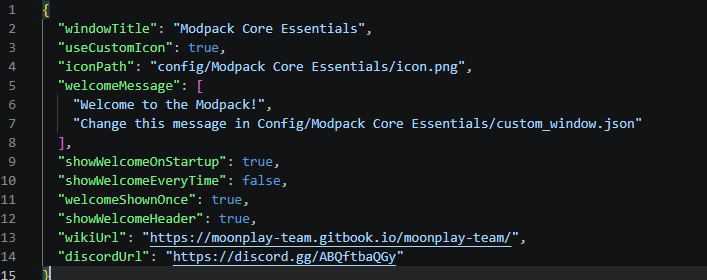
🪟 Custom Game Window Title Set a custom title for the Minecraft window to match your modpack's branding. Players will see your modpack's name in their game window title.

🖼️ Custom Window Icon Replace the default Minecraft window icon with your own.

📋 Configurable Welcome Screen Display a welcome screen when players launch the game. You can configure it to appear only once (on first launch) or every time the game starts -> great for changelogs, server announcements, or greetings.

⚙️ Full ModMenu Integration Seamlessly integrates with ModMenu, providing an in-game config editor so you can tweak settings without leaving the game.

❤️ But also easy config file!
🔧 FAQ:
- Is this mod Client-Side Only?
- This mod runs entirely on the client. No need to install it on server.
- Why doesn't the icon load when I click the reload button?
- Because you can't “reload” a window icon. You need to restart the game.
- What size should the icon be?
- 64x64 or 32x32
🔗 Links
Built with ❤️ by the MoonPlay Team.
Compatibility
Mod Loaders
Game Versions
Recommended Gear
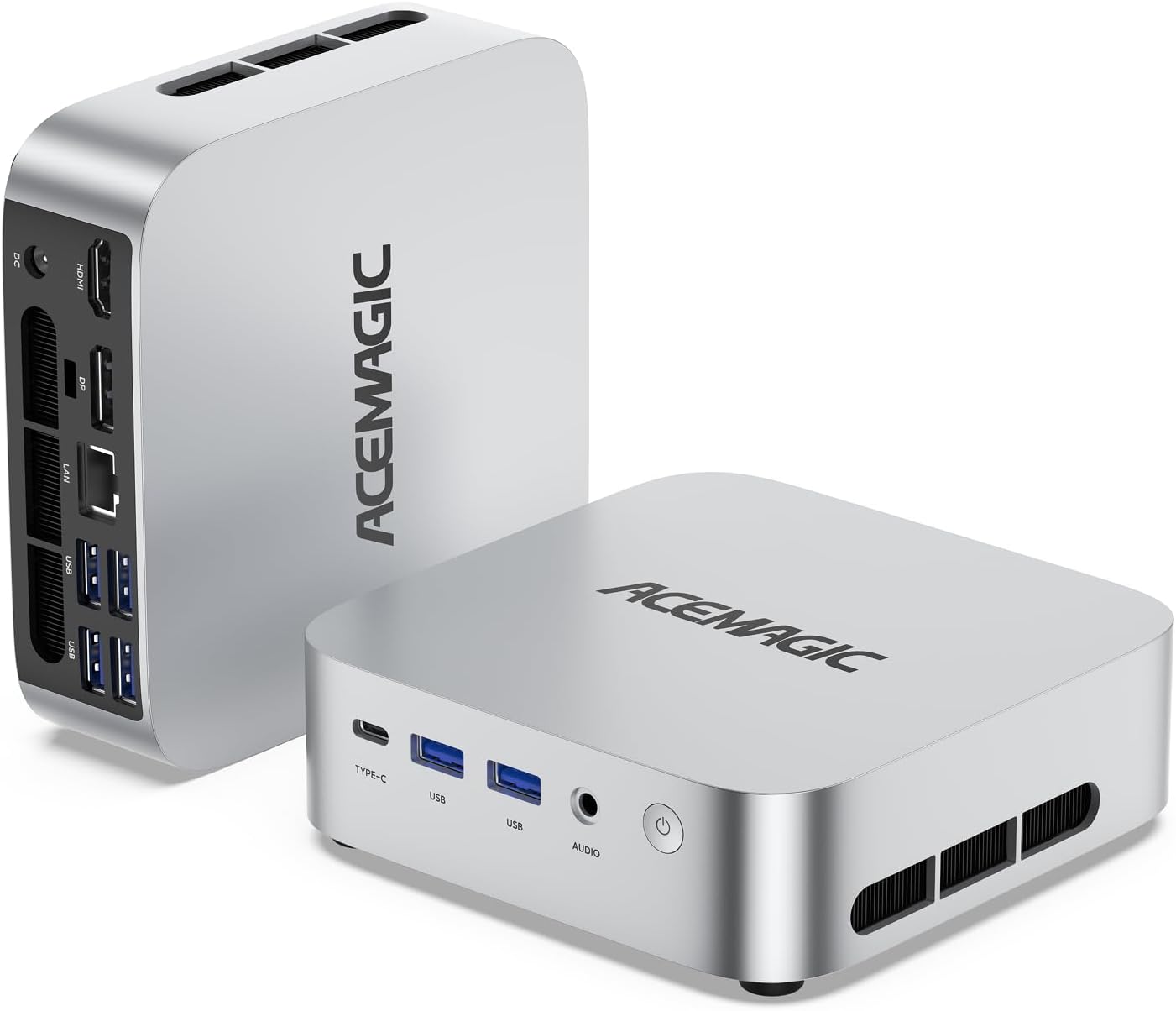
AffiliateHardware and extras that pair well with this mod.
As an Amazon Associate I earn from qualifying purchases.
Similar Mods

Clean View
Removes the vignette effect from your screen.

Cleanroom Relauncher
Relaunches Forge into Cleanroom!
Exhaustion Options
Creates config options to multiply the rate of exhaustion for all vanilla mechanics

X-Life Heart Colors
Adds different heart colors for the X-Life modpack.

LCPatches
Coremod, that fixes some things in 1.12.2 Lost Cities Mod

Animal Garden - Narwhal
This mod adds the unicorns of the sea, the narwhals to the frozen ocean biomes.