
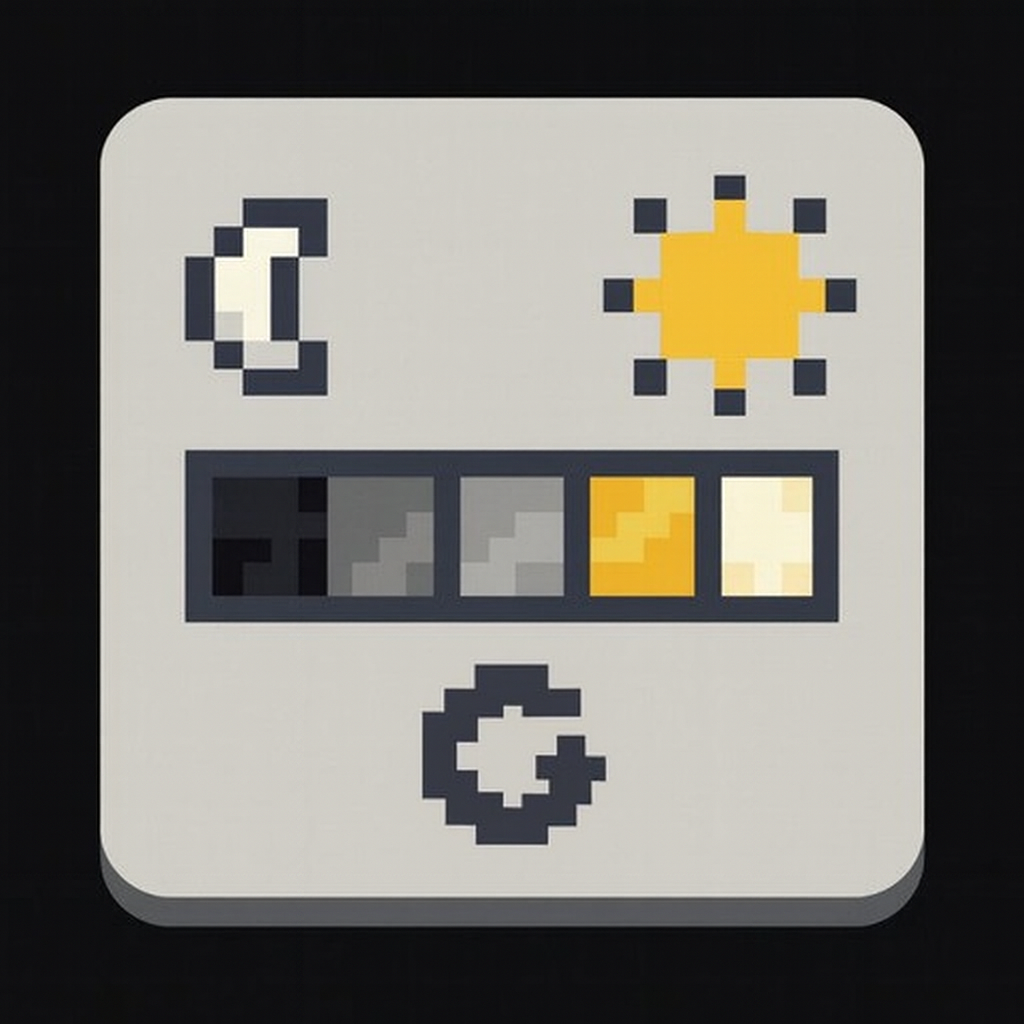
Customizable Brightness - Fullbright & Gamma Control
Modby SimplyAG
Cycle through customizable brightness levels from 0% to 1000%+ with a keybind. Fullbright mod with 5+ stops, persistent settings, and GUI config.
Description
Customizable Brightness – Fullbright & Gamma Control
Tired of fullbright mods that only have "on" or "off"? Want more control over your gamma settings? Customizable Brightness lets you cycle through 5+ brightness levels with a single keybind, from pitch black (0%) to ultra-bright cave vision (1000%+).
✨ Key Features
- Multiple Brightness Stops: Default levels at 0%, 100%, 200%, 500%, and 1000% – fully customizable
- One-Key Cycling: Press B (configurable) to instantly switch between brightness levels
- Persistent Settings: Remembers your brightness between game sessions
- Real-Time Feedback: Action bar shows your current brightness percentage
- GUI Configuration: Easy in-game editing via Mod Menu + Cloth Config (1.16.2+)
- Beyond Vanilla Limits: Goes far past Minecraft's 100% gamma cap for ultimate cave visibility
- Complete Darkness Mode: 0% brightness option for atmospheric/horror gameplay
- Massive Version Support: Works on 40 Minecraft versions from 1.14.3 to 1.21.11
🎮 Perfect For
- Cave exploration without placing torches
- Mining in deep dark areas with perfect visibility
- Ancient city exploration
- Night mining without potion effects
- Speedrunners who need consistent lighting
- Players transitioning from Optifine's dynamic lighting
📦 Installation
- Install Fabric Loader and Fabric API
- Download Customizable Brightness for your Minecraft version
- Place the .jar file in your mods folder
- Launch Minecraft
- Press B to cycle brightness levels!
Optional (for GUI config on 1.16.2+):
🎯 Supported Versions
Minecraft Java 1.14.3 – 1.16.5 Java 8 1.17 – 1.17.1 Java 16 1.18 – 1.20.4 Java 17 1.20.5 – 1.21.11 Java 21⚙️ Configuration
- In-game: Use Mod Menu → Customizable Brightness (requires Cloth Config, 1.16.2+)
- File: config/customizable_brightness.properties
- Keybind: Change in Minecraft Controls menu
Add, remove, or modify brightness stops to match your playstyle!
❓ FAQ
Q: Does this work with shaders? A: Not really… It works going between 0%-100% but does not go higher.
Q: Is this allowed on servers? A: This is a client-side mod, that being said, it could potentially give unfair advantages – check your server's rules.
Q: Why not just use another fullbright mod? A: Most fullbright mods are simple on/off toggles. This gives you granular control with multiple stops, persistent settings, and a clean UI.
Q: Can I set custom brightness levels? A: Absolutely! Edit the config file or use the GUI to set any value from 0% to 10000%.
🔗 Links
📜 License
MIT License – Free to use, modify, and learn from!
Made by SimplyAG | Client-side | Fabric 1.14.3 – 1.21.11
Recommended Gear
AffiliateHardware and extras that pair well with this mod.

LEGO Minecraft Set
Official sets that translate the building side of the game off-screen.

Minecraft Enderman Character Plush
Enderman plush toys, and a reliable gift for a younger player.

Mini PC for Self-Hosting
A low-power box that can sit in a cupboard and run a modded server around the clock.
As an Amazon Associate I earn from qualifying purchases.
Screenshots
Similar Mods

Concentration
Borderless fullscreen support for Minecraft 1.20.6+

Fertilization
Adds additional variants of bone meal for all your fertilization needs.

Dense Trees
Add dense tree variants that provide more planks per log
Mo' Glowstone
Decorate your base with colorful Glowstone blocks.
TFC + IE Crossover
Addon that makes TFC and IE compatible.
Vista
Camera and Television, live feed, viewfinder, gif, video, security, monitor, tape, fnaf cameras?