

TropiHunterBoard
ModMod client that adds a HUD overlay for the Tropimon server's hunt board. Includes a complete in-game Cobblemon wiki.
Type
Mod
Modrinth Downloads
2,694
Modrinth ID
gbxjFDbh
Last Updated
Jul 28, 2026
Description
HunterBoard
Fabric client mod for Minecraft 1.21.1 that adds a HUD overlay for Tropimon's hunt board and Cobblemon.
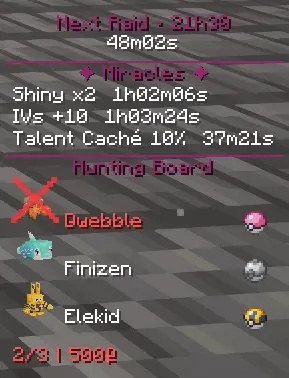
This mod automatically reads the hunts from the board (TropimodClient) and permanently displays the Pokémon to capture with the required ball, spawn info, and auto-validation when you complete a hunt on your screen.
Fonctionnalites
Features
In-game HUD
- Permanent display of current hunts with the 3D model of each Pokémon, its name, and the required ball
- multiple display modes
- Can be hidden with the B key
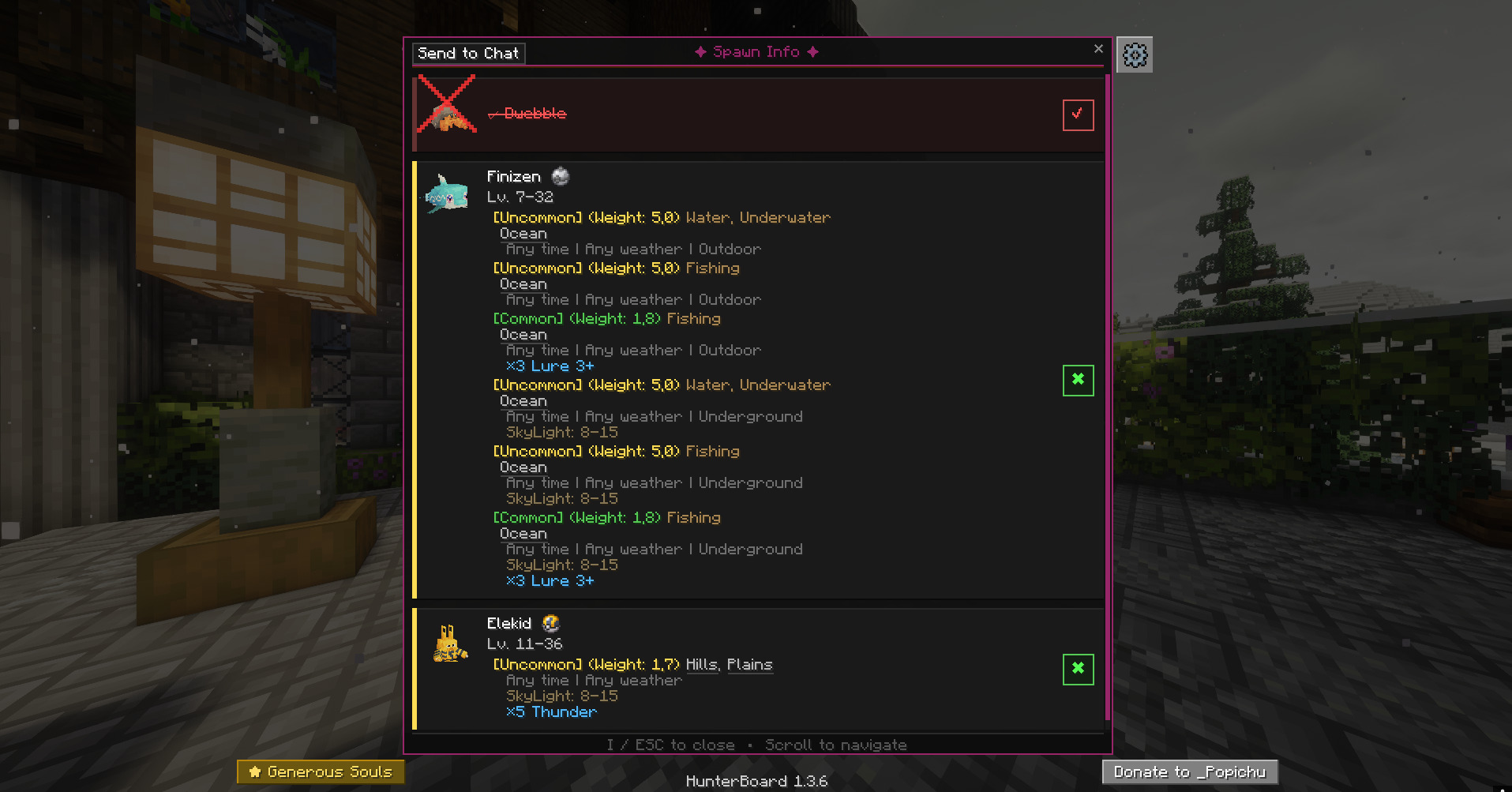
Info screen (I key)
- Detailed card for each Pokemon in the hunt: tier, reward, ball required
- Spawn data: biomes, times, weather, levels, rarity and much more — loaded directly from Cobblemon files (also works on servers)
- 3D model of the Pokémon on each map
- Automatic catch detection on hunt completion
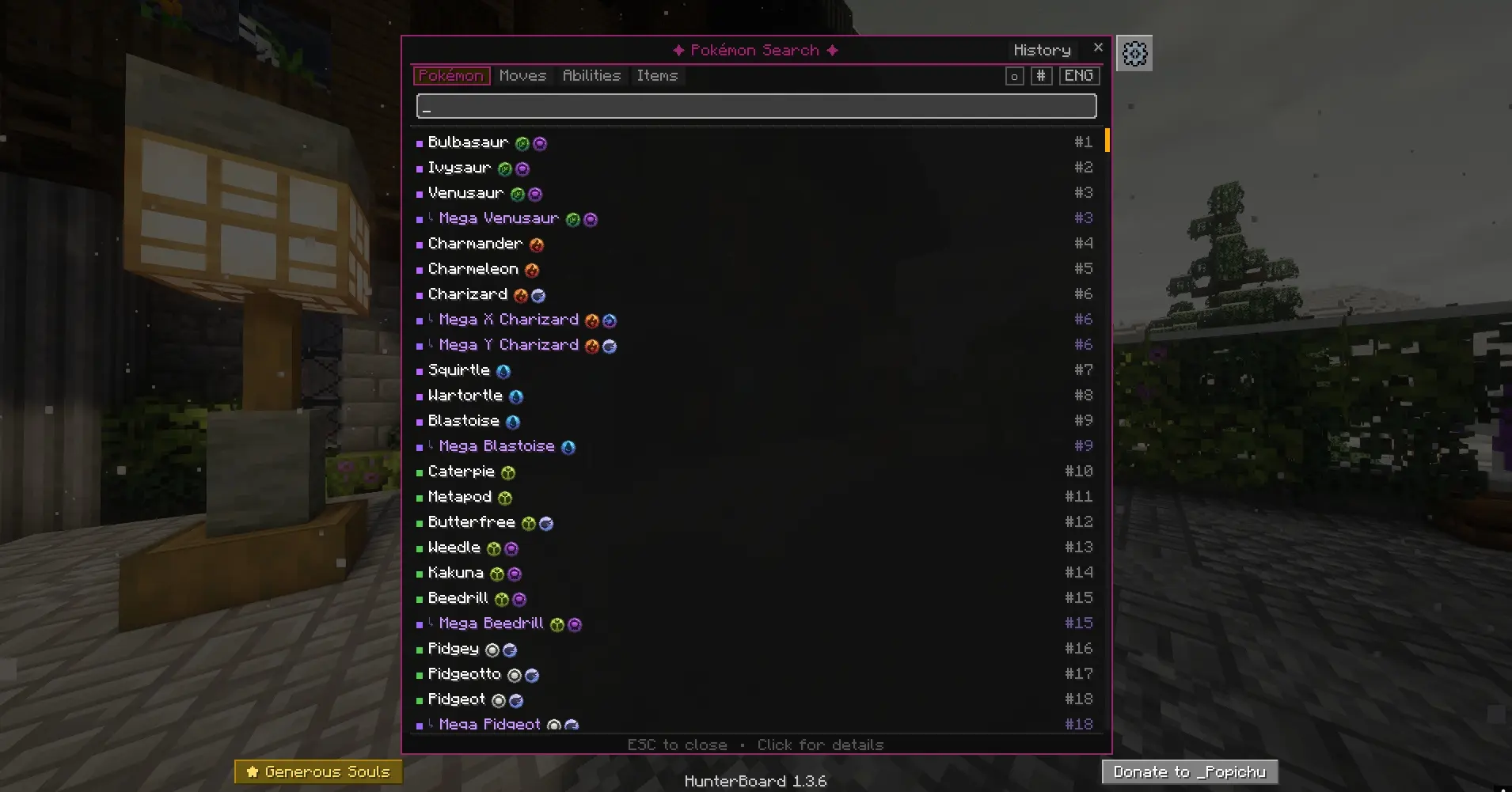
Pokemon Search (O key)
- Search among all Pokemon in Cobblemon by name
- Rarity indicator (common, uncommon, rare, ultra-rare)
- Click on a Pokemon to see its complete profile
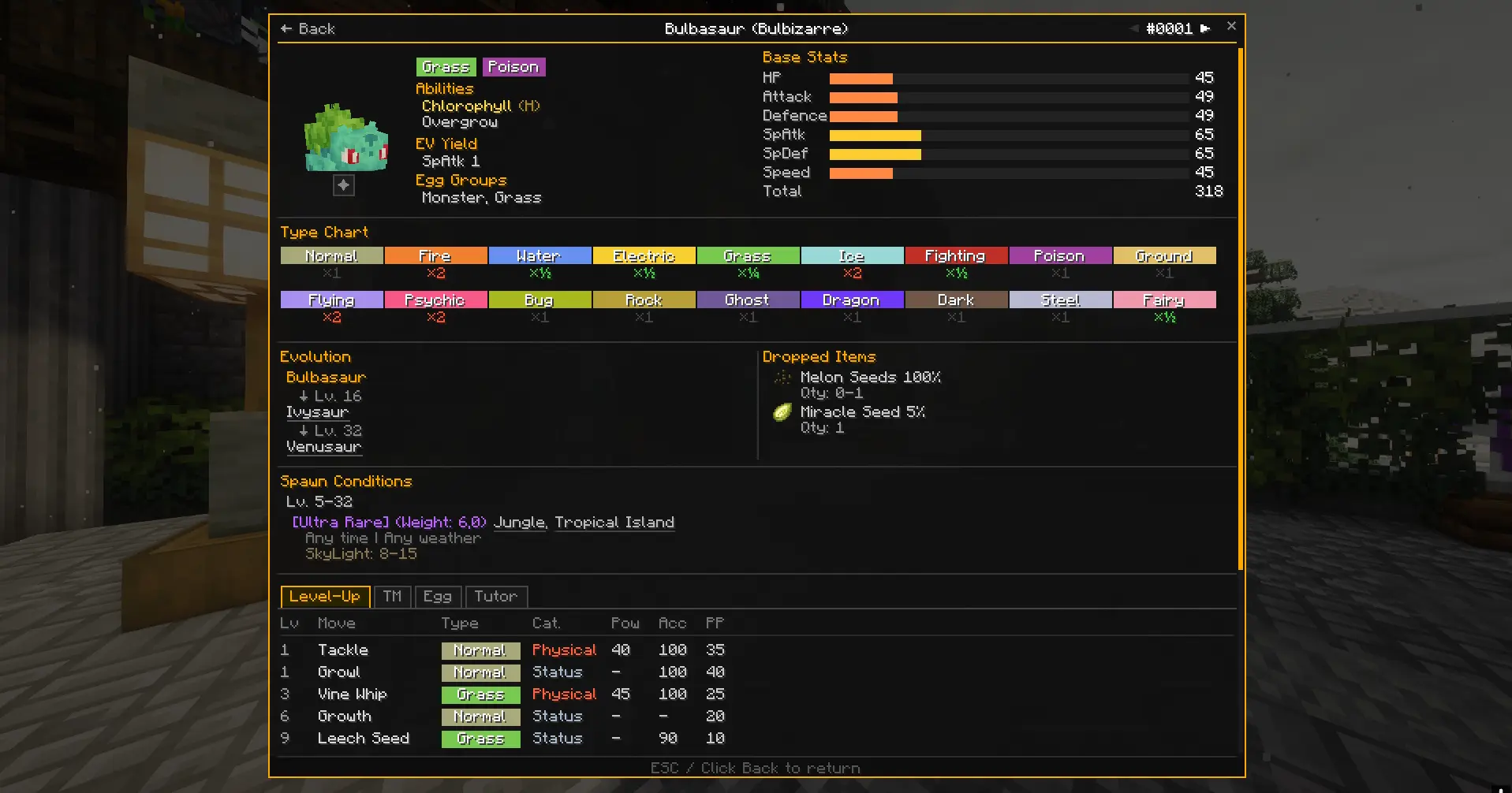
Pokemon Card
- Detailed view of a Pokemon accessible from the search
- All possible spawns with biomes, weather conditions, times, and levels
Setup
- Play with the Tropimon modpack (Modrinth or official launcher)
- Put the HunterBoard .jar file in the mods/ folder
Keys
Key Action B Show/hide HUD I Open hunt info screen O Open Pokemon search $ Quick switch between HUD modesThe keys can be reconfigured in the Minecraft options (Controls > HunterBoard).
Compatibility
Mod Loaders
Game Versions
Recommended Gear
AffiliateHardware and extras that pair well with this mod.

As an Amazon Associate I earn from qualifying purchases.
Screenshots
Similar Mods
Woodworker's Delight
The mod adds a lot of different decorations and blocks that the player can use when building his cute little house.

Maintenance Mode
Put your server in Maintenance Mode

Lucky's Locksmith
Lock your items up! Safe from griefers! Also adds new chest, new keys/locks for dungeon chest and loot!

Descendant's Weaponry
This mod adds new types of weapons and armor :vvvvvvvvv

Creative One-Punch
One-Punch any entity while in creative mode

Garnished Stone Automation
Makes Crimsite, Veridium, Asurine, and Ochrum automatable once again using Create: Garnished