
Glowing Trim Weapon & Tools
Resource PackNow weapon and tools has 18 trims and 13+3 colors . Sword ,trident, spear, mace and tools just rename it Optifine required version from 1.16 to latest
Description
✨ Glowing Trim Weapon & Tools Pack
Hello everyone! 👋 Back again with a brand new pack for Minecraft!
Introducing the Glowing Trim Weapon & Tools Pack — a stylish texture pack that adds glowing trim designs to your weapons and tools, giving them a unique, vibrant look.
Whether you play with shaders or not, this pack works smoothly and enhances your gameplay with eye-catching visuals.
🔥 Features ✨ Glowing (Emissive) Trim Effects 🎨 13 Base Colors + 3 Netherite-Exclusive Colors 🛡️ 18 Unique Trim Designs ⚔️ Supports Weapons & Tools 🔧 Easy activation via item renaming 💡 Works with or without shaders
📌 Important Information ✔ OptiFine is required ✔ Uses Custom Item Textures (CIT) via renaming ✔ Effects apply only to weapons & tools ✔ Simply rename items to activate designs
⚔️ Supported Items
Weapons:
Mace, Trident, Spear Bow, Crossbow Sword (Iron, Copper, Gold, Diamond, Netherite)
Tools:
Hoe, Shovel, Pickaxe, Axe (Iron → Netherite)
🎨 Color System 🌈 Base Colors (13)
| Color Name | Code |
|---|---|
| Amethyst | a |
| Copper | c |
| Cherry | ch |
| Diamond | d |
| Emerald | e |
| Gold | g |
| Iron | i |
| Lapis | l |
| Netherite | n |
| Quartz | q |
| Redstone | r |
| Resin | rs |
| Prismarine | p |
🔥 Netherite Exclusive (+3)
| Gilded Blackstone | gb | | Magma | m | | Sculk | s |
🛡️Trim Designs
| Design | Code |
|---|---|
| Bolt | 1 |
| Coast | 2 |
| Dune | 3 |
| Eye | 4 |
| Flow | 5 |
| Host | 6 |
| Raiser | 7 |
| Rib | 8 |
| Sentry | 9 |
| Shaper | 10 |
| Silence | 11 |
| Snout | 12 |
| Spire | 13 |
| Tide | 14 |
| Vex | 15 |
| Ward | 16 |
| Wayfinder | 17 |
| Wild | 18 |
⚙️ How to Use
Rename your item using: [Color Code] + [Design Code]
Examples: r14 , a10 , l6 , g7 , c4 , d16 , l2 , n9 , i3 , q12, ch18 , rs17, p15.
🔥 Netherite Only Examples: m5, gb6, s10
📌 Fixed Design Items
(Trident, Bow, Crossbow, Tools) Use color code only: Examples: r , a , l , g , c , d , l , n , i , q , ch , rs, p.
🔥 Netherite Only Examples: m , gb , s
✨ Changes Applied
-After applying the pack:
1]Spear models (1.21.11+) 2]Mace models (1.21+) 2]Trident, Bow, Crossbow 3]All Swords (Iron → Netherite) 4]All Tools (Iron → Netherite) 5]🆕 Copper weapons (1.21.9+) 6]GUI elements
⚠️ OptiFine Settings Required
Make sure these options are enabled: ✔ Emissive Textures ✔ Custom Items
Otherwise, the pack may not work properly. Without OptiFine, the glowing (emissive) effect may not work, or the entire pack may fail.
===🔧 Alternative Mods===
=Fabric Mods ---EMF (Entity Model Features) ---ETF (Entity Texture Features) ---Continuity ---CIT Resewn/CIT Resewn Continuation ---Indium
=Forge Mods ---EMF (Entity Model Features) ---ETF (Entity Texture Features) ---Connectedness ---Fusion (Connected Textures) ---CIT Resewn/CIT Resewn Continuation
=NeoForge Mods ---EMF (Entity Model Features) ---ETF (Entity Texture Features) ---Continuity ---CIT Resewn/CIT Resewn Continuation
❗ Troubleshooting
🔄 Reload resource packs if it stops working ⚙️ Check OptiFine version compatibility 📦 Ensure proper installation
🌍 Compatibility ✔ Singleplayer & Multiplayer ✔ Versions: 1.16 → Latest ✔ Separate files per version
🎉 Final Note
Upgrade your gear with glowing trims and stand out in your world.
Thanks for downloading ❤️.
Compatibility
Mod Loaders
Game Versions
Recommended Gear
AffiliateHardware and extras that pair well with this resource pack.
Mini PC for Self-Hosting
A low-power box that can sit in a cupboard and run a modded server around the clock.

Minecraft Enderman Character Plush
Enderman plush toys, and a reliable gift for a younger player.
LEGO Minecraft Set
Official sets that translate the building side of the game off-screen.
As an Amazon Associate I earn from qualifying purchases.
Screenshots
Similar Resource Packs

Sparkles: Stardust Labs Resourcepack
An optional resourcepack for all of Stardust Labs' projects. Adds localizations and minimap biome name fixes, as well as...

Ben's Bundles
3D Bundle item in hand while keeping the vanilla 2D sprite in the GUI

Resprited
A Resource Pack which aims to make the look and feel of Minecraft appear more appealing to the eyes.
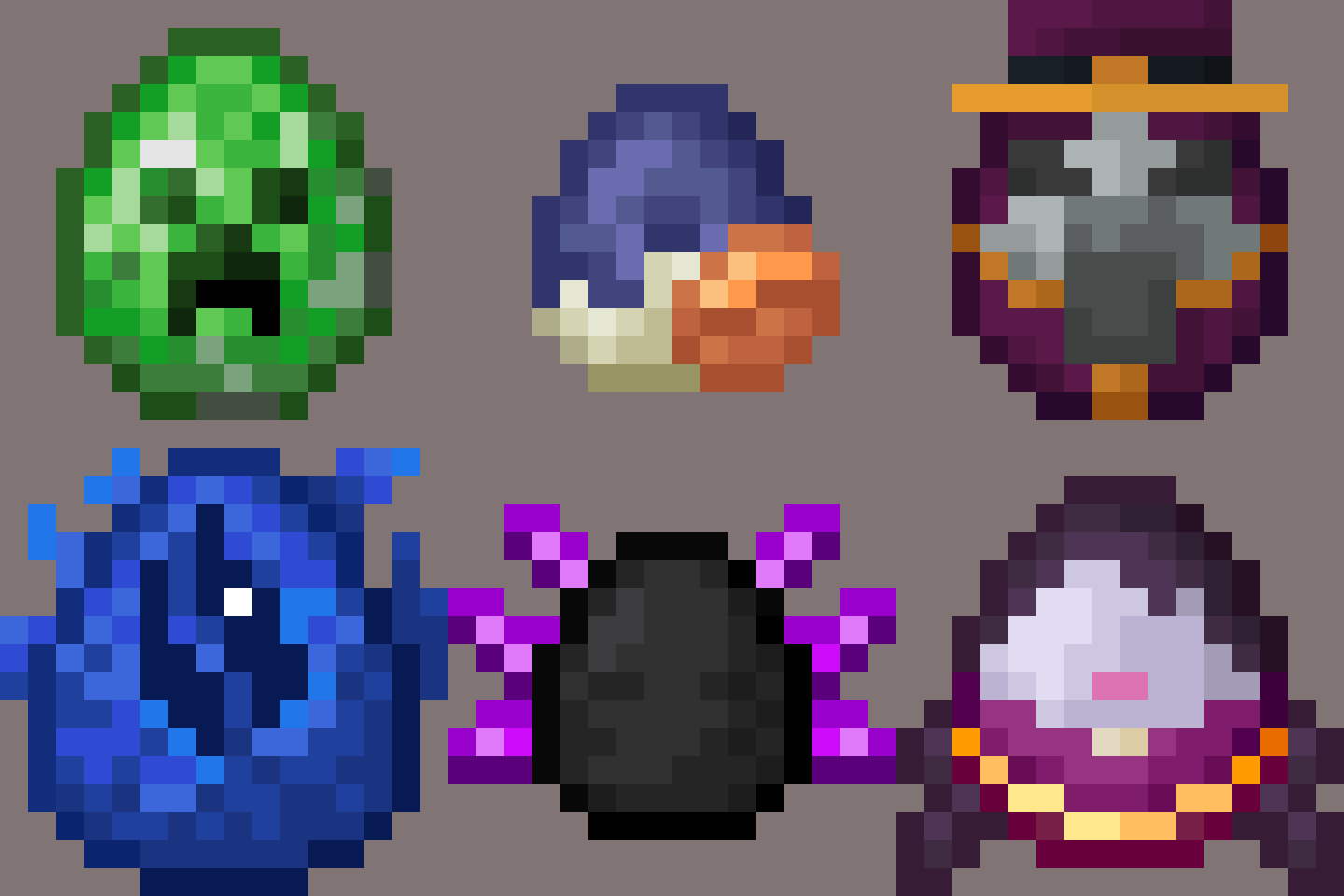
Modded Omelet - Modern Spawn Eggs
Modded Omelet is a resource pack made to not only backport the new spawn egg textures of 1.21.5 to older versions, but a...

Mine Cells - 3D Weapons Pack
Alternative 3D Weapon Models for Mine Cells

Tears & Cheers - Ghast Revamp
A simple touchup to the Ghast and Happy Ghast, making them more distinct and expressive!
