

Gray’s Veins: Customizable Ore Visuals
ModThis mod adds customizable ore visuals meant to help with mining, such as adding Outlines, Glowing, and Animation!
Type
Mod
Modrinth Downloads
4,166
Modrinth ID
YG5TBfI8
Last Updated
Jul 29, 2026
Description

Gray’s Veins: Customizable Ore Visuals
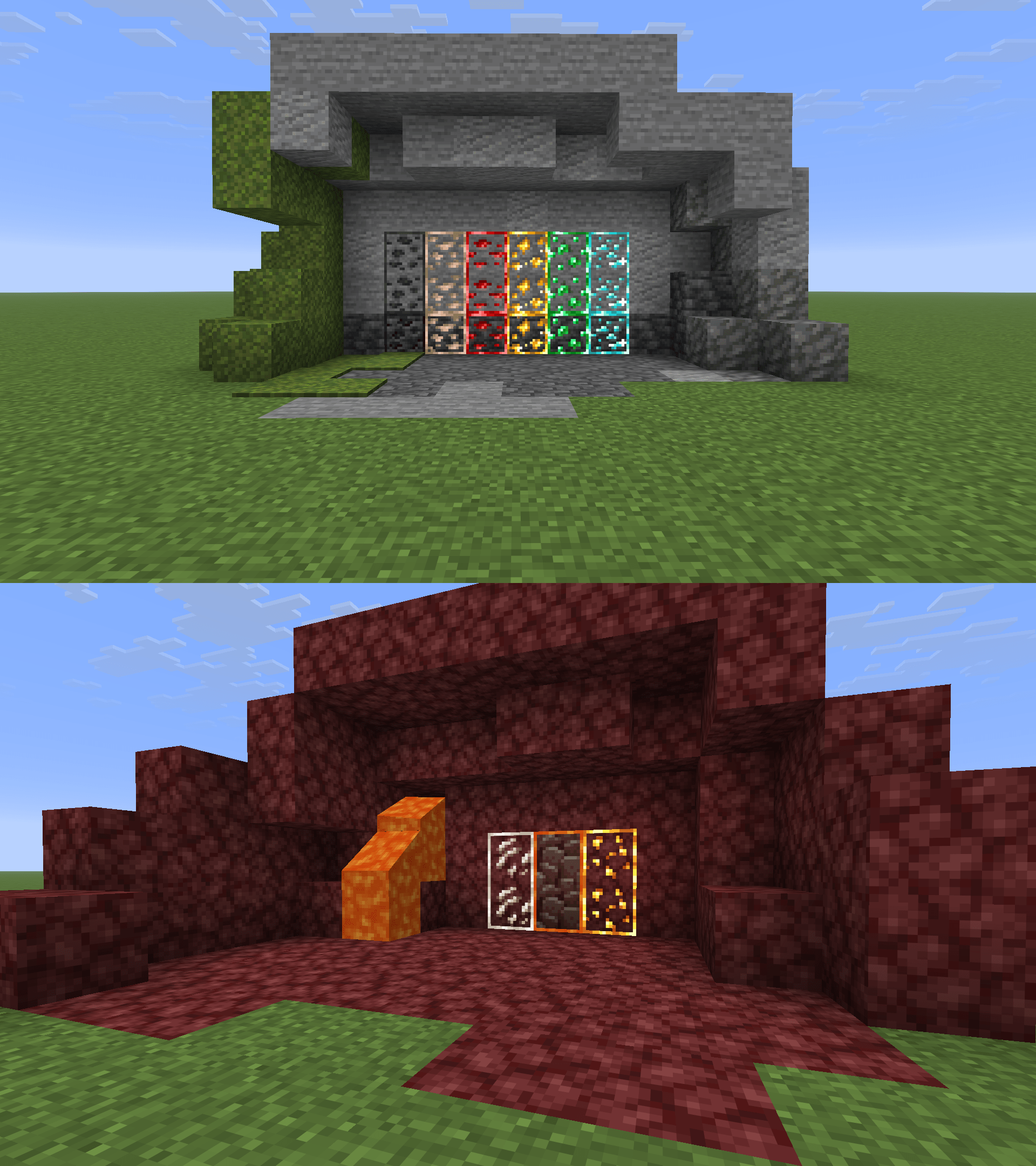
Gray’s Veins is a client-side Fabric mod that lets you customize ore visibility textures using outlines, animation, glow, and per-ore controls.
Instead of forcing one ore style on everything, Gray’s Veins lets you choose how visible each ore should be. Use one global setup for all supported ores, or switch to custom mode and tune each ore individually.
Features
- Toggleable ore outlines
- Toggleable animated ore textures
- Toggleable glow/emissive-style textures
- Glow strength slider
- Global All mode for quick setup
- Custom mode for per-ore control
- Separate settings for Gold Ore and Nether Gold Ore
- Blue Netherite option for Ancient Debris
- In-game warning when the generated resource pack is not enabled
- Mod Menu support
Supported Ores
Gray’s Veins currently supports:
- Coal Ore
- Iron Ore
- Copper Ore
- Gold Ore
- Nether Gold Ore
- Redstone Ore
- Emerald Ore
- Lapis Ore
- Diamond Ore
- Nether Quartz Ore
- Ancient Debris
- Gilded Blackstone
How It Works
Gray’s Veins generates a resource pack based on your settings.
After changing settings:
- Open Gray’s Veins settings through Mod Menu.
- Choose All or Custom mode.
- Adjust outlines, animation, glow, and glow strength.
- Click Apply Textures.
- Make sure Gray’s Veins Generated is enabled in Resource Packs.
If the generated resource pack is not enabled, Gray’s Veins will warn you in the config screen.
Important: Enable Continuity Resource Packs
Gray’s Veins requires Continuity for connected textures and glow/emissive effects.
After installing Continuity, make sure Continuity’s built-in resource packs are enabled in Minecraft’s Resource Packs menu. Gray’s Veins may not show connected outlines or glow correctly unless Continuity’s resource packs are active.
Blue Netherite
Ancient Debris has an extra Blue Netherite option.
When enabled, Ancient Debris uses a blue visual style to make it much easier to spot.
Blue Netherite automatically forces glow on because the style looks best with glow enabled.
Recommended With
Gray’s Veins works best with:
- Fabric API
- Mod Menu
- Continuity — required for connected textures and glow/emissive effects
Continuity is recommended if you want connected outline effects similar to connected texture resource packs.
Credits
Texture assets used in this mod are credited to:
- gitq — base ore texture assets
- ThatCuteOne — Blue Netherite asset(s)
Gray’s Veins mod, config system, generated resource pack workflow, UI, and release packaging by GrayscaleRGB.
Some texture assets are credited to their original creators. If you are an asset creator and want credit adjusted or an asset changed, please contact me.
Notes
If glow or connected outlines are not working, check that Continuity is installed and its resource packs are enabled.
Glow uses the current emissive ore assets, which include framed ore pixels. Because of that, enabling Glow also keeps Outline enabled. Outlines can still be used without Glow.
This is a client-side visual mod. It does not change ore generation, loot tables, mining behavior, or server gameplay.
It is designed to make ores easier to see while still keeping the look configurable.
Compatibility
Mod Loaders
Game Versions
Recommended Gear
AffiliateHardware and extras that pair well with this mod.

As an Amazon Associate I earn from qualifying purchases.
Screenshots
Similar Mods
Pixelmon More Structures
This Mod Currently Adds 10 New Structures

Haul
A datapack thats lets you pickup and carry chests and barrels! Move your storage with ease!
ClaimIt
Land claiming solutions for Forge - Encouraging compatibility and usability! Inspired by GriefPrevention and FTBUtil.
Cozy's Improved Wolves
A complete upgrade of pet wolves ✰ Pet wolves have personality, helpful abilities, and can be respawned!
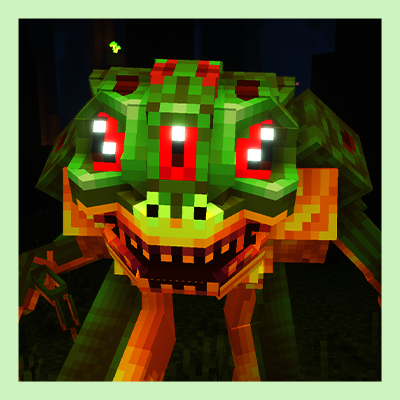
Croaker
Horror mod that adds a frog monster to Minecraft
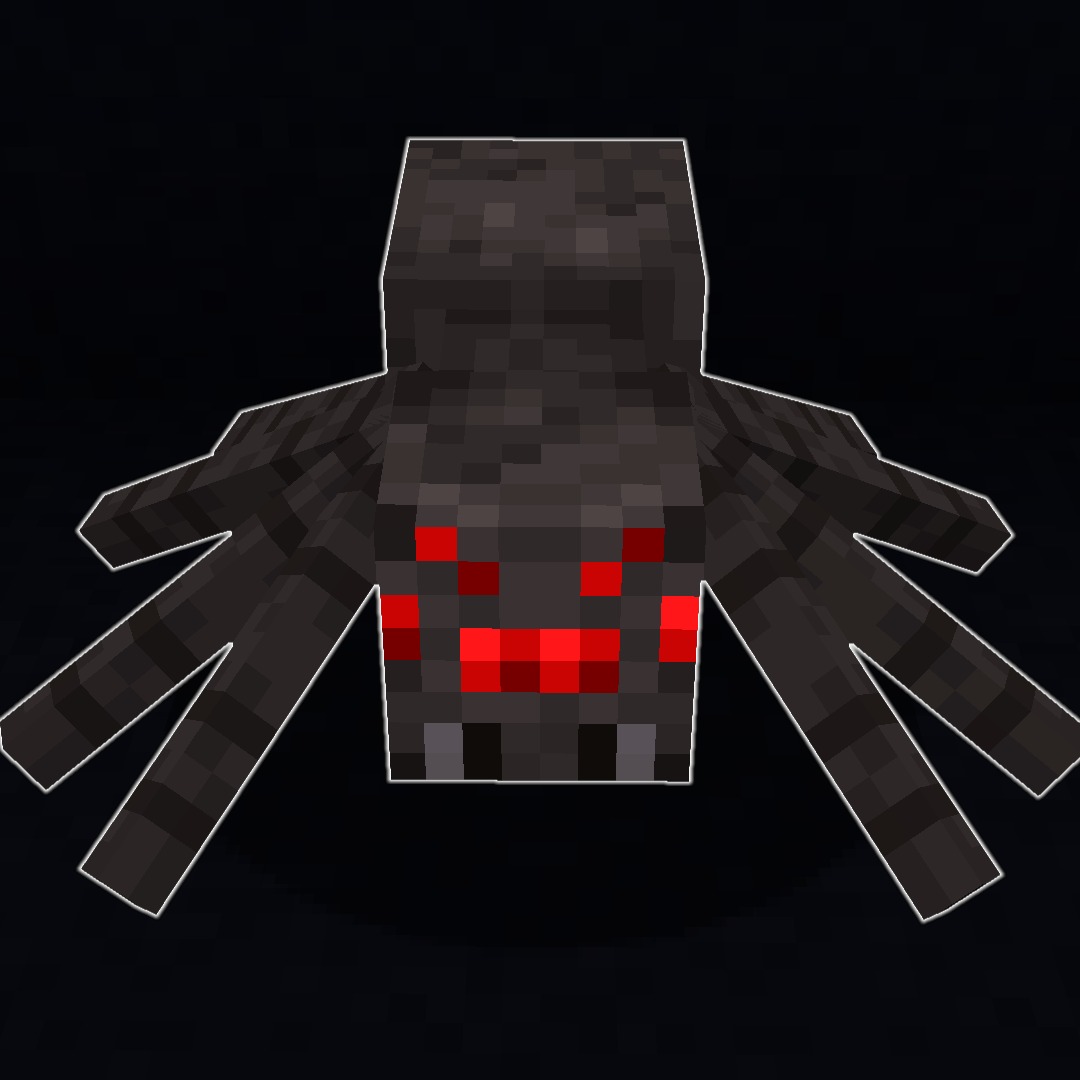
Countered's Accurate Hitboxes
A mod that makes it so the actual models are being used as hitboxes