Description
# Simple Atlas
Carry your mapped world in one item.
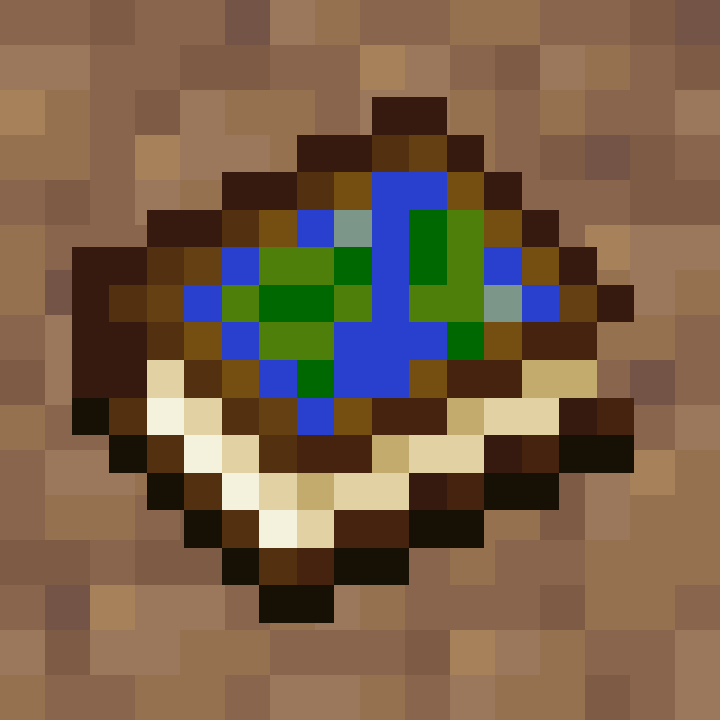
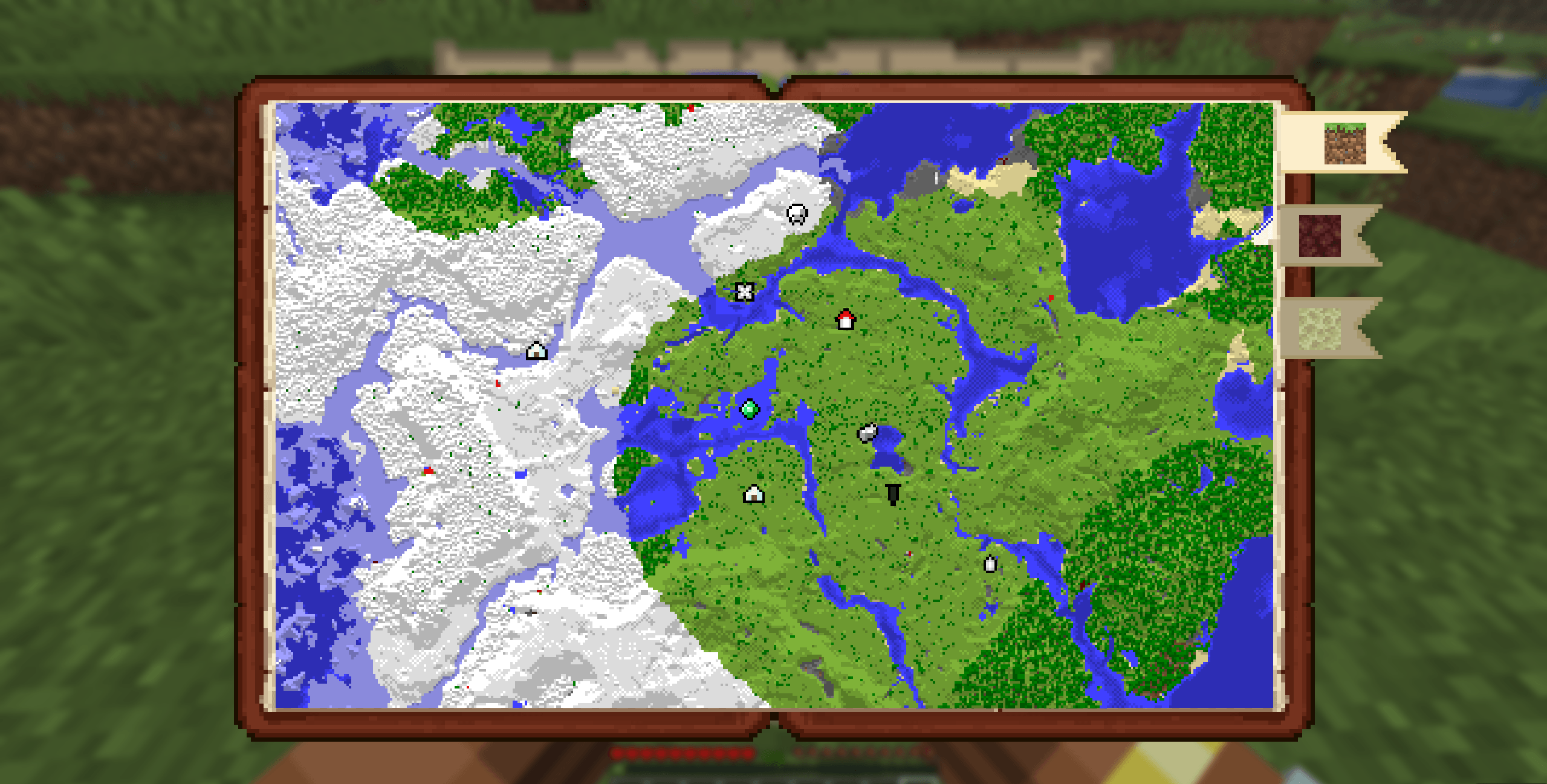
Simple Atlas adds an **Atlas** item that stores multiple filled maps and opens into a single interactive view, so you can pan around your explored area without juggling lots of maps.
## Features
### Atlas item
- Craft an Atlas and add filled maps through the cartography table
- Atlas only accepts maps with the same scale as the first map inserted
- Use a book at the cartography table to duplicate an atlas
- Use paper at the cartography table to scale every atlas map up by one level
- Merge two atlases of equal size at the cartography table to combine their maps and waypoints
- Lower-scale maps can be integrated into an existing atlas through the cartography table
### Interactive world map
- Scroll to zoom
- Left-drag to pan
- Press `R` to reset zoom/pan to your current player position
- Player marker is shown directly on the atlas
- Dimension bookmark tabs separate Overworld, Nether, End, and other-dimension atlas tiles
### Waypoints
- Right-click on the atlas to create waypoints
- Use an atlas on a banner to add a waypoint from the banner's color and name
- Right-click existing waypoint markers for context actions
- User can edit or delete waypoints
- Waypoint and map-point context menus can copy coordinates
- Waypoint names are capped to keep labels readable
- Waypoints are saved in the atlas item itself
- Right-clicking a mapped tile can remove that map from the atlas and return the filled map item
### Navigation compass
- Choose **Locate** on a waypoint to pin the waypoint to the locator bar
- Choose **Stop Locating** to remove pin
- Multiple waypoints can be pinned
### Multiplayer-aware map syncing
- While a player is holding an atlas, map data is synced live from the server
- Atlas viewers are tracked server-side
## How to use
1. Craft an Atlas.
2. Use the cartography table to add maps, duplicate atlases with books, scale atlases with paper, or merge equal-scale atlases.
3. Hold the atlas in your main hand and use it to open the atlas screen.
4. Scroll, drag, and switch dimension tabs to inspect your mapped area.
5. Right-click map points or waypoints to manage waypoints, copy coordinates, remove maps, and optional navigation.
## Recipe
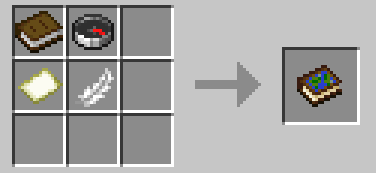
- shapeless
## Compatibility
- **Minecraft:** `26.1.x`
- **Loader:** Fabric (`fabric-loader >= 0.18.6`)
- **Java:** `25+`
- **Fabric API:** required
## Notes
- The atlas layout expects maps of the same scale and will scale up smaller maps, but larger ones will be rejected
- Waypoint and navigation state is tied to each atlas item.
- Teleport actions in the atlas UI use player commands and may require permission depending on the server.
- Designed for both singleplayer and multiplayer survival workflows.
## Issues/Feedback
- Report bugs or suggest improvements on the [GitHub Issues](https://github.com/RubberToe-06/simple_atlas/issues) page