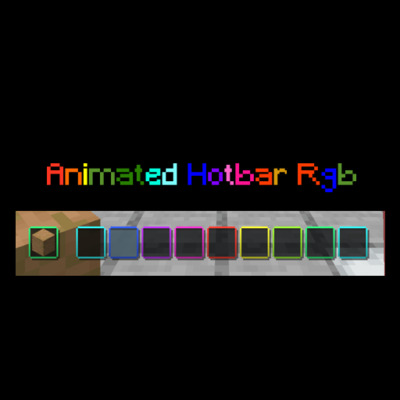
Animated Hotbar RGB
Texture Packby Tonlocalbytes
A sleek resource pack that adds dynamic, color-cycling neon animations to your hotbar.
Description
Overview
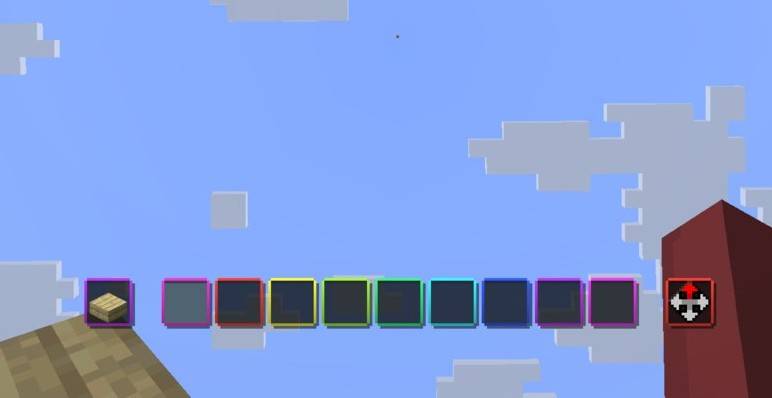
Transform your Minecraft UI with a sleek, vibrant, and smoothly animated RGB effect! Animated Hotbar RGB adds a dynamic color-cycling border to every single slot of your hotbar, giving your game a modern "gamer" aesthetic that perfectly matches your RGB setup.
Screenshot
Features
- ✨ Fluid Animation: High-quality color transitions for a smooth visual experience.
- 🌈 Vibrant RGB: Each hotbar slot features its own independent animated border.
- 🚀 Performance Friendly: Optimized textures and code to ensure zero impact on your FPS.
- 🎨 Sleek Design: Enhances the default UI without being distracting during intense gameplay.
Compatibility
This resource pack is designed to be highly compatible with various versions of Minecraft:
- Version Range: Optimized for Minecraft 1.21 and newer versions.
How to Install
-
-
Download the Animated Hotbar RGB .zip file.
-
Open Minecraft and navigate to Options > Resource Packs.
-
Click Open Pack Folder.
-
Drag and drop the downloaded .zip file into the folder.
-
Select the pack in the "Available" column to move it to "Selected".
-
Click Done and enjoy your new RGB hotbar!
-
Recommended Gear
AffiliateHardware and extras that pair well with this texture pack.

Minecraft Enderman Character Plush
Enderman plush toys, and a reliable gift for a younger player.

LEGO Minecraft Set
Official sets that translate the building side of the game off-screen.
As an Amazon Associate I earn from qualifying purchases.
Screenshots
Similar Texture Packs
Industrial Revolution PT-BR Translation (Unofficial)
Unofficial translation for Industrial Revolution in PT-BR (Brazillian Portuguese)
Cave Dweller Sound Overhaul
Improves the cave dweller's scare factor
Farmer's Delight Wood Stripping Expanded
Adds missing modded log and bark recipes to the cutting Board from Farmer's Delight for easy stripping
(Unofficial) Mandala's GUI - Dark Mode Compatibility Neo
Neoforge version of my Unofficial Custom Mandala's GUI - Dark Mode Mod Compatibility
Torrezx-Better boss bar
new cool bars for the bosses
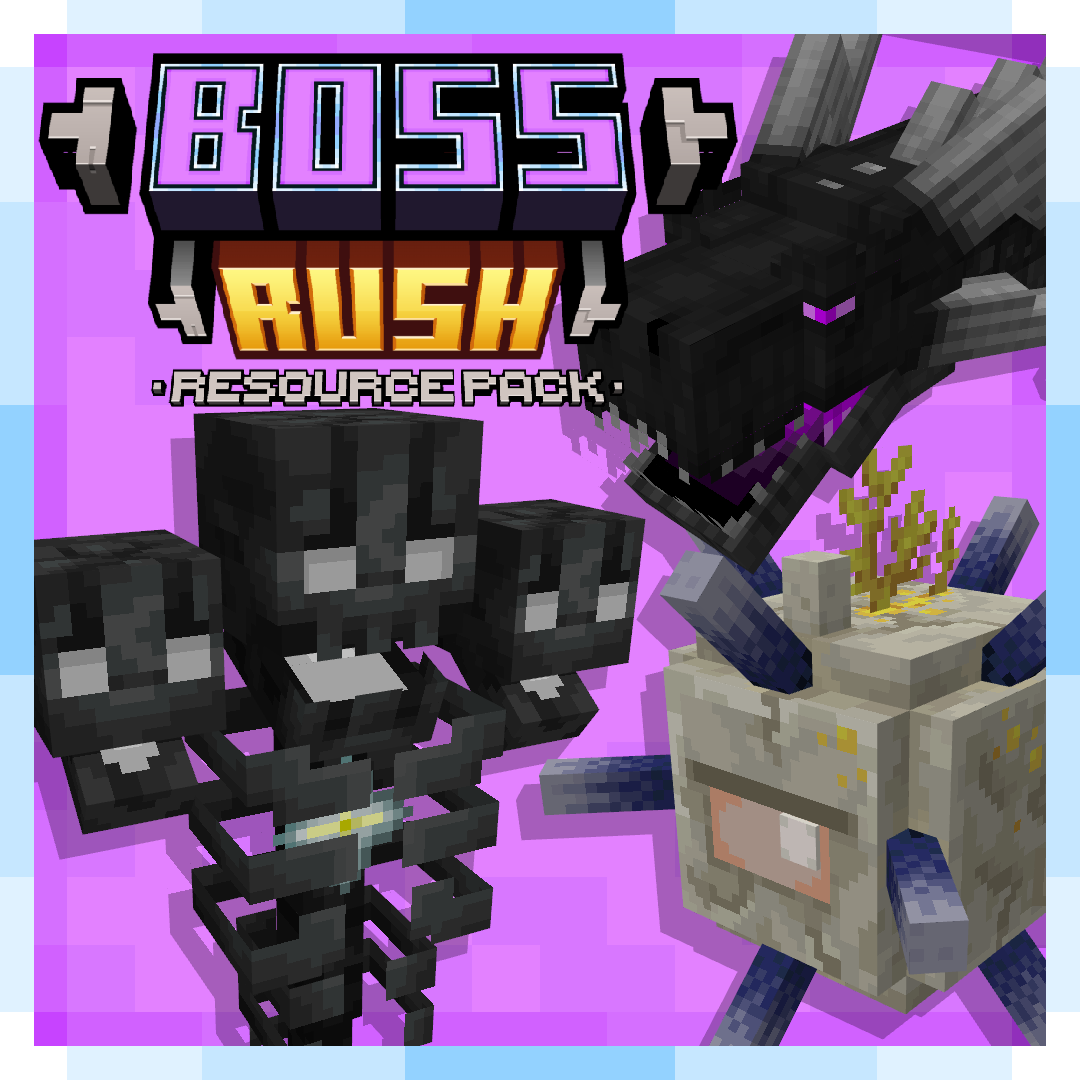
AL's Boss Rush
A pack that revamps Minecraft's Bosses!