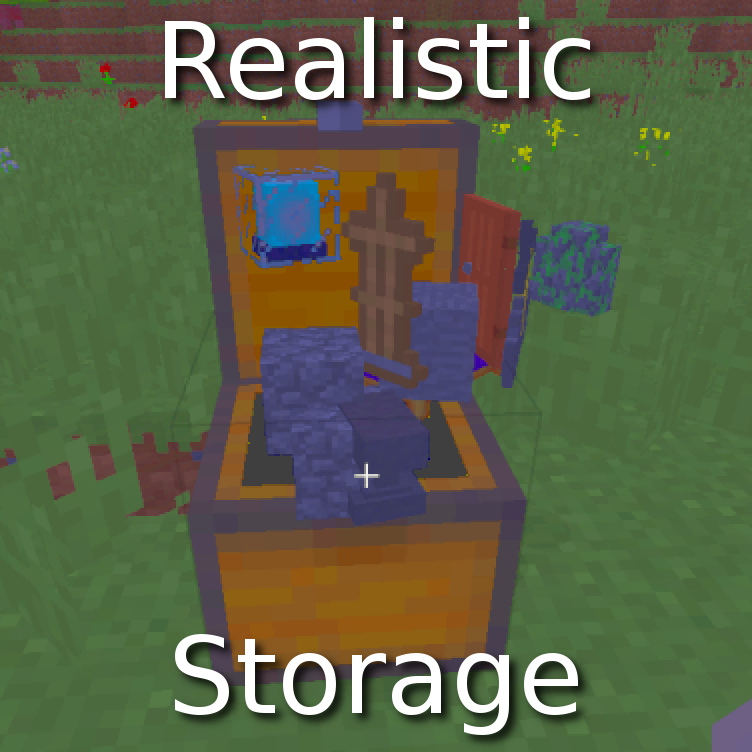
Realistic Storage
Modby Othever
Prevent containers from holding blocks
Description
Realistic Storage
What does it do?
No block in containers
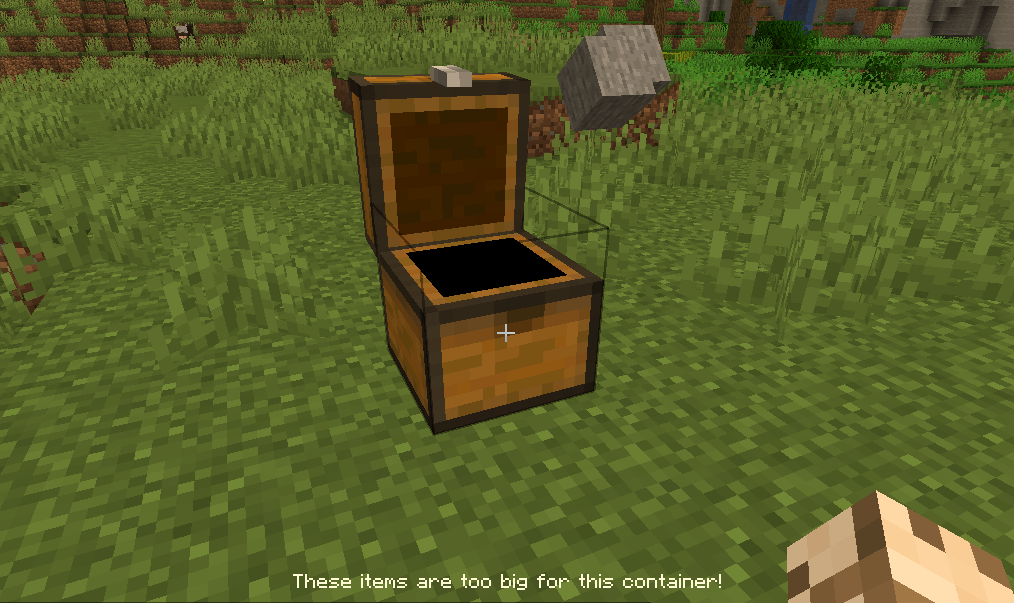
All large blocks (such as dirt, cobble, stairs, etc) are not permitted anymore in chests, etc. You have to find alternative storage solutions for these (see the Pallet below). Only items and small blocks (torches, flowers, etc) are permitted in chests. Minecart chests are not checked, to encourage their use for transporting resources. Everything is configurable, mod support requires manual config (see below).
Pallet block
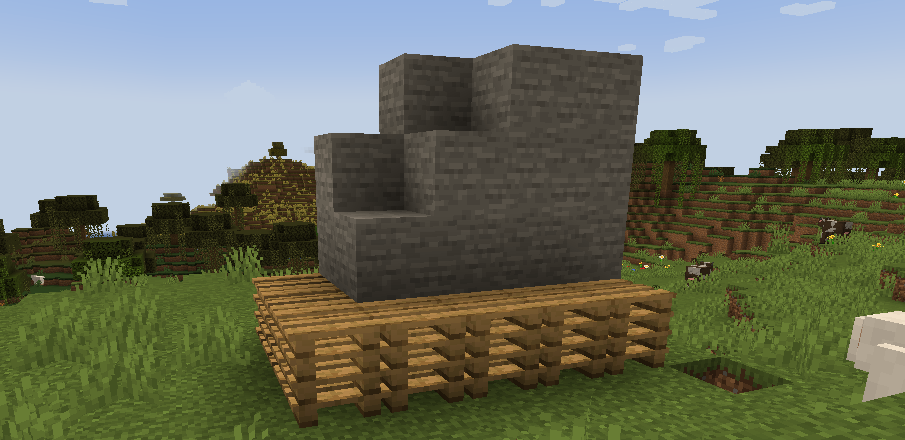
New block: the Pallet (comes in all Wood variants). All blocks placed on the pallet (up to 8 blocks above it) come back to your inventory instantly when left-clicked. Right-click on a pallet will automatically stack blocks above the pallet (up to the limit of 8). Adjacent pallets will share the blocks added with right-click, so that a group of pallets acts like a large container. Time to build some warehouses!
Note: block placed before the pallet will still have to be mined normally. This prevents insta-mining and free feather touch. This also allow you to put a roof above the pallet without risk of destroying it by mistake.
Limited inventory slots
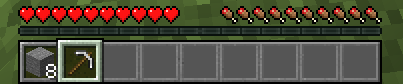
For a more extreme experience, inventory slots can be disabled as well (configurable): limit to 9 to keep only the hotbar, or even 2 for the most realistic experience! The Tool Belt mod is the ideal companion for this feature.
How does it work?
Anything in the chest is ejected if it can be placed in the world. Exceptions to this simple rule (black list and white list) are defined in the config file. Regular expressions (regex) are allowed, in order to make config a bit faster. The default config covers only vanilla items and containers.
The restriction can be bypassed using hoppers. Consider this mod as an encouragement for role-play.
Configure containers
First, make sure that you have set
print_container_names = truein the config file (config/realisticstorage_common.toml). Don't forget to restart the game after changing the config file. Then, open and close a container in-game to show its name in the chat.

And add this name to the list of checked containers in the config:
checked_container = ["StorageTileEntity", ...Configure items
- Press F3+H in game to show advanced tooltips.

- Hover over the item to configure, and note the registry name in the tooltip.
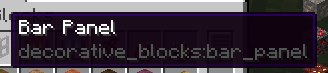
- In the config file, add the registry name either to never_ejected to make sure it is allowed in containers, or always_ejected to make sure it is not allowed.
If there are multiple variations of the item, you can use regular expression to match all of them at once. For example, to add all windows from Macaw's Windows
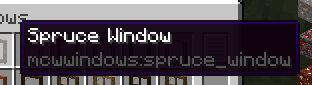
Add a regex such as
never_ejected = ["mcwwindows:.*_window", ...To match all items from the mod that end with _window. Or even
never_ejected = [".*_window", ...To match all items from all mods that end with _window. See the default config for more examples.
Credits
This mod is inspired from Oversized Item in Storage Area by DoubleDoorDev for the container part, and by Trophy Slots from Lomeli12 for the limited slots part.
Recommended Gear
AffiliateHardware and extras that pair well with this mod.

As an Amazon Associate I earn from qualifying purchases.
Similar Mods

Universal Remote
Access any block in the game wirelessly!

Fabulous Flowers
Renewable flowers and more flower variety

Aerial Hell
Sky Dimension & Dungeons, Bosses - from 1.16.5 to 26.1.x

Multi Summon (Multisummon command)
Adds an alternative /summon command taking in a number of entities to spawn, plus allowing for spreading
Burning Furnace
New way to interact with lit furnaces! SUPER HOT!

CodeChickenLib Unofficial 1.7.10
Contains libraries for 3D math and transformations, model rendering, packets, config, colours, asm and a few other thing...