Misa's Realistic
Texture Packby Misa_64
The Original 64x64 Texture Pack
Description
Announcements
If you enjoy my work, please consider supporting me on Patreon or Ko-fi. Thank you!
In the process of working on the new bottle model overhaul, a ton of progress was made for item models in general. There's still a bit of work to go on bottles, but that work did make it easier to start overhauling weapons! All swords and spears now have proper models, all shader-mapped realistically-sized! Additionally a few of the swords can be altered in appearance to a stripped-down version by adding the word "Plain" to their name with an anvil (Uses English names, Ex: Plain Wooden Sword).
More alternate models are on the way, but also all tools/weapons are going to be remodeled! This includes: Shovels, Pickaxes, Axes, Hoes, and other non-material-specific tools/weapons. Unlike before, where (apart from axes) a bunch of these were just recolored versions of each other, there will now be more unique variety for each material type! Every single tool/weapon will be unique, and each material has been assigned an historical/geographical theme to inspire consistently-themed designs. I expect to finish all of them by the next update.
Information/Disclaimer
This texture pack relies on multiple advanced features provided by Optifine (REQUIRED). You will need to ensure you have the latest version installed for the version of the game you are on. This pack will always support the latest STABLE release of Optifine (preview versions are unsupported). This pack is also posted on Planet Minecraft. Be sure to give me a diamond over there to help support me.
As always, Be sure to read the installation instructions! This pack it is not designed for un-patched vanilla Minecraft! After you have read and followed the instructions, and you still have trouble with installation, check the F.A.Q. If you still have issues, please post them on the thread or go to my Discord server. Do not PM me with tech support issues regarding getting the texture pack to work.
Features
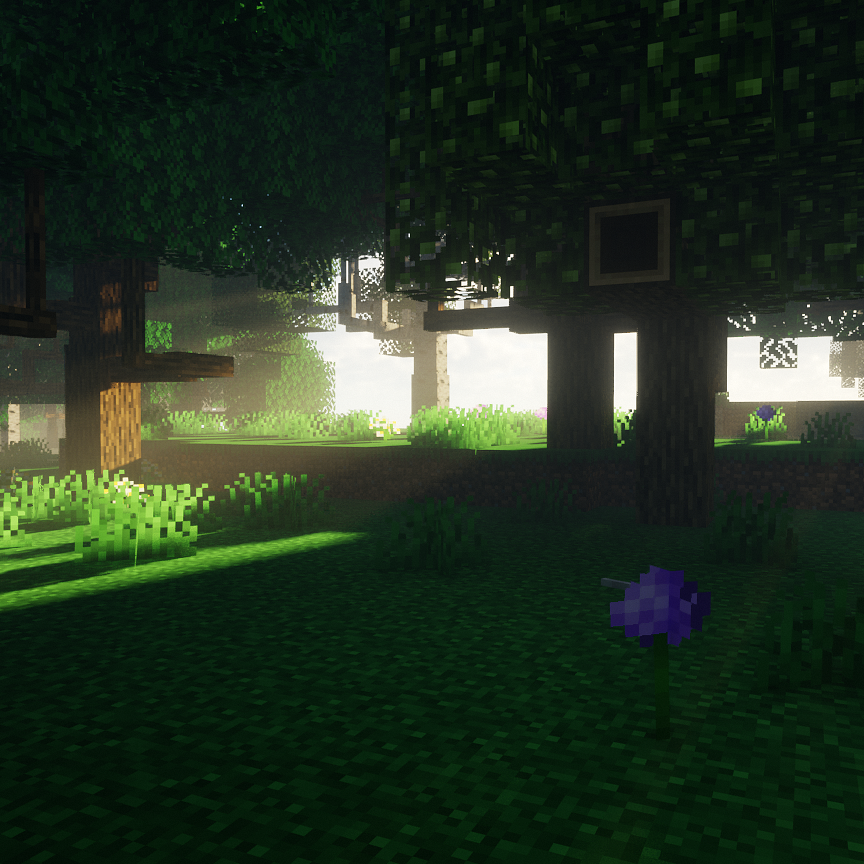
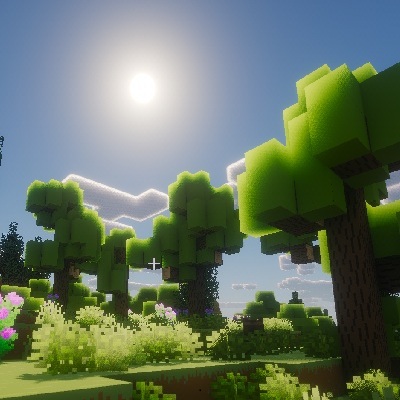
- Emphasis on Realism Without Going Too Photographic - Materials are designed to make sense and resemble the components they're crafted from. Art style is semi-realistic, inspired by old-school RPG's and boomer shooters with a medieval-lite setting.
- Reduced Eyestrain - Colors are a bit darker and more desaturated (or muted) than vanilla to allow for longer playtime without being harsh on the eyes.
- Mostly Faithful to Vanilla Intent - No strong theme that alters textures so drastically that you're guessing what's what. Builds made in this pack will work well with those playing with vanilla textures but allow for more creative detail with the pack.
- Advanced Texture Features for Improved Variety - Supports shader maps, connected textures, random mobs, custom models, and much more. This greatly improves creative options while making exploration more interesting and diverse.
- Easter Eggs - With the increased diversity of blocks and mobs, expect to discover rare little references and surprises on occasion.
- User-Supported, But Always Free - This is a passion project going as far back as 2009, and as such is something I wish to always share freely. This work is also made entirely possible by support from users like you. If you enjoy it please consider supporting it on Patreon, or even just spreading the word to friends and peers, every bit helps!
Supporting this Work
My work is free to all and I'm happy to keep it that way. However, updates to this texture pack are only made possible by support from people like you. Like many hit by the pandemic, I'm stuck at home and unemployed. I would be greatly relieved to be able to make a living wage by continuing to produce this content. If you're able and willing to pitch in, please consider subscribing on Patreon or donating through PayPal.
Patreon:
 PayPal Donation:
 Join the Community for Free on Discord:
Installing the Texture Pack
1. Save my pack's zip file to the resourcepacks folder in your Minecraft directory. (Do not extract!)2. Click here to download the latest version of Optifine. (Very important!)
3. Run Optifine's installer on the appropriate installed version of Minecraft.
4. Run Minecraft and go to Options > Resource Packs to select my pack.
Installing the Texture Pack Configuring and Optimizing the Shaders Correctly
1. Click here to download the latest version of BSL.
2. Save the BSL shaders into the shaderpacks folder in your Minecraft directory. (Do not extract!)
3. Download the latest version of my BSL shader config from the #releases section of my Discord.4. Save the config (text file) into your shaderpacks folder. 5. Run Minecraft and go to Options > Video Settings > Shaders to select BSL. 6. Optimize your settings using my handy visual guide available here!
(This will help with performance and ensure as few visual errors as possible with my pack and BSL)
If you have trouble getting the pack working after this, head to my Discord server for support.
Compatibility
Game Versions
Recommended Gear
AffiliateHardware and extras that pair well with this texture pack.

LEGO Minecraft Set
Official sets that translate the building side of the game off-screen.

Minecraft Enderman Character Plush
Enderman plush toys, and a reliable gift for a younger player.
As an Amazon Associate I earn from qualifying purchases.
Screenshots
Similar Texture Packs
Visible Ores
Uses glowing borders to make ores easier to spot
Fast Better Grass
Makes grass and related blocks use the top texture on the sides. Works with other resource packs!
Excalibur Mod Support
Adds Excalibur mod support for popular mods.

AnimEmis RL
AnimEmis for multiple mods in rlcraft

Mandala's GUI Vanilla Crosshair
A patch for Mandala's GUI to use the vanilla crosshair.
![Clear Glass with Connected Textures! [16x]](https://media.forgecdn.net/avatars/139/904/636531529565055209.png)
Clear Glass with Connected Textures! [16x]
Clean Glass! Remove line streaks from Glass & Stained Glass!