Pipe Goggles
Modby davenonymous
Helps with you plumbing. See pipes through walls!
Type
Mod
CurseForge Downloads
11,822,491
CurseForge ID
309607
Last Updated
Sep 5, 2026
Description
Pipe Goggles
Description
Pipe Goggles currently only adds a single item, the Pipe Goggles. They allow the wearer to see various plumbing through the walls.
Usage
Right click with the goggles in hand to open a small configuration GUI.

Insert the pipes you want to see into the colored slots.
The goggles can be in three different modes:
- Always on: The goggles are always active, showing all pipes.
- Always off: The goggles are never active, showing no pipes.
- Automatic: The goggles will only show matching pipes when the player is holding a pipe item in their hand.
You can additionally configure the range of the goggles, the line-thickness of the pipes and their opacity.
Depending on the configuration of the mod your goggles will need to be powered to work!
Supported mods (1.21.1):
- Applied Energistics 2
- Create
- EnderIO
- Flux Networks
- IntegratedDynamics
- LaserIO
- Mekanism
- Redstone (from vanilla minecraft)
- Modern Industrialization
- MoreRed
- Oritech
- Pipez
- PneumaticCraft
- Refined Storage
- Replication
- XNet
Supported mods (1.14):
- Refined Storage
- Simple Storage Network
- Inspirations
- Integrated Dynamics
Supported mods (1.12):
- Applied Energistics
- Cyclic
- EnderIO
- Extra Utilities 2
- Immersive Engineering
- Integrated Dynamics
- Mekanism
- OpenComputers
- Refined Storage
- Simple Storage Network
- Thermal Dynamics
Adding support for other mods (1.21.1 and above):
This is pretty straight forward and an example is better than words for this one:
{ "neoforge:conditions": [ { "type": "neoforge:mod_loaded", "modid": "xnet" } ], "blocks": [ "xnet:netcable", "xnet:connector" ], "items": [ "#xnet:cables", "#xnet:connectors" ], "mod": "xnet" }blocks are the blocks that should be highlighted. These can be block ids or tags. items are the items that enable the goggles in auto-mode to highlight the pipes. Also item ids or tags.
That file should be placed here: <your-data-pack>/data/pipegoggles/pipegoggles/mods/xnet.json.
More examples can be found here.
Recommended Gear
AffiliateHardware and extras that pair well with this mod.

As an Amazon Associate I earn from qualifying purchases.
Screenshots
Similar Mods

Fusion (Connected Textures)
Fusion allows resource packs to use additional texture and model types such as connected textures!

Common Capabilities
Forge Capabilities that can be shared by multiple mods
Amendments
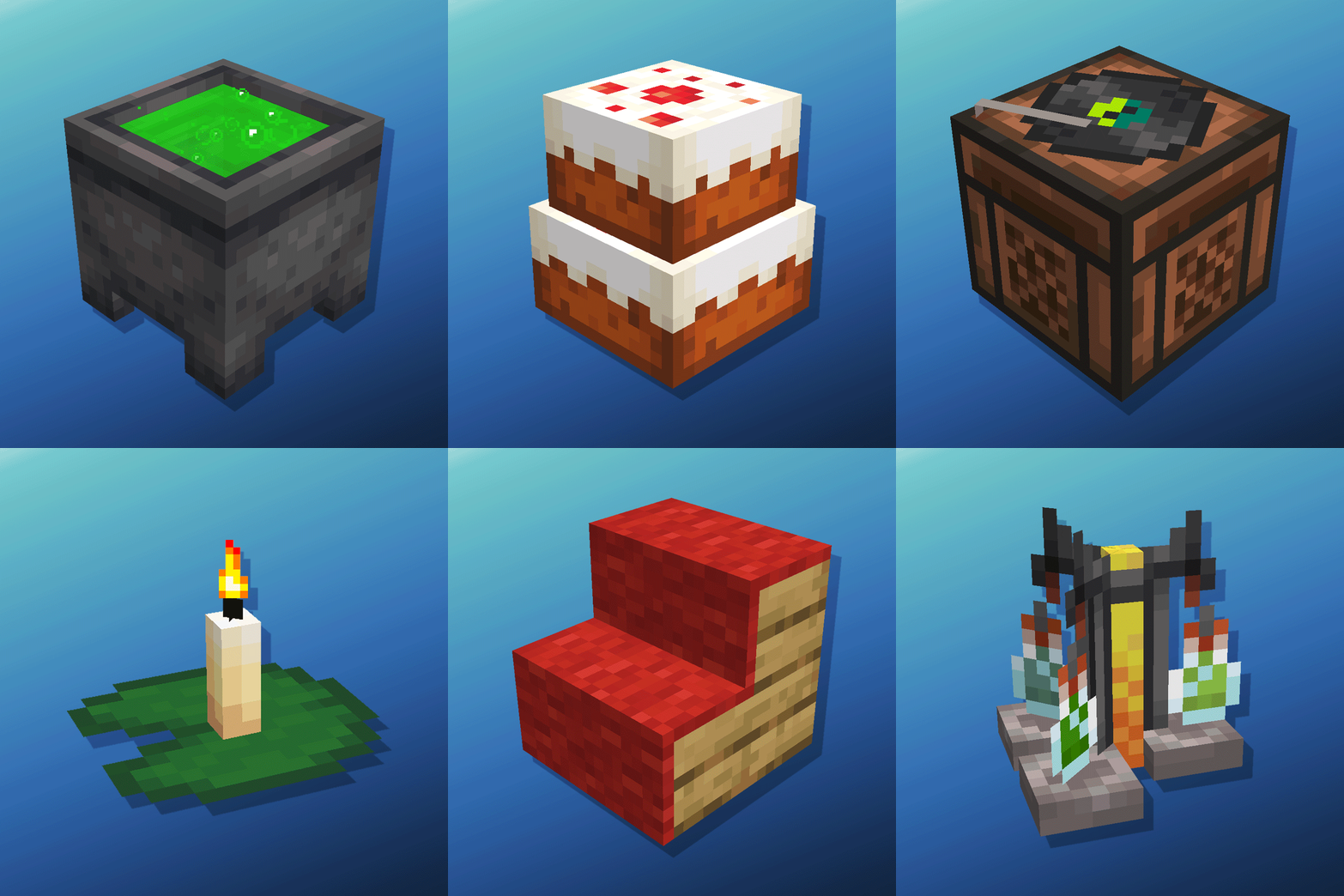
Cauldron Potion Mixing, Lanterns Animation, Carpeted Stairs, Candle Skulls, Double Cakes, Better Lilypads and much more
Towns and Towers
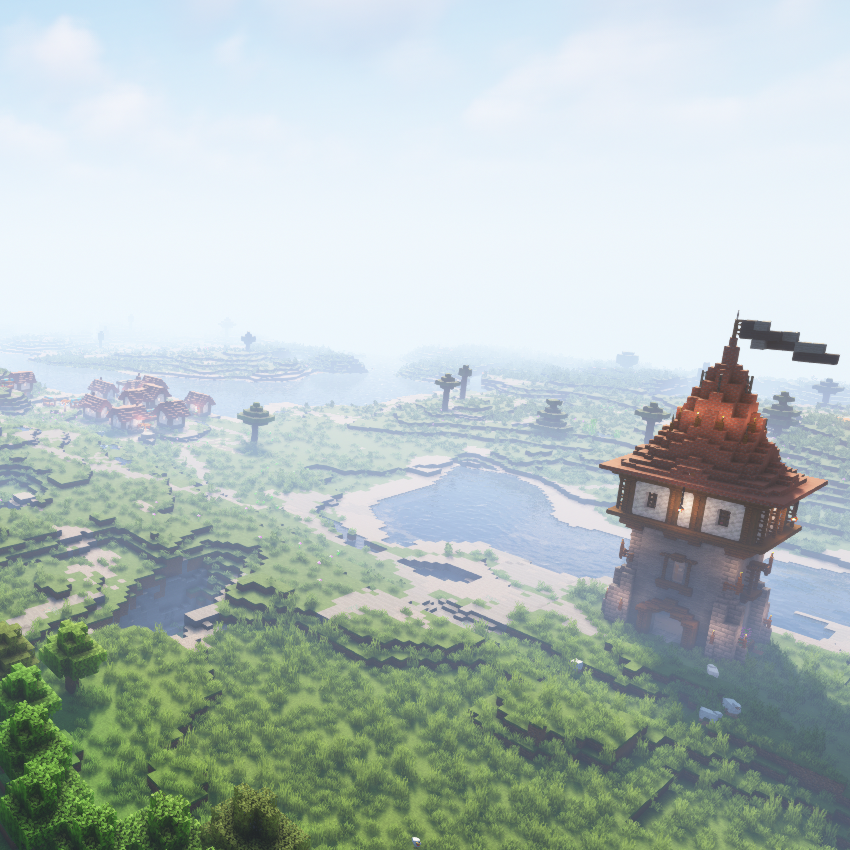
Spice up your world with new villages, pillager outposts, and even new ships!

Euphoria Patches
Euphoria Patches is an add-on for Complementary Shaders, extending it with more optional features and settings.

Ars Nouveau
Craft custom spells, summon magical servants, and make powerful wearables and tools!