Deep Origins Overlays
Texture Packby Devoneox
Subtle transitions between blocks | Requires Fusion
Description





Deep Origins Overlays : Reworked adds overlays between blocks to enhance your Minecraft experience while keeping Vanilla aesthetics.
This pack requires Fusion 1.3.2 or higher to work.
Download Respackopts to customize the resourcepack in-game (optional).



(Sandstone) ✅ Snow layers and
moss carpet overhangs ✅ Pack customization
with Respackopts ✅

- Download Fusion.
- Download Deep Origins Overlays. The download file should be a .zip compressed file with the following naming scheme : Deep Origins Overlays §8v2.0-b3.
- Launch Minecraft. Go to Options… > Resource Packs… > Open Pack Folder
- A folder should open in the explorer. Move the downloaded file to the newly opened folder.
- The pack should appear in the Available section. Click on the pack's icon to move it into the Selected section. Make sure it is at the top to prevent any conflicts with other resourcepacks.
- Click on Done. Your pack is successfully installed !

Download Respackopts (v4.0.0+), Cloth Config API and LibJF. Make sure these 3 mods are installed when you launch the game.

In the Resourcepacks page, you should see a button next to the pack's icon. This is to open the pack's options panel.

Available options
-
Dirt path and farmland overlays (Default : True) - Allows blocks to overlay on dirt paths and farmland.
-
Allow block overlays on themselves (Default : False) - Allows blocks to overlay on themselves.
⚠️Warning : This option requires Sodium to work properly.
-
Connected sandstone (Default : False) - Allows sandstone and red sandstone to connect to other blocks.
-
Moss carpet overhangs (Default : True) - Allows moss carpets (and pale moss carpets) to overhang on blocks below them.
-
Snow layer overhangs (Default : True) - Allows snow layers to overhang on blocks below them.

Why does the pack need a mod to work ?
Because Vanilla Minecraft does not support overlays. That's why you need Fusion for the resourcepack to work.
Does the pack no longer support OptiFine/Continuity ?
Yes. The old pack won't recieve any further updates.

Click here to check my profile !
© 2025 Devoneox
Recommended Gear
AffiliateHardware and extras that pair well with this texture pack.

LEGO Minecraft Set
Official sets that translate the building side of the game off-screen.

Minecraft Enderman Character Plush
Enderman plush toys, and a reliable gift for a younger player.
As an Amazon Associate I earn from qualifying purchases.
Screenshots
Similar Texture Packs
Over Stars Quest Theme
Custom FTB Quests menu and text theme, giving a darker and more smoother user experience
Mahou Tsukai Better Textures
A rework of the Mahou Tsukai mod's Texture Packs.

UltimaCraft
Improved default minecraft textures, models, animations, GUIs and mobs.
Extra Create Recipes
Adds more Recipes for Create
Fresh mowzie's mobs textures
A new look at the mowzie's mobs
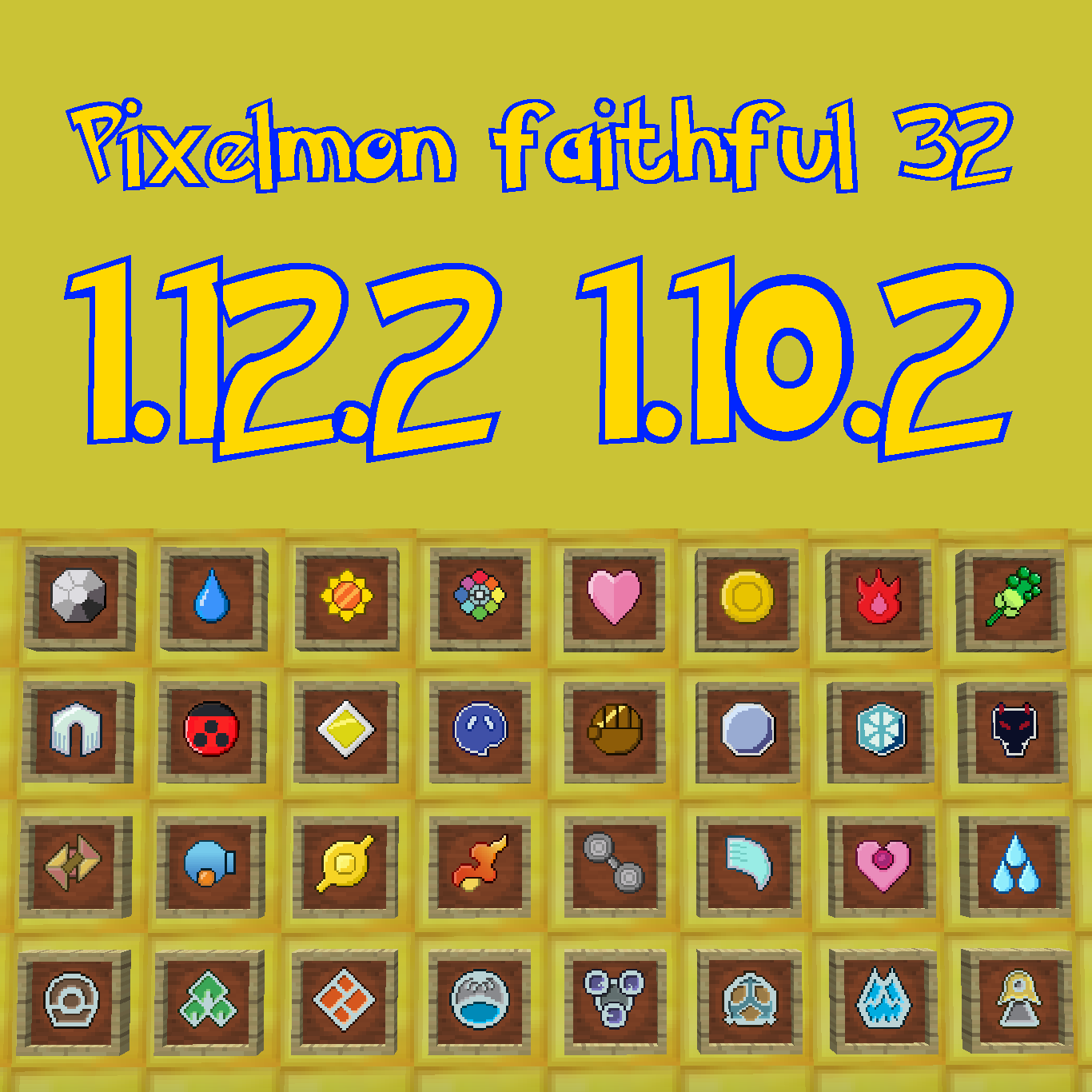
Pixelmon's faithful x32 addon!
This is a resourcepack addon, faithful 32x32 style, for Pixelmon!