

MTR: TransitManager
ModServer-side addon for the MTR Mod, adding several commands and tweaks
Type
Mod
Modrinth Downloads
9,383
Modrinth ID
TF6m3mcW
Last Updated
Jul 29, 2026
Description
TransitManager 2.0.0 beta
This is a server-side addon for Minecraft Transit Railway 4.0 Mod, adding lower-level commands that allows you to have better control of traffic in MTR.
Available for Minecraft Fabric 1.20.4, port for older versions is planned in the future.
Commands
Command Description Permission Level /mtr generatePath <Depot Name>/mtr clearTrains <Depot Name> Refresh a depot's path, or clear all trains of a depot OP Level 2 /mtrpath status/mtrpath abort <Depot Name> Check, refresh and abort MTR Path generations.- status: Show how many depots are currently regenerating path- abort: Terminate the depot's path generation. (If it is still generating) OP Level 2 /platform Give you the information of the nearest platform, including dwell,transport type and route that goes via that platform. OP Level 2 /train Provide the information of the nearest train, such as the train type, it's depot and siding, destination, dwell and more. OP Level 2 /train deploy <Departure Index> This will find the nearest train to you, and manually deploy the trainif it is parked inside a depot, regardless of timetable and deploy order. OP Level 2 /train clear This clears all trains from the siding of the nearest train. If that siding has multiple trains, all of them will be cleared. OP Level 2 /train skipDwell This skips the dwell time for the nearest train.If the train is boarding, it will immediately depart and the door will close.Otherwise, it will skip the dwell time in the next stop like a Turn Back Rail. OP Level 2 /warpsta <Station Name> Warp to the specified station's midpoint. You'll be teleported to the nearest non-suffocatable Y level of the midpoint of the station area. OP Level 2 /warpdepot <Depot Name> Warp to the specified depot's midpoint. You'll be teleported to the nearest non-suffocatable Y level of the midpoint of the station area. OP Level 2Config
The config file are automatically generated in config/mtrate/server.toml once the server starts up.
Config Key Default Value Description shearPSDOpLevel 0 This defines the OP Level required to shear the top part of the Platform Screen Doors in the MTR Mod. Server owners may want to bump this up to OP Level 1/2 to prevent non-builders from modifying Platform Screen Doors.Bugs/Suggestion
If you have any questions or suggestions, feel free to open an GitHub issue here :)
License
This project is licensed under the MIT License.
Compatibility
Mod Loaders
Game Versions
Recommended Gear
AffiliateHardware and extras that pair well with this mod.

As an Amazon Associate I earn from qualifying purchases.
Similar Mods

MonkeyLib538
A library mod for OffsetMonkey538s mods

Katters Structures - Ambient
Sub-project of "Katters Structures" with only the Ambient Structures
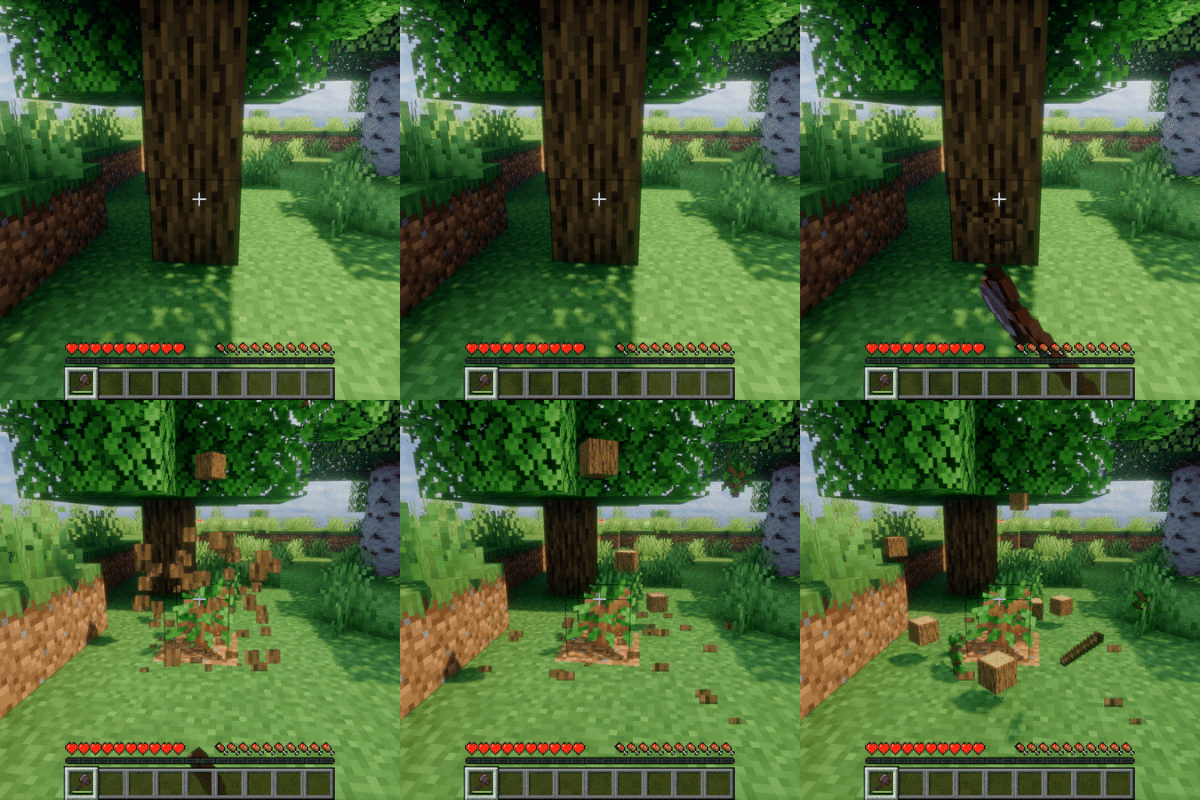
TimberReplant(Fabric/Forge/NeoForge)
Automatically fell entire trees and replant saplings with one block break! Sustainable forestry made easy with configura...

PvP Flag
More immersive PvP toggle, allowing players to show they are peaceful, not other way around (Project Zomboid-esque style...

More Curios Totems of Undying
This mod makes it so More Totems of Undying are Curios Compatible!

Postmortal Particles
Overhauls the totem of undying particle effect.