

Quick menu Renewed
ModThis is a renewed fork based on the original (abandoned?) quick-menu.
Description
Quick Menu (Renewed)
A Fabric mod for Minecraft that lets you register commands and keybindings to buttons and execute them quickly from a menu.
A reconstruction of the original Fork by ImCodist, built without heavy dependencies like owo-lib.
Features
Feature Description Folder navigation Organize buttons into folders Breadcrumb list Visual display of folder hierarchy Search (F key) Search button names and execute instantly Edit mode (E key) Add, edit, and delete buttons Quick reorder Ctrl+click in edit mode Quick delete Shift+click in edit mode Release to execute Execute action the moment you release the key Import / Export Share button layouts via clipboard (JSON + Base64)Usage
- Open menu: G (default)
- Edit mode: E key or pencil icon
- Search: F key or magnifying glass icon
- Navigate folders: Click folder icon
- Go back: Click Root in the breadcrumb list
- Export: In edit mode, click Export to copy your button layout to the clipboard
- Import: In edit mode, click Import to load a layout from the clipboard (mode selectable)
Configuration
- Buttons per row
- Number of visible rows
- Close on key release
- Close after action execution
- Hide edit icon
- Default import mode (Ask Each Time / Replace All / Merge by Name / Add Only)
Compatibility
Mod Loaders
Game Versions
Recommended Gear
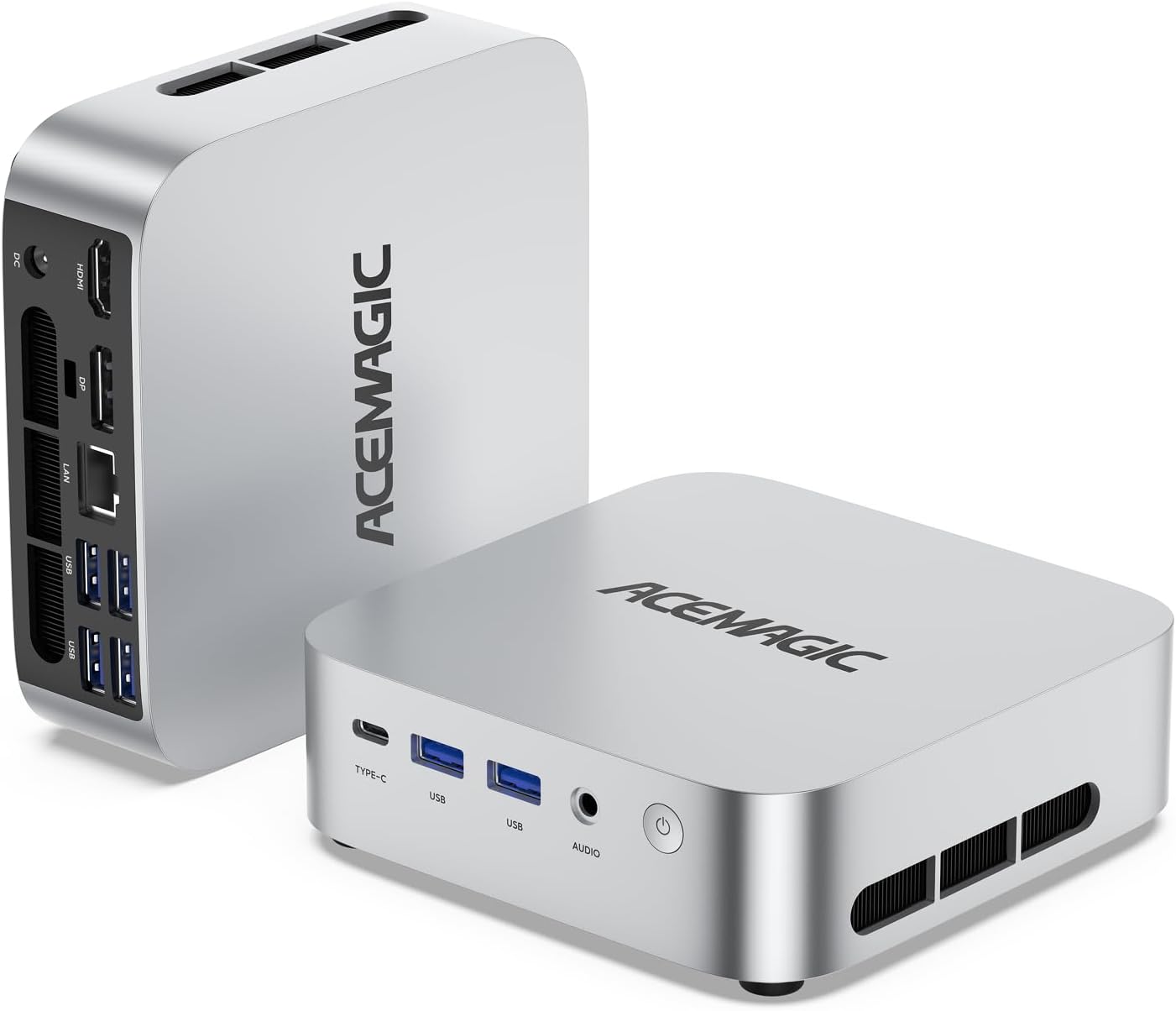
AffiliateHardware and extras that pair well with this mod.
As an Amazon Associate I earn from qualifying purchases.
Screenshots
Similar Mods
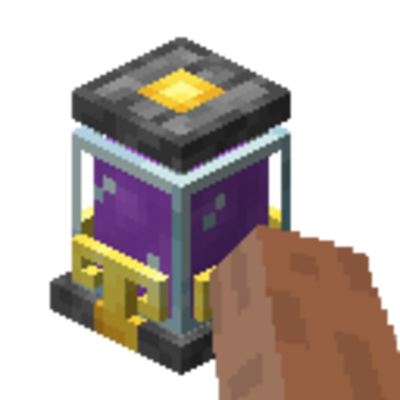
Put Mana In
PutManaIn is an Ars Nouveau add-on that allows players to right-click on a Source Jar to inject their own mana into it.
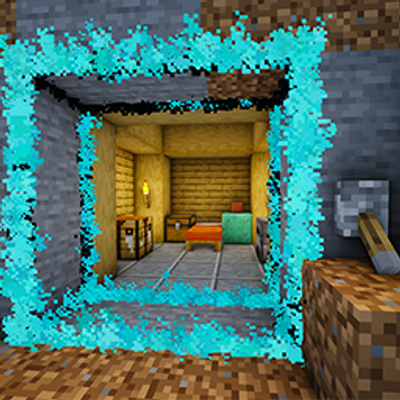
The Gateways
"Don't like redstone? Gateways allow you to make doorways with redstone very easily!"
More Than A Pickaxe (Fabric/Quilt)
A multitool Minecraft mod that is a pickaxe, axe, sword, hoe, and shovel.
project-969253
The Man In Red
Gilded Sherds
Potery sherds with a gilded twist!

Stupid Express
More roles for the Harpy Express modpack / Wathe mod that miiiiight be a little dumb but it's okay!

