
Stacknator
Modby Riser876
Properly configurable stack sizes for any vanilla or modded items
Type
Mod
CurseForge Downloads
3,269
CurseForge ID
1350769
Last Updated
Jul 29, 2026
Description
Stacknator
Stacknator is a lightweight Minecraft mod for Fabric that lets you customize the maximum stack size of any vanilla or modded item via a simple configuration file. By modifying item data components during game initialization, Stacknator delivers a clean, efficient solution without performance overhead or hacky workarounds.
Compatibility
- Required: Fabric API
- Vanilla Items: Fully compatible.
- Modded Items: Generally compatible with most mods.
Tags: Supported through the Filler feature.
Tip: To find an item's identifier, enable Advanced Tooltips in-game by pressing F3 + H, then hover over the item.
Installation
- Drop the Stacknator .jar into your mods folder.
- Start the server or load into a world.
- Edit the stacknator.json config file to set your desired stack sizes.
- Enjoy!
Required only on the server side for a survival gameplay, however it's recommended to have it on the client side as well to be fully compatible some screens (e.g. creative screen).
Documentation
enabled: Enables or disables the mod.
Type: boolean Default: true
log_modified_items:
Toggles logging of successful stack size changes (other logs always show).
Type: boolean Default: true
checks:
Defines the checks to be performed.
Type: object
- enable_checks:
Enables or disables all checks.
Type: boolean Default: true - check_damageable:
Enables or disables the damageable check.
Type: boolean Default: true - check_stackable:
Enables or disables the stackable check.
Type: boolean Default: false - check_minimum_stack_size:
Enables or disables the minimum stack size check.
Type: boolean Default: true - check_maximum_stack_size:
Enables or disables the maximum stack size check.
Type: boolean Default: true
remove_defaults:
Removes all item entries that match the default stack size.
Type: boolean Default: false
filler:
Defines the filler settings.
Type: object
- enable_filler:
Enables or disables the filler. When enabled, the mod will iterate all registered items and apply the filler rules to each item while enforcing the configured checks.
Type: boolean Default: false - reset_stacks:
Enables or disables resetting of stack sizes to the default values, overriding any defined custom stack size.
Type: boolean Default: false - run_once:
Disables the filler after one run.
Type: boolean Default: true - tag_priority:
Enables or disables prioritizing tags over item entries when applying the filler.
Type: boolean Default: true - tags:
Defines tag identifiers and their custom stack sizes.
Type: object Default: {}
sort_items:
Enables or disabled sorting the item entries alphabetically by their keys.
Type: boolean Default: true
items:
Defines item identifiers and their custom stack sizes.
Type: object Default: {}
Checks
Stacknator performs the following checks for each item/tag entry in the config file:
- Entry Key Format:
Verifies if the entry key follows the namespace:item format.
On Failure: Skips the entry. - Item Damageable:
Ensures the item is not damageable (e.g. tools, weapons and armor).
On Failure: Skips the entry. - Item Stackable:
Confirms the item is stackable (default maximum stack above 1).
On Failure: Skips the entry. - Entry Value Below 1:
Checks if the stack size is less than 1.
On Failure: Skips the entry. - Entry Value Above 99:
Checks if the stack size exceeds 99.
On Failure: Adjusts to 99.
Full Configuration Example
{ "enabled": true, "log_modified_items": true, "checks": { "enable_checks": true, "check_damageable": true, "check_stackable": false, "check_minimum_stack_size": true, "check_maximum_stack_size": true }, "remove_defaults": false, "filler": { "enable_filler": false, "reset_stacks": false, "run_once": true, "tag_priority": true, "tags": { "#minecraft:logs": 16, "#minecraft:planks": 32 } }, "sort_items": true, "items": { "minecraft:egg": 64, "minecraft:red_bed": 16, "minecraft:ender_pearl": 32, "minecraft:tnt": 1 } }Recommended Gear
AffiliateHardware and extras that pair well with this mod.

As an Amazon Associate I earn from qualifying purchases.
Similar Mods
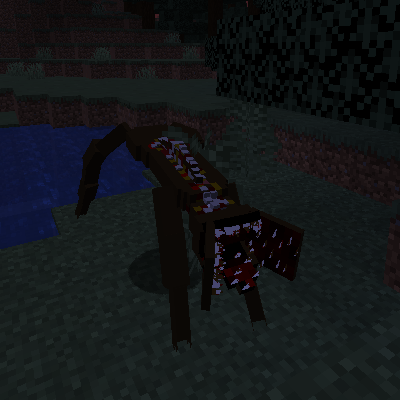
Jawed Dweller
A Disgusting 4 Jawed Dwelled With A Powerful bite!

watch.jar
Do you ever feel lonely?
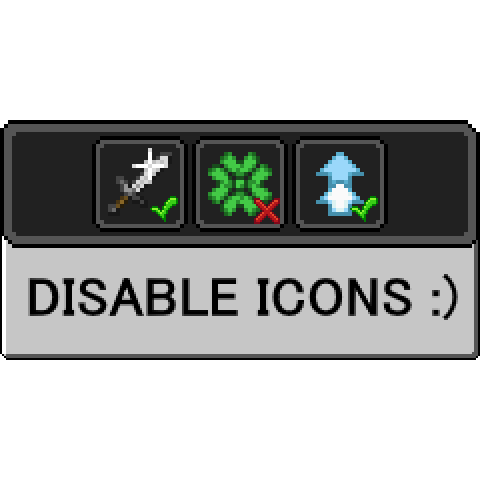
Uneffectual
Hide unwanted effect icons!

Alcohol Only
Adding multiple alcohol related drinks and items. For the alcoholics among us...
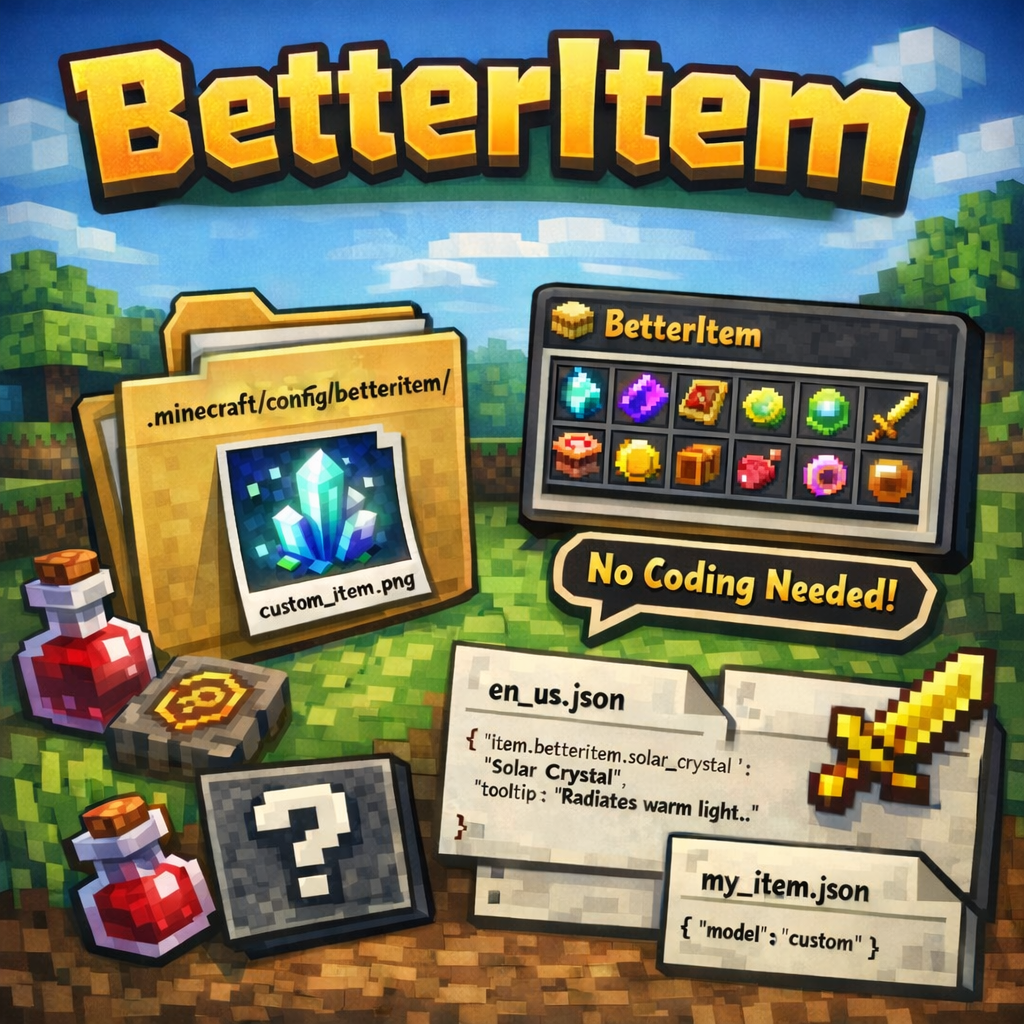
BetterItem
Add custom items to Minecraft without coding — just drop a PNG into the config folder and restart. Supports names, toolt...

Cobblemon: Ball Swap Minigame
Swap your pokemons balls with a small skillbased minigame.