

Next Level Twitch Integration
ModA server side mod for streamers to use, Allows chat to cause chaos
Type
Mod
Modrinth Downloads
575
Modrinth ID
j1t2VeOa
Last Updated
Jul 29, 2026
Description
Welcome To Next Level Twitch Integration
We are excited to announce that we have removed all previous versions as we have rebuilt the entire project from the ground up with an emphasis on ease of use. From this point onwards we will be keeping to standard semantic versioning starting again at version 1.0.0
Current Version: 1.0.0
How to setup the mod
In order to use this mod you will need to link your twitch account to the mod, all you need to do is run /NLTI Link the mod will then display a clickable URL that you will click onto, this will take you over to the twitch authorisation page where it will tell you that NLTI is requesting access for specific priviledges. You only need to accept this and the mod will handle the rest. You will notice your browser redirect a couple of times, once the mod replies in game with the following Connected Twitch Account Please Reboot Server Once you see this you are setup and just need to relaunch the server(if you are using one) or relaunch your game
General Configuration
You will notice 2 configuration files appear. nlti-config.toml nlti-token.toml Note: DO NOT EDIT THIS FILE You only need to work with nlti-config.toml This config will contain only a couple of things; base-cooldown blacklisted-mobs The base-cooldown is the time in seconds between uses of the same command. blacklisted-mobs is a list of mobs that viewers cannot spawn using the !mc-mob command
Player Commands
This is a list of all commands that you will use to run this mod.
- /NLTI Link, This command starts the Linking Process.
- /NLTI Unlink, This command resets the authorisation for when the token expires.
- /NLTI Start, Enables the viewer commands
- /NLTI Stop, Disables the viewer commands
- /NLTI Reset, Resets the cooldown on all commands.
Viewer Commands
This is the important part for the viewers so you may want to create a command or overlay showing what the commands are. Note: all commands are case-insensitive
- !MC-Mob (name), This command will spawn the mob next to all players.
- !MC-Effect (name), This command gives all players the named effect for 10 seconds
- !MC-Time (Day, Noon, Night, Midnight), This command sets the time of day in the overworld.
- !MC-Weather (Clear, Cloudy, Raining, Thunder), This command sets the weather in the overworld.
Compatibility
Mod Loaders
Game Versions
Recommended Gear
AffiliateHardware and extras that pair well with this mod.

As an Amazon Associate I earn from qualifying purchases.
Similar Mods

CZ/SK TierTagger
A TierTagger for CZ/SK PVP Comunity

Illia's Rings Addon
Adds Allance Rings to Nastya Miracle Stones

ISB - Inventory Sorter Button
One-Click Inventory Sort Button.
project-1091507
This mod prevents placing items held in your offhand.
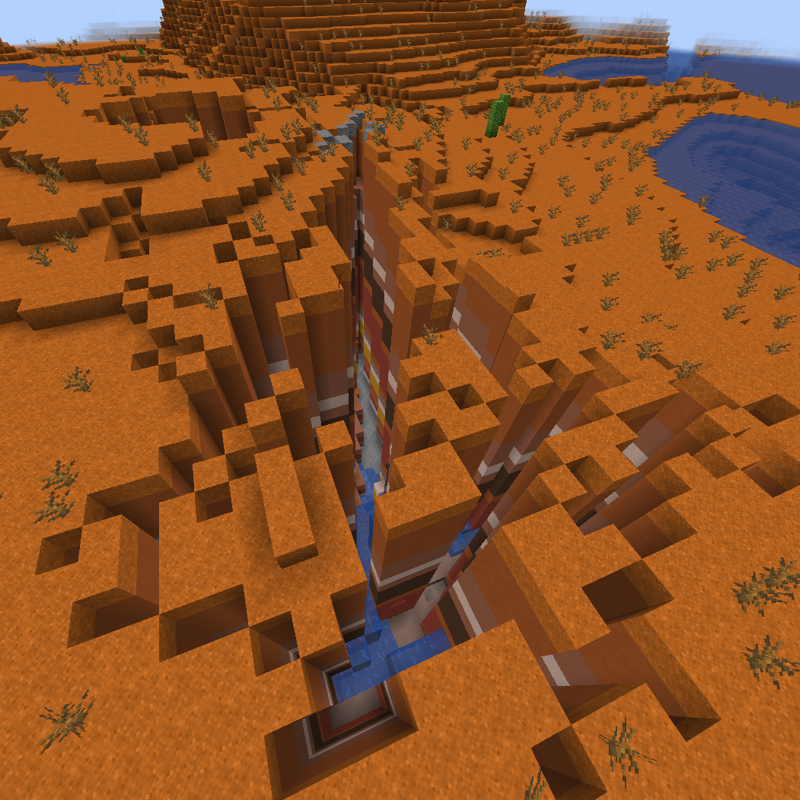
Ager's Earthquake Generator
Places landscape markers that set off earthquakes when the player goes near them.

Unbeeleaveable
What do you call a beehive with no exits?