

CmdPalette
ModCmdPalette is a fast in-game command palette for Minecraft that helps you find, edit, and run commands instantly, with favorites, history, custom categories, themes, and flexible data scope (global, per server, or per world).
Type
Mod
Modrinth Downloads
197
Modrinth ID
coDiOPfk
Last Updated
Aug 22, 2026
Description
CmdPalette
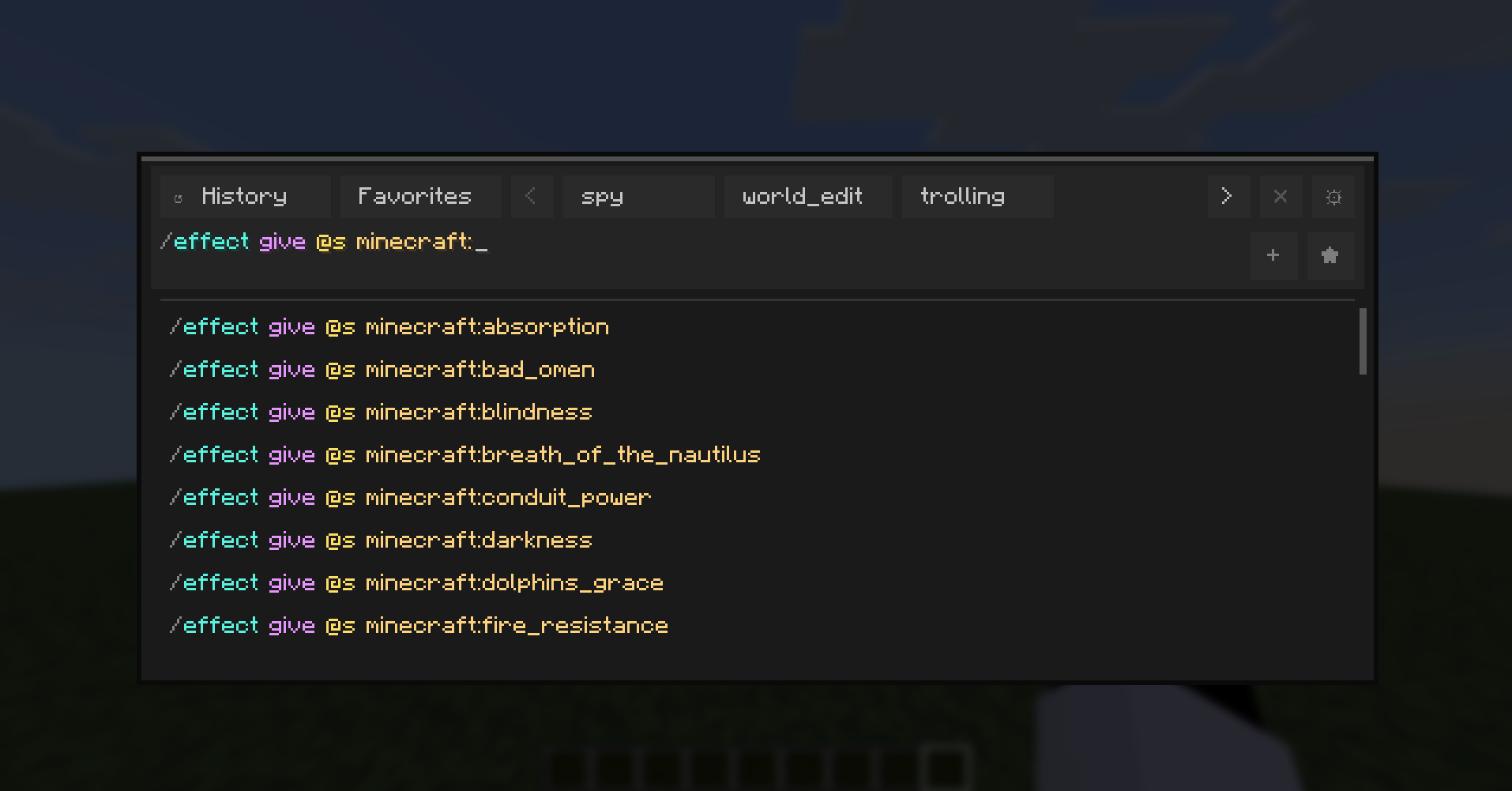
CmdPalette is a fast, modern in-game command palette for Minecraft (Fabric) that helps you search, organize, and execute commands with less friction than chat-only workflows.
It is fully client-side, highly customizable, and designed for players who use commands frequently in survival, creative, admin, and technical worlds.
Main Features
- Instant command palette with keyboard shortcut access.
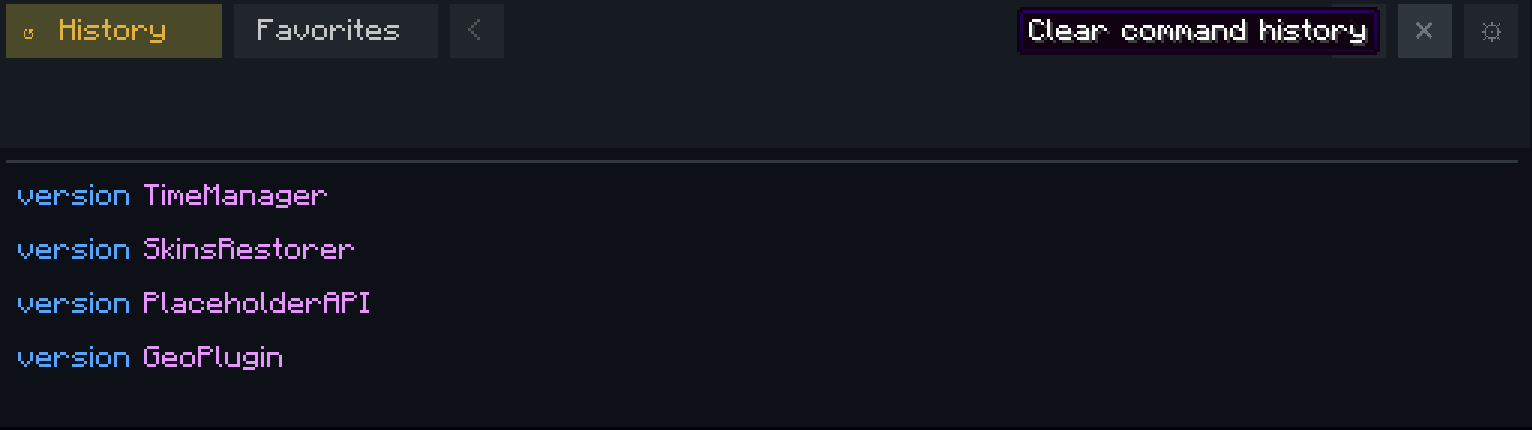
- Command history with persistent storage.
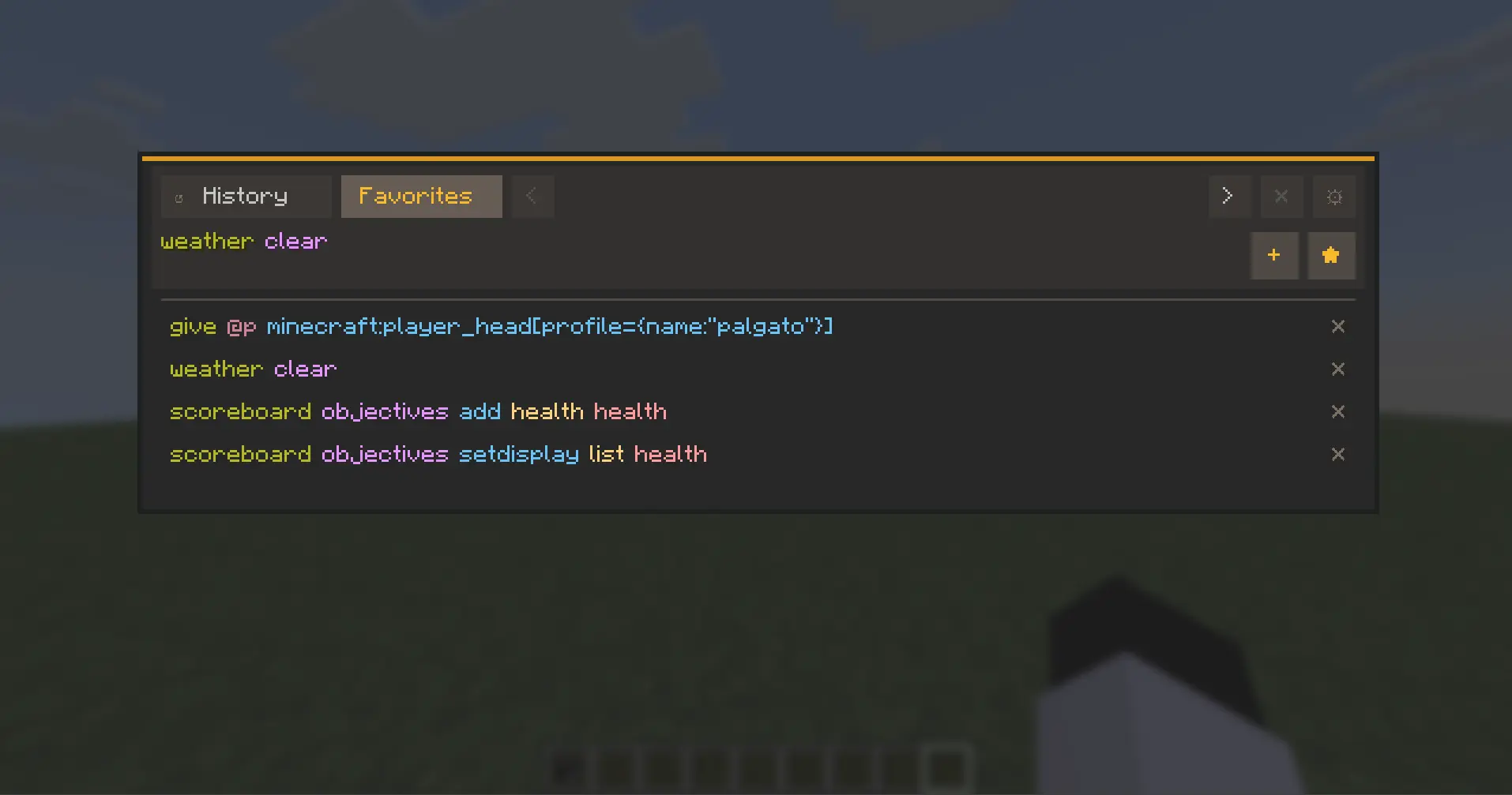
- Favorites and custom categories for quick command organization.
- Executed-history browsing directly from the input using Up/Down arrows.
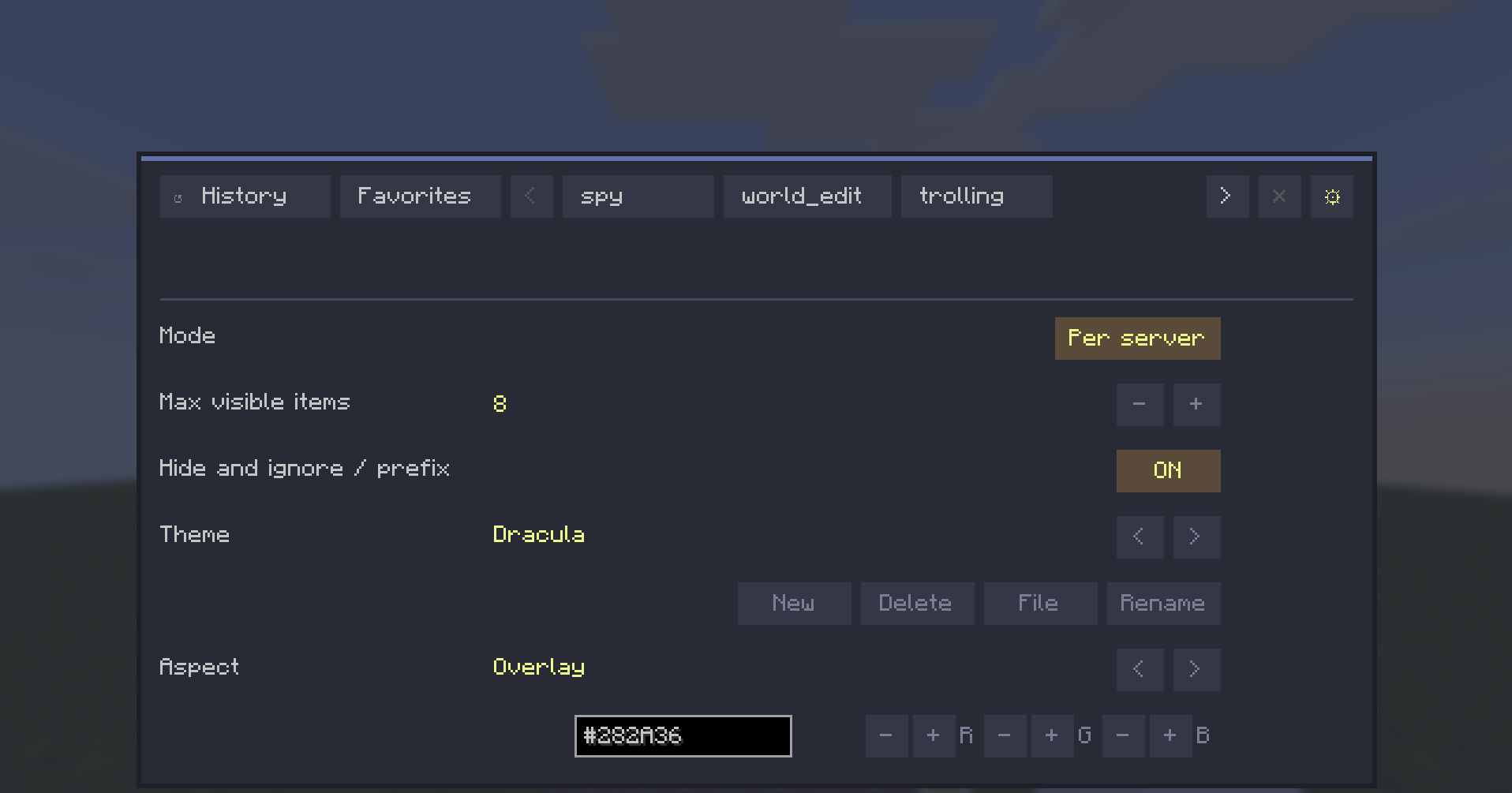
- Theme system with presets and custom editable themes.
- Per-aspect color editing (HEX + RGB controls).
- External theme file workflow with automatic reload support.
- Localization-ready UI with English and Spanish support.
- Configurable controls from Minecraft Controls menu (dedicated CmdPalette category).
Data Scope Modes
CmdPalette lets you choose how your command data is stored:
- Global -> one shared profile everywhere.
- Per server -> separate history/categories/favorites for each server.
- Per world -> separate profiles per singleplayer save.

This keeps command sets context-aware (for example, world-edit commands in one profile and vanilla-friendly commands in another).
UX Highlights
- Persistent Settings access from the top bar.
- Contextual actions for history/category management.
- Quick-add buttons hidden when input is empty (cleaner UI).
- Input bar hidden while in Settings view.
- Localization-aware button sizing for long labels.
Default Controls
- Open palette: Ctrl+Enter
- Close palette: Esc or Ctrl+X
All keybinds are configurable in Minecraft Controls.

Compatibility
- Environment: Client-side only
- Minecraft: 1.21.11
- Fabric Loader: >=0.18.4
- Fabric API: 0.141.3+1.21.11
CmdPalette does not need to be installed on the server.
Why CmdPalette?
If you use commands often, CmdPalette gives you a cleaner and faster workflow: less typing repetition, better organization, and quick access to exactly the commands you need in each context.
Compatibility
Mod Loaders
Game Versions
Recommended Gear
AffiliateHardware and extras that pair well with this mod.

As an Amazon Associate I earn from qualifying purchases.
Screenshots
Similar Mods
Bigger Reactors Compat
A compat mod that adds new fluid transitions, so you can use more fluids as reactor coolant in Bigger Reactors.

Simple Trading
Server plugin that enables GUI trading with players. No client install required.

True Toggle Sprint
Toggle Sprint mod with a keybind and a customizable HUD

Tog yk's cards
This mod add playing cards to the game

Radial
A simple and opinionated Minecraft radial menu.
Advanced Player Crosshair
A lightweight client-side mod that changes your crosshair color to green when aiming at a player and red when they block...
