

Jukebox GUI
ModThis mod lets you manage your jukeboxes with a dedicated GUI.
Type
Mod
Modrinth Downloads
983
Modrinth ID
3XrSr7VD
Last Updated
Aug 22, 2026
Description
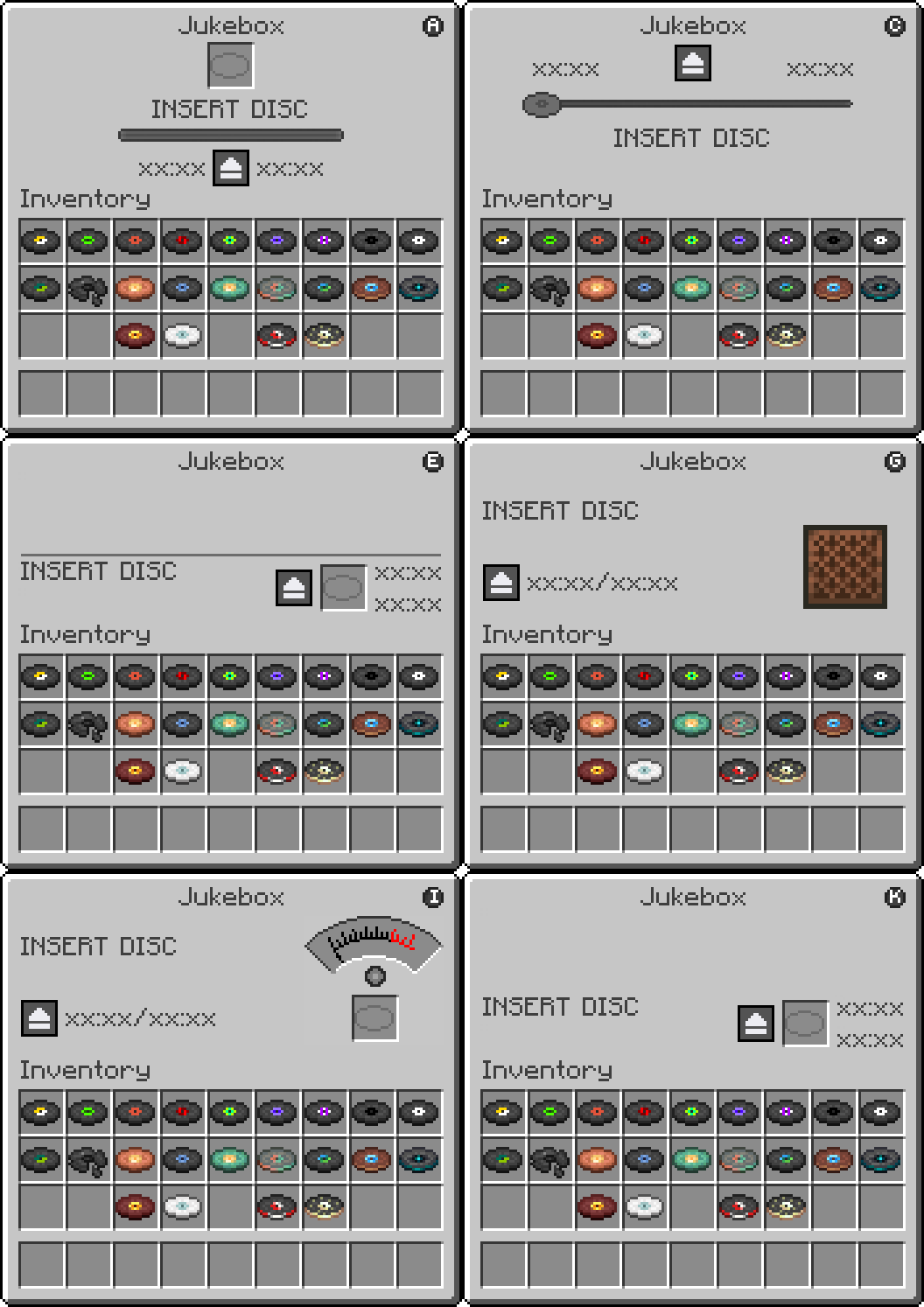
 a Jukebox while holding nothing or any item to open the JukeboxGUI screen.
- Drag a music disc into the disc slot to start playback.
- Click the pause button to pause the track and freeze the timer. Click the play button to resume from where you left off.
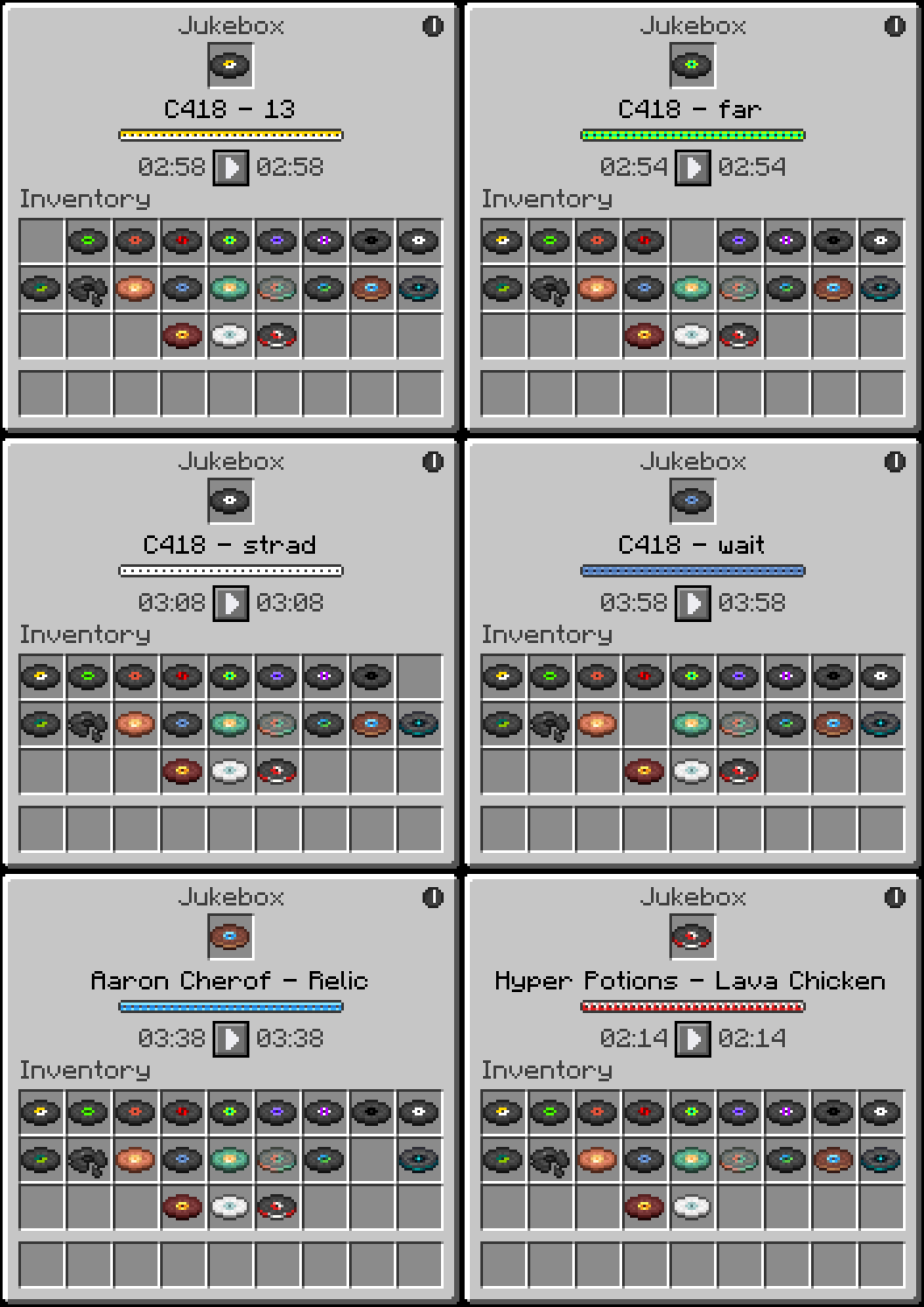
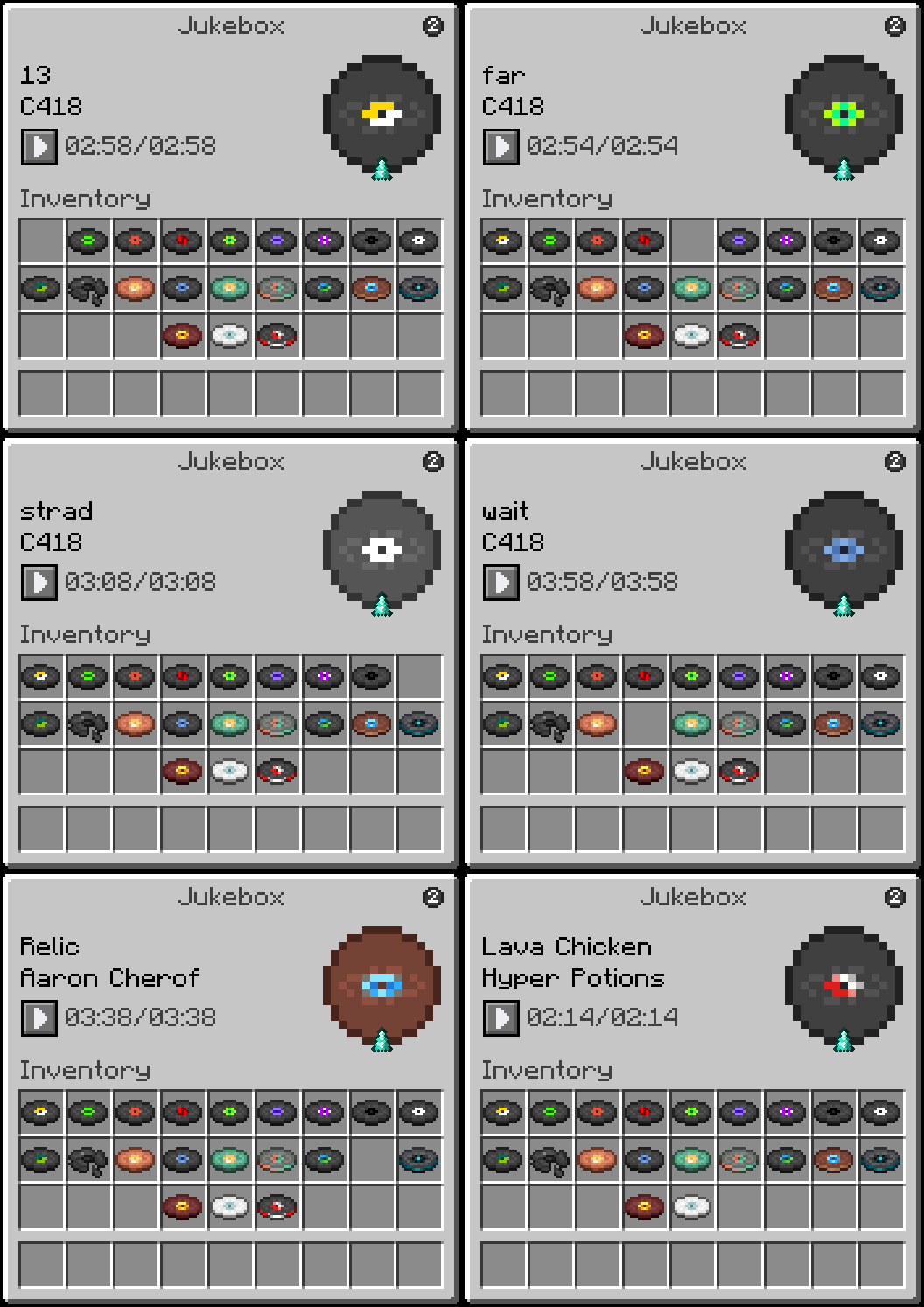
- Click the theme toggle button in the top right corner to switch between themes.
- Click the disc in the slot to eject it and stop playback.
- Close the GUI at any time. Music continues and the timer keeps running in the background.
- Reopen the GUI to see the updated elapsed time.
Regular Right-Click (without sneaking) inserts or ejects discs the vanilla way. The GUI will still reflect the correct playback state when opened afterward.
- Fabric Loader
- Fabric API
Some functionality exists on both the client and server, requiring the mod to be installed on both sides.
This is a completely free project. I'm not asking for donations or "buy me a coffee" contributions. If you enjoy the mod, the best way to support it is by:
- Leaving a rating/review
- Sharing it with friends
- Reporting any bugs you find
Theme 1
Theme 2
Compatibility
Mod Loaders
Game Versions
Recommended Gear
AffiliateHardware and extras that pair well with this mod.

As an Amazon Associate I earn from qualifying purchases.
Similar Mods

SimpleMainMenu Lib
Library mod to make creating themed main menus easily!

DM Unoffcial Fix
A fork fixing bugs in Diggus Maximus.
Slip
Adds a very slippery block, for Forge and Fabric.

AVP: Alien
A module for the AVP universe that adds alien content.
Bedrock Books
Changes the book screen to look more like the one seen in Bedrock Edition, all while remaining 100% client side!

Vein Pickaxe by Juix
Datapack adding a vein mining pickaxe (aka Ore Excavator)