

Unfinite Freecam
ModSpectator Freecam with accurate player figures! ✨ (v2: Now with mannequins)
Type
Mod
Modrinth Downloads
16,073
Modrinth ID
jU81WrzD
Last Updated
Aug 22, 2026
Description
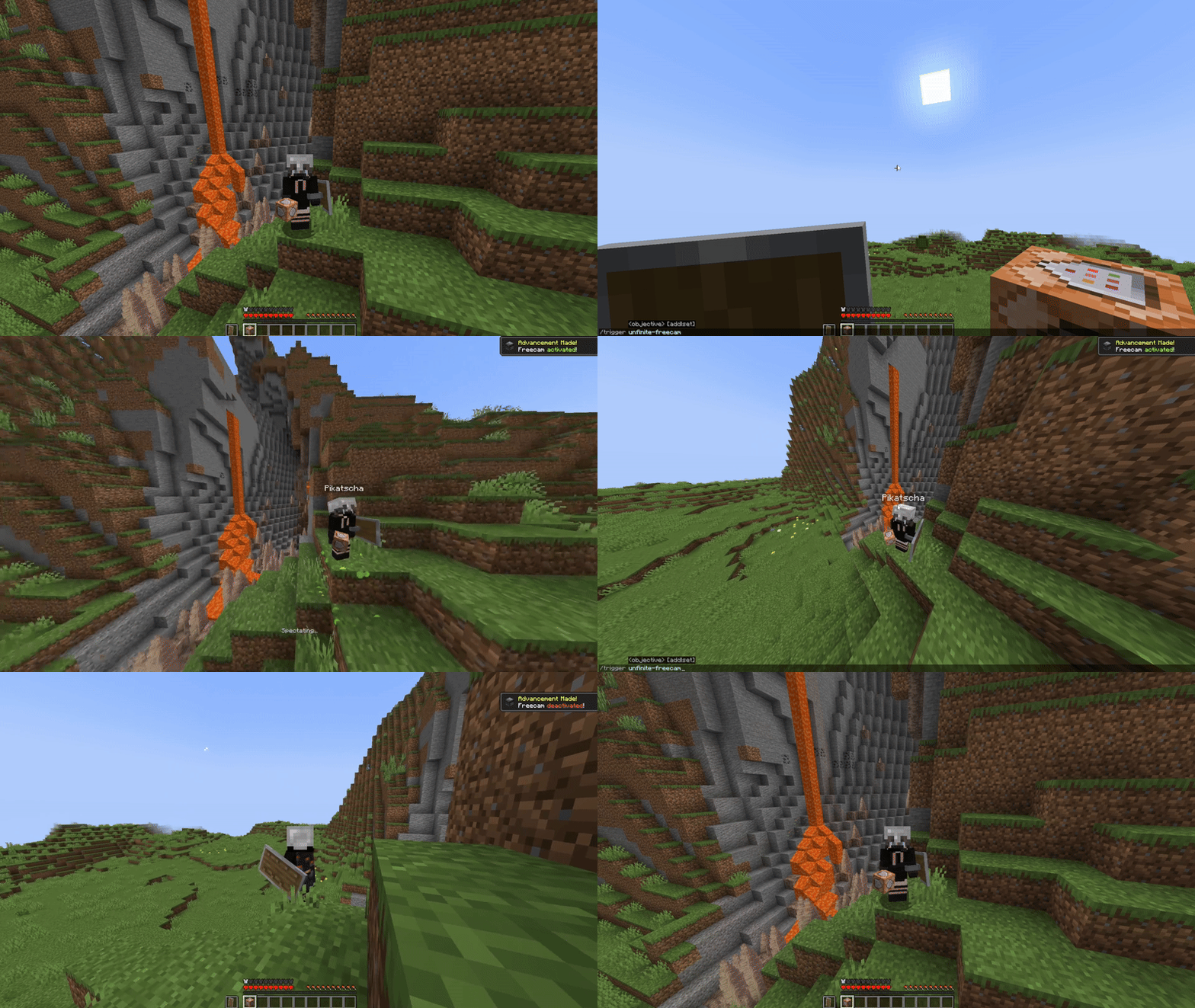
What makes this freecam datapack special?
- A replica player figure spawns while using the Freecam
- v1: Nearly accurate figures with capes. Made out of item displays. Details below
- v2: Using the new Mannequin Entity
- ✔ Survival friendly and works without "Commands" enabled
- ✔ Multiplayer friendly (Must be installed on the server)
- ✔ No resourcepacks, plugins or mods are needed
- ✔ Can be installed as a mod [1.21.9+] (v2.0.1+)
v2 Rework: Mannequins and external support! [1.21.9+]
- Mannequins replicate: Pose/Effects/Attributes/Vehicles/Leashes etc.
- Better Admin Settings Menu with export button
- External Use: Dis- and Reconnecting players from mannequins
https://projekte.der-seite.de/unfinite-freecam
How to use
- Install (Datapack/Mod) on the Serverside (In Singleplayer your World/Instance is the Server)
- (Enable and reload)
- By default, every player can use:
- /trigger unfinite-freecam to enter/exit freecam (No /op needed)
- Admin settings via /function unfinite-freecam:admin/.settings and more admin options under admin/...
This project started even before mannequins existed...
- Player figures are display entity based and made out of custom player heads
- These figures are generated with the bdengine.app
- All default skins available as player body + own skins addable!
- Multiple capes selectable
How to use
-
Enable and reload the datapack
-
By default, every player can use:
- /trigger unfinite-freecam to enter/exit freecam
- /trigger unfinite-freecam-options to select a skin and cape [v1 only]
-
Admin settings via /function unfinite-freecam:admin/settings:
- Enable/disable freecam permission
- Enable/disable skin/cape selection
- Manually select skin and cape for an online(!) player [v1 only]
- Enable/disable limited vision underground
- Enable/disable spectating through blocks
- Select freecam range (default: 32 blocks)
-
Add own skins into the datapack: [v1 only]
Creating the player figure
- YouTube Tutorial:
- Make Player Statues in Vanilla Minecraft – by Sister (Realms creator)
Covers setting up bdengine and creating the player figure
- Make Player Statues in Vanilla Minecraft – by Sister (Realms creator)
- Setup bdengine with a Mineskin Account to auto-generate player heads
- Generate a player figure with your IGN or texture file
- Rotate it 180° and lower it until only the head is above floor level
- For all parts, set additional NBT to: Tags: ["unfinite_freecam_dummy"]
- For the head only, set additional NBT to: Tags: ["head"]
- Click "export to Minecraft" and copy the /summon command
Adding it into the datapack
- Create a new file at: data/unfinite-freecam/function/system/skin/*namespace*.mcfunction
- Paste the /summon command inside the file
- Remove the / at the beginning
- Change: ~-0.5 ~ ~-0.5 to: ~ ~ ~
- Add a new command line to the .options and .select_option functions inside the system folder
- Follow the correct structure using your *namespace* and the next number
- Note: You may need to copy the modifyed files, so they are not deleted in case of an update
- YouTube Tutorial:
Compatibility
Mod Loaders
Game Versions
Recommended Gear
AffiliateHardware and extras that pair well with this mod.

As an Amazon Associate I earn from qualifying purchases.
Screenshots
Similar Mods
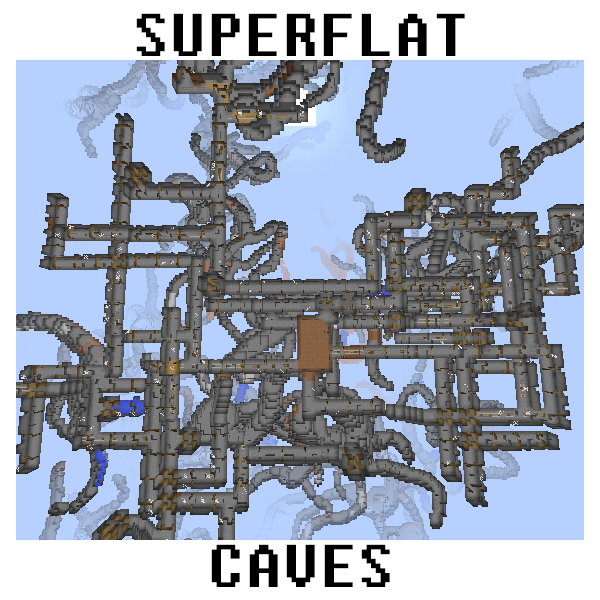
Superflat Caves
Allows cave generation in superflat/"stoneblock" worlds.

Enchantable
Adds balanced enchantments that fit into the vanilla game!
Origins: The Architect
An Origins Add-on.
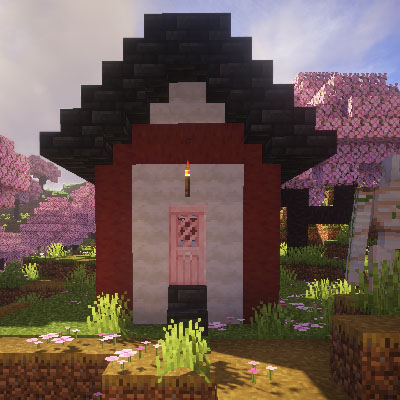
CherryVillage
Add Cherry Village for cherry grove.
theforgotten.jar
A horror mod that slowly builds tension through sounds, figures, and things appearing in your world.
Rarmor
A mod about an RF powered armor that can be upgraded and modified!