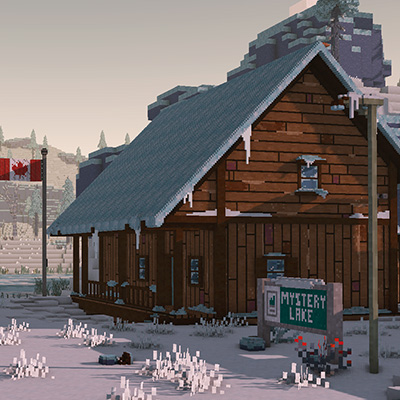
The Long Dark meets Chisel & Bits
Unknown (17)by RealToastyGoblin
The Long Dark meets Chisel & Bits recreates locations in 'The Long Dark' using the Chisel & Bits addon.
Description

The Long Dark meets Chisel & Bits recreates locations in 'The Long Dark' using the Chisel & Bits addon. Requires the Chisel & Bits mod and Java version 1.12.2. I recommend you play in Peaceful mode. Have fun exploring!

---------------------------------------------------------------------------------
This mod is currently unfinished and is missing features/content. I Will continue working on adding new locations/regions to the mod until I feel it is in a complete state.


---------------------------------------------------------------------------------
Chisel and Bits (also requires Forge & Java version 1.12.2)
Download Links
---------------------------------------------------------------------------------

1. Navigate to your minecraft world saves folder 1.a Press and hold windows key and R to bring up the Run program
1.b Type %appdata% in the Run program
1.c Double click the .minecraft folder
2. Make a copy of "The Long Dark Chisel and Bits" into the saves folder
3. Drag the archive of "TheLongDarkTexturePackChiselandBits" into the resources folder
4. Download Minecraft version 1.12.2 through the launcher
5. Install Minecraft Forge for version 1.12.2 of Minecraft
5.a They're plenty of tutorials online of how to do this
6. Install the Chisel and Bits mod into the mods folder in the .minecraft directory
6.a If this folder doesn't exist, create a new folder and name it 'mods'
7. Load the texture pack once in game and load up the world
---------------------------------------------------------------------------------
 If the map is stuttering for you, you can increase the amount of ram/memory Minecraft uses through the launcher
1. Open the Minecraft launcher
2. Click Installations
3. Click the version with (1.12.2-forge)
4. Click more options
5. Go to the JVM Arguments and look for "-Xmx#G" (# will be a number)
6. Change the number in "-Xmx#G" to something higher than what it curently is (this changes the amount of ram in gigabytes minecraft uses)
I personally use 8, so my JVM Argument looks like this:-Xmx8G -XX:+UnlockExperimentalVMOptions -XX:+UseG1GC -XX:G1NewSizePercent=20 -XX:G1ReservePercent=20 -XX:MaxGCPauseMillis=50 -XX:G1HeapRegionSize=32M
1 = 1024mb
2 = 2048mb
4 = 4096mb
8 = 8192mb
16 = 16384mb
Render distance can also significantly effect memory usage aswell, I don't recommend going above 16 (far), buts that's up to you and your PC specs. This mod map is very demanding regardless and there is only so much that you can do without simply having a more powerful PC
---------------------------------------------------------------------------------

Each region has 5 unmarked graves hidden around the region along with a couple other secrets to find.
You can refer to the Region Maps that are also included in the download to help you with navigating.

I've used Kuda's Shader in both the images and videos and modified it quite a bit, so it looks alot different to the default.
---------------------------------------------------------------------------------

Bluesky
ModDB
My Website
Nexus Mods
Steam Workshop
Recommended Gear
AffiliateHardware and extras that pair well with this unknown (17).

As an Amazon Associate I earn from qualifying purchases.
Screenshots
Similar Unknown (17)s

Lucky Block Bedwars
Bedwars with lucky blocks!
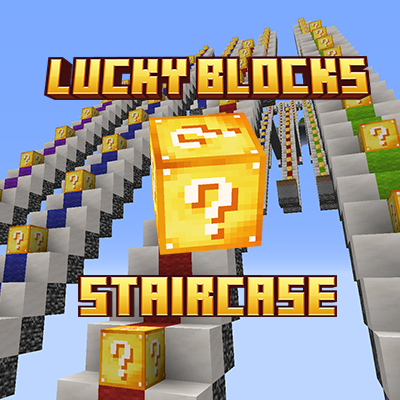
Lucky StairCase Block! | - Multiplayer - | Race | Lucky Blocks
The ladder-shaped Lucky Block Race map offers a unique and challenging experience for Minecraft players.
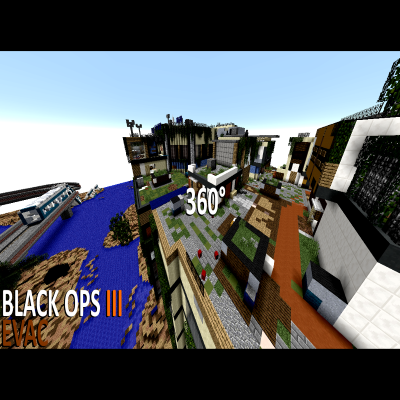
COD Bo3 - Evac
A Call of Duty Map in Minecraft
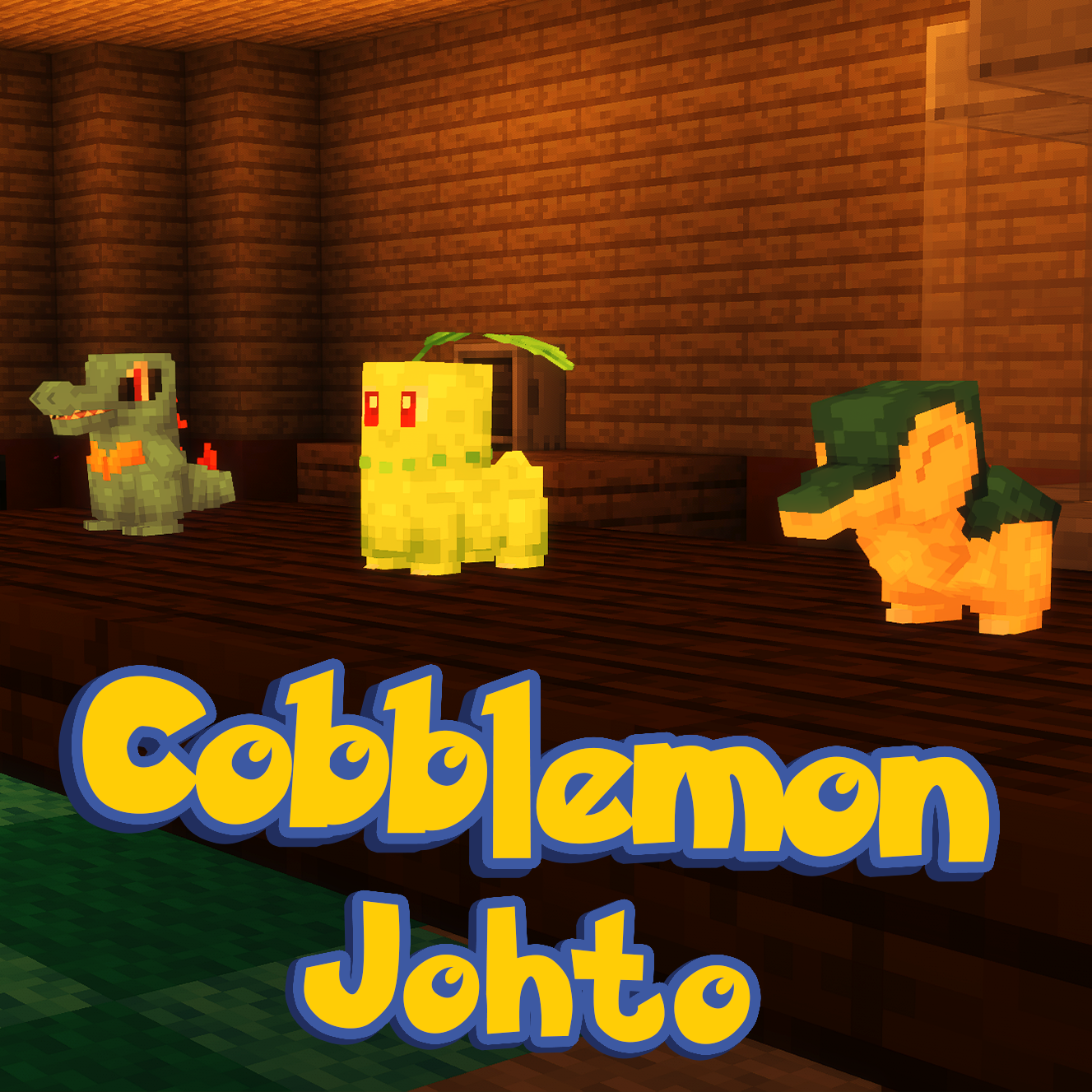
Cobblemon Johto - Pokemon's Johto & Kanto recreated
Cobblemon Johto is a recreation project to rebuild the Kanto and Johto regions from the Pokemon games, and merge this wi...

The Zombie Apocalypse X: The Ones Who Live
Survive in the biggest open-world zombie apocalypse map to date.
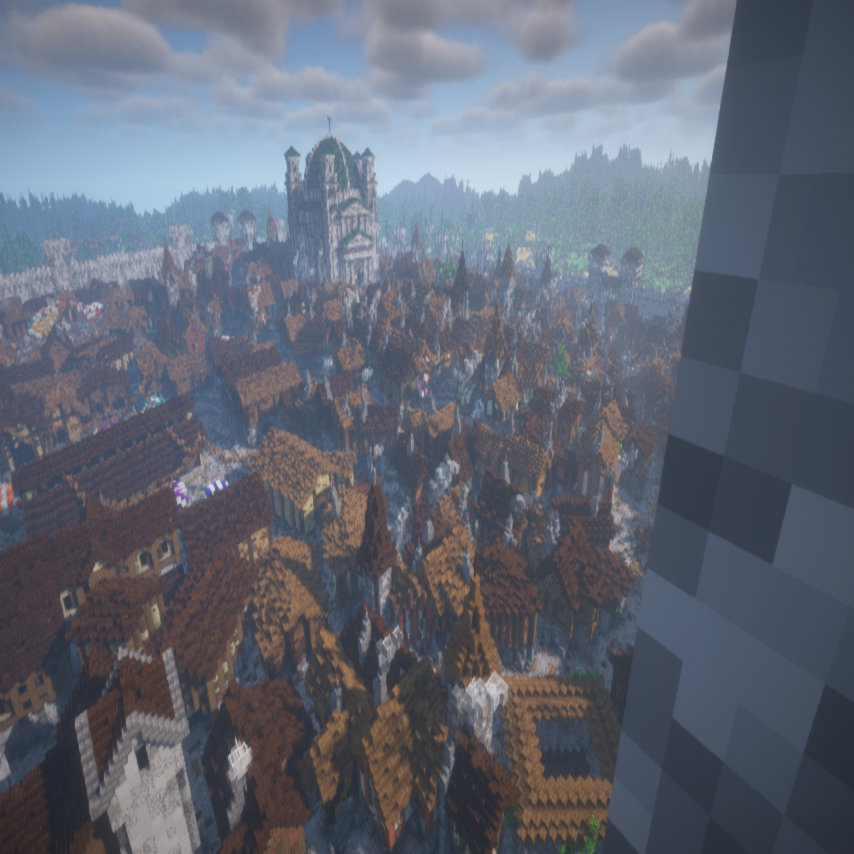
The Kingdom - An incredible Medieval Town
Medieval Town with beautiful Landscape look like Game of Thrones