

SwapColumn
ModQuickly swap hotbar items with inventory items directly above them using number keys, a keybind, or hold-and-scroll.
Type
Mod
Modrinth Downloads
377
Modrinth ID
3nH1IAli
Last Updated
Aug 29, 2026
Description
SwapColumn
A Minecraft Fabric mod that lets you swap items between your hotbar and the inventory slots directly above it — without opening your inventory.
How It Works
SwapColumn adds a vertical swap column above any hotbar slot. When triggered, a small menu appears showing the items stacked above your selected slot. Choose one and it swaps instantly into your hotbar.
Opening the Menu
Mode 1 — Number Key: Press the number key of the hotbar slot you are already on. Example: you are on slot 3, press 3 — the SwapColumn opens above slot 3.
Mode 2 — Keybind: Press your configured SwapColumn key (unbound by default). Set it under Options → Controls → SwapColumn.

Selecting an Item
Click mode:
- Mode 1: press 1–4 to select a row (1 = current hotbar item, cancels the swap)
- Mode 2: press 1–3 to select a row, press the SwapColumn key again to cancel
Scroll mode: Hold the opening key and scroll to highlight a row, then release to confirm.
Configuration
The config file is located at .minecraft/config/swapcolumn.json and is created automatically on first launch.
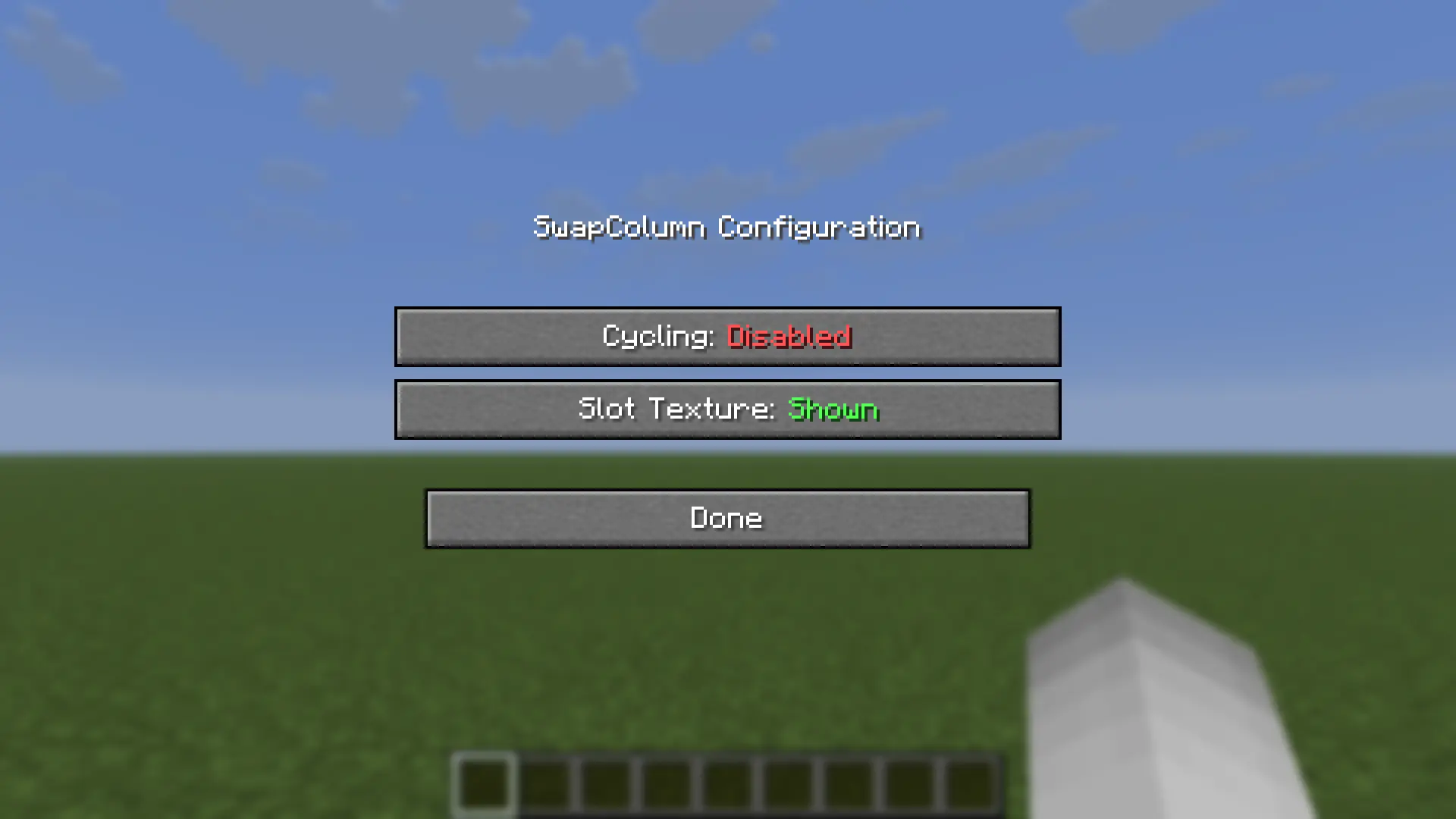
{ "enableCycling": false, "enableSlotTexture": true } Option Default Description enableCycling false When scrolling, wrap around from top to bottom and vice versa. Note: scrolling down on the first action always wraps regardless of this setting. enableSlotTexture true Render slot backgrounds using the vanilla hotbar texture. Disable if your texture pack causes visual issues.Mod Menu Support
With Mod Menu installed, both options can be toggled in-game from the mod list — changes apply immediately. Mod Menu is optional: without it, edit the config file directly (file edits take effect on the next game start).
Compatibility
Mod Loaders
Game Versions
Recommended Gear
AffiliateHardware and extras that pair well with this mod.

As an Amazon Associate I earn from qualifying purchases.
Screenshots
Similar Mods

Wind Charge Optimizer
Optimizes wind charges to be like zero ping.

Cobblemon - Fat Pikachu and friends
adds fat Pikachu, surfing and balloon plus many more!

Wizards of Lua
Wizards of Lua brings the power of Lua scripting to Minecraft. It adds the /lua command, allowing you to cast spells and...

Create: Steel Addon
A create mod addon that adds Steel to the game

Explainium
Replaces Embeddium's generic taint warning with clear attribution: names each mod that taints Embeddium and which class...

Sodium Relief
Smooth tooltip & hover stutter in inventory-like GUI (Sodium companion)