

E33EPUS's ChatScreen
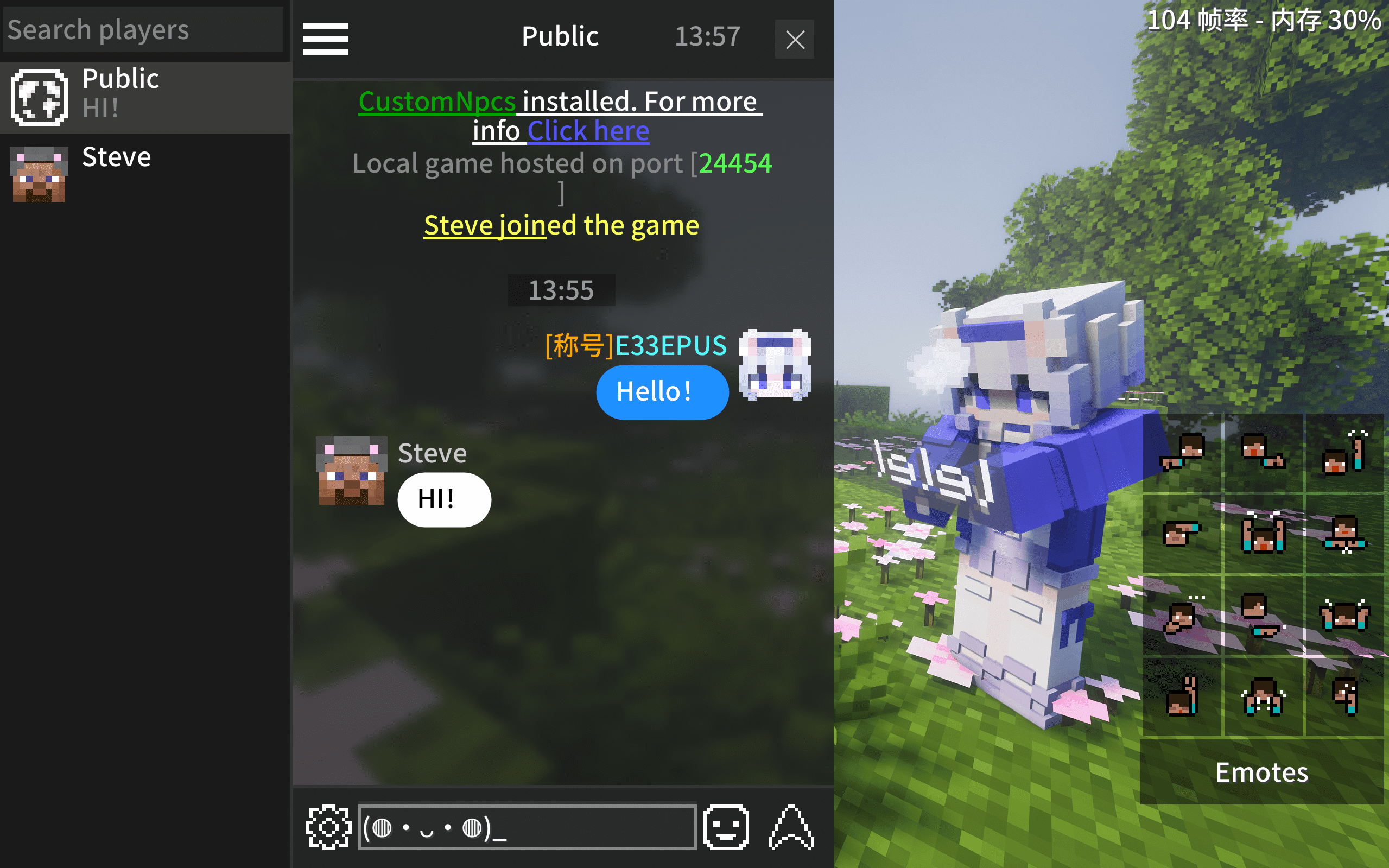
ModA simple mod that replaces the vanilla chat screen for Minecraft
Description
Vanilla Improvements
- 💬 Chat bubbles — Messages with player heads and names
- 💾 Chat history — Saved per world / server, restored on rejoin
- 📝 Input preserved — Typed text kept when closing chat
- 🚫 Anti-spam — Consecutive duplicate messages merged with a counter (on by default)
Highlights
- 👥 Whisper sidebar — Online player list, click to whisper
- 🔍 Chat search — Keyword search with real-time matching
- @ Mention autocomplete — Type @ for a popup player list, or left-click a player head
- 📌 Quick chat — Save and quick-fill common phrases
- 😊 Emoji & kaomoji — Emoji panel + kaomoji picker
- 📋 Copy & quote reply — Right-click a message to copy or quote reply
- 👤 Player head actions — Right-click a player head to teleport or whisper
- 🔔 Notification banners — Popup hints for @mentions, quotes, whispers and system messages (system banner on by default), with a jump-to-mention button
- 🔊 Notification sounds — Per-type toggles for system, @ / quote, whisper, and public messages
- 🎨 Themes — Dark/light theme with customizable bubble color, text color, and corner radius
- 🕐 Time separators — Timestamp dividers at configurable intervals
- 🌈 Colored messages — Supports & color/format codes (for servers with a color plugin installed)
- 🧩 Message templates — Servers that rewrite the chat format (plugins / No Chat Reports) can declare a template via /e33chat gui, so names and bodies are parsed correctly on every client
Compatibility
Mod / plugin Status No Chat Reports and similar no-report plugins Auto-compatible since 2.1.0, no config needed ChatHeads / ChatAnimation Work by default (the vanilla chat box keeps rendering, just shifted clear of the HUD icon) Quark and similar item sharing Item icons in system messages render correctly CustomSkinLoader Shows offline players' heads once installed ModernUI Bounds-safe underlines / click regions on clickable text Nickname plugins Partially supported Chat-format plugins (EssentialsChat / DeluxeChat / CMI, ...) Adaptable via server-declared message templates (/e33chat gui)FAQ
Server required? No, but installing the server-side mod enables quote reply, @mention sync, chat history sync (new players receive recent messages), and the use_tpa option (player-head teleport uses /tpa).
How to configure? Gear icon (bottom-left) → Menu → Settings
- Client config: config/e33chat-client.toml (Fabric: config/e33chat-client.json)
- Server config: saves/<world>/serverconfig/e33chat-server.toml (Fabric: .json)
Where is chat history? .minecraft/e33chat/history
How to disable chat history sync? Set history_enabled = false in the world's server config and restart.
Modpack? Go ahead.
Found a bug? Report it here
Compatibility
Mod Loaders
Game Versions
Recommended Gear
AffiliateHardware and extras that pair well with this mod.

Minecraft Enderman Character Plush
Enderman plush toys, and a reliable gift for a younger player.

LEGO Minecraft Set
Official sets that translate the building side of the game off-screen.

Mini PC for Self-Hosting
A low-power box that can sit in a cupboard and run a modded server around the clock.
As an Amazon Associate I earn from qualifying purchases.
Screenshots
Similar Mods
Player Health Indicators
Displays a health bar above players
Tensura: Reincarnated Addon
Tensura Reincarnated Addon. Adds new skills and a new evolution line for Slimes.
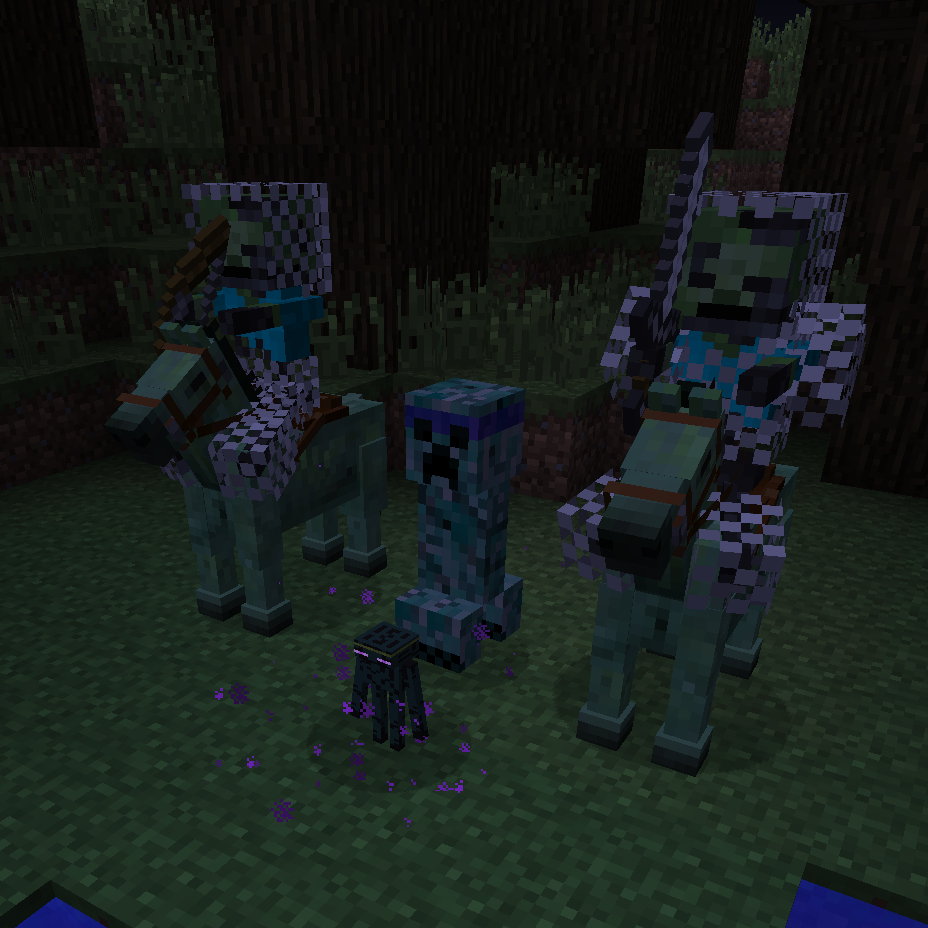
Ender IO Zoo
Mob addon for Ender IO

Weather Refined
Replaces vanilla rain & snow with improved, more polished particles. Less visual clutter, more atmosphere.

Startup Timer
Adds a startup timer while the game loads
HORROR - Fake Death Messages
Every 10-20 minutes, a fake death message will be sent to chat