

SilliestLib
ModA small Library mod for my own projects.
Type
Mod
Modrinth Downloads
54
Modrinth ID
DfBoWxnI
Last Updated
Jul 30, 2026
Description
Project Info
Misc Features
- Double Handed Component
- when added to an item and held, it makes the players armPose visually appear like you are holding the item with both hands.
- Compat Blocks/Items
- these blocks/items function almost identical to their vanilla counterparts, but instead being disabled if a modId isnt loaded into the game.
- Custom wall model templates
- these function identical to vanilla walls, with the addition of a seperate top texture.
SilliestLibDataUtils
Some simple utils for block model generation
SilliestLibRegUtils
A group of registry methods, made to avoid repetetive code
- Blocks
- BlockIds
- BlockItems
- BlockItemIds
- Items
- ItemIds
- Entities
- Entity Sub Predicates
- Block Entities
- EntityTypeIds
- Components
- Effects
- Potions
- Potion Recipes
- Particles
- Sounds
- Jukebox Songs
- Custom Stats
- Recipe Serializers
- Villagers
- POIs
- Keybinds
- Armor Materials
build.gradle
We start in your build.gradle, where you add this as your repositories block.
repositories { exclusiveContent { forRepository { maven { name = "Modrinth" url = "https://api.modrinth.com/maven" } } filter { includeGroup "maven.modrinth" } } }Then, in dependencies block, you add this.
dependencies { // SilliestLib implementation "maven.modrinth:silliestlib:${project.silliestlib_version}" }gradle.properties
In your gradle.properties, you now need to add the mod version, this changes with every update to the mod, so make sure to change it to update SilliestLib.
silliestlib_version=R9nZXXhbThis is technically optional and can replace "${project.silliestlib_version}" in the build.gradle instead of being here, but is cleaner to do here.
fabric.mod.json
To make sure people can debug issues when SilliestLib is missing, remember to add the mod into the dependencies block, due to my versioning scheme not matching the semantic version format, make sure you have to version as "*" or it wont work :p
"depends": { "silliestlib": "*" }Your ModInitializer
Before you can start any modding, in the "onInitialize()" method of your ModInitializer you have to add one simple line.
SilliestLib.init(MOD_ID);Alternatively, "MOD_ID" can be replaced with either a string of your modId or a call to where you store your modId.
for more information on how to use the mod, please go to the wiki
Before You Ask
Q: Can i use this project in my published modpacks?
Compatibility
Mod Loaders
Game Versions
Recommended Gear
AffiliateHardware and extras that pair well with this mod.

As an Amazon Associate I earn from qualifying purchases.
Screenshots
Similar Mods

Luwu's Wayfarer's Capsule
Adds cozy, naturally-spawning buildings with useful loot and room for survival essentials. Perfect for wandering players...

HotbarCustomizer
This mod allows you to fully customize your hotbar to match your personal style and gameplay needs. transparency, and ov...

Kill Them Freaks
Adds freaky creatures to Minecraft!

Did You Mention Me?
No more worries about someone calling you when you are AFK.
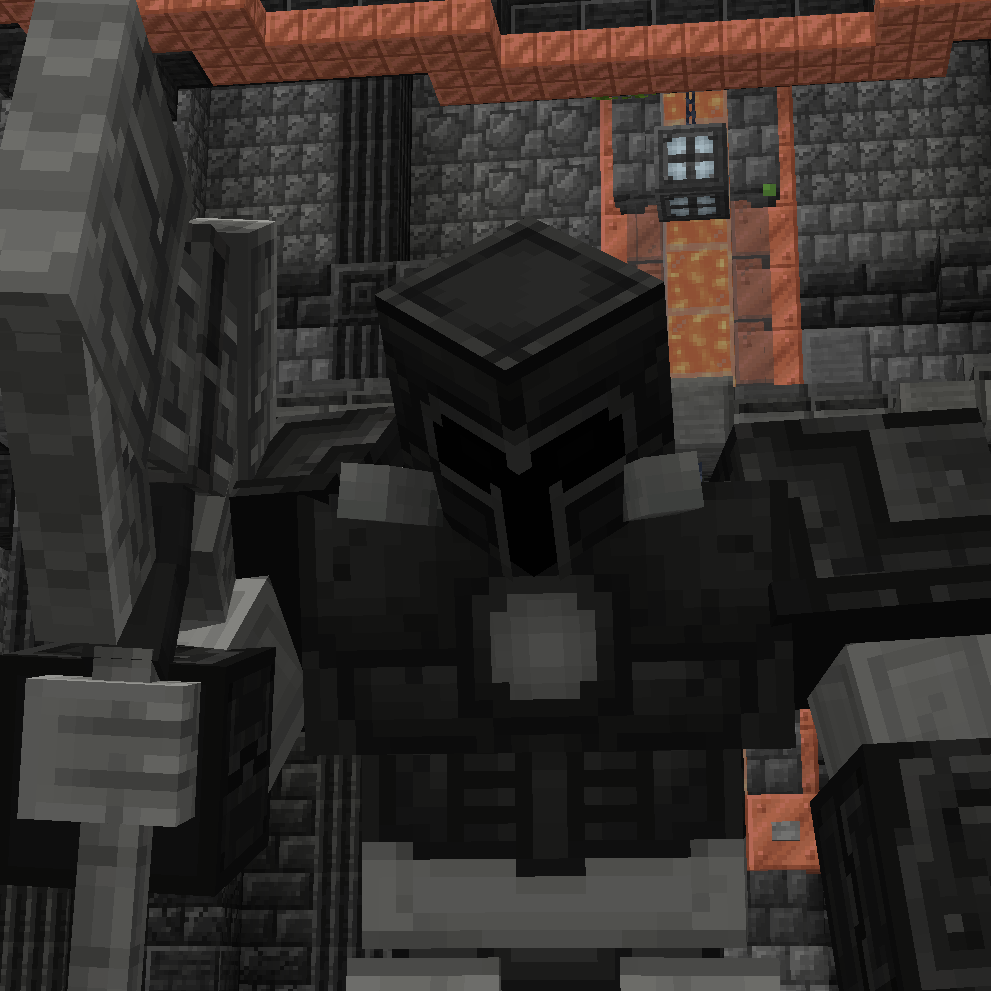
EEEAB's Mobs - Nameless Guardian Returns!
Adds a new arena structure for the Nameless Guardian to spawn and be fought in.

PrimeClient
PrimeClient is the custom Client-side Mod made specifically for Pixelmon Prime. It enables the ability to communicate wi...