Bedrock Camera Command
Modby Astemir_Kerefov
Customize your camera the way you want
Description
I decided to port /camera command from Minecraft Bedrock

Syntax:
/camera <players:target> clear - Clears your camera settings
/camera <players:target> fade time <fadeInSeconds: time> <holdSeconds: time> <fadeOutSecond:time> color <red: int> <green: int> <blue: int> - Color fade effect
/camera <players:target> set <mode:string> - Set your camera mode
/camera <players:target> set <mode:string> pos <position:vec3> - Set your camera position
/camera <players:target> set <mode:string> rot <rotation:vec2> - Set your camera rotation
/camera <players:target> set <mode:string> facing <lookAtEntity:entity> - Set your camera look at entity
/camera <players:target> set <mode:string> facing <lookAtPos:vec3> - Set your camera look at pos
/camera <players:target> set <mode:string> ease <easeTime:float> <easingType:easing> - Set your camera look at pos
List of all easings
linear, spring, in_quad, out_quad, in_out_quad, in_cubic, out_cubic, in_out_cubic, in_quart, out_quart, in_out_quart, in_quint, out_quint,
in_out_quint, in_sine, out_sine, in_out_sine, in_expo, out_expo, in_out_expo, in_circ, out_circ, in_out_circ, in_bounce, out_bounce, in_out_bounce,
in_back, out_back, in_out_back, in_elastic, out_elastic, in_out_elastic
You can add your own camera presets with datapacks and change them.
 You can change this properties inside of presets json files:
"inherits_from" - Default camera preset as parent, can be set to ("minecraft:first_person","minecraft:third_person","minecraft:third_person_back","minecraft:free"),
"detached" - Property to make your camera preset detached, like in third person (true, false)
"mirrored" - Property to make your camera preset mirrored, like third person front (true, false)
"bobView" - Property to make your camera bob while moving (true, false)
"free" - Makes your camera unattached to player entity (true, false)
"zoomOut" - Zoom value is used in detached camera modes (Default is 4.0)
"rotation" - Camera mode default rotation (Default is [0, 0])
"position" - Camera mode default position (Default is [0, 0, 0])
"offset" - Camera mode default offset, can't be used in free camera modes (Default is [0, 0, 0])
Also you can disable this feature inside of options menu and use Free Cam keybinding (Default is B key)

Recommended Gear
AffiliateHardware and extras that pair well with this mod.
LEGO Minecraft Set
Official sets that translate the building side of the game off-screen.

Minecraft Enderman Character Plush
Enderman plush toys, and a reliable gift for a younger player.

Mini PC for Self-Hosting
A low-power box that can sit in a cupboard and run a modded server around the clock.
As an Amazon Associate I earn from qualifying purchases.
Similar Mods

Handful
Make every item count! Present your stacks in your hand just like they'd appear dropped, giving them a fresh look.
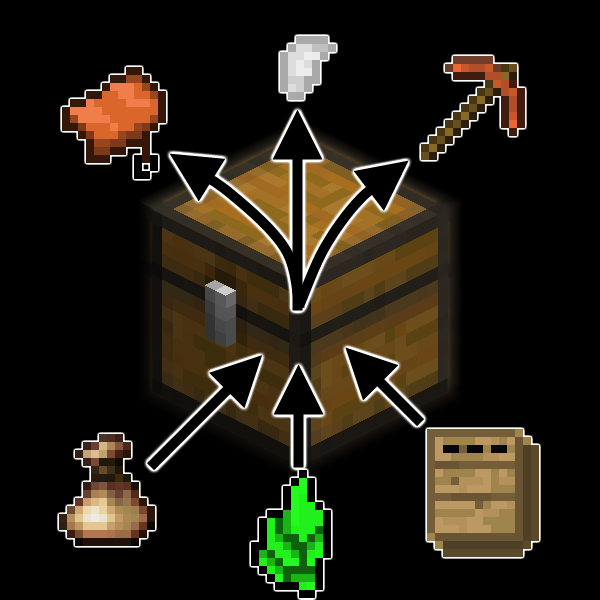
LootTweaks
This mod allows you to customize loot tables throughout the various structures in the game.

Overenchanted
Enchantments that goes beyond vanilla.

Bedrock Hotbar
Makes hotbar the same as in Bedrock Edition

LibreExpFix (Fixes "0 Experience" Bug)
A small mod that fixed experience bug after teleporting across dimension
Rolled Homogenous
Armor blocks for Valkyrien Skies and Create: Big Cannons