SKD Menu
Modby LlaGuiT0
Fully customize your Minecraft main menu with custom backgrounds (images, videos, colors), repositionable buttons, custom action buttons, and image overlays via an easy JSON config
Type
Mod
CurseForge Downloads
582
CurseForge ID
1626937
Last Updated
Aug 13, 2026
Description
🖌️ SKD Menu
Fully customize your Minecraft main menu — backgrounds, buttons, and overlays.
✨ Overview
SKD Menu lets you completely redesign the Minecraft title screen without touching a single line of code. Everything is controlled from a simple JSON config file: change the background to an image, a solid color, or an animated sequence; reposition or hide any button; add your own custom buttons; and overlay images anywhere on the screen.
🎯 Features
🖼️ Custom Backgrounds
Choose between the vanilla panorama, a static image, a solid color, or an animated frame-by-frame sequence for a pseudo-video effect. Images can be loaded from resource packs or mod assets.
🔘 Button Layout
Reposition every vanilla button — singleplayer, multiplayer, options, quit, language, accessibility, and mods — by setting X/Y coordinates in the config. Hide any button you don't need.
➕ Custom Buttons
Add your own buttons with actions: execute in-game commands, open the singleplayer/multiplayer/options screens, open a URL in your browser, or quit the game.
🖼️ Image Overlays
Render images at any position on the screen with configurable width, height, and scale. Useful for logos, watermarks, or decorative elements.
⚙️ JSON Config
All settings live in a single config/skd_menu_menu.json file, auto-generated on first launch. Edit it with any text editor and reload by re-opening the title screen.
📋 Requirements
Minecraft26.2 NeoForge26.2.0.35-beta🎮 How to Use
- Install the mod and launch Minecraft once to generate the config file.
- Edit config/skd_menu_menu.json in any text editor.
- Change the background.type to "image", "color", or "animated".
- Set button positions under buttons.positions.
- Add custom buttons under buttons.custom.
- Re-open the title screen to see your changes.
🙏 Credits
SKD — development and design.
https://codex.skdragons.com/
Codex Stalking Dragons — Minecraft Modding
Recommended Gear
AffiliateHardware and extras that pair well with this mod.

As an Amazon Associate I earn from qualifying purchases.
Similar Mods

Simple Macro
With Simple Macro you can control Simple Voice Chat with your Macros!

DisableHotbarWrap
Disable the hotbar wrapping around when scrolling
Pillagers ruins
this mod adds ruined parts of buildings that are overrun by pillagers

Lite Cpu
Client-side CPU & FPS optimizer. Throttles particles, reduces entity rendering overhead, limits FPS in menus and when al...
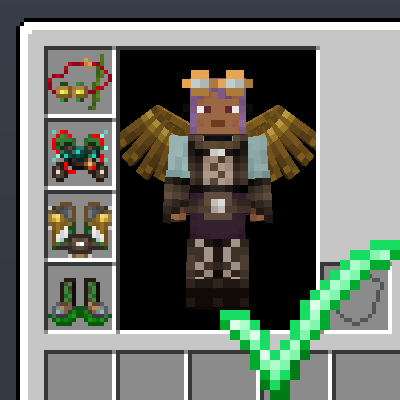
Twilight Forest: Travellers Set Plus
Removes the modifier limit on Twilight Forest's Traveller's Set, allowing all modifiers to be installed, and adds Curios...
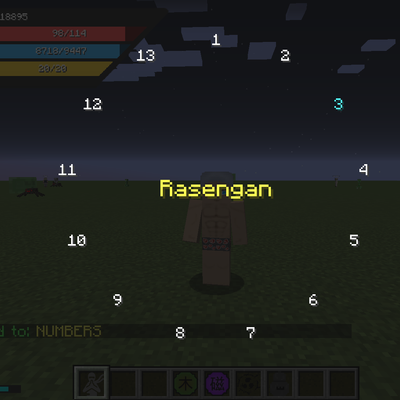
Jutsu Menu || AHZNB's Naruto ShinobiCraft
Switch jutsus instantly with a fast hold-and-release radial menu for the Naruto Mod.