

LTB
ModLTB (Litematic To Blueprint) converts your Litematica .litematic schematics into Axiom blueprints (.bp) — straight from an in-game GUI, in a couple of clicks.
Description
LTB (Litematic To Blueprint) converts your Litematica .litematic schematics into Axiom blueprints (.bp) — straight from an in-game GUI, in a couple of clicks.
If you build with Litematica but edit and paste with Axiom, LTB removes the manual step in between: point it at a schematic and it writes a ready-to-use blueprint into Axiom's own blueprint folder.
Features
In-game converter. Press B (rebindable in Controls) or run /ltb to open the converter screen — no need to leave the game or touch any files by hand. Pick your schematic. Browse the .litematic files already in your schematics/ folder, or open any file anywhere with the native file picker. One-click conversion. LTB writes the .bp directly into Axiom's default blueprint folder (config/axiom/blueprints/), so it shows up in Axiom's blueprint browser immediately. Accurate block conversion. Litematica and Axiom pack block data differently under the hood; LTB handles both packing formats so your build comes out intact, palette and all. Never overwrites. If a blueprint with the same name already exists, LTB saves a uniquely-named copy instead of replacing it.
Supported Platforms
LTB is currently available for Fabric on Minecraft: Java Edition 1.21.5 and later (1.21.5 – 1.21.11). It is client-side only.
The build is compiled against 1.21.5; the conversion relies on Minecraft's NBT API, which is stable across the whole 1.21.5–1.21.11 range. Versions 1.21.4 and earlier are not supported (the NBT API changed in 1.21.5), and the newer non-obfuscated releases (26.x) will require a separate build.
Requirements
Fabric API (required) Litematica and Axiom (recommended). LTB reads .litematic files and writes .bp files, so it works with their data on disk — neither mod has to be running for the conversion itself, but you'll want both to actually create schematics and use the resulting blueprints.
Good to know
A few honest limitations of the current release:
One region per file. If a .litematic contains multiple Litematica regions, LTB will ask you to merge them into a single region in Litematica first. Block entities carry over (chests, signs, etc.). Entities (mobs, item frames, armor stands) are not converted. The native file picker depends on your operating system. If it doesn't open on your setup, just use the in-GUI list of your schematics/ folder instead.
Compatibility
Mod Loaders
Game Versions
Recommended Gear
AffiliateHardware and extras that pair well with this mod.

As an Amazon Associate I earn from qualifying purchases.
Screenshots
Similar Mods
noBadPlayers
A mod for the Elysiumcraft server to remove some abusable Minecraft behaviour
Soft Deepslate
Adjusts the mining speed of Deepslate to be equivalent to that of Stone.
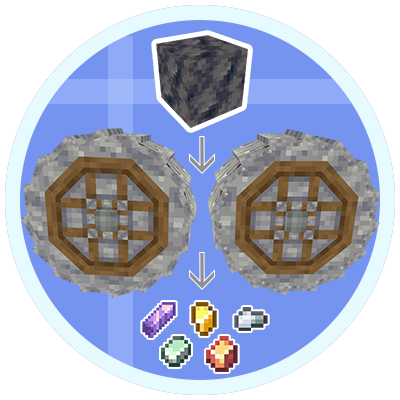
project-1109731
Expanding the craft to crushing. Basalt, moss, deepslate, and more
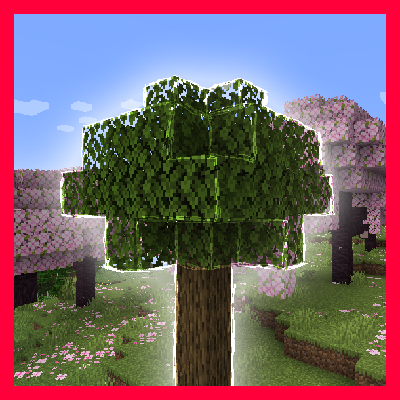
Trees Revariated (Varietree Port)
Port of Varietree mod that makes trees in your worlds more natural and less homogeneous.

Love Core
Romantic Suits, Food and Decoration!
TaCZ First Person Compat
Compatibility bridge for TaCZ and First-person Model that fixes first-person gun rendering conflicts.
